TOOLNAVIA / BUYING GUIDE
Pressidium Redis for WooCommerce: Enable It or Leave It Off?
The short answer
At a glance
- Best for
- One WooCommerce site with measurable dynamic database work and a team able to validate checkout and rollback.
- Price model
- Starter is currently listed from USD 25/month; exact checkout controls term, tax, renewal and final price.
- Check first
- Redis is production-only on Pressidium, staging cannot reproduce it, and no universal performance gain is guaranteed.
Verdict: included does not mean enabled
Pressidium Starter includes access to a Redis-backed persistent object cache, but Pressidium says the feature is disabled by default. For a WooCommerce store, that is a useful buying benefit only when repeated database work is a measured bottleneck and the store can be smoke-tested after activation. Do not buy Starter solely because the pricing table says “Integrated Free Object Cache,” and do not switch Redis on because a generic speed guide promises an automatic win.
The practical decision is: choose Pressidium for its managed stack if the full plan fits, then enable persistent object caching only after a controlled before-and-after test. Page cache remains a separate layer, and no universal speed percentage is promised here.
What Starter includes—and the price boundary
The current Entry Plans page lists Starter from USD 25 per month for one WordPress site, 10GB of storage, a design point of 50,000 monthly unique visits and 50GB of CDN bandwidth. The comparison table lists the integrated Redis object cache. Annual and monthly displays can change, so the live checkout—not this article—controls the term, tax, renewal and final total.
“Free Object Cache” means there is no separately priced Redis add-on shown for the plan. It does not mean Redis is already active, suitable for every plugin stack or available in every environment. The approved commercial route in this guide matches the exact Pressidium Starter offer; it is not a generic coupon claim.
Page cache and Redis solve different work
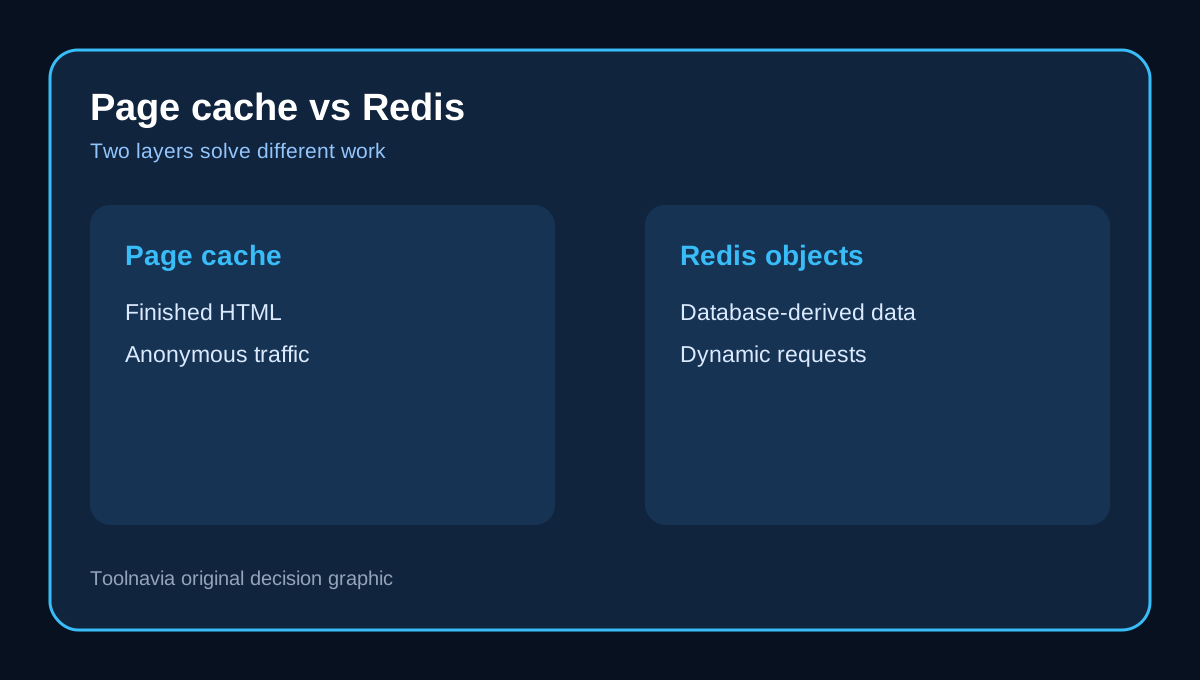
Pressidium's production page cache stores completed page responses and is preconfigured across plans. Persistent object cache sits deeper: WordPress can reuse eligible options, posts, metadata, transients or computed values across separate requests instead of rebuilding them from the database. Pressidium exposes separate dashboard controls for page cache and Redis.
This distinction matters most on dynamic WooCommerce requests. Anonymous product or category pages may benefit heavily from page caching. A cart, checkout, account page or logged-in session still needs personalized processing. Redis may reduce repeated database work beneath those requests, but it must not be confused with serving the same cached HTML to different shoppers.
The production-only testing problem
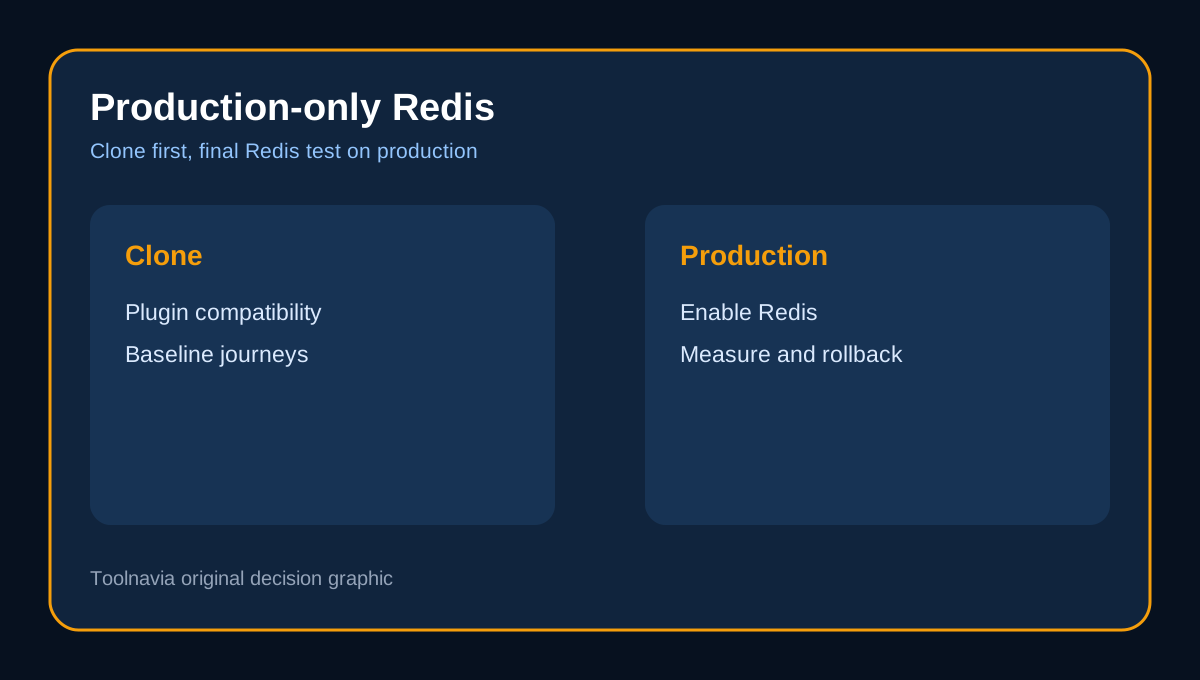
Pressidium states that its persistent object cache is unavailable in staging and applies only to production. At the same time, it recommends testing plugin and theme compatibility on a website clone before enabling the feature on the live production site.
Treat that as a deployment constraint, not a contradiction. Use a clone to test the store's plugin stack and critical journeys as far as the environment permits, record a clean baseline, then schedule the production Redis toggle during a low-risk window. The final Redis-specific comparison must happen on production because staging cannot run that layer. Keep recent backups, a maintenance contact and an immediate disable-and-purge path ready.
Safe enablement checklist
1. Record baseline response time, slow database queries, PHP work and error logs for the same representative pages. 2. Duplicate the site or use a clone to update plugins, theme and WooCommerce before touching production Redis. 3. In the Pressidium dashboard, open Cache > Cache Management and enable Persistent Object Cache. 4. Wait for the background operation and dashboard notification; then purge the applicable caches as Pressidium instructs. 5. Repeat the same measurements for logged-out product browsing, logged-in account use and administrative work. 6. If errors, stale data or regressions appear, disable Redis, purge caches and retest before changing anything else. 7. Advanced teams can use Pressidium's documented WP_REDIS_DISABLED path for targeted troubleshooting, but editing wp-config.php incorrectly can cause downtime.
A useful result is not “Redis is on.” It is lower repeated database work or better dynamic-request latency without checkout, inventory, session or admin regressions.
WooCommerce smoke tests that decide the purchase
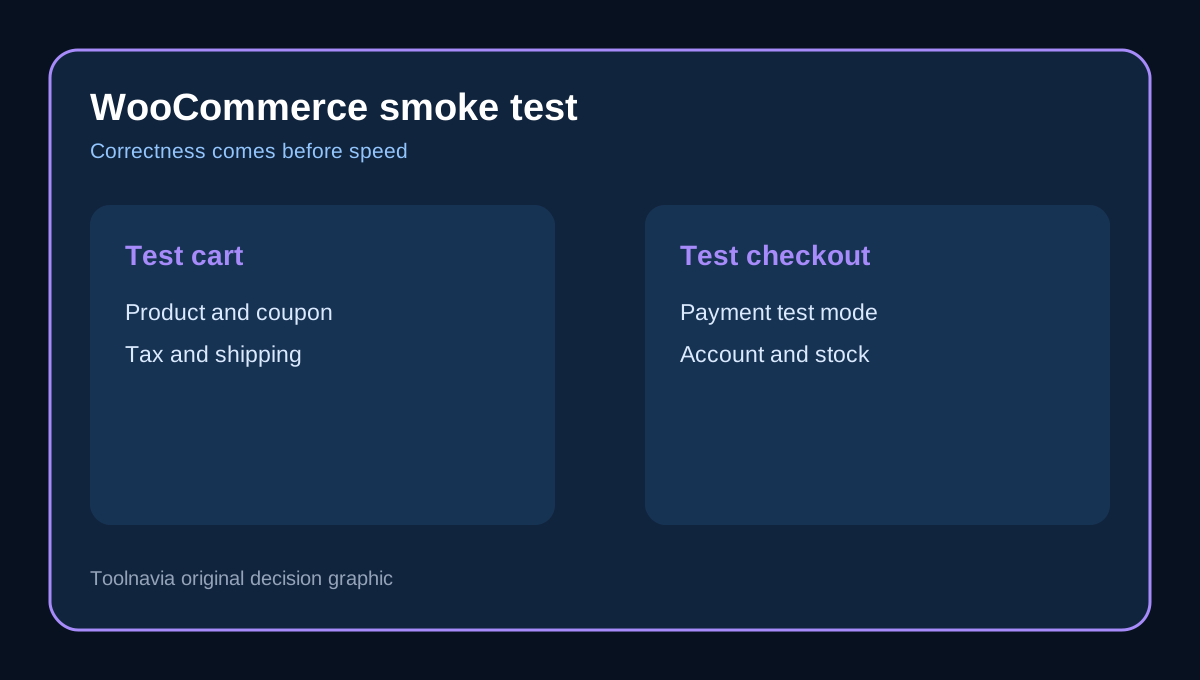
WooCommerce documents the cookies used to identify carts and sessions and says Cart, Checkout and My Account should remain outside full-page caching. After enabling Redis, run at least these journeys in a private browser and a logged-in account:
- add a simple and a variable product, change quantity and remove an item; - apply and remove a coupon; - calculate tax and shipping after changing address; - start checkout with the configured payment test mode; - log in, log out, reset a password and open My Account; - create an order, change stock and confirm product/cart state updates; - run a repeat purchase path and inspect PHP, WooCommerce and Pressidium logs.
Redis is an object cache, not permission to cache personalized HTML. If another cache layer serves the wrong cart or account page, fix the page-cache exclusion separately.
When Redis is worth enabling
The strongest candidates are database-intensive stores with logged-in users, complex product metadata, repeated option or API lookups, and dynamic pages that cannot be fully page cached. ACF's technical guide reaches the same conclusion while warning that Redis does not repair inefficient queries or poor data design. ScalaHosting likewise recommends watching memory, cache hit rate, CPU, uptime and response latency because the payoff depends on the workload.
Leave it off when the store is small, page-cache hits already cover most traffic, invalidations are constant, large objects or autoloaded options dominate, or the plugin stack behaves worse with persistent objects. Pressidium explicitly warns that excessive reads/writes and frequent invalidation can limit benefit or reduce performance. Nexcess enables Object Cache Pro by default, but that is a different managed stack—not evidence that Pressidium should do the same for every Starter site.
Buying decision and rollback rule
Pressidium Starter is a credible fit when one WooCommerce site needs a managed platform, the current resource envelope fits, and you value having Redis available without a separate add-on. The safer reason to buy is the complete managed-hosting package; Redis is an option to validate, not the entire justification.
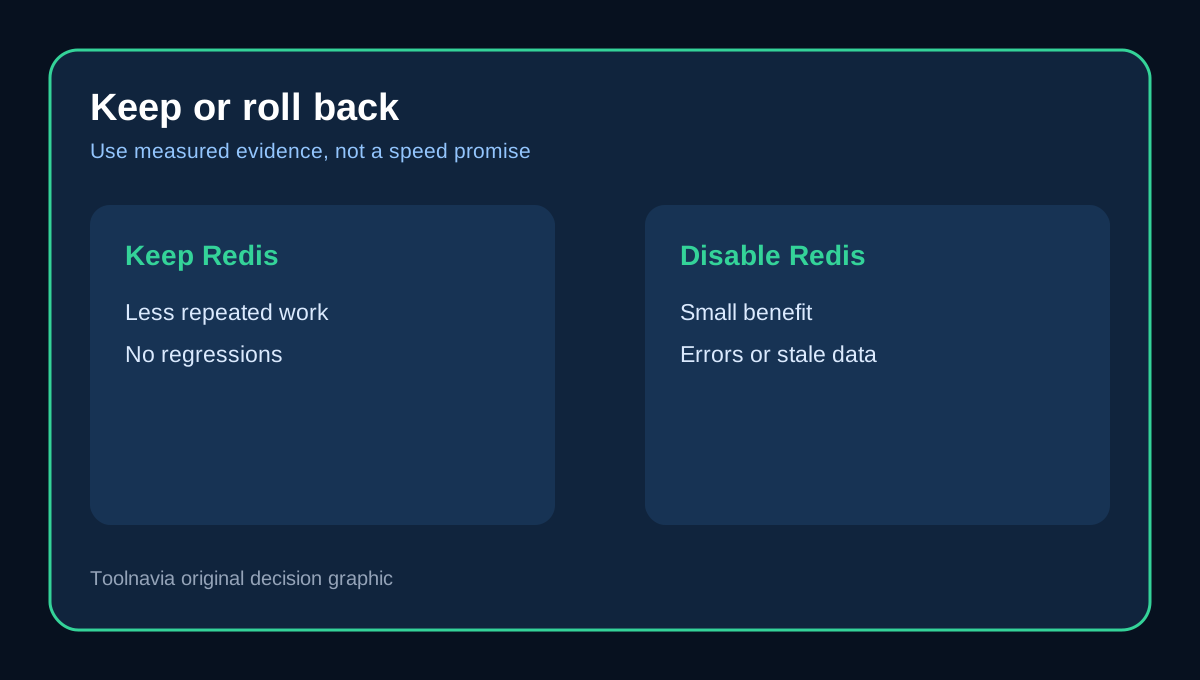
Use this gate: if the same production journeys show less repeated database work and no correctness regression, keep Redis enabled and continue monitoring. If the improvement is negligible or checkout, inventory, sessions or admin behavior becomes unreliable, disable it, purge caches and investigate the application before trying again. That reversible operating model is more valuable than an unverified speed claim.