TOOLNAVIA / BUYING GUIDE
Pressidium Starter Database Errors: What EDGE Can’t Fix—and How to Recover
The short answer
Pressidium Starter is managed WordPress hosting, but a CDN or edge layer cannot rescue a broken origin database. Pressidium's current troubleshooting guide says EDGE does not host the WordPress database: uncached requests still depend on the origin database being healthy. That boundary matters after migrations, restores, credential changes or plugin updates.
At a glance
- Best for
- Managed WordPress teams that value backup-first recovery and provider troubleshooting support.
- Price model
- $299 prepaid annually, about $25/mo equivalent; live checkout controls.
- Check first
- EDGE/cache does not remove the origin database as a critical dependency.
Starter price and managed-hosting context
Pressidium Starter is currently $299 prepaid annually, equivalent to about $25/month, with live checkout controlling the final total. The plan's value is managed WordPress operations and support, not a guarantee that every application-level database mistake disappears automatically.
First identify which database failure you have
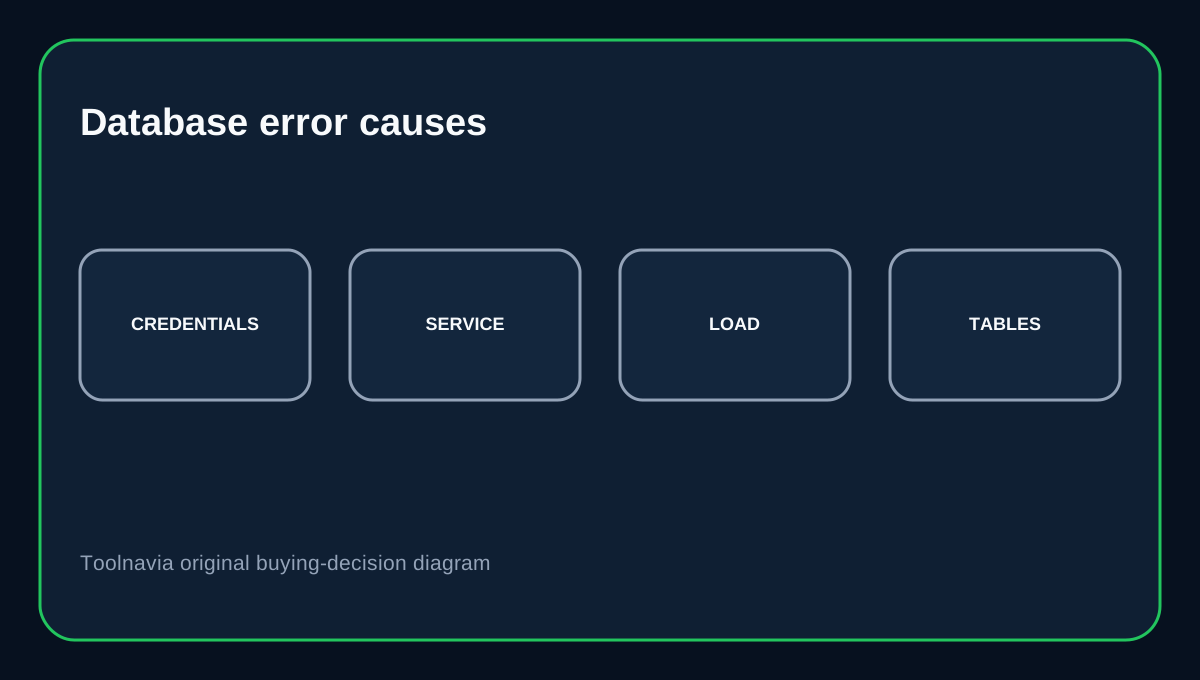
Pressidium lists common causes such as incorrect database credentials, an unavailable database service, high database load, a broken wp-config.php edit, missing tables or an incomplete migration/restore. WordPress itself stores DB_NAME, DB_USER, DB_PASSWORD and DB_HOST in wp-config.php, so one wrong value can stop the whole site.
EDGE cannot repair an unhealthy origin database
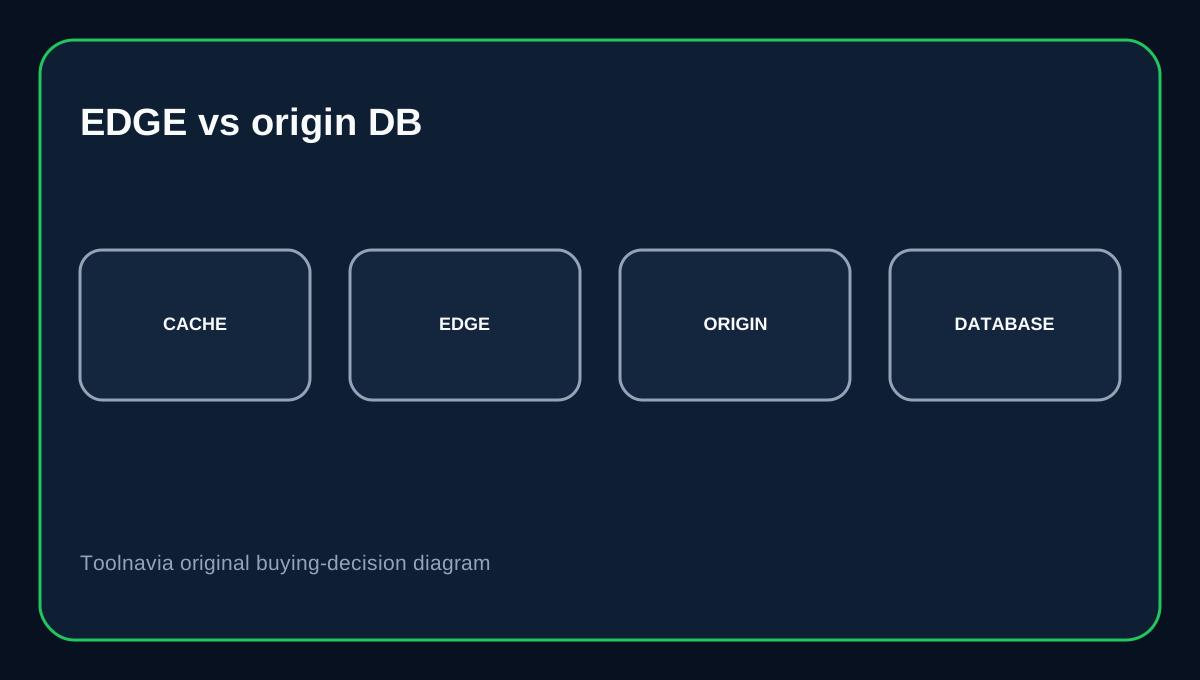
Pressidium explicitly says EDGE may continue routing cacheable traffic, but the WordPress database still belongs to the origin hosting environment. If the origin database is unavailable or overloaded, EDGE cannot repair credentials, restore missing tables or make failed queries succeed. That means a site appearing partly reachable from cache is not proof the origin database is healthy.
Export before direct database work
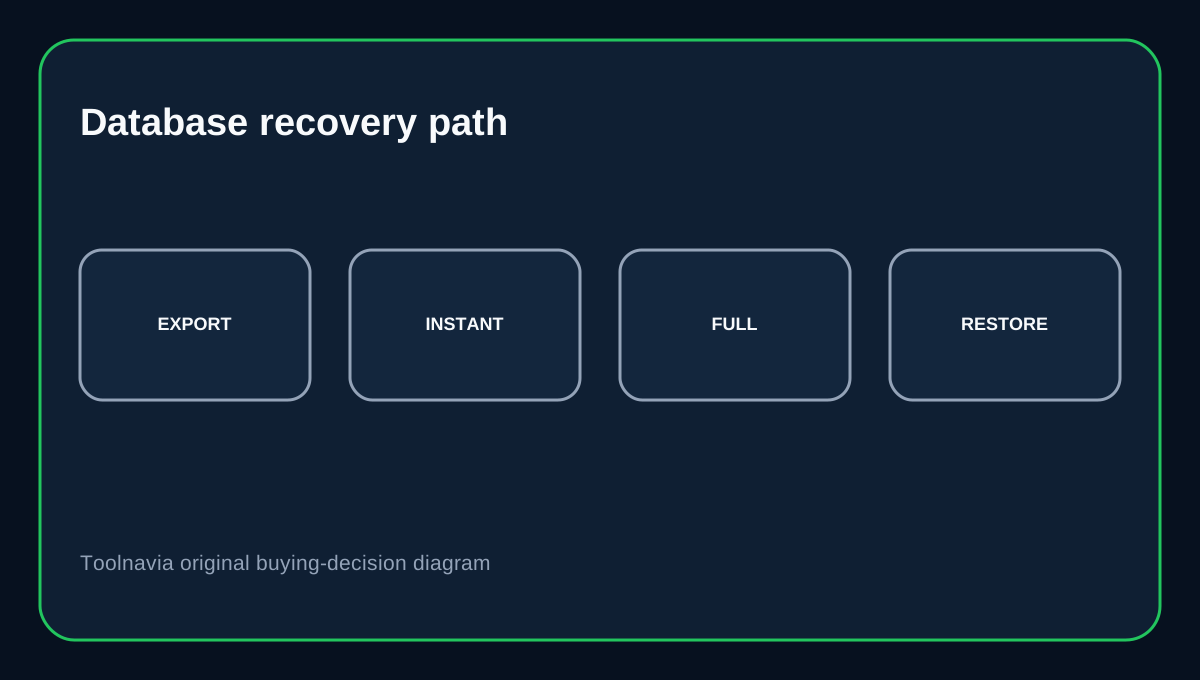
Pressidium provides a Dashboard MySQL Dump export and recommends that workflow especially for large databases. It also offers phpMyAdmin export for smaller databases. Before manual SQL, search/replace or table cleanup, create a recoverable export. A database-only export protects content and settings, while a full-site backup protects files as well.
Use backups according to what needs restoring
Pressidium Instant backups include the WordPress database plus core, themes and plugins, are created nightly or manually, and are retained for 15 days. Full backups are created daily, kept 30 days and stored off-site. When a restore problem affects only files, restoring files-only can preserve the current database. When database state is wrong, select a restore option that includes the database.
Third-party database access is a role decision
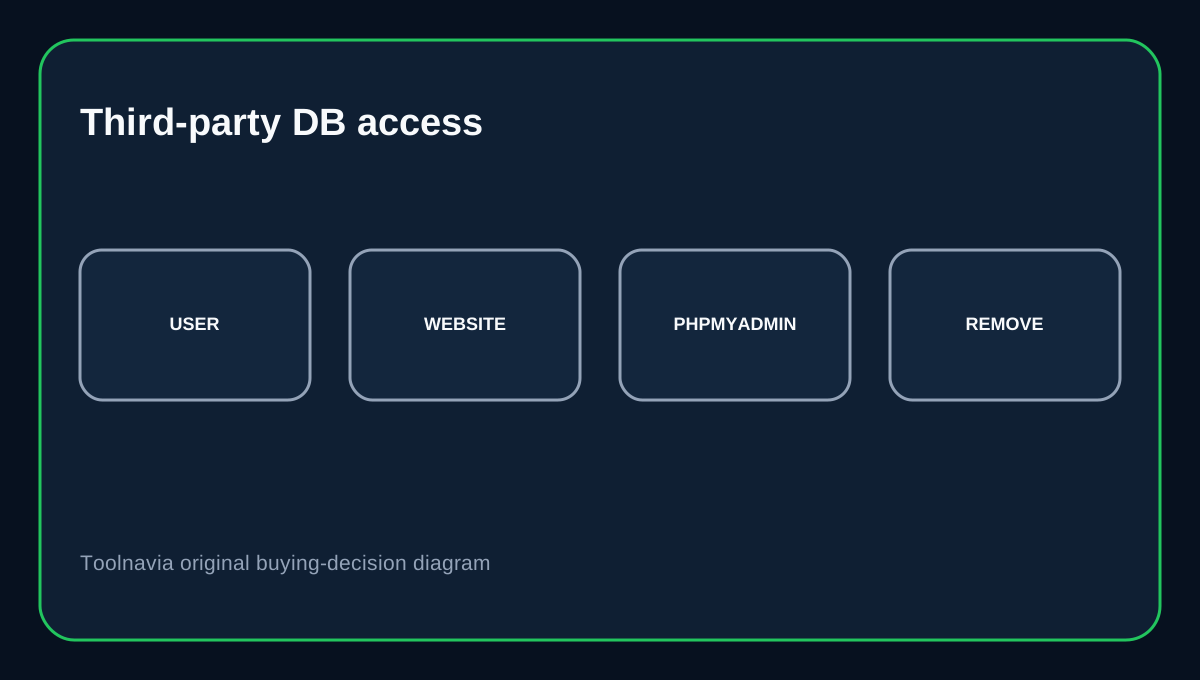
Pressidium says a third-party developer can receive database access by creating a Website Manager user restricted to the specific website. Anyone with website access can reach the site's phpMyAdmin interface, so database access should be treated as high trust. Give each contractor an individual account, restrict it to the site they need, and remove access when the engagement ends.
Buying decision
Choose Pressidium Starter if you value managed WordPress support, role-based technical access and multiple recovery paths around the database. It is strongest when your team follows backup-first change control and uses support when the origin state is unclear. Do not assume EDGE, caching or managed hosting will make an incorrect wp-config.php, failed import or damaged table harmless. Managed support reduces operational burden; it does not remove the WordPress database as a critical dependency.
Affiliate disclosure: Toolnavia may earn a commission from an eligible Pressidium purchase.