TOOLNAVIA / BUYING GUIDE
Pressidium Starter Team Access: Roles, Contractors & Billing Boundaries
The short answer
At a glance
- Best for
- One important WordPress site run by named owners, developers, contractors and billing staff.
- Price model
- Official page shows $25 monthly or $299 paid annually; checkout and teammate entitlement control.
- Check first
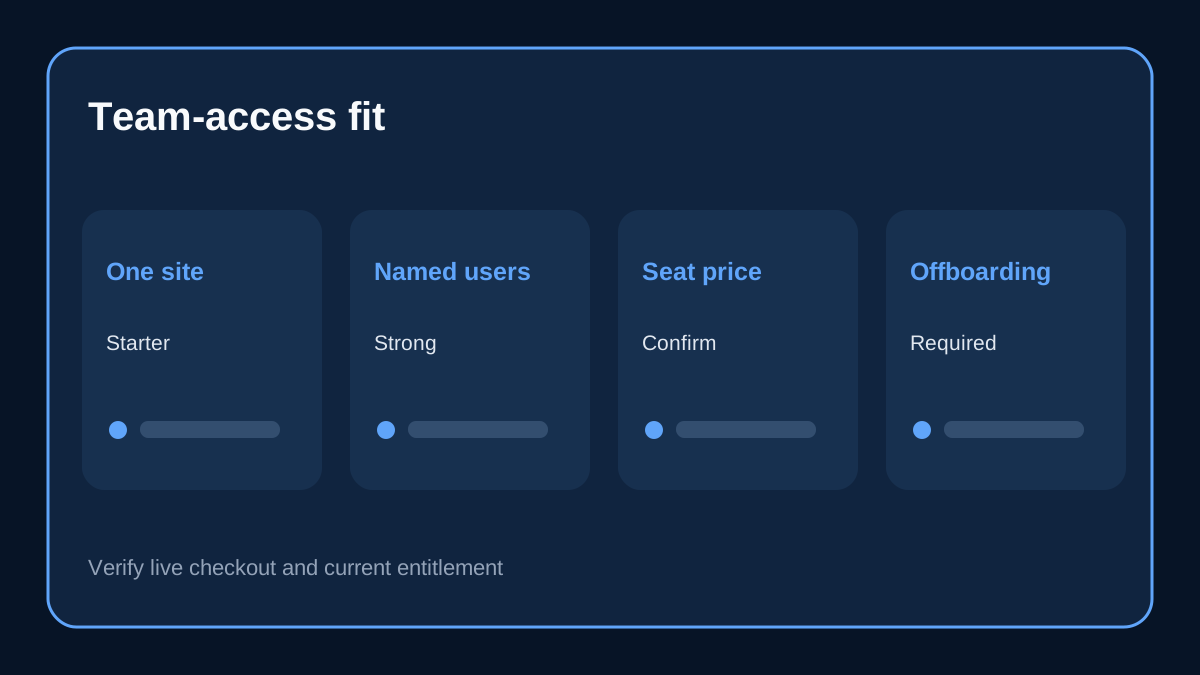
- Public pages do not publish a Starter-specific teammate maximum or separate seat-price table; Dashboard revocation does not remove every credential.
Quick verdict
Pressidium Starter is workable for a small agency, owner-developer pair, or business that must give people different kinds of hosting access without sharing one master login. Pressidium documents role-based Dashboard users, site-scoped Website Managers, billing-only access, separate SFTP users, and an activity log. Its own Dashboard page says the collaboration model works for teams of 2 or 200.
That does not mean every teammate should become an administrator. The practical buying value is separation: a finance person can handle invoices, a contractor can be restricted to one website, and a technical lead can manage sites without automatically receiving billing access. Starter fits when one paid site needs several accountable humans, but buyers should confirm the exact current account entitlement because the public pages do not publish a separate seat-price table.
Why team access changes the hosting decision
A one-site hosting plan can still serve a multi-person business. The relevant limit is not only websites, visits, storage, or CDN allowance; it is whether the owner can delegate work safely. Shared passwords make offboarding difficult, erase individual accountability, and expose billing or unrelated sites. Pressidium gives each person an invitation and a named access level, while Team Settings records status and account activity.
The current Entry Plans page places Starter at one website, 10GB storage, 50,000 designed monthly visits and 50GB CDN, with $25 monthly and $299 paid annually shown on the official page. Those capacity limits still apply. Team collaboration does not turn Starter into a multi-site agency plan, but it can make a single client or revenue site easier to operate.
The four Dashboard roles are not interchangeable
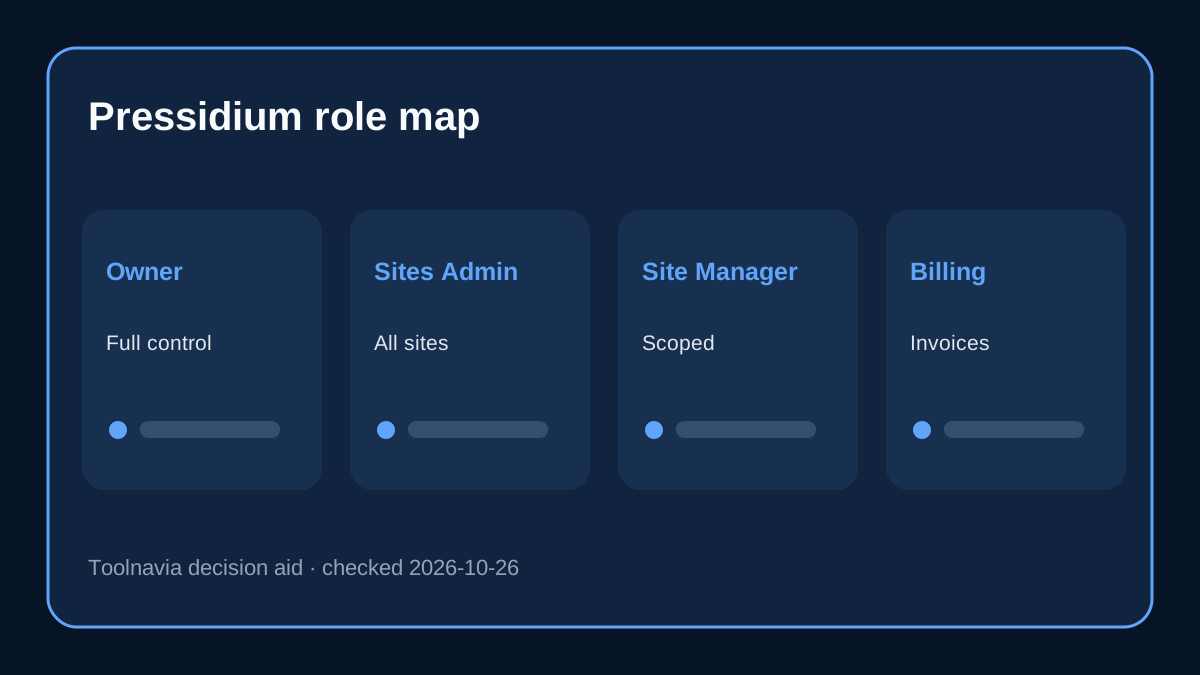
Pressidium distinguishes Team Administrator, Websites Administrator, Website Manager and Billing Manager. Team Administrators have full account access and can manage users, so this role should be rare. Websites Administrators can manage all websites but are separated from billing and team-user administration. Website Managers can be restricted to specific sites and cannot clone or remove websites. Billing Managers can work with invoices and billing information without accessing site operations.
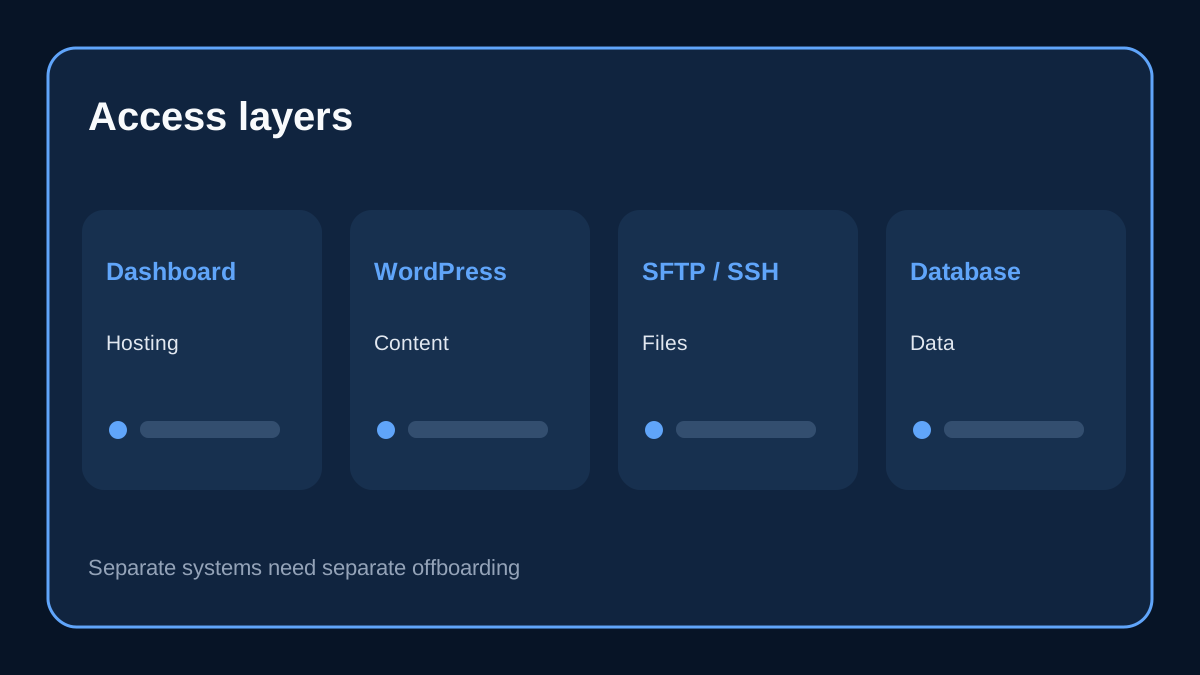
For a one-site Starter account, a useful pattern is one owner, one narrowly trusted technical administrator, one or more site-scoped managers, and a billing-only contact if needed. Role names are not WordPress editor roles: Dashboard access controls hosting resources, while wp-admin users control posts, plugins and content. Treat those as two separate permission systems.
A safe contractor workflow
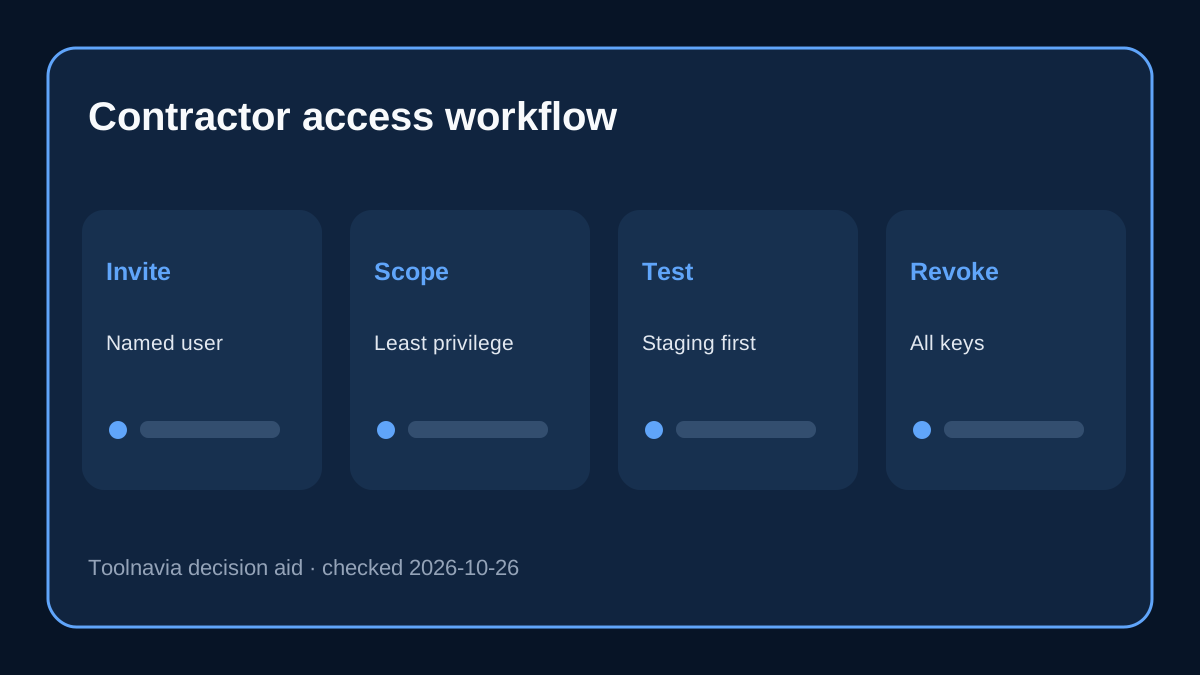
Invite a contractor with the lowest Dashboard role that matches the task. If the job only needs file transfer, create a separate environment-specific SFTP user instead of granting the full Dashboard. If command-line work is required, Pressidium’s separate SSH rules and activation limits still apply; a team invitation alone does not promise unrestricted shell access.
Before work begins, write down the target site, environment, required tools and end date. Use Staging for risky changes, keep Production access exceptional, and never distribute the owner’s master SFTP credential. The team-access purchase decision is about workflow design, not simply the number of invitations.
Billing separation matters more than it looks
A Billing Manager can access billing information without receiving site-management rights. That is valuable when an accountant, finance employee or client must download or pay invoices but should not touch domains, backups or deployments. Conversely, a developer normally does not need billing access.
The separation also reduces support ambiguity. A named Dashboard user can work within an assigned scope, and the activity log can help the owner identify recent account-level actions. The log is not a replacement for WordPress content auditing, Git history or an external security log, but it is better than a shared credential with no individual trail.
Offboarding is part of the feature
When an employee, freelancer or agency finishes work, remove the Dashboard invitation or active user, remove separate SFTP credentials, review SSH keys, check database access, and audit WordPress users. Pressidium explicitly tells owners to remove access that a user, contractor or agency no longer needs and to use separate accounts for separate people.
Revoking only a Dashboard role may not clean up every credential created for the project. The owner should keep an offboarding checklist covering Dashboard, WordPress, SFTP, SSH, database access, API keys and any third-party deployment service. A role-based host can help, but the customer still owns the process.
How Pressidium compares on team controls
Kinsta also documents company- and site-level roles, billing-only access, activity visibility and unlimited users on every plan. WP Engine documents account roles, partial environment access, billing variants and explicit user removal steps. Independent Pressidium reviews also discuss role-based collaboration, while providing less contractual detail than the first-party pages. Buyers should compare scope, billing separation, auditability, credential cleanup and whether user limits or paid seats exist.
Pressidium’s advantage is that its public Dashboard material presents variable permission levels, activity logs and teams of any size as a core workflow. Its unresolved point is commercial precision: the public pages reviewed here do not display a separate per-seat charge or a Starter-specific maximum teammate count. Do not translate teams of 2 or 200 into a contractual promise that every Starter account has unlimited free seats; confirm it in checkout or with support.
Pre-purchase access test
During the trial or before DNS cutover, invite a non-owner test user. Verify that a Website Manager sees only the intended site, cannot reach billing, and cannot perform owner-only actions. Add a Billing Manager and confirm the opposite boundary. Review the activity log, then remove both users and confirm that access disappears.
If a contractor needs files or commands, test the separate SFTP or SSH path instead of expanding the Dashboard role. Record who owns emergency access and who can remove users if the primary owner is unavailable. These checks turn a feature list into an operating policy.
Who should choose Starter for team access
Choose Pressidium Starter when one important WordPress site is run by several accountable people and you need to separate owner, site, contractor and billing duties. It suits a small agency handing one client site to named collaborators or a business that wants finance and development access kept apart.
Do not choose it merely because the marketing page says collaboration. If you need many hosted sites, contractual SSO, automated access governance, a published seat-price guarantee, or a specific compliance workflow, ask Pressidium for written confirmation and compare an agency or enterprise plan. Starter’s one-site capacity and the live checkout still control.
Toolnavia may earn a commission from the approved Pressidium referral link. That does not change the recommendation: verify the exact plan, price, teammate entitlement and role behavior before paying.