TOOLNAVIA / BUYING GUIDE
Namecheap ModSecurity: Domain Off or a Reviewed Rule Exception?
The short answer
At a glance
- Best for
- Small sites with documented request reproduction and support-managed exception review.
- Price model
- Confirm selected term, post-trial price and renewal in the live Stellar cart.
- Check first
- Domain Off removes ModSecurity rules; subdomains have their own status.
Verdict: buy for a supportable request-resolution workflow
Namecheap Stellar can fit a small site owner who maintains the application and can work with hosting support. If a legitimate form or editor action fails, do not treat a 403 response as proof that ModSecurity caused it. The provider documents false positives, but its domain Off switch removes a broader protection layer than one problematic rule.
This guide analyzes documentation. No website, firewall, support ticket, request replay or attack test was operated.
Review the approved Stellar offer. Toolnavia may earn a commission on an eligible purchase.
Identify the failing request before choosing a switch
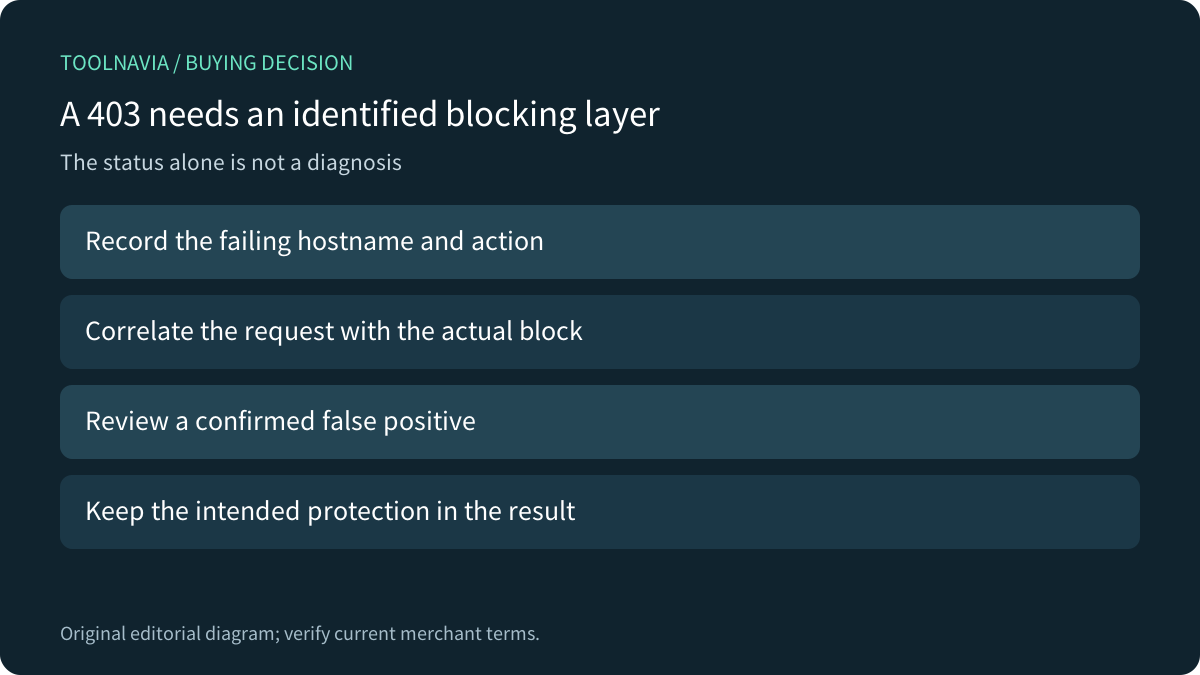
Record the hostname, action, approximate time and visible response using a harmless authorized example. A homepage loading does not establish that a form submission succeeds. Ask support to correlate the actual failure with the relevant server evidence instead of repeatedly submitting sensitive customer data.
Namecheap's ModSecurity overview describes repeatable action-specific failures while other functions remain normal. It lists 403 as common and also mentions 404 and 500. Those are diagnostic clues, not unique fingerprints: an application, permissions policy or another layer can produce errors too. The guide also warns that repeated rule triggers can result in source-IP blocking.
Distinguish the parent domain from its subdomains
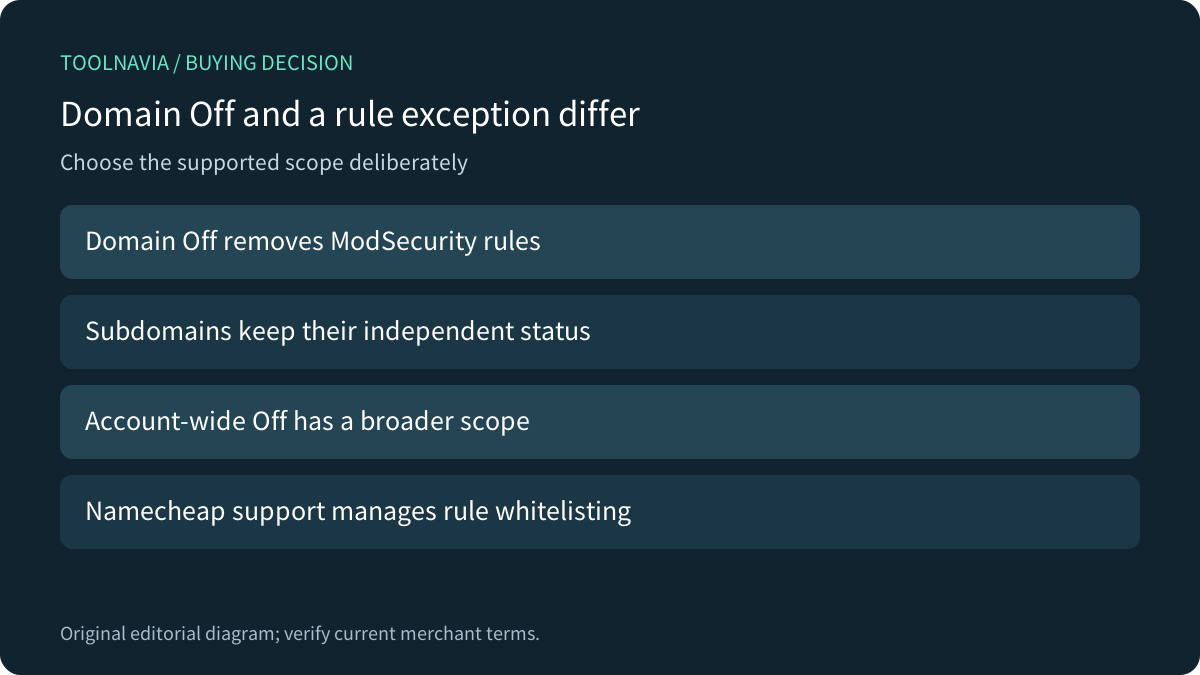
The plugin guide lists domains and subdomains in cPanel and offers On/Off controls. It explicitly says disabling a domain does not affect its subdomains. If the failure occurs on an application subdomain, the parent's status is insufficient evidence about that application's protection.
Upstream cPanel says disabling a domain means no ModSecurity rules apply to that domain. Its interface also has broader all-domain controls, and availability is provider-controlled. Confirm the actual installed interface; do not expand the change to an account merely because more than one site appears in the same dashboard.
Ask for a reviewed rule correction
Namecheap says only its support team can whitelist ModSecurity rules and recommends contacting support first when a suspected issue occurs. That is a different operation from disabling the module for a whole domain. Supply enough non-sensitive reproduction detail for support to identify the rule and decide whether the request is legitimate.
The provider overview is dated 2021 and its plugin instructions 2024. Confirm today's supported scope, response and installed controls rather than assuming the screenshots establish a current service guarantee. If authorized temporary diagnosis involves Off, record its exact scope and restore the intended protection as part of the resolution. No setting was changed here.
Compare exclusion concepts without copying privileges
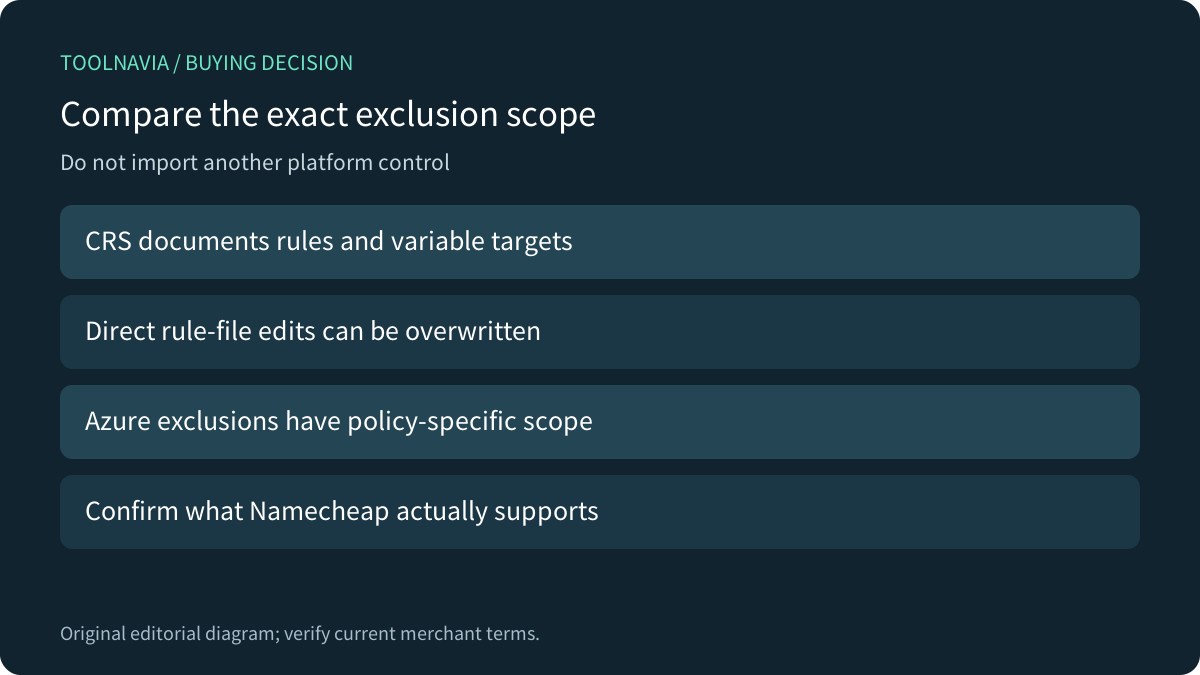
OWASP CRS documents exclusions at different levels, including an entire rule or a particular request variable. It discourages directly changing distributed rule files because updates overwrite those modifications. That technical distinction explains why a broad disable and a targeted correction have different effects; it does not give a Stellar customer root rule-editing access.
Microsoft's Azure guide likewise distinguishes omitting one attribute from specified rules from disabling the rule itself. Other matches can still block a transaction. These are Azure policy controls, not Namecheap commands or proof that the same exception granularity is available. Confirm the actual supported resolution with the host.
Accept the legitimate journey and the final state
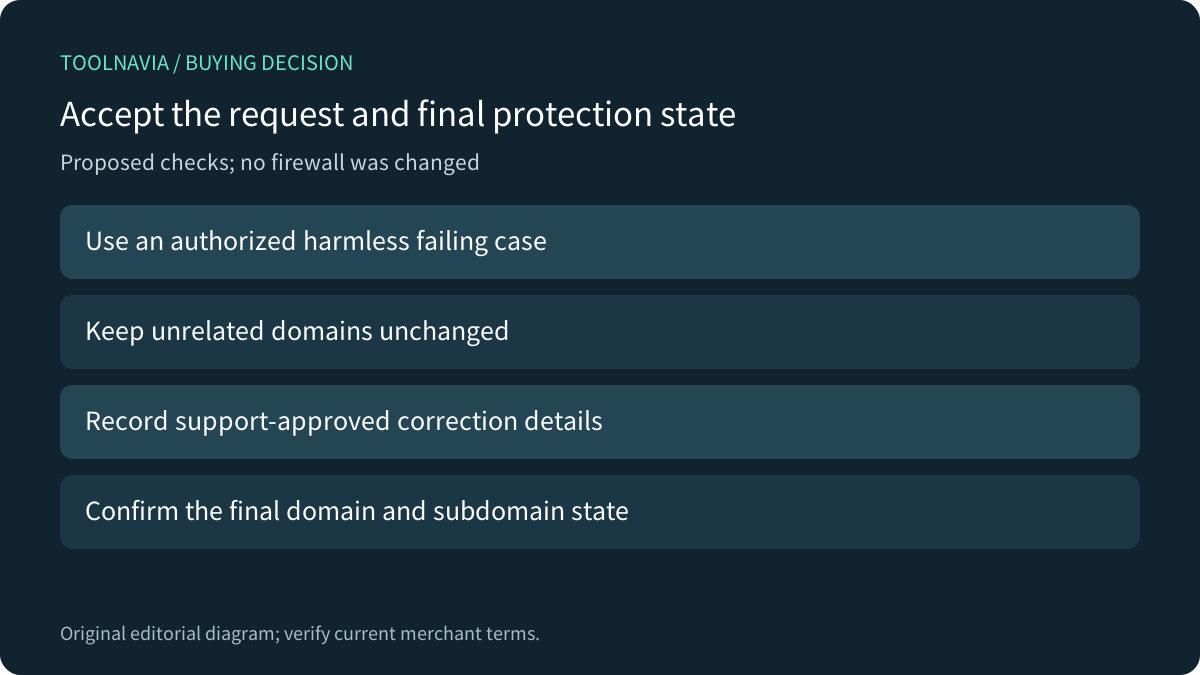
For a proposed authorized exercise, preserve current states, use one harmless representative action and inspect its final application result. Record the support-approved correction, verify the affected hostname, and include an unrelated domain that should remain unchanged. Check the intended final parent and subdomain protection states. No exercise was performed here.
Keep logs private and share only necessary redacted details: CRS notes that false-positive records can themselves contain sensitive input. A successful response alone does not prove every field remains inspected or the entire site is secure. Acceptance should cover the legitimate workflow and the documented protection boundary.
Choose the hosting term after responsibility fits
Four useful controls are the domain inventory, per-domain toggle, independent subdomain state and support-managed rule review. Their value depends on someone owning reproduction and follow-through. More storage or a higher website limit does not establish a better false-positive resolution.
The current US Stellar card lists three sites and 20GB SSD, with monthly, yearly and bi-yearly choices plus a limited 30-day trial. Confirm the exact term, post-trial charge, renewal and location in the cart. Choose the service when its support arrangement and application-maintenance responsibility fit the site.