TOOLNAVIA / BUYING GUIDE
Namecheap cPanel Redirects: Check All Public Domains Before Saving
The short answer
At a glance
- Best for
- Small-site owners verifying hostname, www and path redirect scope.
- Price model
- Confirm selected Stellar term, full prepayment and renewal; current trial is limited.
- Check first
- All Public Domains can cover the account; wildcard paths do not validate destination content.
Verdict: buy for change scope you can control
Namecheap Stellar can fit a few small sites managed through one cPanel account. Its current US card lists three websites and 20GB SSD storage, but a website count does not establish that every administrative change affects just one site. Before saving a redirect, inspect the domain selector and the paths it should match.
This guide analyzes documentation. No account, redirect, configuration, HTTP journey or search result was tested.
Review the approved Stellar offer. Toolnavia may earn a commission from an eligible purchase.
Separate one domain from All Public Domains
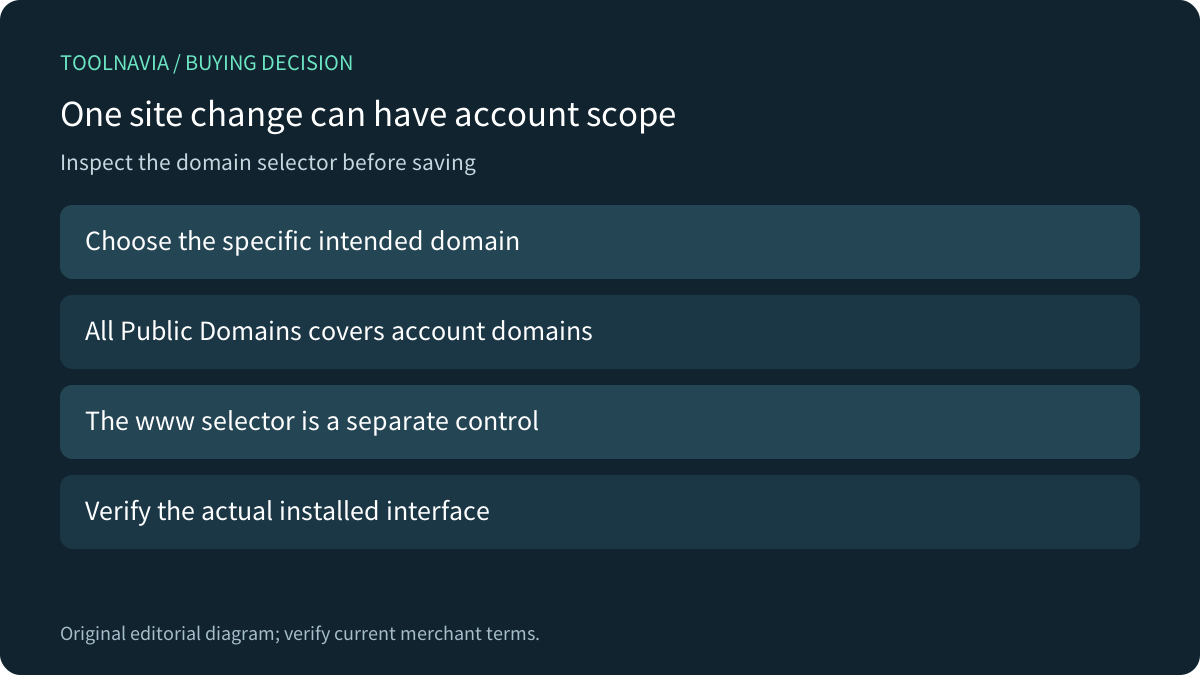
Namecheap's cPanel guide instructs users to choose the domain being redirected. Upstream cPanel also documents All Public Domains, which applies to domains controlled by the account. Its guide says selecting that option disables the separate www-redirection control. Confirm the exact installed interface before relying on an upstream capability.
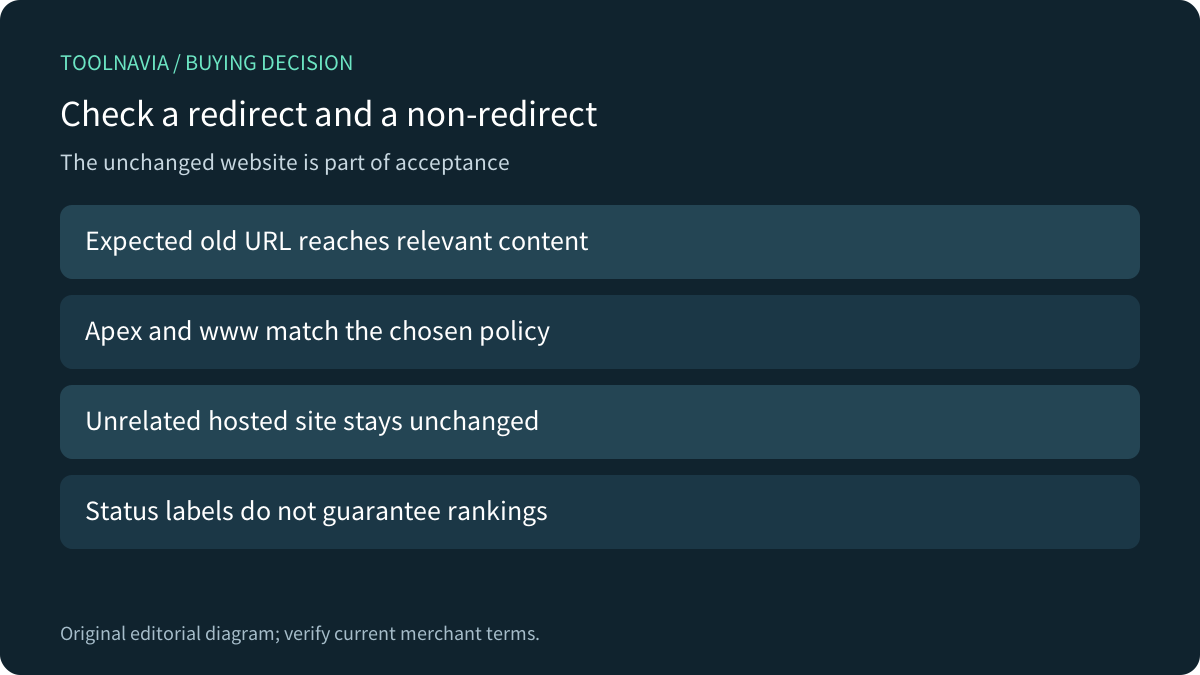
Write the intended hostname scope first. Moving one old project should not silently redirect another site's homepage. A useful acceptance record includes an unrelated hosted domain that must remain unchanged, not only the URL that should move.
Four relevant controls are selecting the domain, selecting a source path, choosing www behavior and preserving paths through Wild Card Redirect. Each defines a different part of the match.
Wild Card Redirect preserves names, not meaning
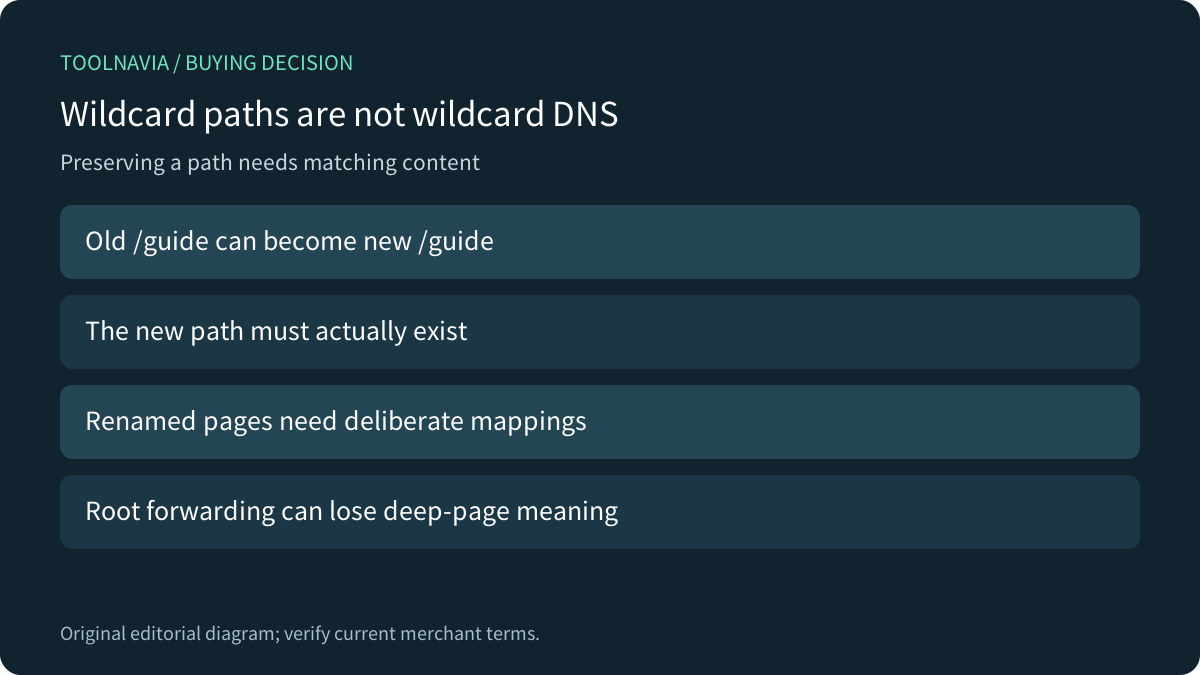
The provider illustrates a deep path moving to the same path on another domain when the wildcard option is enabled; without it, its example sends that path to the target root. This is a path-redirection control, not a wildcard DNS record or automatic content migration.
If old /guide now belongs at new /manual, preserving /guide does not create the missing page. Build an explicit mapping for renamed material and confirm that each target contains the intended content. A technically successful redirect can still deliver an irrelevant page.
Google warns that many old URLs redirected to an irrelevant homepage can be treated as soft 404s. A genuinely consolidated relevant page is a different case. Decide from the content relationship rather than using the homepage to make every old link stop displaying an error.
Use status codes without promising a search outcome
Choose permanent or temporary behavior according to the actual move. Namecheap's simplified 302 explanation says the original page remains indexed, while Google's primary guide qualifies that a temporary target can still be indexed when other canonical signals exist. Treat the provider wording as shorthand, not a guarantee of search placement.
Apache's documentation separately distinguishes redirecting a URL from mapping a filesystem path with Alias. That technical background does not prove which module or generated rule Namecheap uses. Avoid pasting an unrelated server example simply because it contains the word redirect.
Verify scope after the saved rule meets the application
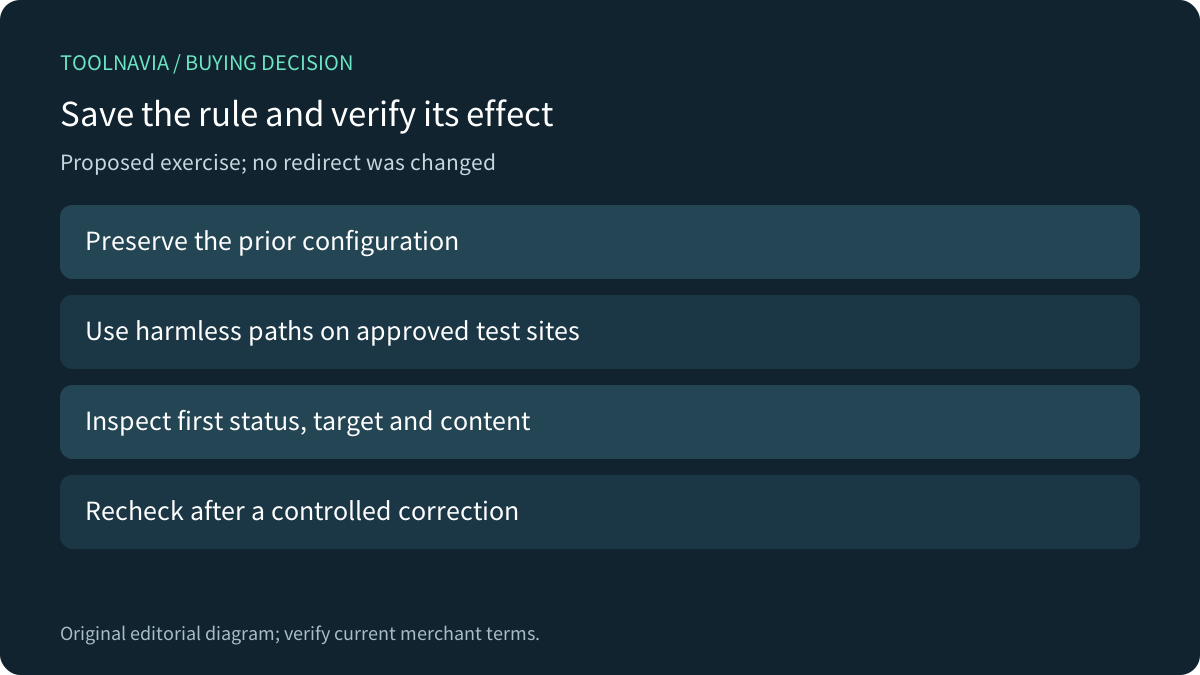
cPanel says its interface adds rules at the bottom of .htaccess, where third-party application behavior can interfere. It also says an existing redirect is changed by deletion and recreation. Preserve the prior rule details before an authorized correction and keep application ownership clear.
For a proposed harmless exercise, choose approved test sites, record the specific domain and path, then inspect the first status, destination and final content. Check apex and www according to the chosen policy, one deeper URL, and an unrelated hosted site that should not redirect. No exercise was performed here.
Browser caching can retain an old redirect, so distinguish the current server response from a previously remembered result. A successful homepage check alone cannot validate the whole scope.
Compare the hosting term after the rule map fits
The current pricing page has monthly, yearly and bi-yearly selectors plus a limited 30-day trial. Confirm the selected location, full prepayment, post-trial charge, renewal and any domain or SSL needs in the actual cart. The trial is not permanent free hosting.
Choose Stellar when the sites and their changes remain manageable together. A higher site limit does not fix an overly broad redirect; a narrower, reviewed rule may be the relevant improvement.