TOOLNAVIA / BUYING GUIDE
Namecheap Stellar for small websites: cPanel, migration and ongoing cost
The short answer
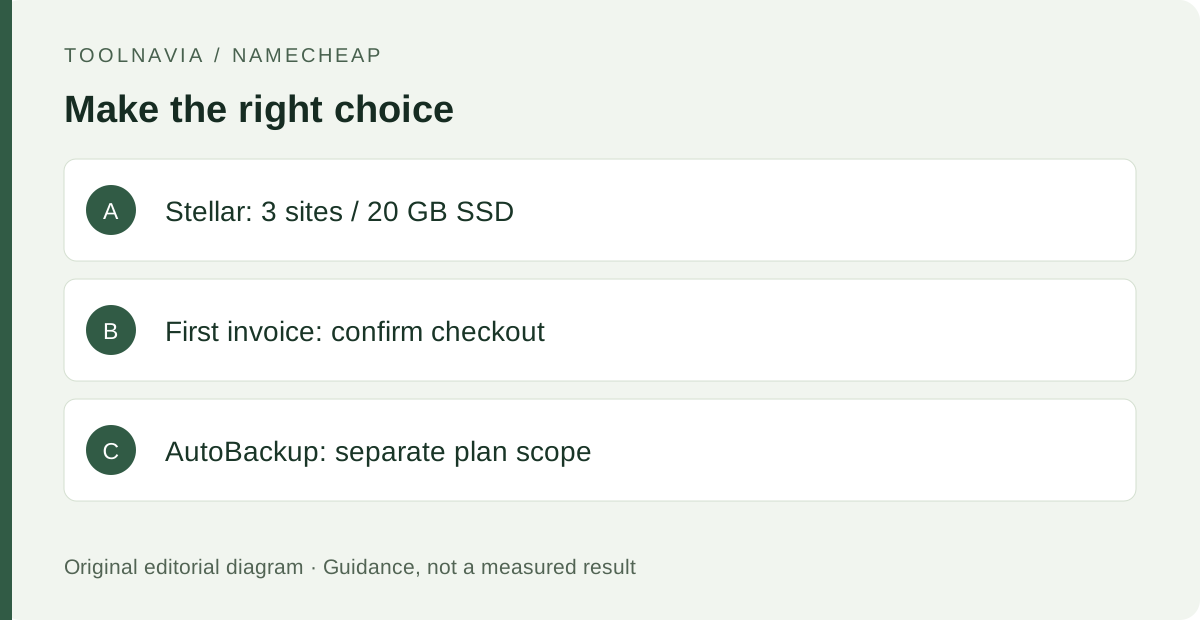
Namecheap Stellar suits small-site owners who want familiar cPanel controls, a WordPress installer and migration assistance. This guide covers Stellar shared hosting, not EasyWP. Its value depends on a first bill you can confirm and a backup routine you can maintain.
At a glance
$55.88 /year renewal · Annual renewal · USD
This is the annual renewal, not the introductory price. Confirm the first payment and selected term at checkout.
| Websites | 3 included |
|---|---|
| Storage | 20 GB SSD |
| Monthly renewal option | $5.88/month |
Four practical advantages
Keep routine website management in cPanel
Namecheap's getting-started guide directs customers from Hosting List to Go to cPanel for site administration. For an owner already familiar with that environment, continuing with the same style of controls can make a hosting move easier to plan. List where files, databases and mail are managed before transferring. Familiarity is useful, but does not establish that every application will be compatible.
Install WordPress through Softaculous
The same guide provides a WordPress installation route through Softaculous. For a new company blog, an installer offers a defined starting point instead of assembling the initial application files manually. You still need to choose the correct domain, configure the site and check plugins. Installation is a beginning, not a finished website or a promise of effortless maintenance.
Ask for migration help instead of assuming you must rebuild
Namecheap documents free assistance for migration, with different routes for cPanel and other sources. For a full cPanel transfer, its team checks destination fit, domains, mail accounts, databases and software compatibility. This is especially relevant when a small business wants to keep its existing site structure. Confirm the actual scope first; a non-cPanel move should not be assumed to copy every account setting identically.
Reduce manual SSL setup for eligible domains
Shared hosting includes first-year free Standard SSL certificates with automatic setup. The SSL plugin documentation explains installation when the domain points to the hosting server and includes HTTPS redirection controls. For a basic company site, that provides a supported route to encrypted connections without treating certificate installation as a separate project. Some domain arrangements need manual work, and first-year inclusion does not mean free renewals forever.
First payment and renewal
Namecheap's May 2026 notice lists Stellar renewal at $5.88 for one month, $55.88 for one year and $102.88 for two years, applying to renewal invoices issued from May 19, 2026. These are renewal figures, not an introductory offer. The annual amount is roughly $4.66 per month equivalent; that calculation does not make the annual plan payable monthly.
The current sales page exposes multiple billing and trial choices, so this guide does not invent a single first payment. Save the selected checkout amount, term, tax and any additional domain or service costs. Compare the first term and the next renewal separately; averaging them prematurely can hide the larger later bill.
Backup and maintenance trade-offs
Stellar Plus and Stellar Business include the AutoBackup tool; that inclusion should not be attributed to basic Stellar. On the entry plan, make your own files-and-database backup routine part of the purchase decision. If recovery controls are important to you, compare the higher tiers on their full terms.
Namecheap's acceptable-use policy also states backup eligibility and storage conditions, including exclusions from weekly system backups above 25 GB account usage or 200,000 inodes. An inode represents a filesystem object, so many small files can matter. These backup conditions are separate from general hosting capacity. Important orders or frequent changes justify a more deliberate recovery plan than an occasional download.
Stellar fits conventional small sites whose owners can maintain them. If you need a fully managed business application or custom server environment, compare another category. Shared allowances and an unmetered label do not mean unlimited processing capacity.
Suggested launch checks
The Stellar card lists three websites, 20 GB SSD and 30 mailboxes. These can be relevant to a business maintaining a main site and a couple of modest projects. A domain-based mailbox can also keep business communication separate from a personal address. Check the actual needs of all sites and mail together rather than looking only at article count.
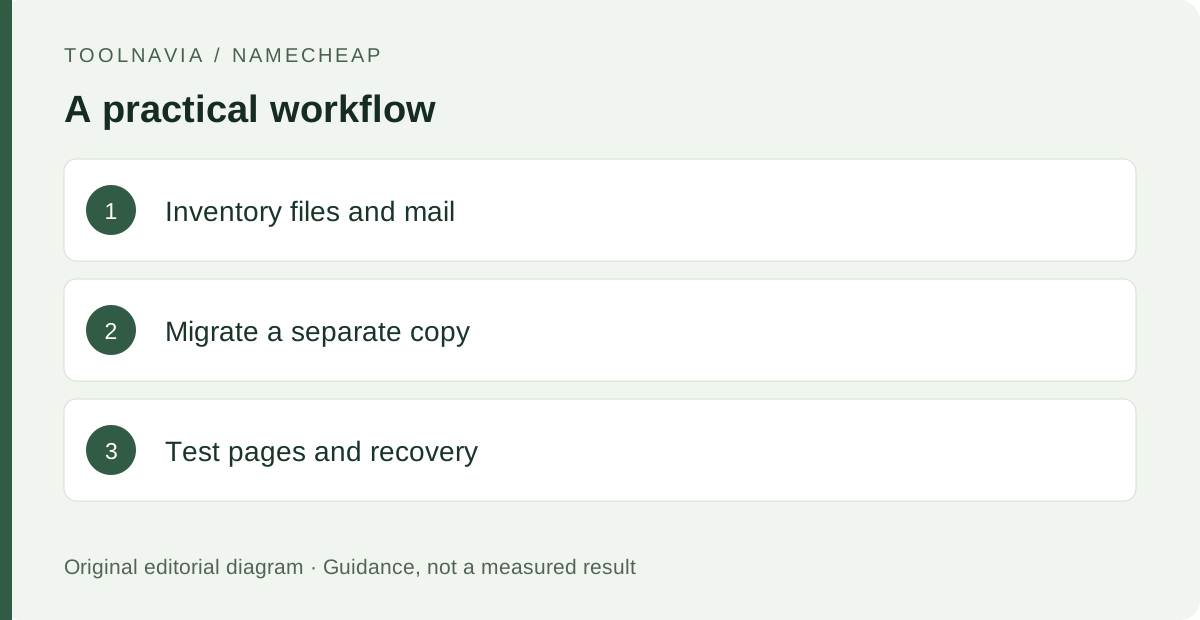
A sensible launch routine is to connect the intended domain, install the application, confirm HTTPS and verify a contact form and mailbox. The official getting-started material identifies the relevant setup areas. Keep an independent export before migrating important content, and confirm essential functions before changing the live domain.
What to do next
Before choosing Stellar, confirm three things: the first invoice, the next renewal and how you will restore the site. Proceed when its cPanel workflow and migration scope fit your existing setup.