TOOLNAVIA / BUYING GUIDE
Namecheap Stellar Migration Guide 2026: Keep the Old Host for 72 Hours After DNS
The short answer
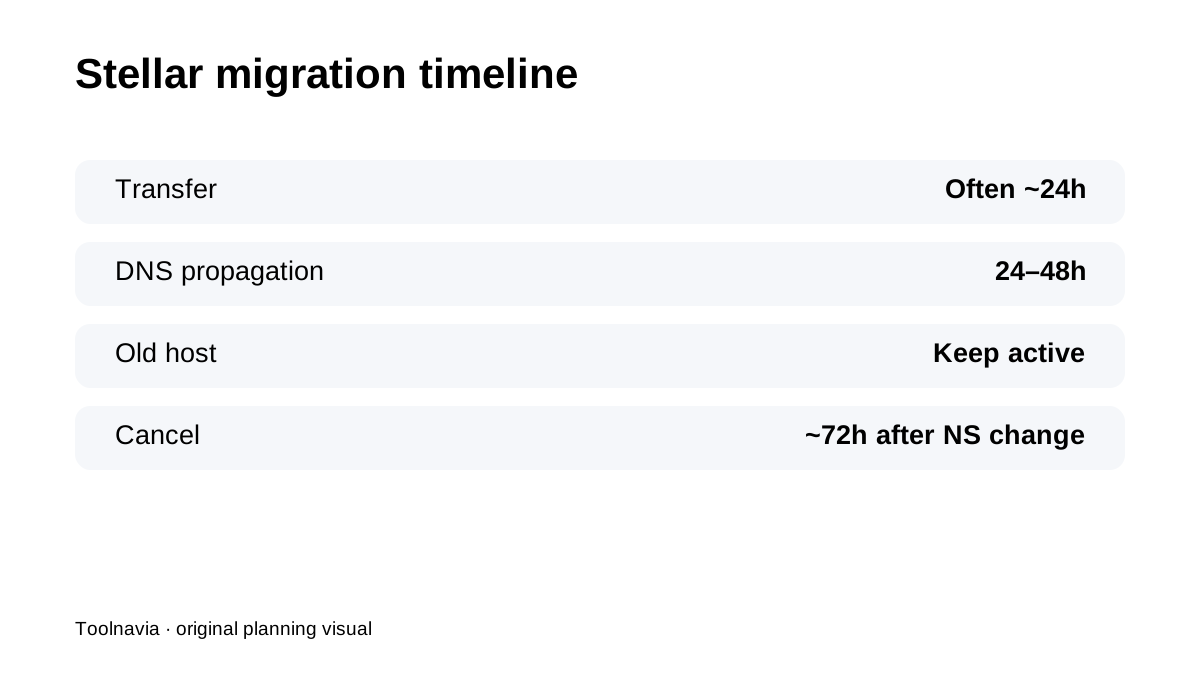
**Quick verdict:** Namecheap's free Stellar migration is easiest when you treat DNS as a **multi-day cutover**, not the moment the files finish copying. Namecheap says cPanel migrations are often completed within about 24 hours, but DNS propagation can take **24–48 hours**, and the old host should stay active through the transition.
At a glance
- Best for
- Budget cPanel users who can keep the source host active through DNS propagation and validate before cancellation.
- Price model
- Verify current Stellar live cart; migration timing is the focus
- Check first
- DNS can take 24–48h; old host should remain active; non-cPanel migrations vary; Stellar resources remain finite.
Start with the old host still fully active
Namecheap's migration guide says the source hosting account should remain live during the transfer. Do not cancel early just because the new Stellar account is ready. The old environment is your rollback path while files, database, email and DNS are being checked.
Preview the copied site before changing nameservers
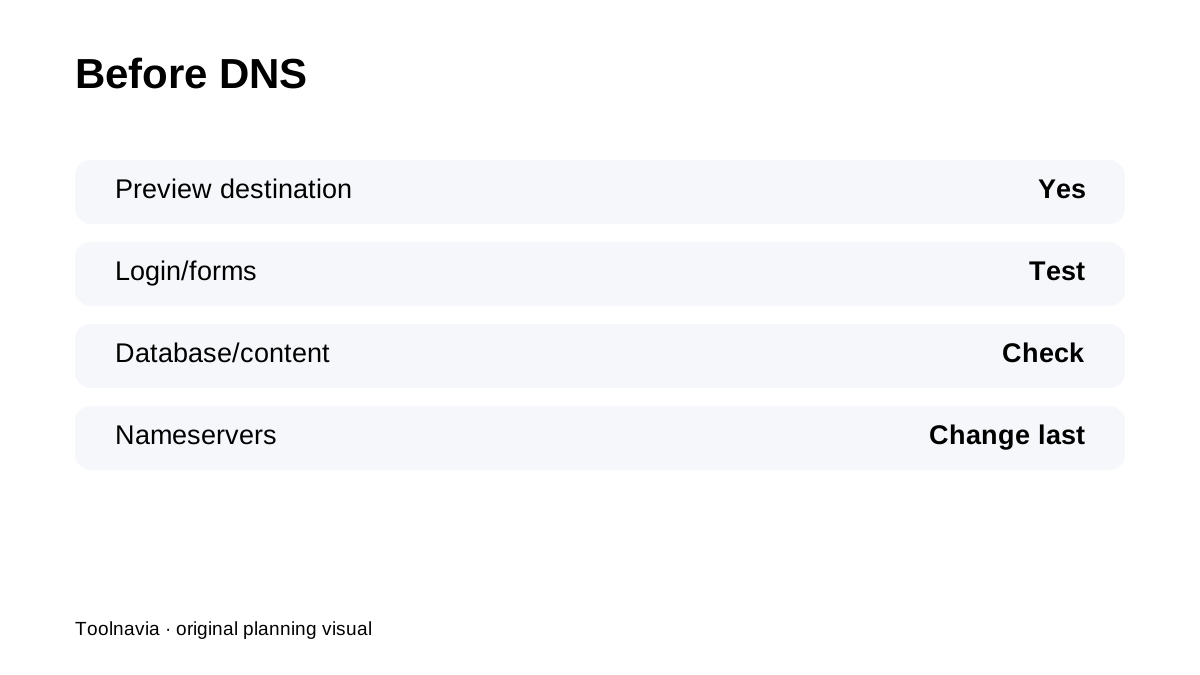
Namecheap documents ways to preview the destination before public DNS changes. Use that period to test front end, admin login, forms, checkout, redirects, PHP behavior and database content. If the source is not cPanel, confirm exactly what is being moved because manual migration scope can differ.
Expect DNS propagation to be a coexistence period
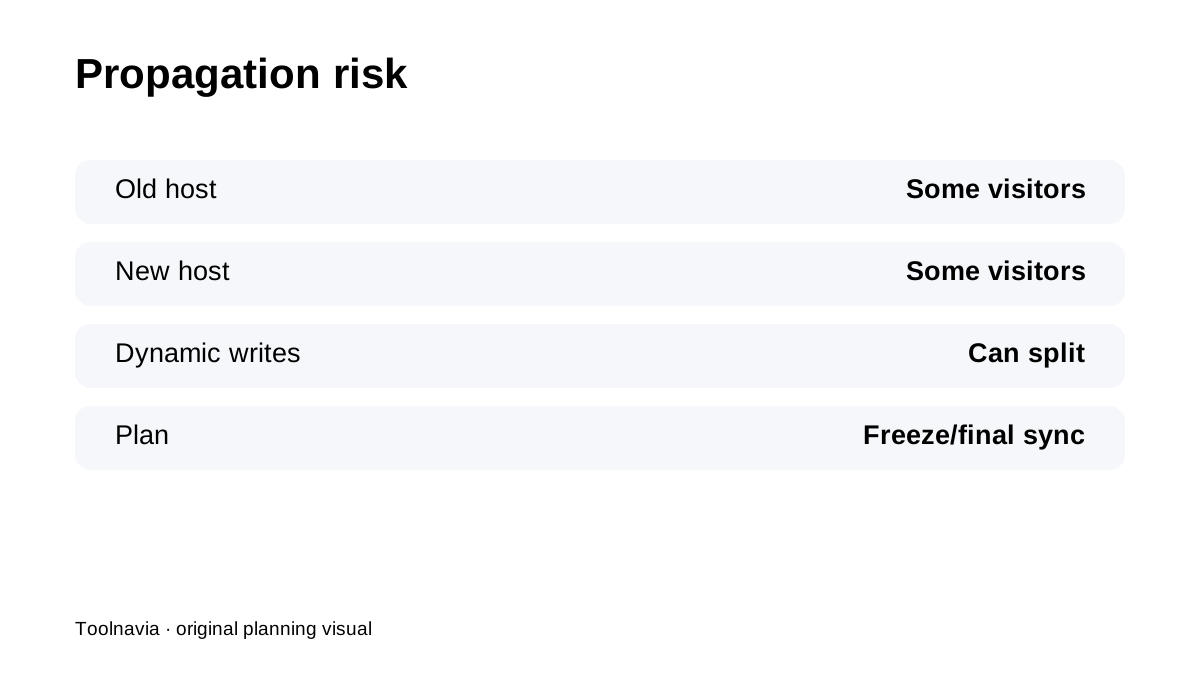
After nameserver changes, some visitors may still reach the old host while others reach Namecheap during propagation. For static sites, that is usually manageable. For stores, membership or booking sites, it can create split writes—orders or user changes landing on different databases.
Keep the old host for roughly 72 hours after the DNS change
Namecheap's current guide recommends cancelling the old provider only about **72 hours after nameserver change**, once propagation and validation are complete. That extra overlap is cheap insurance compared with discovering a missing mailbox, cron task or database record after the source account has been deleted.
SSL may finish only after DNS points to Namecheap
Namecheap's SSL automation depends on the domain pointing at the hosting server; some aliases or technical subdomains can still need manual work. Plan SSL verification after DNS and before declaring the migration complete.
Free migration does not change Stellar's hosting limits
Stellar remains a budget shared-hosting plan with **3 websites and 20GB SSD**. A successful transfer does not prove the destination fits a heavy workload. After cutover, watch resource usage and keep independent backups because shared-hosting policy still places responsibility on the customer.
Current reviews reinforce the same fit
HostingRanker, iTechGuides and Trusthost all frame Namecheap as budget cPanel hosting where operational limits and backup strategy matter. Use the official migration guide for timing, and the live cart for the exact post-migration price/renewal.
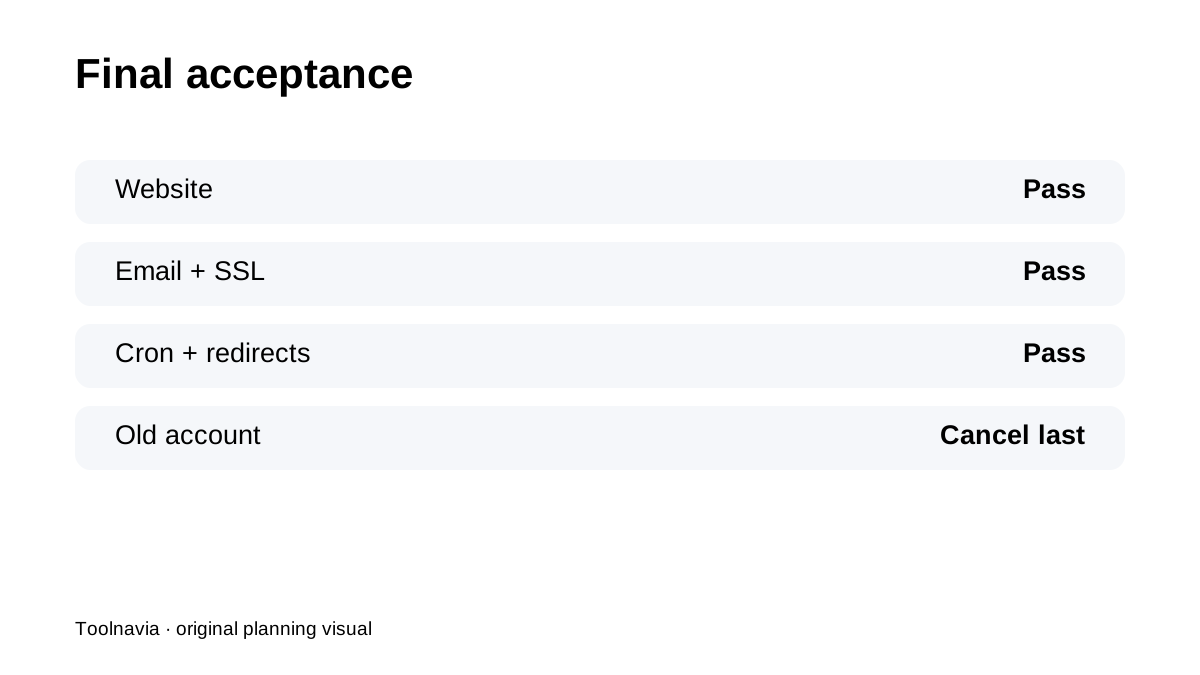
**Bottom line:** the safe Stellar move is **copy → preview → change DNS → wait through propagation → verify everything → cancel the old host last**. The 72-hour overlap after nameserver change is part of the migration plan, not wasted time.