TOOLNAVIA / BUYING GUIDE
Namecheap Stellar Malware Cleanup: What Imunify360 Leaves to You
The short answer
At a glance
- Best for
- Small-site owners who want included Imunify360 but can still manage updates, credentials and backups.
- Price model
- Imunify360 currently included on Shared Hosting; live Stellar price and terms control.
- Check first
- Automated cleanup is not guaranteed incident recovery; unresolved infection and root-cause repair remain owner/support work.
Bottom line
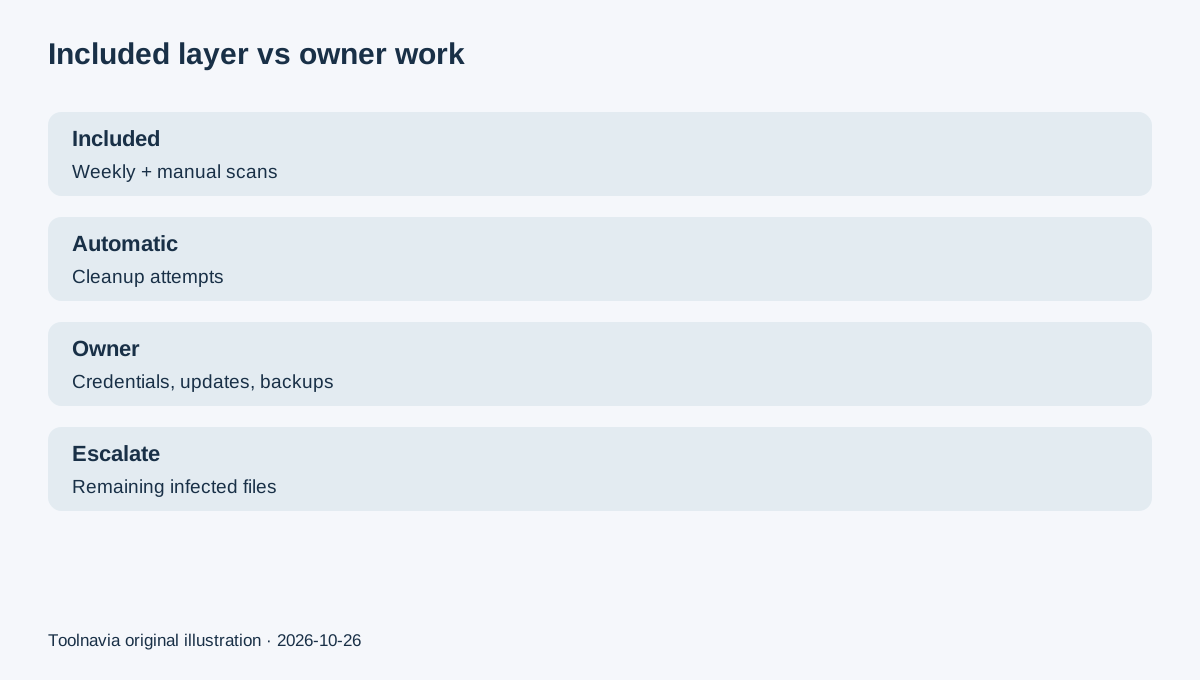
Namecheap's current Shared Hosting page says every Shared Hosting plan—including Stellar—now includes Imunify360 at no extra cost. That is a meaningful upgrade from scan-only protection: the current Namecheap guide documents weekly automated scans, manual scans and automatic attempts to remove malicious code.
But “included Imunify360” is not the same as a guaranteed, hands-off hacked-site rebuild. Files can remain **Infected**, account credentials can be stolen, vulnerable plugins can reintroduce malware, and Stellar does not include the Plus/Business AutoBackup interface. The buying question is therefore not “does Stellar scan?” but “am I willing to own the work after the scan?”
What the included layer actually does
Imunify360 runs scheduled weekly malware scans on Namecheap Shared Hosting, and you can start a manual scan when you suspect new activity. Results show the file path, status, scan date and detection reason.
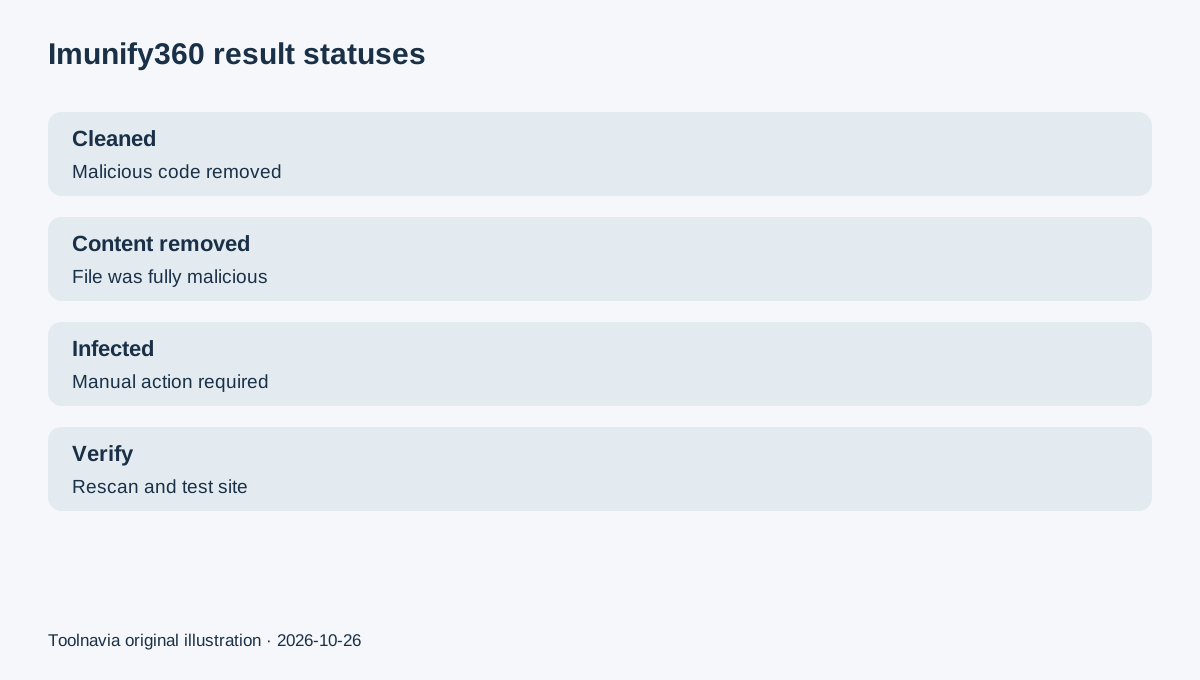
When malware is detected, the system automatically tries to remove malicious code while preserving the rest of the file. If a file contains only malicious code, its contents may be removed. The result can be **Cleaned**, **Content removed**, or still **Infected**.
That is broader than ClamAV or scan-only ImunifyAV. Imunify's own product boundary says ImunifyAV scans and reports, AV+ adds cleanup, and Imunify360 adds cleanup plus preventive layers such as a web application firewall and proactive defense.
Why “automatic cleanup” still needs a human
Namecheap intentionally disables a global “Clean up all” button because files are expected to be processed automatically. If a file remains Infected, the current guide tells the user to modify it manually through File Manager; when there are many infected files, contact Support for investigation.
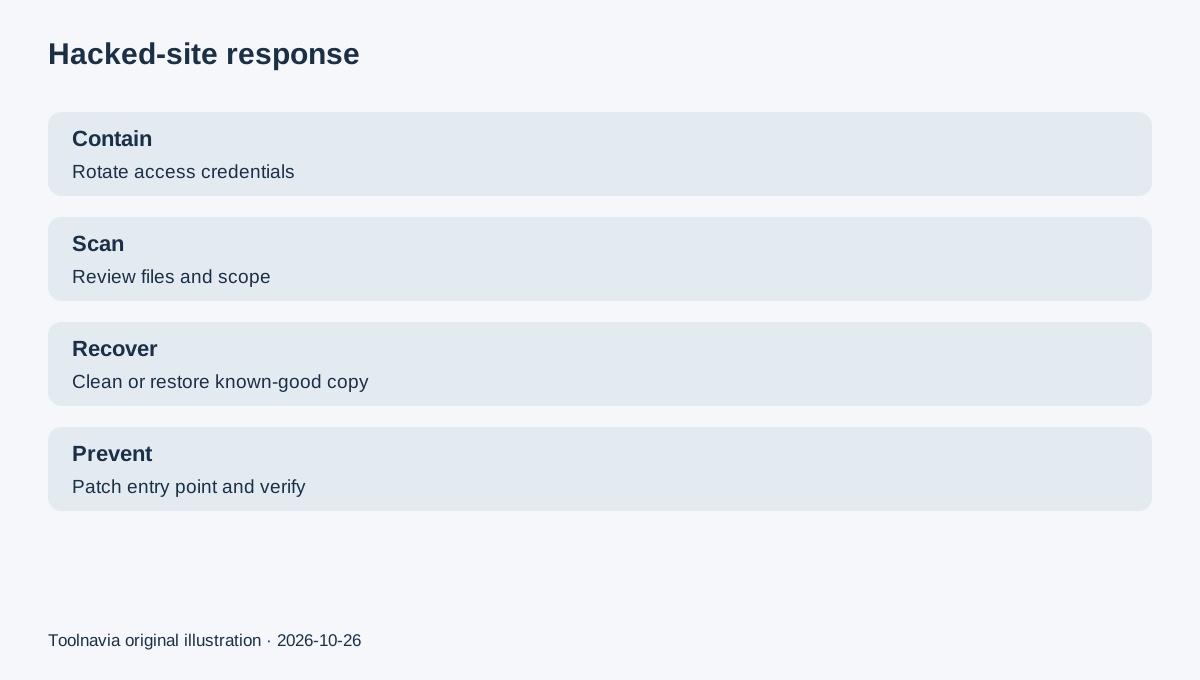
Investigation is not the same as a guarantee that the site is safe. A scan can identify file-based malware without proving that every admin password, mailbox, database record, scheduled task, local computer or third-party integration is clean. Namecheap's hacked-account guide therefore starts with identifying the scope and carefully reviewing suspicious files before cleanup or restoration.
cPanel's support guidance makes the same boundary: unresolved Imunify360 detections require escalation, while detection-only tools leave removal to the administrator. An independent shared-hosting malware guide similarly separates detection, cleanup, restoration and verification.
What remains your responsibility
Use unique passwords and two-factor authentication, rotate credentials after a compromise, update the CMS, themes and plugins, remove abandoned accounts, inspect email/DNS changes, and scan any local device that had hosting access. Keep a known-good backup outside the live account and test that it can be restored.
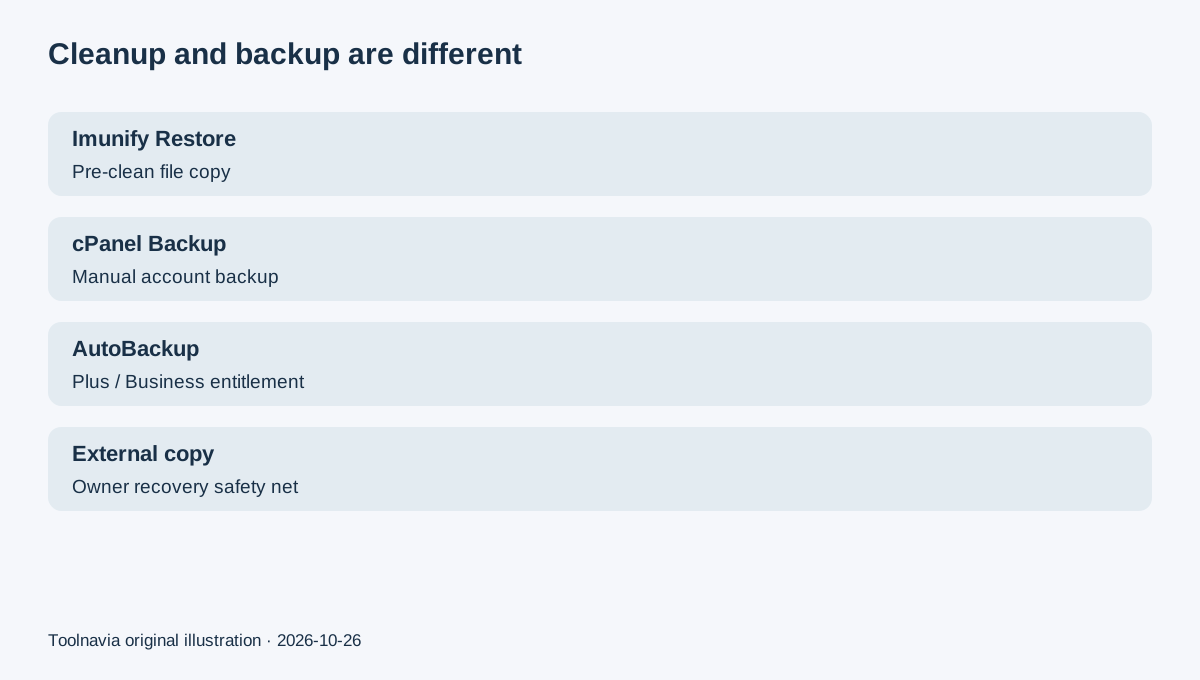
Stellar provides the regular cPanel Backup path, but Namecheap's current documentation reserves AutoBackup restore access for Stellar Plus and Business. In the Imunify360 interface, “Restore” means the pre-cleanup copy saved by Imunify360; it does not pull a file from hosting backups. Do not confuse those two restore sources.
After cleanup or restoration, patch the entry point and rescan. If the same infection returns, repeated deletion is not root-cause repair.
Current-versus-legacy documentation
Older Namecheap material and some cached pages distinguish ImunifyAV on Stellar from Imunify360 on higher plans. Fresh official product pages now say all Shared Hosting plans include Imunify360, and the current Namecheap usage guide describes Imunify360 across Shared Hosting. This article uses the current pages and advises checking the actual cPanel Security section before relying on the entitlement.
When a separate cleanup service makes sense
A separate professional cleanup is rational when the site is down, reinfects after cleanup, has many modified files, has database or SEO-spam damage, or lacks a trustworthy restore point. Namecheap itself markets a separate SiteLock hacked-site cleanup service; that product is not treated here as included in Stellar.
A professional cleanup scope can also include finding the entry point, repairing broken pages, requesting browser-warning review and hardening the application—work that goes beyond a scanner status.
Buying decision
Choose Stellar when its low-cost shared-hosting bundle fits and you are comfortable maintaining the application, credentials and backups while using Imunify360 as a security layer. Choose a more managed response or budget for professional help when a compromise would require hands-off incident recovery.
Use Toolnavia's exact Namecheap Stellar offer route for the commercial checkout; live terms, price and tax control. No raw affiliate tracking URL appears in this article.