TOOLNAVIA / BUYING GUIDE
Liquid Web 1GB Cloud VPS: $5 Compute vs $17 Backup Floor
The short answer
Liquid Web's 1GB General Cloud VPS is a low-cost Linux starting point: $5/month or $0.007/hour for 1 vCPU, 1GB RAM, 30GB SSD and 1TB outbound bandwidth. The important buying decision is not whether $5 looks cheap; it is whether a self-managed 1GB server still fits after backup, management and growth requirements are added.
At a glance
- Best for
- Developers and technical site owners who want root access, a low-cost 1GB starting point and measurable upgrade triggers.
- Price model
- Cloud VPS · $5/mo or $0.007/hr · Acronis 100GB from $17/mo total
- Check first
- The $5 shape is self-managed by default; 1GB RAM is a tight ceiling for heavy stacks, and managed off-server backups cost extra.
What the $5 Cloud VPS actually includes
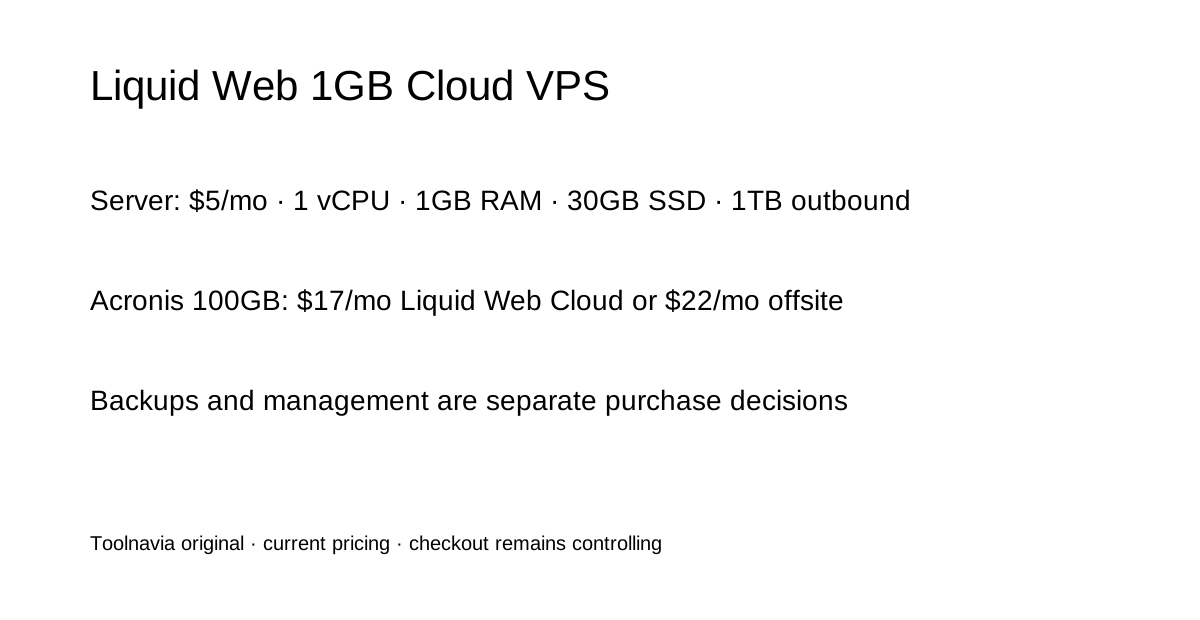
The current Cloud VPS table lists the 1GB Compute configuration at $5/month or $0.007/hour. It includes one vCPU, 1GB RAM, 30GB SSD, 1TB outbound bandwidth, unlimited inbound bandwidth, root access, a dedicated IP, firewall integration, standard DDoS protection and basic Server Secure.
That is useful for a small Linux service, lightweight site, development box or narrowly scoped application when you can administer the OS yourself. It is not a managed-hosting bundle. Liquid Web's dedicated Cloud VPS page says server management is not included automatically and is an add-on.
Backups can move the real floor from $5 to $17 or $22
Backups are optional rather than part of the $5 base price. Liquid Web's current Acronis page lists an $11/month base charge, then 100GB storage at $6/month in Liquid Web Cloud or $11/month in Acronis Cloud. That makes a simple $5 server plus the smallest Acronis tier a current planning total of $17 or $22 per month before tax or other extras.
Cloud VPS can also use other backup configurations depending on the server. The backup documentation says available choices can include Acronis or Cloud Backups, and configured Cloud Backups run daily with seven days of retention by default. Treat backup type, capacity and retention as an order-level choice, not as a free feature implied by the base server price.
Confirm the management level instead of assuming the headline covers it
Liquid Web's product-specific Cloud VPS page says management is not automatic and can be added. Its broader VPS page, however, presents the same 1GB/$5 row as “Self or fully managed.” Because those two current official pages frame the purchase differently, the safe interpretation is that $5 is the compute reference and the actual management level must be confirmed in the configuration or Order.
The support matrix shows why this matters: self-managed service includes round-the-clock availability plus network, hardware and basic usage support, while core/fully managed tiers extend responsibility into operating-system and troubleshooting work. Do not budget managed administration from the $5 headline alone.
One gigabyte is a useful starting point only when the workload is deliberately small
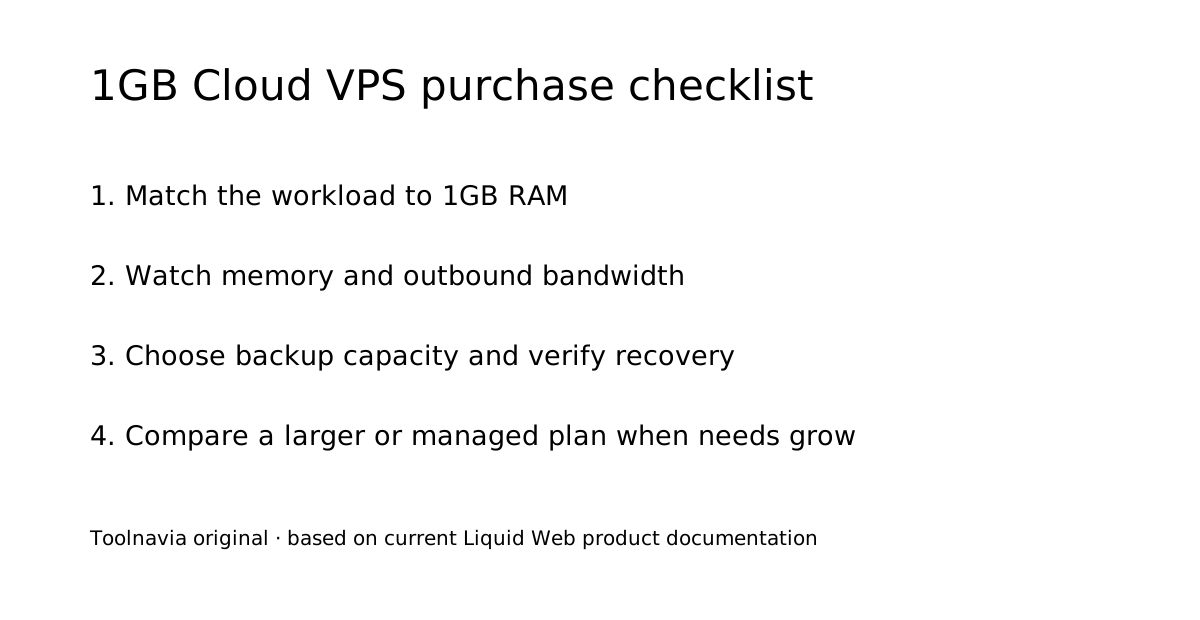
One gigabyte of RAM is a tight ceiling for a modern multi-service stack. It can make sense for a small reverse proxy, static or modest dynamic site, testing service, lightweight API or another workload whose memory use you already understand. For a database-heavy CMS, store, multiple containers or traffic spikes, RAM can become the upgrade trigger before storage is full.
Liquid Web allows Cloud VPS resources to be resized; its help documentation notes that a completed server resize may require a reboot. Start with 1GB only if you will monitor memory, swap, CPU and application behavior and have a clear threshold for moving to 2GB or higher.
Monthly billing is simple, but cancellation and data exit still need planning
The Cloud VPS page says there are no fixed contracts, zero setup fees and monthly payment. The general Terms of Service also says recurring fees are normally charged monthly, but Orders automatically renew and the general agreement contains notice, cancellation and non-refund provisions that can depend on the applicable Order. Save the actual Order and cancellation terms instead of treating “no fixed contracts” as a universal refund promise.
Destroying a server is permanent. Liquid Web's portal documentation tells customers to verify a working backup before destroying the server. Before exit, export application data, databases, secrets/configuration and any backup copies you need, then verify the replacement environment before deleting the old VPS.
Who should buy the 1GB plan—and who should move up
The 1GB Cloud VPS fits technically comfortable buyers who want root access, hourly or low monthly compute pricing, predictable base resources and a path to scale. It is strongest when you already know how to patch Linux, monitor services and restore data.
Choose a larger or managed configuration when 1GB is too tight, when server administration is not part of your team's skill set, or when the business needs provider-managed OS work and stronger backup coverage. Before paying, confirm the management tier, backup product and storage, outbound-bandwidth allowance, region, OS and Order cancellation language.