TOOLNAVIA / BUYING GUIDE
DigitalOcean Droplets Cloud VPS: Pricing, Backups & Server Duties
The short answer
DigitalOcean Droplets suit applications that need control over a Linux server and have someone to maintain it. Choose the image, region and resources around your software; check the exact billing family before launch. For a simple content site, compare a managed option too.
At a glance
- Best for
- Developers who need server-level control and can maintain the Linux/application stack.
- Price model
- Paid compute · size and extras affect cost
- Check first
- Server control means owning updates, access, monitoring and recovery; backups and extras can add cost.
Four practical advantages
Choose the operating environment
The creation workflow offers images and machine configurations. That lets an application owner begin with an environment suited to the software rather than adapting everything to a fixed shared-hosting stack. Write down the required runtime and dependencies before choosing. Flexibility also means you must check compatibility and keep the installed components maintained.
Place the application deliberately
Region is a deployment choice in the Droplet workflow. Use it as part of a practical decision about where users and connected services are located. Evaluate your own application from the relevant locations rather than assuming a region name guarantees a particular latency. A database or external API in another region can change the behavior of the whole request.
Use direct administrative access
The quick-start process supports SSH-based access. That is useful when you need to inspect logs, install dependencies or control services directly. Keep access limited to the people who need it and document routine maintenance. Administrative control is a capability with responsibilities, not evidence that an application is secure or correctly configured by default.
Match resources and billing to the workload
The pricing documentation distinguishes plan families and resource-based configurations. This lets you consider the compute and memory your application actually needs, but it requires checking the selected product’s rules. Start from measured workload characteristics where available. An article count or a visitor target alone does not determine the right virtual-machine size.
Billing and extra resources
The current official documentation says bundled CPU Droplets use per-second billing with a minimum charge condition and a monthly cap based on 672 hours. It separately describes v5 custom-resource configurations without that same monthly cap. Do not apply a bundled plan’s monthly figure to every available configuration, or assume that every calendar month has identical usage under a different model.
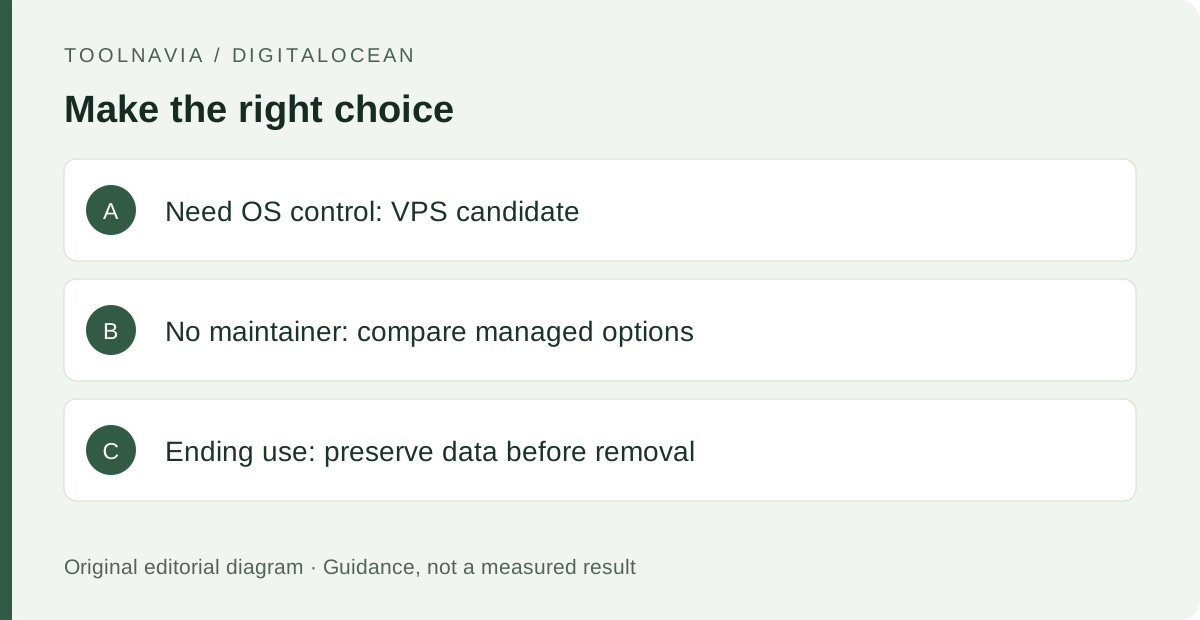
This guide does not quote an entry price without a chosen region and plan. Build the budget from the selected compute, storage, backups, transfer and any additional billable services. A stopped bundled Droplet continues to incur charges until destroyed. Before deleting anything to end charges, preserve the data you need and inspect associated resources separately; shutdown and removal are different actions with different consequences.
Who handles maintenance
DigitalOcean’s setup workflow provisions the machine; it does not make your application architecture correct. Assign responsibility for updates, access, backups and monitoring. A low infrastructure bill can still be poor value if repeated maintenance interrupts the person writing content or serving customers. Include that time in the comparison with managed services rather than comparing only an advertised server rate.
Suggested launch checks
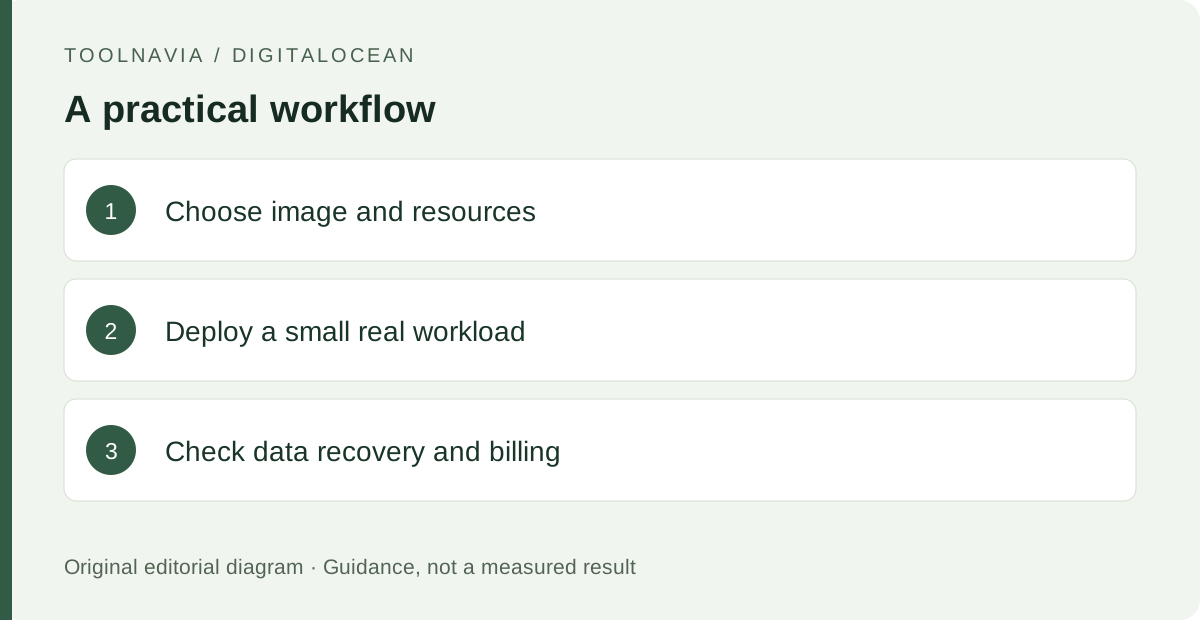
Prepare a small nonproduction deployment of the actual application. Record the chosen image, region, access method and resource configuration. Deploy a representative version, check that the expected routes respond and inspect the application logs. Include one task that writes data so you can verify where persistent information is stored.
Document how to recreate the application and recover its data before moving a live workload. Check the billable resources visible in the account and identify who receives cost alerts.
What to do next
Match the Droplet family to your runtime and billing needs, then verify a small deployment and recovery plan. Choose it when direct control is useful and maintenance has an owner.