TOOLNAVIA / BUYING GUIDE
InterServer Standard Website and Email Bundle: Cost, Limits and Migration Checklist
The short answer
At a glance
- Best for
- A buyer choosing site-plus-email hosting or a mail-only service.
- Price model
- Standard $2.50 first month and $7 monthly renewal; 6 months $15 then $42, 12 months $30 then $84, and 24 months $60 then $168.
- Check first
- Shared-hosting and anti-abuse boundaries apply; ordinary email is not a bulk sender, compliance archive or ticketing system. No paid test was performed.
Short answer
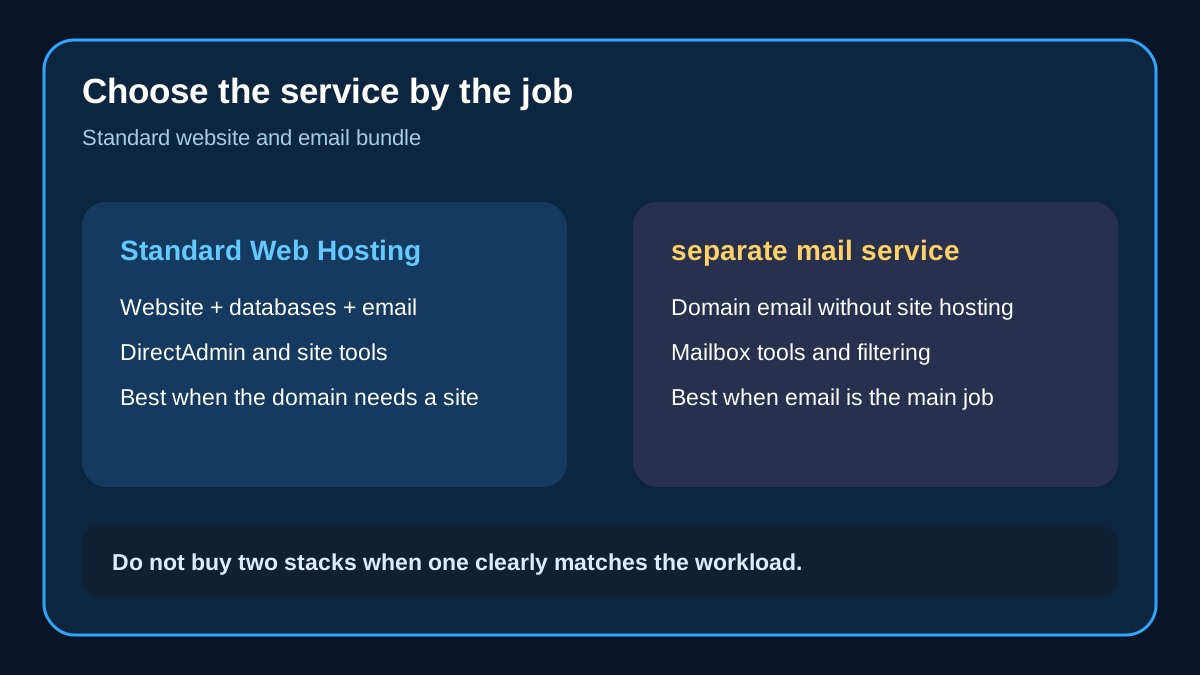
Choose **InterServer Standard Web Hosting** when the domain needs a website, databases, SSL, app hosting and ordinary domain email in one account. It is a combined hosting stack, not a dedicated bulk sender, compliance archive or ticketing system. If the buyer needs mailboxes without a website, use the capacity and migration checklist below to evaluate a separate mail-only service instead of assuming the hosting bundle is automatically the cheaper or safer choice.
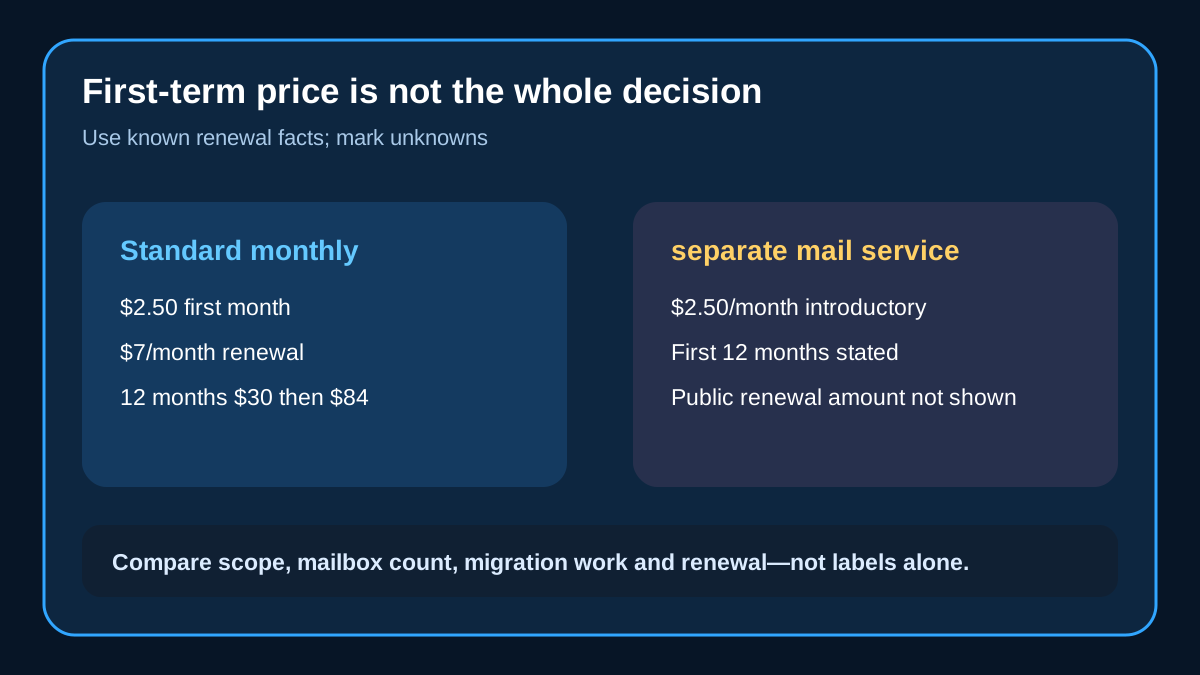
The current Standard page lists $2.50 for the first month and $7 per month on renewal. It also shows longer terms: $15 for six months, $30 for twelve months and $60 for twenty-four months, followed by $42, $84 and $168 renewals. Treat each number as tied to its stated term. A low first-month label is not an annual cost, and a longer prepayment does not remove the need to budget the published renewal.

> **Affiliate disclosure:** Toolnavia may earn a commission if you buy Standard Web Hosting through the approved InterServer link. That does not change your price. The link is only for the exact approved Standard offer; no separate mail-only product is monetized in this guide.
What Standard Web Hosting actually buys
Standard combines DirectAdmin, website files, databases, domains, SSL, applications, backups and email. InterServer currently advertises unlimited storage, transfer and email accounts for normal website and email use, while also stating that the service is not backup, movie, file-storage or reseller storage. “Unlimited” is therefore a shared-service usage description, not permission to use the account as an archive without operational limits.
The email layer includes webmail, forwarding, outgoing SMTP, spam filtering and SSL. InterServer says ordinary valid, non-bulk mail is processed through its delivery system, while abusive, spammy, high-bounce or bulk behavior can be blocked or returned. Buyers running newsletters, mass outreach or transactional bursts should not read “guaranteed delivery” as an unlimited bulk-mail promise.
Standard is the cleaner purchase when the same domain also needs WordPress, a store, a portfolio, a database-backed application or multiple web properties. Paying for a separate email-only service while already needing the full hosting stack can duplicate administration, billing and DNS work.
Where a hosting mailbox stops being enough
A separate mail-only service may be cleaner when no website stack is required, but the buyer still needs written answers for mailbox count, storage per mailbox, later renewal, retention, migration scope and support boundaries. A professional-looking address does not prove compliance archiving, legal hold, ticket workflow or guaranteed delivery. Use those missing fields as a procurement checklist rather than assigning features that the Standard page does not promise.

Price the workload, not the headline
For one year, the displayed Standard twelve-month term is $30 and renews at $84. Compare that known cash commitment with any separate mail-only quote on the same basis: same term, renewal date, mailbox count, storage, migration labor and taxes. Do not compare Standard's published twelve-month total with another service's monthly teaser or omit the cost of keeping two systems during migration.
Use this decision sequence:
| Need | Usually cleaner starting point | Reason | |---|---|---| | Website plus ordinary domain mail | Standard | One hosting stack already includes email | | Domain mail only | Evaluate a separate mail-only service | Avoid paying for unused website tools | | Newsletter or bulk outreach | Neither by default | Standard excludes bulk/abusive patterns; use a purpose-built sender | | Compliance archive or ticket workflow | Specialized service | Neither page promises that control set | | Several mailboxes with explicit storage needs | Compare written limits first | Require mailbox count, per-mailbox storage and renewal in the quote |
Competitor pages show why explicit capacity matters. Hostinger publishes per-mailbox storage and renewal terms. Namecheap publishes included mailbox counts, storage per mailbox and add-on mailbox pricing. Zoho publishes storage per user and separate collaboration tiers. These are not reasons to buy those products automatically; they are a checklist of fields InterServer buyers should request before committing.
Delivery and migration are separate decisions
InterServer's delivery page covers normal valid, non-bulk email after anti-spam checks. It does not promise that every message will arrive, nor does it exempt a sender from reputation, bounce or abuse controls. Test external inbound mail, outbound mail, replies, attachments, spam-folder placement and non-delivery reports with the actual domain.
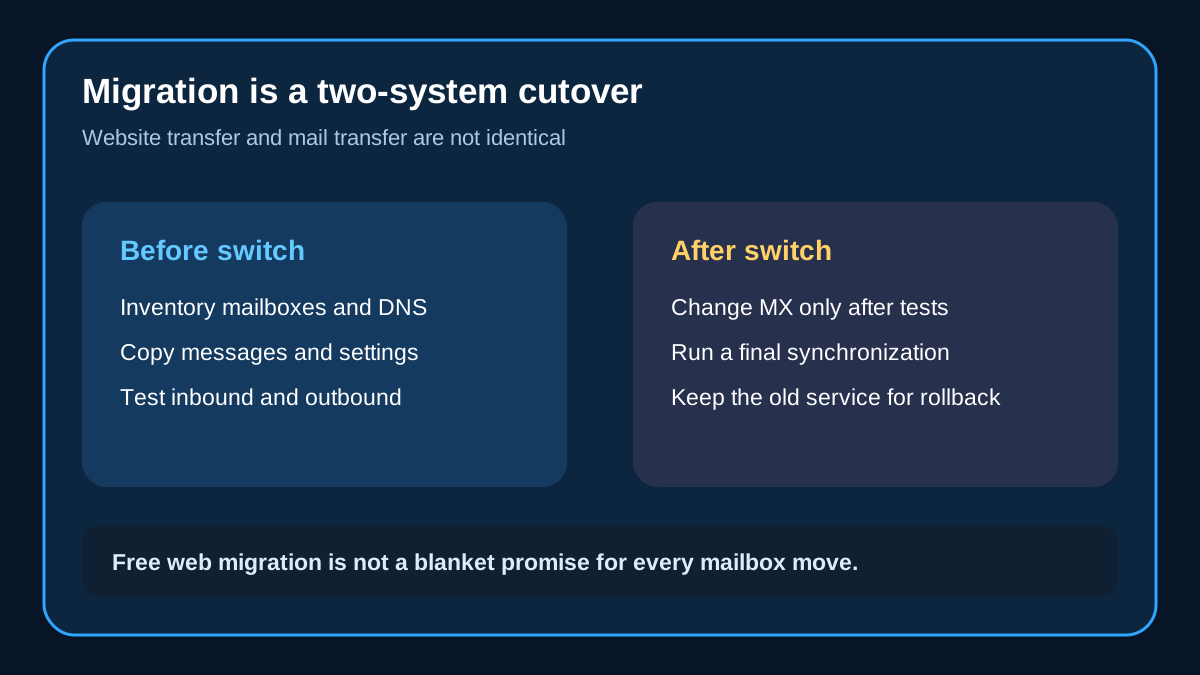
The free website-migration page adds another boundary: complimentary hosting transfers require matching supported panels, such as DirectAdmin to DirectAdmin or cPanel to cPanel. It says included email must be agreed in the ticket, while third-party email and final synchronization need a separate plan. Cross-panel conversions and proprietary builders are outside the complimentary scope.

Before changing MX records:
1. Inventory mailboxes, aliases, forwarders, catch-all behavior and devices. 2. Record MX, SPF, DKIM and DMARC values. 3. Copy a representative mailbox and verify old folders and timestamps. 4. Test external inbound, outbound, reply and attachment paths. 5. Plan a final synchronization window. 6. Keep the source service and a readable export until the new route survives a normal business cycle.
Do not cancel the old service immediately after the first successful message. DNS caches, delayed senders and missing folders can surface later.
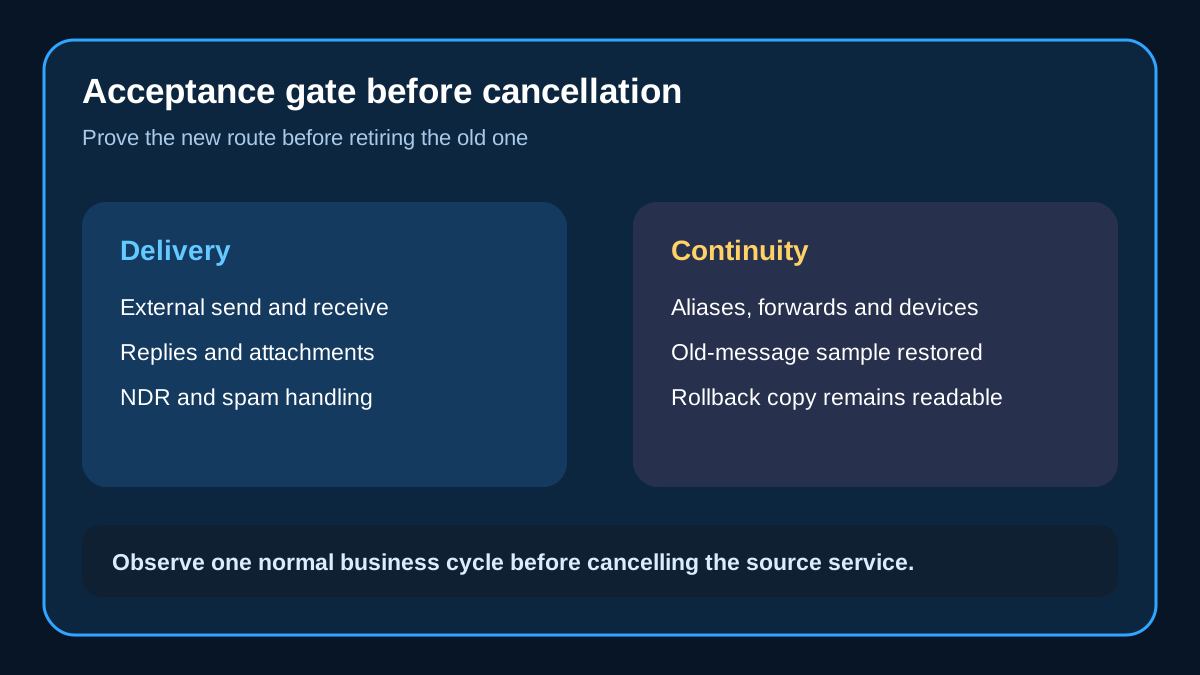
A practical acceptance gate
A purchase decision is complete only when the service passes four gates:
- **Scope gate:** Standard's website-and-email bundle matches the buyer's actual site plus mail workload. - **Cost gate:** the exact term, renewal, mailbox count and storage are written down. - **Delivery gate:** normal mail works and bulk or abusive use has a separate route. - **Recovery gate:** old messages, DNS settings and rollback evidence remain available.

Who should buy, and who should wait
Buy **Standard Web Hosting** if the domain needs a site and ordinary business mail, and you accept shared-hosting boundaries. If the domain needs mailboxes without a website stack, compare separate mail-only services only after obtaining storage, mailbox-count, renewal and migration facts in writing. Use a dedicated sending platform for campaigns or high-volume transactional mail. Use a compliance or ticketing product when retention, discovery or workflow controls are mandatory.
Wait if the team cannot yet name its mailbox count, current storage, monthly growth, retention period, migration owner and rollback window. Those facts change the decision more than a promotional headline. A practical sizing sheet should list each active mailbox, ninety-day growth, largest attachment burst, alias and forwarding dependencies, required retention, mobile and desktop clients, and the staff member who can approve DNS changes. Price the overlap period too: a safe cutover may require both providers to remain active until delayed mail and folder completeness have been checked.
[Check current InterServer Standard terms through the approved direct link](https://www.interserver.net/r/1208224).