TOOLNAVIA / BUYING GUIDE
InterServer $3 VPS Backup Guide 2026: Add $3 Storage?
The short answer
**Quick answer:** InterServer cloud VPS compute starts at **$3/month**, but backups are **not running by default**. The separate ST100 storage plan is another **$3/month for 200GB** with SFTP/rsync, so a low-cost $6 foundation is possible—but you still need automation, retention and restore testing.
At a glance
- Best for
- Technical users who can automate SFTP/rsync backups and test restoration.
- Price model
- Cloud compute starts $3/mo; ST100 200GB storage $3/mo
- Check first
- VPS backups are not running by default; ST100 is a separate storage target; no VPS money-back guarantee.
$3 compute is infrastructure, not a recovery plan
InterServer's current cheapest cloud compute guide says VPS starts at **$3/month** and emphasizes that even a price-first server still needs enough resources, support, security and upgrade room.
The low entry price is attractive precisely because the buyer controls more of the environment.
Treat the $3 as server rent. Do not mentally include backup automation, monitoring or tested recovery unless you have configured those pieces.
InterServer says VPS backups are not running by default
The VPS terms state that backups are **not running by default** and customers must arrange backups themselves.
That means the recovery design should exist before production data arrives. Decide what must be recoverable, how often, how long copies are retained and where credentials are stored.
A root-style VPS with no tested external copy can be cheap until the first accidental deletion, compromised account or failed update.
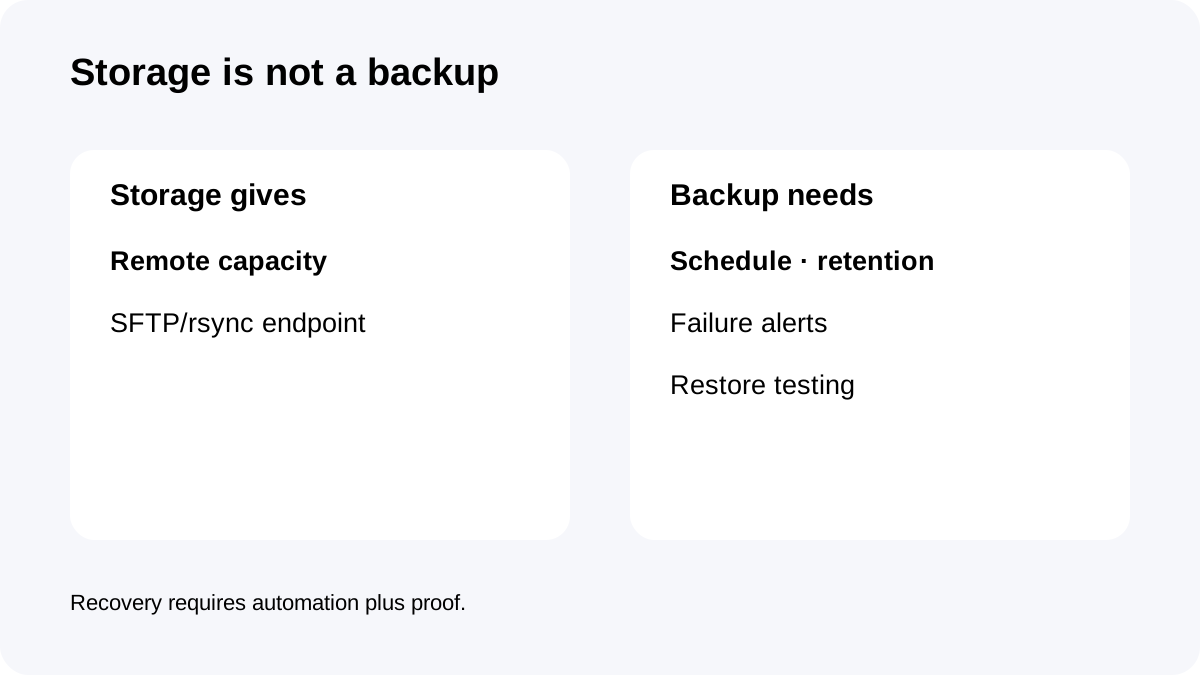
ST100 is a useful $3 target—but it is still only storage
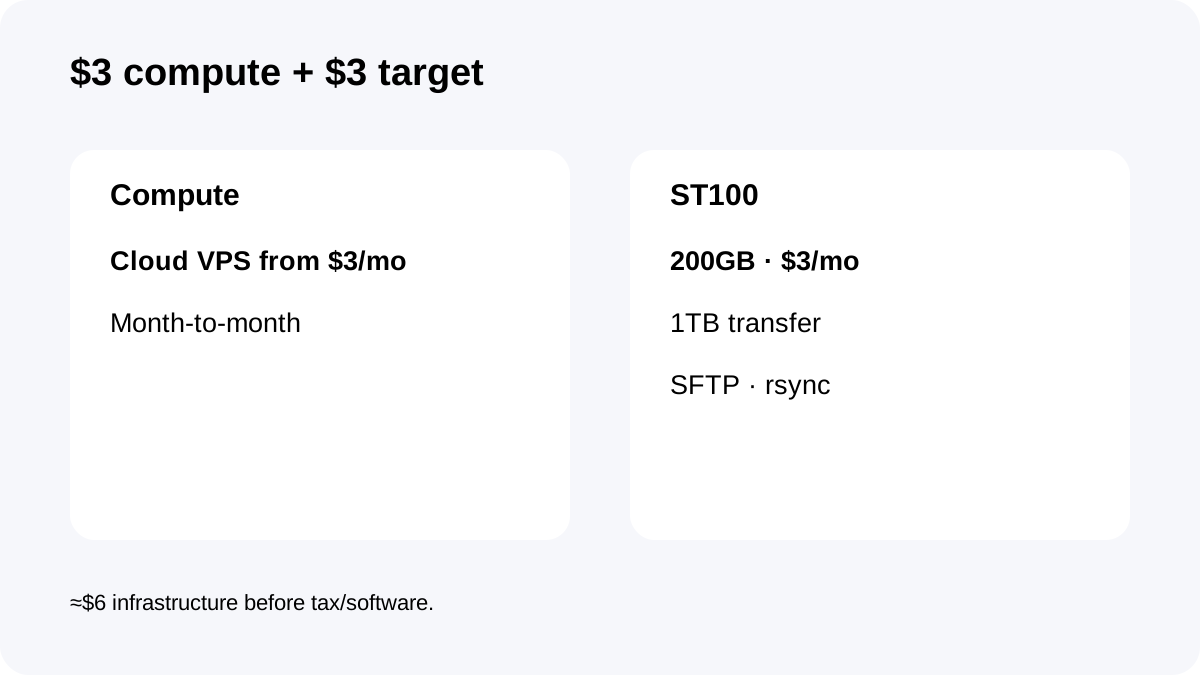
InterServer's current storage page lists **ST100: 200GB for $3/month**, 1TB transfer, DirectAdmin and **FTP/SFTP plus rsync over SSH**.
That creates an appealing raw cost model: roughly **$3 compute + $3 remote storage = $6/month** before tax or any software/license charges.
But a destination is not a backup job. You still need a schedule, failure alerts, retention and a restore process.
Build the backup workflow explicitly
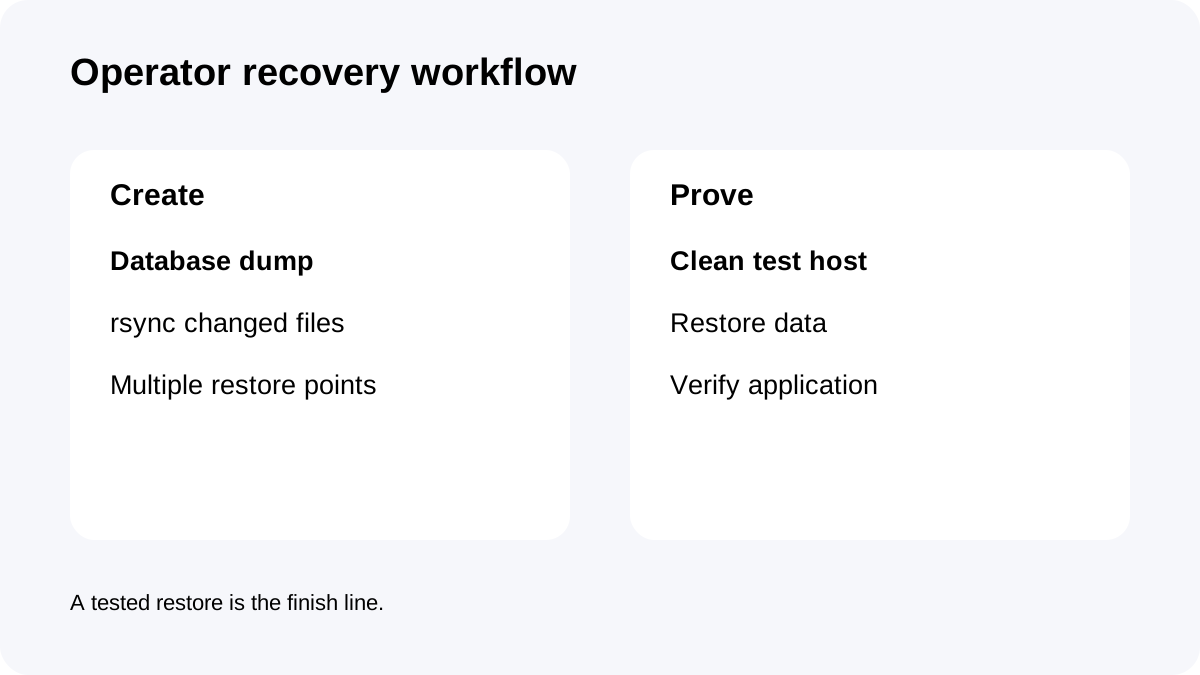
One practical small-server design is a daily database dump plus rsync/SFTP of changed files to the storage account.
Keep more than one dated recovery point. If you only mirror the latest state, corruption or accidental deletion can be copied to the remote target too.
Separate backup credentials from normal server credentials where possible. Then test the design on a clean environment: retrieve a selected copy, restore the database/files and verify the application starts correctly.
No-refund VPS rules make testing more important
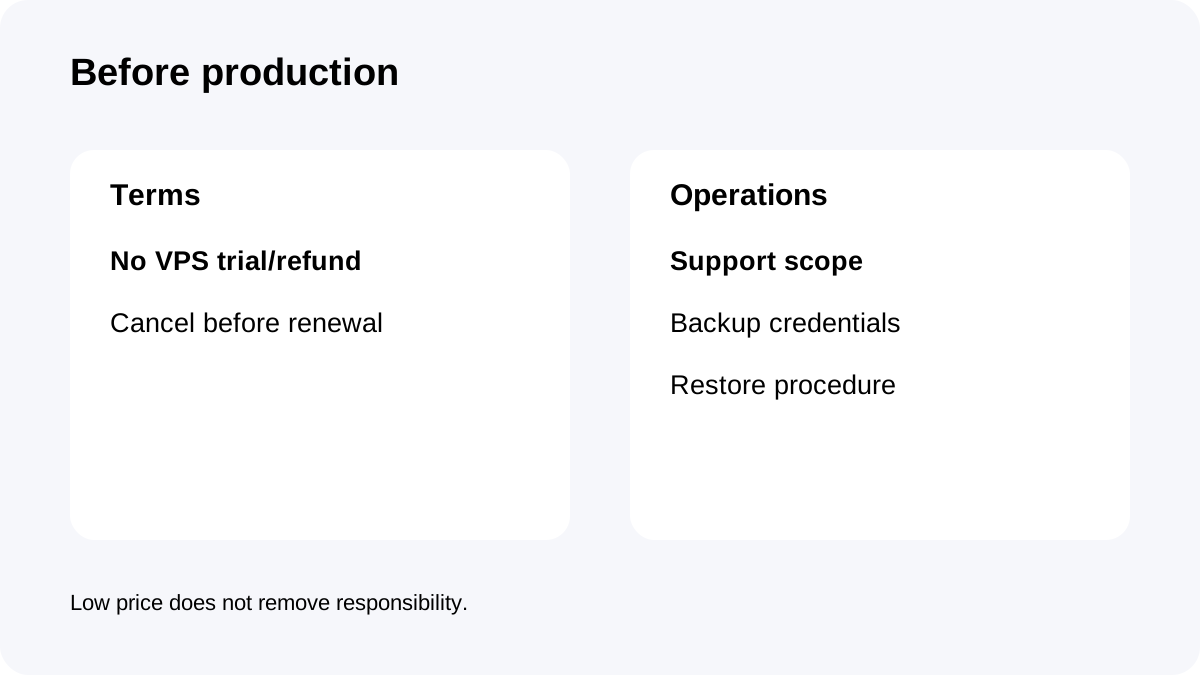
The current VPS FAQ says there is **no VPS trial or money-back guarantee** and billing is month-to-month.
The service terms also state VPS is nonrefundable after service begins and cancellation should be made at least **three days before automatic renewal**.
A cheap month-to-month server keeps commitment small, but it does not provide a refund safety net. Test networking, application deployment and backup automation early in the first billing period.
Support and panel options do not change backup ownership
The current FAQ lists **cPanel and DirectAdmin** options for Linux VPS and describes support for software installed by the selected panel.
That support wording is useful for software operations, but it does not override the separate terms saying backups are not running by default.
If you buy a panel, still configure an independent destination and recovery process. “Support available” and “backup running” are different statements.
Checkout and recovery checklist
Confirm the current $3 VPS offer and the server configuration in the actual order flow.
If using ST100, confirm **200GB, $3/month, SFTP and rsync**. Create the schedule, retention and alerts before production, then perform one real restore.
Record the no-refund rule and cancellation timing.
**Bottom line:** InterServer can make the infrastructure for backups extremely inexpensive. The useful mental model is **$3 compute + $3 storage target + your automation**, not “$6 and backups are handled for me.”