TOOLNAVIA / BUYING GUIDE
HostPapa Managed VPS Progress: $36.95 Intro vs $46.99 Renewal
The short answer
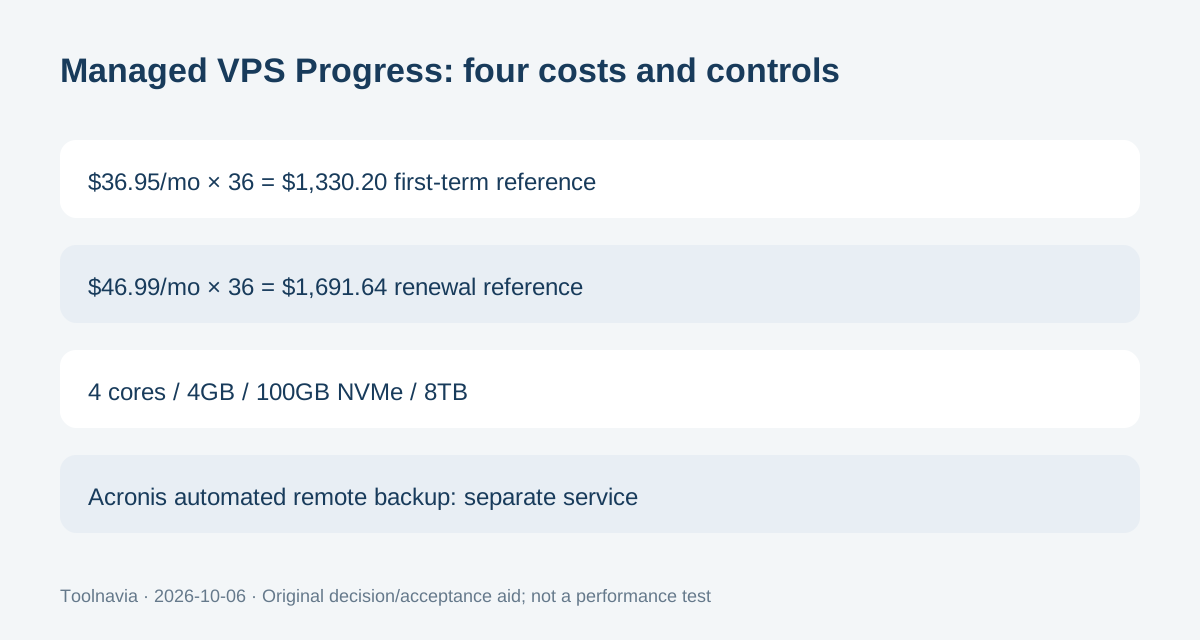
HostPapa Managed VPS Progress targets teams that want 4-core/4GB resources, cPanel, managed support and root access. The US 36-month offer is $36.95/month versus $46.99/month on the matching three-year renewal; Acronis remote backup is separate.
At a glance
- Best for
- A cPanel-oriented production workload that fits 4 cores/4GB, values provider server management, and still needs root access.
- Price model
- $36.95/mo 36-month term; matching 3-year renewal $46.99/mo ($1,691.64); Acronis remote backup separate
- Check first
- Buyers seeking the cheapest self-managed VPS, included automated remote backup at the base price, or a short commitment without a multi-year prepayment.
The first three years cost less than the matching renewal term
Progress currently lists 4 CPU cores, 4GB memory, 100GB NVMe storage and 8TB transfer at $36.95 per month on a three-year discounted term. Simple first-term arithmetic is $1,330.20 before tax and extras. HostPapa's current renewal table lists the same Managed VPS Progress plan at $46.99 per month on a three-year renewal, billed $1,691.64.
That is a $361.44 difference over the next 36-month term if those published figures apply unchanged. It is a budgeting comparison, not a captured customer invoice. Save the checkout, tax and renewal notice because the final account bill controls what you actually pay.
Four benefits matter more than the headline discount
First, the explicit CPU, memory, storage and transfer allowances give you a concrete capacity envelope instead of an unlimited-performance promise. They still do not establish a visitor limit or application benchmark.
Second, HostPapa includes cPanel on Managed VPS and keeps full root access available. That combination can suit agencies that want a familiar web-hosting workflow but still need lower-level server control.
Third, the plan includes two dedicated IP addresses and allows multiple websites as server resources permit. Fourth, Managed VPS support covers server-level work such as operating-system updates, security patches, firewall configuration and monitoring. Those are real operational advantages, but the application still needs an owner who verifies changes and watches its own behavior.
Managed does not mean locked out of the server
Some managed VPS products remove root access. HostPapa explicitly takes the opposite approach: the current Managed VPS page says customers can manage websites and applications through cPanel or root access, while HostPapa handles the server-management layer.
That flexibility is useful when a project needs custom software or configuration that is compatible with the managed environment. It also means you can make damaging changes yourself. Treat root as an administrative capability, not as a reason to skip change control, least-privilege credentials or a recovery plan.
Automated remote backup is an add-on
HostPapa's current Managed VPS page promotes Acronis Backup as an add-on for daily server backups. Its June 2026 support article is more explicit: to use automated VPS backups, you must hire the HostPapa Automated Remote Backup service for VPS.
Do not read the presence of Acronis in WHM as proof that the service is already included. Ask support for the current add-on price, storage allowance, retention and restore scope before relying on it. Keep an independent off-server copy of critical files and databases even if you buy the service.
Free migration has useful limits
HostPapa offers free white-glove migration for new customers on eligible plans and says the old site stays live during the move. Its migration guide says the request must be initiated within 30 days of receiving the welcome email. Full cPanel transfers can include domains, subdomains, cPanel settings and email accounts when the source cPanel backup generator is available.
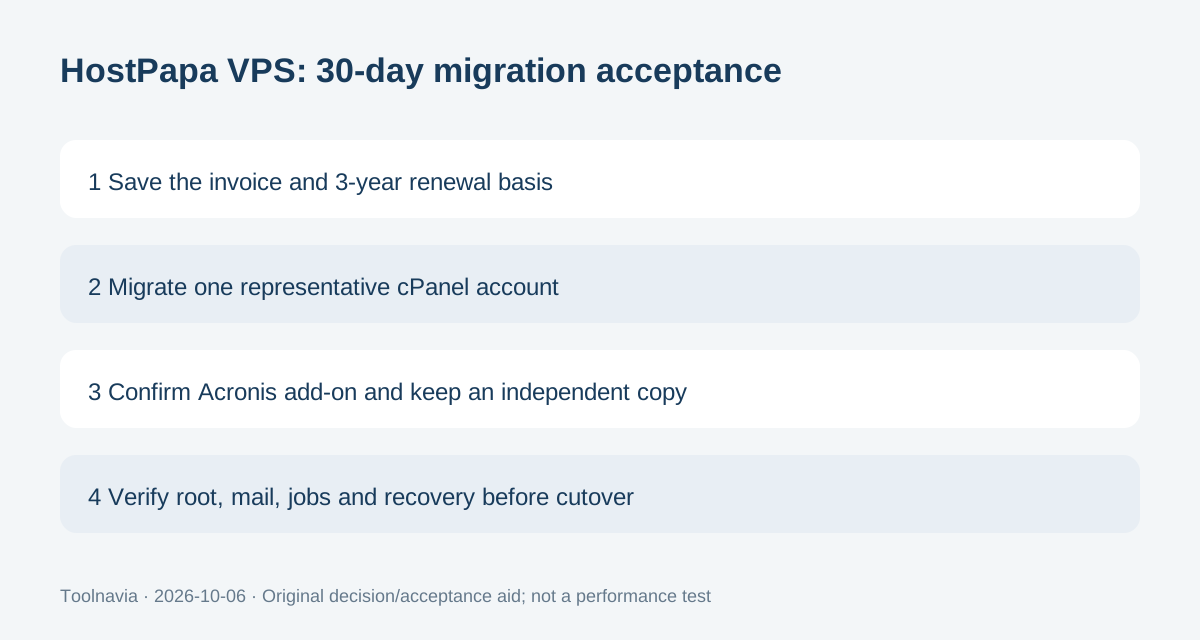
Non-cPanel transfers can require manual work, and some site builders cannot be moved through the service. Use one representative account as an acceptance test. Verify files, database writes, mail, scheduled jobs, permissions and DNS before moving the rest.
Use the 30-day window as an acceptance period
The live Managed VPS page includes a 30-day money-back guarantee and notes that domain fees are non-refundable. Use that period to verify more than uptime: confirm the exact invoice, the three-year renewal basis, root access, cPanel account structure, migration outcome and your backup plan.
Choose Progress when 4 cores, 4GB RAM and 100GB NVMe fit the workload, you value cPanel plus managed server support, and the $46.99 three-year renewal reference still fits the budget. Skip it when you want the lowest-cost self-managed VPS, expect automated remote backups in the base price, or do not want a long prepaid term.