TOOLNAVIA / BUYING GUIDE
HostPapa Essentials: 1 CPU + 1GB RAM Limits
The short answer
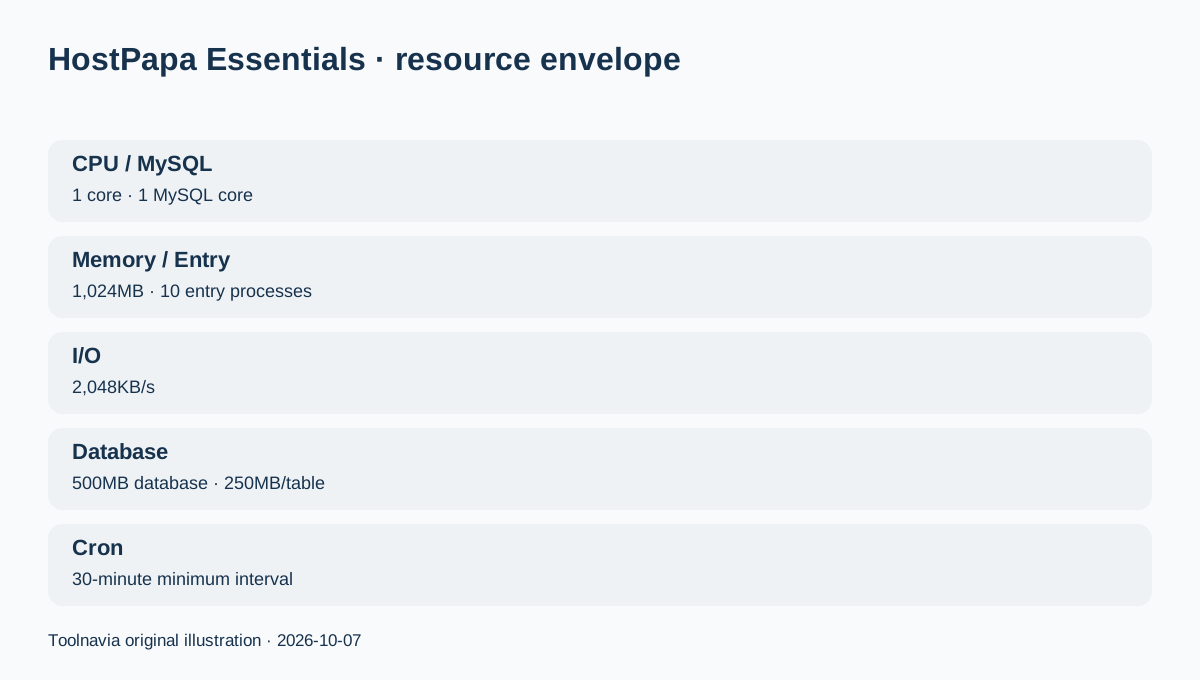
HostPapa Essentials is not defined only by its 25GB NVMe storage headline. The current resource chart gives the entry plan 10 entry processes, 1 CPU core, 1 MySQL core, 1,024MB memory, 2,048KB/s I/O, 150,000 inodes, a 30-minute minimum cron interval, a 500MB database limit and 250MB per-table limit. Those numbers are the real reason a simple brochure site can fit while a busy store, membership site or automation-heavy application can outgrow the plan before disk space is full.
Affiliate disclosure: Toolnavia may earn a commission from qualifying purchases through the HostPapa link on this page. HostPapa has given written permission for editorial reviews and comparisons. This page is editorial only and is not a coupon, deal or discount page.
At a glance
- Best for
- One modest site that needs a published shared-resource envelope before purchase.
- Price model
- HostPapa Essentials editorial guide; live checkout controls billing
- Check first
- Specifications do not guarantee speed; real plugin, database and traffic behavior controls fit.
Start with the workload, not the 25GB storage number
Essentials currently supports one website and 25GB NVMe storage. Storage tells you how many files can live on the account; it does not tell you how many PHP requests, database queries or simultaneous processes the shared account can comfortably serve.
HostPapa's January 2026 resource chart adds the missing boundaries: 10 entry processes, one CPU core, one MySQL core and 1,024MB memory. A small company site, blog, portfolio or low-traffic CMS can fit if its plugins, theme and background jobs are modest. A site with heavy search, real-time membership actions, many concurrent checkout sessions or expensive page builders can hit CPU, memory or entry-process limits long before 25GB is used.
Entry processes are not the same as visitors
HostPapa explains that an entry process is a concurrent process serving actual site content, not a simple count of people looking at a page. A visitor can stop counting as an active process after a request completes, then create another process on the next action.
That distinction matters when estimating whether 10 entry processes are enough. Ten visitors reading cached pages are not necessarily ten simultaneous active PHP processes. Conversely, a smaller number of users can generate many expensive requests if the site performs uncached searches, dynamic filtering, admin actions or payment operations.
For a new brochure site, the limit may never be noticed. For a dynamic application, treat the 10-process ceiling as a reason to test real usage after launch.
The 1GB memory figure should be read together with CPU and I/O
The plan's 1,024MB memory is account-level shared-hosting memory, not a dedicated 1GB VPS. HostPapa notes that reaching physical-memory limits can cause brief PHP errors or a CloudLinux error page until usage falls back below the limit.
I/O is capped at 2,048KB/s on Essentials. Slow disk-heavy jobs, backups, imports, image processing or plugin scans can therefore become noticeable even when CPU is not saturated.
This is why a single number such as “1 CPU” cannot predict speed. The useful buying question is whether the site's normal PHP, MySQL, file and background-job pattern fits the entire published envelope.
Database and cron limits can matter before traffic grows
Essentials currently publishes a 500MB database limit, 250MB maximum table size and a 30-minute minimum cron-job interval.
A basic WordPress site often stays far below these values. But ecommerce order tables, analytics plugins, LMS activity, membership logs or large search indexes can grow faster than page content. A plugin that expects jobs every five minutes also does not fit a 30-minute scheduling floor without redesigning the workflow.
Before moving an existing site, check database size and the largest tables rather than only measuring wp-content.
Watch the account from cPanel after launch
HostPapa documents a cPanel Resource Usage view that shows CPU, virtual and physical memory, entry processes, process count and I/O, including historical failures.
For the first month, check this screen after traffic spikes, imports, plugin updates and backup jobs. A healthy site should have room below its limits most of the time. Repeated limit failures are a stronger upgrade signal than simply seeing the disk move from 5GB to 8GB.
Keep the source host or an independent backup available until the site has passed its real workload checks.
Backups are a separate capacity decision
The same Essentials page includes only 1GB of automated backup capacity during the qualifying first-term period, even though hosting storage is 25GB. The backup product can retain up to seven restore points, but the 1GB capacity is still much smaller than the hosting account. HostPapa's current renewal table lists the 1GB backup service at $47.99/year after the included period.
A buyer with 8GB of site files should not assume that the included backup service protects all 8GB. Decide what must be covered, buy more backup capacity if needed, and keep an independent copy for critical content.
When to stay on Essentials and when to move up
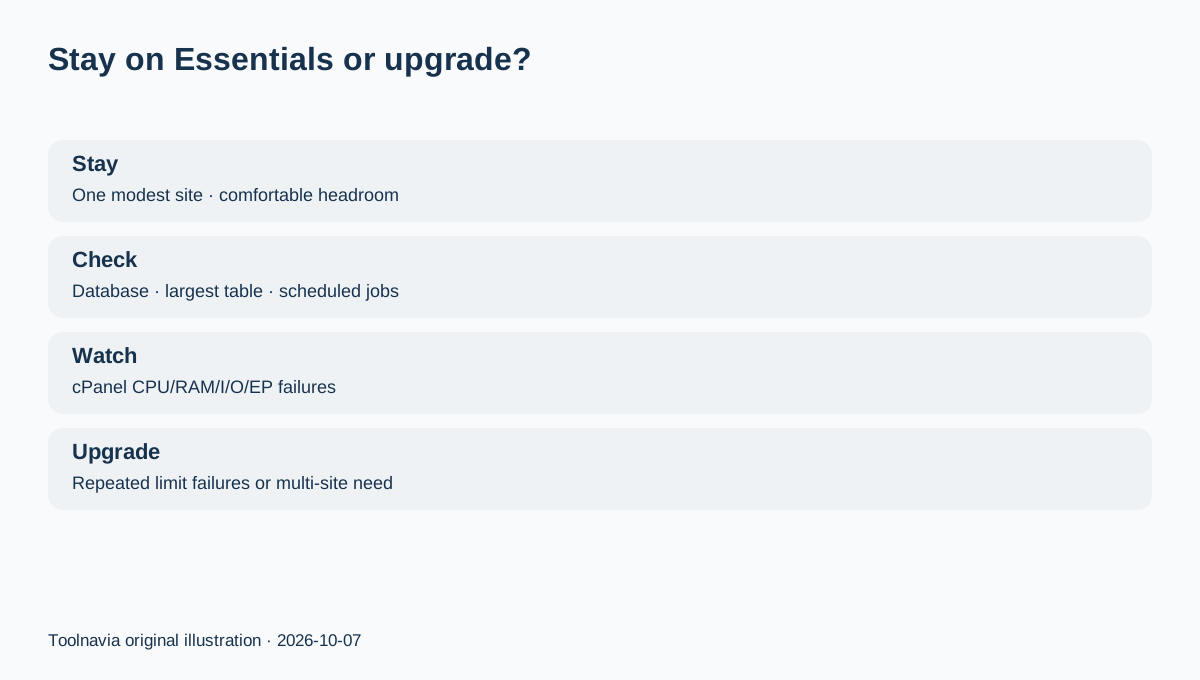
Stay on Essentials when you have one modest site, database size and largest tables are comfortably below the published caps, background jobs can tolerate the cron interval, and cPanel usage history shows comfortable CPU/memory/entry-process headroom.
Move to a higher HostPapa tier or another hosting model when repeated CPU, memory, I/O or entry-process failures appear, when the database approaches its limits, or when the application needs more frequent scheduled tasks or multiple sites.
The best pre-purchase check is simple: record current storage, database size, largest table, peak active PHP workload and scheduled-job frequency. If any of those are already close to the published Essentials ceiling, the lowest plan is not actually the cheapest plan for your workload.