TOOLNAVIA / BUYING GUIDE
HostPapa Backup: Is 1GB Enough for a 25GB Plan?
The short answer
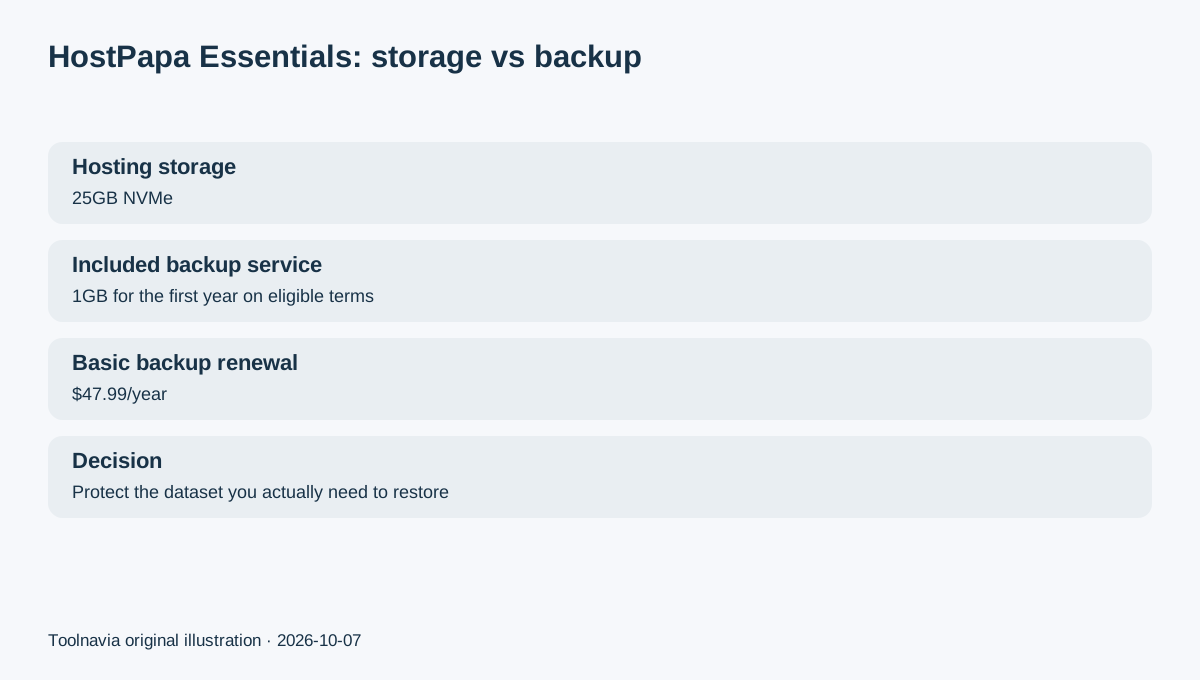
HostPapa Essentials can store up to 25GB of website data, but the included automated-backup allowance is much smaller: the current plan page lists 1GB of backup capacity free for the first year on eligible 24- or 36-month Essentials terms. HostPapa's current renewal table lists the Basic 1GB backup product at $47.99/year after the included period.
Affiliate disclosure: Toolnavia may earn a commission if you buy HostPapa through links on this editorial page. HostPapa has given written permission for editorial reviews and comparisons. This article is a backup-planning guide and is not placed in the Coupons section.
At a glance
- Best for
- Essentials buyers deciding whether the included backup capacity is enough or a larger/off-host recovery plan is needed.
- Price model
- 1GB included first year on eligible terms; Basic renewal $47.99/year
- Check first
- Backup capacity is separate from hosting storage and later renews separately.
The 25GB hosting limit and 1GB backup limit solve different problems
The 25GB number tells you how much site data the hosting account can store. The 1GB automated-backup allowance tells you how much data HostPapa's Basic backup service can protect within that service.
Those numbers should not be compared as if they were the same resource. A site can fit comfortably inside 25GB of hosting and still exceed 1GB of backup data once uploads, databases or email are included.
Before purchase, estimate the size of the data you actually want to recover after a failure—not just the total capacity of the hosting account.
Start by measuring files, database and email separately
HostPapa says its automated backup product can protect website files, MySQL databases and cPanel email, with storage tiers beginning at 1GB and larger capacity options available.
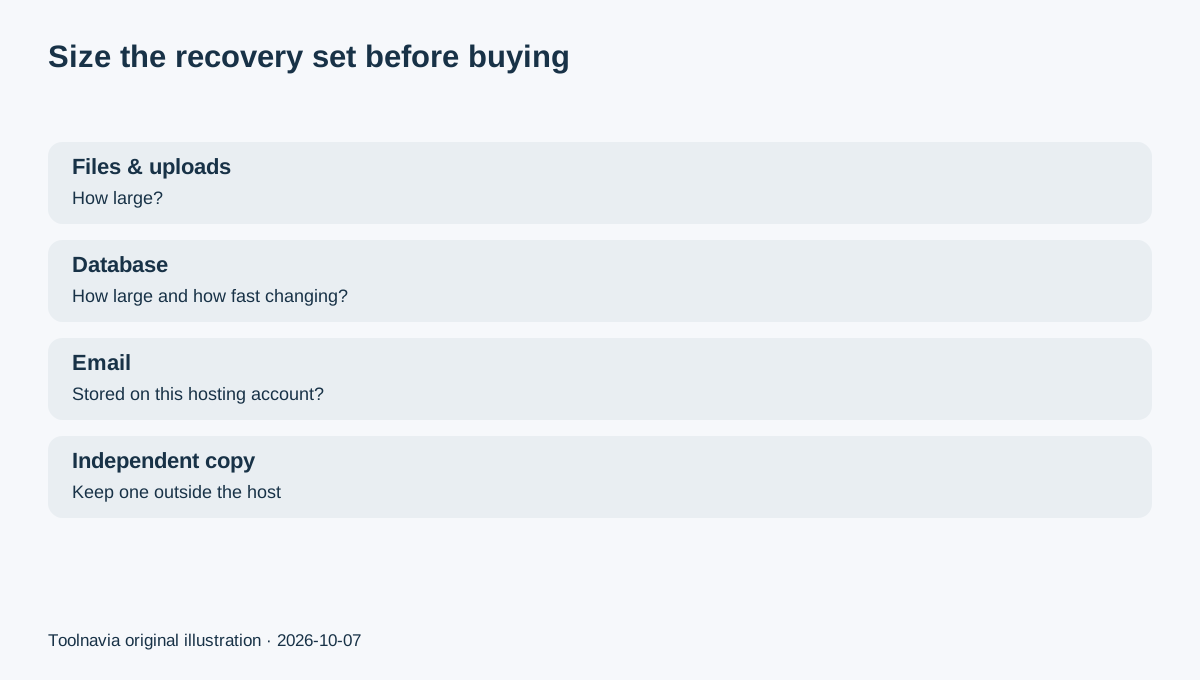
That makes a simple pre-purchase inventory useful: WordPress/application files, uploaded media, database size, mailboxes stored on the hosting account, and any large archives or old backups already sitting inside the account.
If the items you expect to protect already exceed 1GB, the Basic tier is not enough even if the website itself is small.
Restore history is useful only when the right data fits
HostPapa's current backup service includes daily automated backups, recovery controls and version history.
Restore history is valuable because a broken update may not be noticed immediately. But retention depth does not solve capacity. Multiple recovery points for only part of the important dataset are not a complete recovery plan.
The key question is whether the protected set includes the files, database and email that would actually matter after an incident.
The first-year inclusion can become a separate renewal cost
For eligible Essentials terms, the current plan page includes the 1GB backup service for the first year. HostPapa's renewal table lists Automated Website Backup Basic 1GB at $47.99/year.
That cost should be added to the long-term hosting budget if you intend to keep the service. The hosting plan's own three-year renewal reference is currently $8.99/month billed $323.64 for three years, so backup can become a separate line item after the included period.
A good buying decision records both numbers before checkout: hosting renewal and backup renewal.
Host-managed backup should not be your only copy
HostPapa's terms say customers remain responsible for storage, backup and archiving unless a subscribed service expressly provides backup.
Even when the automated backup service is active, a business-critical site should keep an independent copy outside the same hosting account. That can be a plugin export, application-level backup, local archive or another storage location appropriate to the site.
The goal is to ensure a host-account problem does not remove both the production site and the only recovery copy.
Choose backup capacity from recovery needs
A brochure site with a small database and few images may fit inside 1GB. A store, membership site, image-heavy portfolio or business using hosted mail can outgrow 1GB quickly.
Before choosing Essentials, answer three questions: how much data must be recoverable, how quickly is that data changing, and which parts need off-host copies?
If the protected set is larger than 1GB, compare a larger backup tier or use an independent backup system from day one.
When HostPapa Essentials is a reasonable fit
Essentials makes more sense when one website fits the 25GB hosting envelope and the buyer is willing to manage backup capacity as a separate decision.
If the critical dataset itself fits inside the included backup allowance, the first year provides a useful managed recovery layer. If the protected dataset is larger, budget for more backup capacity or an independent workflow instead of discovering the gap after an incident.
The practical buying rule is simple: never let the hosting storage number substitute for a recovery-capacity calculation.