TOOLNAVIA / BUYING GUIDE
HostPapa Migration Checklist: cPanel, Email & DNS
The short answer
HostPapa's free migration can remove a major reason to delay switching hosts, but a successful purchase still depends on how you sequence the move. The current Essentials plan is designed for one website with 25GB NVMe storage, 1 CPU core and 1GB memory. HostPapa currently lists a $2.95/month starting price on a 36-month first term and a three-year renewal reference of $8.99/month.
Affiliate disclosure: Toolnavia may earn a commission if you buy HostPapa through links on this page. HostPapa has given Toolnavia written permission to use affiliate links in editorial HostPapa reviews and comparisons. This article is an editorial migration guide and is not published in the Coupons section.
At a glance
- Best for
- One existing website that fits HostPapa Essentials and needs a conservative migration with rollback.
- Price model
- Essentials: $2.95/mo first 36-month term; 3-year renewal $8.99/mo
- Check first
- Transfer scope depends on source access and compatibility; migration does not include redesigning the site.
First: confirm the destination plan fits the site you are moving
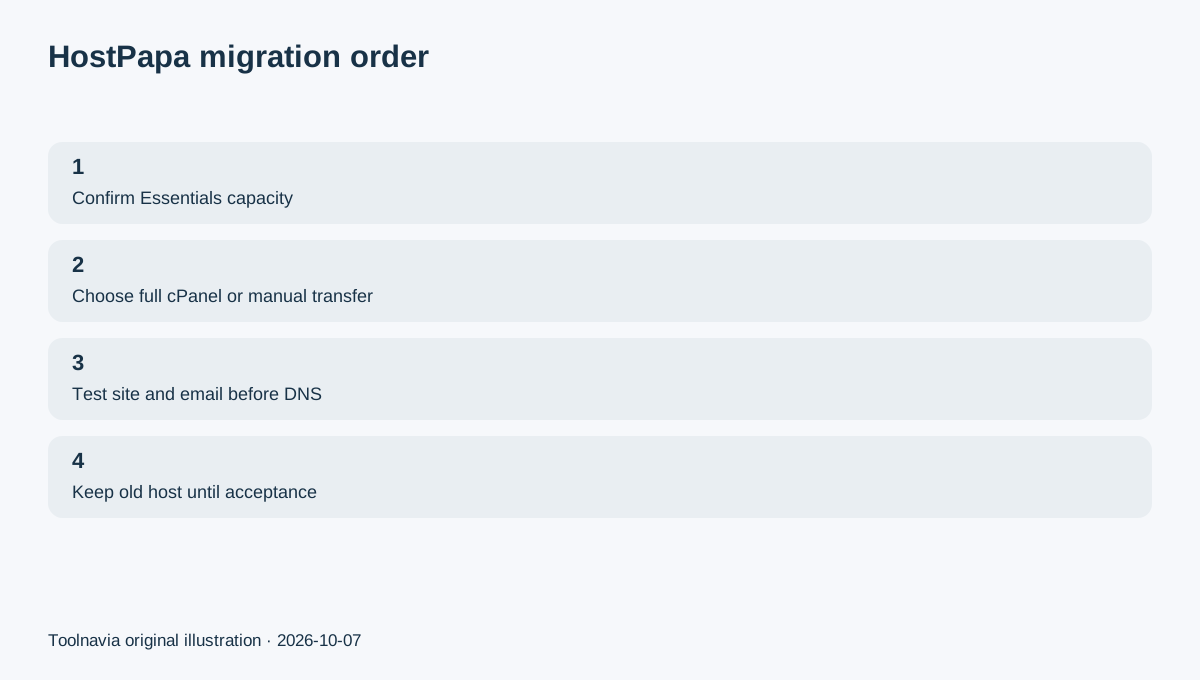
A migration should not begin with DNS. It should begin with capacity.
Essentials supports one website and 25GB NVMe storage. HostPapa's current resource chart also gives Essentials 1 CPU core, 1 MySQL core, 1GB memory and 10 entry processes.
Before ordering, record your current disk usage, database size, mailbox count and whether the site depends on cron jobs, special PHP modules, staging, external storage or custom server settings. If the existing site already exceeds the new plan's storage or resource envelope, migration assistance does not remove the underlying fit problem.
The goal is to arrive on the correct plan once, not to complete a move and discover immediately that the site needs another upgrade.
Choose the right migration route before you touch DNS
HostPapa says new hosting customers can request website migration through the dashboard or support. The current migration documentation distinguishes full cPanel transfers from manual transfers.
A full cPanel transfer can carry domains, subdomains, databases, cPanel settings and email when the old host's cPanel backup generator is available. Manual transfers cover non-cPanel hosts and more unusual account structures, but HostPapa also states that some platforms and configurations cannot be transferred automatically or at all.
If you are leaving another cPanel host, ask whether your account qualifies for a full cPanel transfer. If you are leaving a site builder or a host that restricts file/database access, verify transfer feasibility before you depend on the move.
Keep the old host live while the new copy is tested
HostPapa's own transfer checklist advises customers not to cancel the old hosting account immediately. Its cPanel material also describes testing the new site before the DNS switch.
The safer order is simple: keep the existing site live, copy the site, test important pages and workflows on HostPapa, confirm mailboxes, and only then change DNS or nameservers.
This keeps a rollback path open. If something is missing on the new copy, the original environment is still available while the problem is fixed.
Treat email as a separate acceptance test
Email is one of the easiest things to overlook during a hosting move.
HostPapa says full cPanel transfers can include email accounts and messages when the source cPanel backup path is available. For non-cPanel transfers, customers may need to create the new mailboxes themselves before changing nameservers.
Before the DNS change, list every mailbox and forwarder you rely on. Then verify send and receive behavior on the destination. A website can look perfect while mail is still pointing at the wrong server.
For a business site, migration is not accepted until both the website and its email workflow are confirmed.
Use the first 30 days as a production acceptance window
HostPapa's current cancellation policy gives first-time hosting customers a 30-day money-back period, subject to the policy terms. Domain registration fees are non-refundable.
Use that period to confirm the migrated site behaves normally, test backup access, verify email, review the renewal price you accepted and confirm that actual storage/resource use still fits after the move.
If the service does not fit, the exit decision is easier while the old environment, domain records and backup copies are still organized.
Free migration does not mean a redesign
HostPapa describes migration as moving the existing site as-is. Changing the site to a new domain, redesigning content or rebuilding a site is a different project.
That boundary makes migration measurable: the new environment should reproduce the existing production site and its essential data. Redesigns and major platform changes should happen after the move is stable.
Final checklist before you cancel the old host
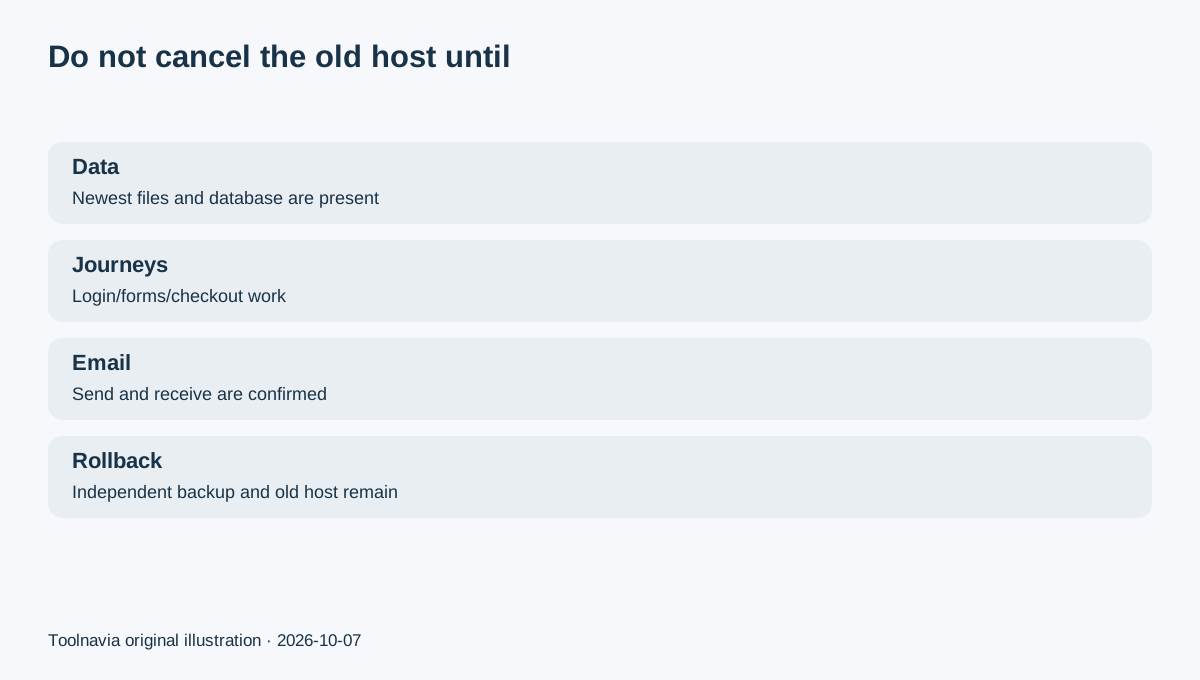
Do not cancel the source account until the newest files and database records are on HostPapa, important user journeys work, mailboxes send and receive correctly, DNS points where you expect, an independent backup exists, the renewal amount is understood and a rollback path still exists.
HostPapa Essentials can be a practical one-site landing place when the 25GB and 1-core/1GB envelope fits. The migration service reduces the copying work, but the buyer still owns the acceptance process.