TOOLNAVIA / BUYING GUIDE
hosting.com Starter Staging: Upgrade to Pro or Use Softaculous?
The short answer
hosting.com’s current comparison puts built-in Staging Sites and Preview URLs on Pro, not Starter. The buying rule is simple: choose Starter only if a verified manual or Softaculous workflow is enough; choose Pro when a named, plan-level staging entitlement is required. A staging help article does not prove every Starter account exposes Softaculous Premium.
At a glance
- Best for
- Starter buyers who can verify a clone workflow.
- Price model
- Live checkout controls totals; no fixed claim. Only Starter has approved CTA.
- Check first
- Starter has no named plan-level staging; verify Premium and back up before push.
Short answer: Pro is the clear staging entitlement
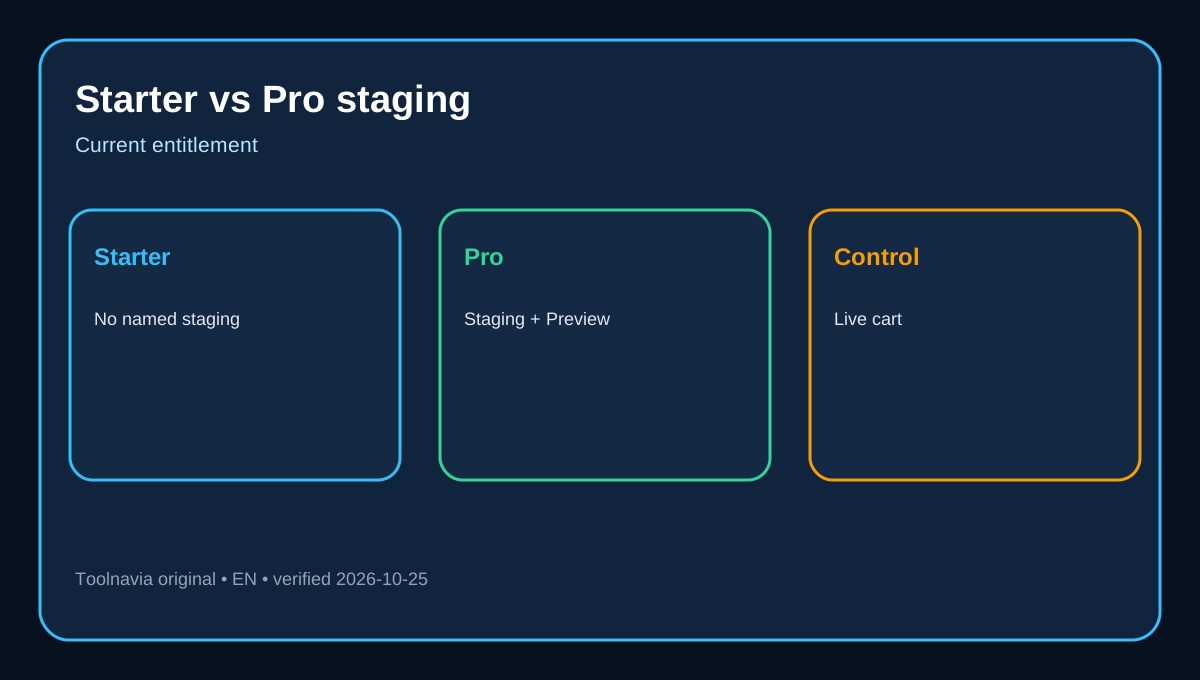
The official matrix lists Starter with five websites and 15 GB NVMe. Pro includes everything on Starter, then adds ten websites, 50 GB, more CPU and RAM, Staging Sites and Preview URLs. Independent current summaries also place staging and preview URLs on Pro or higher.
Starter can still suit a small, rarely changed site if the exact account confirms a usable clone workflow. But “a clone can be built” is not the same promise as “staging is included.” Verify both before checkout.
What Starter and Pro officially include
Starter is the exact approved commercial offer in this article. Its current matrix names five websites, 15 GB NVMe, free domain, free migration, SSL, malware removal and daily backups. Pro expands capacity and explicitly adds staging and preview URLs. That is the decisive feature difference.
Public pages do not expose a stable text-readable final total for every term. Price, renewal, tax and promotions can change with the cart. Compare live Starter and Pro totals rather than a cached headline. The exact registry-linked Starter product page is the only approved commercial destination here. Toolnavia links only the exact approved Starter offer; Pro is informational because no matching approved Pro offer is available.
Can Starter still stage with Softaculous?
hosting.com documents a cPanel Softaculous workflow: choose the installed app, create a staging copy on a subdomain or addon domain, test it and later push changes live. This proves a workflow exists in the environment.
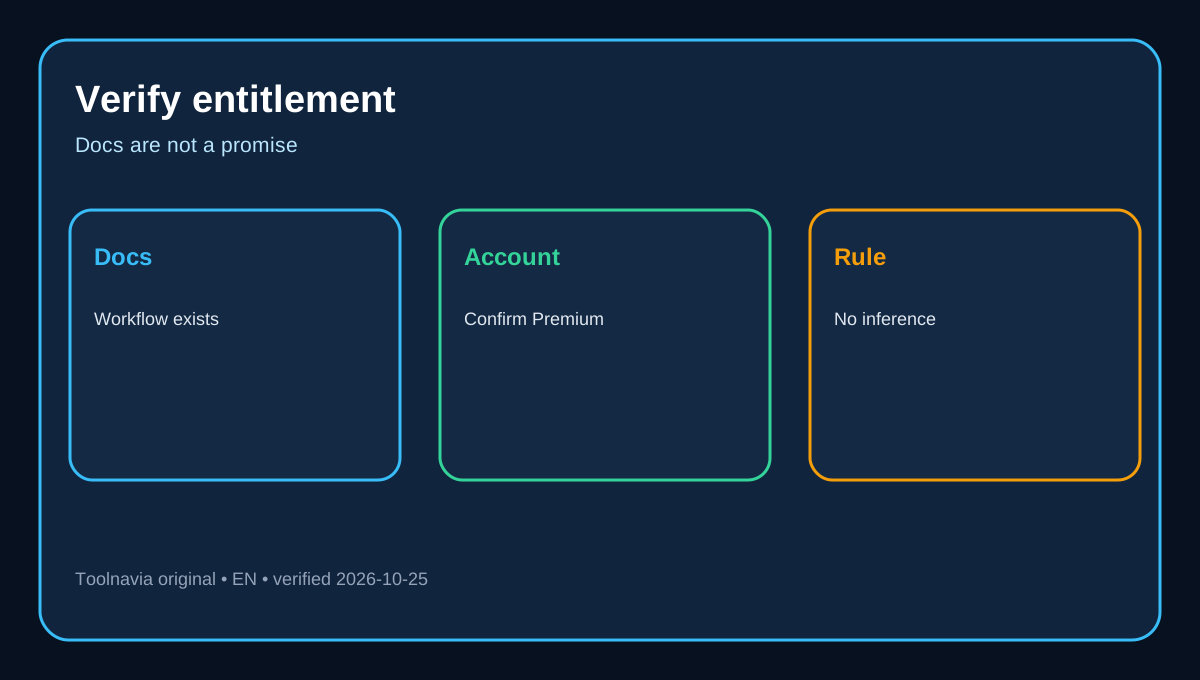
Entitlement is separate. hosting.com says WordPress in Softaculous is available only in Softaculous Premium. The documentation does not say every Starter account includes Premium or staging for every app. Before buying Starter for this purpose, ask support or inspect the exact account for Softaculous Premium, the Staging action, target-app support and subdomain permission. Without confirmation, do not treat the help page as a Starter promise.
Softaculous describes staging as a test copy later pushed to production. cPanel offers a manual pattern using a subdomain, copied files and a cloned database. Either may work technically, but the current official plan matrix controls the plan-level entitlement.
The hidden cost of a manual clone
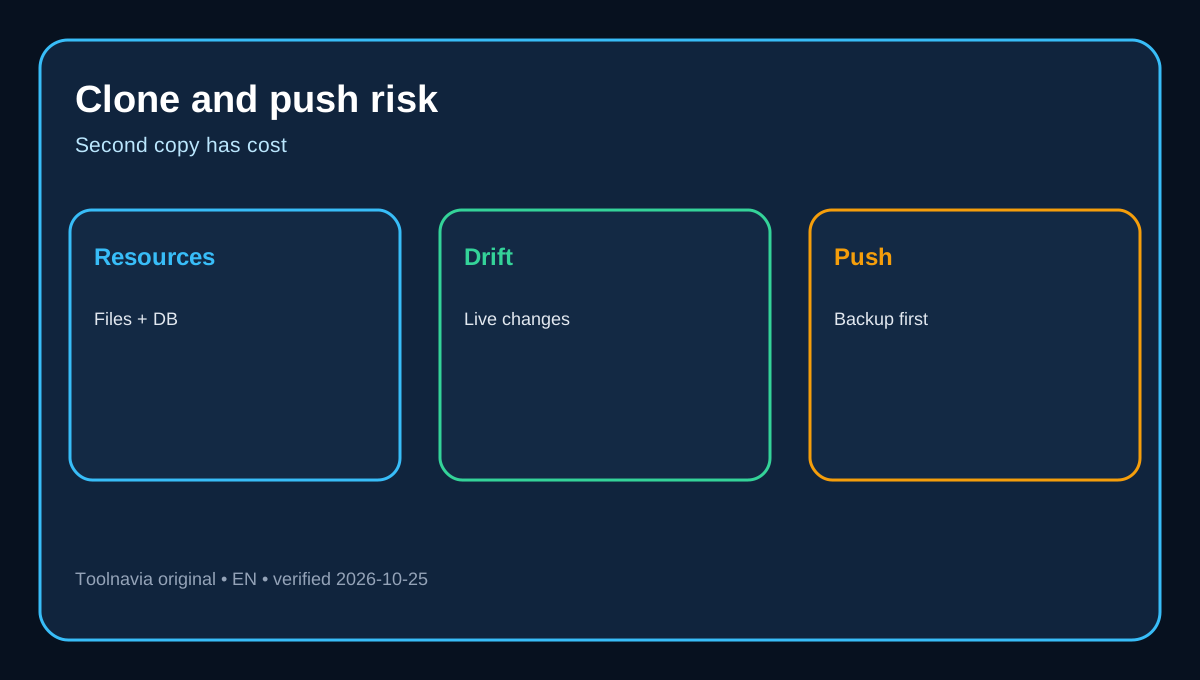
A manual copy consumes shared resources: files, inodes, database size, storage, CPU and memory. A large site can make two copies fit poorly even when Starter permits several websites. Active shops keep receiving orders and accounts, so live and staging databases drift.
Independent guides describe subdomain clones and database synchronization as practical but operationally demanding. You must change configuration, block indexing, protect the staging URL, prevent real email or payment actions, and decide how changes return to live. Licences may count the staging hostname as another activation. hosting.com warns that licensing or plugins can block staging and that Magento is unsupported in its documented Softaculous path.
Starter is cheapest only when the copy fits and the owner can maintain it. If each release needs a careful clone, synchronization and rollback check, labour and failure risk can exceed the cart difference.
Push-to-live is the risky step
The official guide says to back up before pushing and not rely only on one application. Its default push replaces live files, deletes the live database and imports the staging database. A custom push narrows scope but still requires careful selection and verification.
For ecommerce, membership and active publishing sites, orders, forms, comments or accounts created after the staging copy can be lost when an older database overwrites live. Keep a current independent backup, freeze writes where practical, select tables only when you understand them, and test live immediately afterward.
Pro reduces uncertainty about feature availability; it does not remove release discipline. Backups, noindex, access control and rollback remain necessary.
Upgrade economics without a misleading price claim
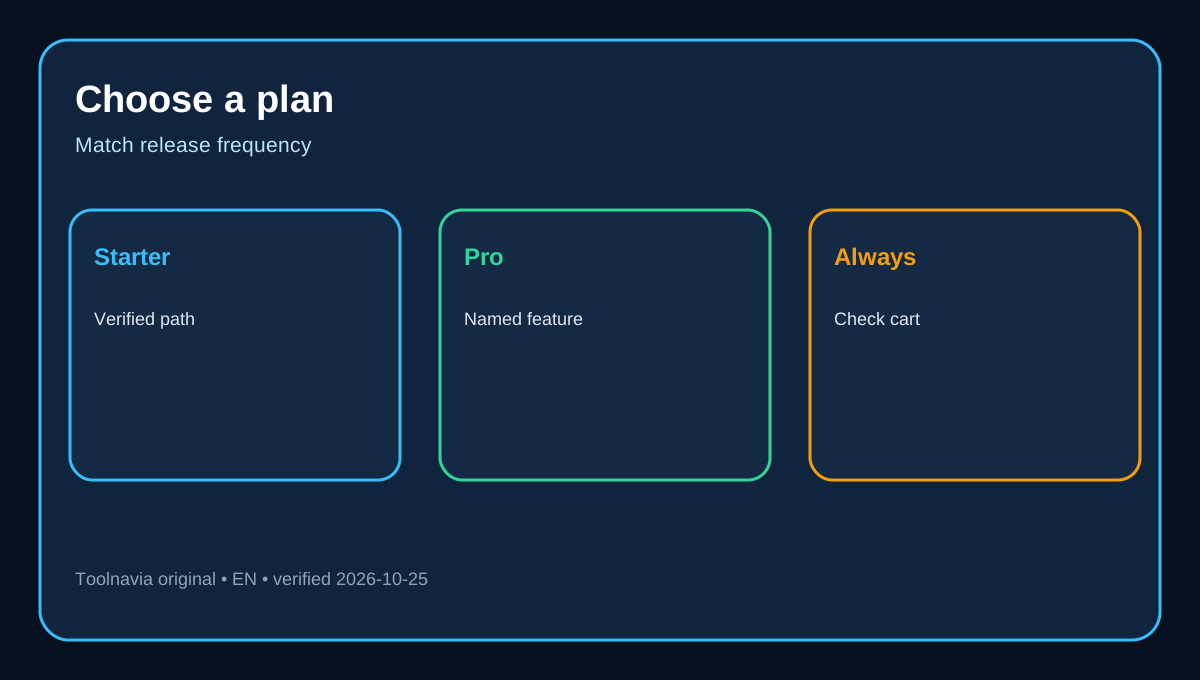
Use the live cart. Treat the annual Pro premium as the difference between selected Pro and Starter totals. Estimate annual releases and time spent cloning, synchronizing and checking rollback. Upgrade when the premium is lower than recurring labour, or when one failed push could cost more than the annual difference.
Some reviews still show Starter, Plus, Pro and Max, while the current official matrix shows Starter, Pro and Max. Reviews and regional carts can lag. This article follows the official matrix and avoids an obsolete Plus tier or unverified cached price.
Decision checklist and verdict
Choose Starter only when the exact account confirms Softaculous Premium or another permitted clone method; the second copy fits storage, inode, database and runtime budgets; you can secure and noindex it; and releases are infrequent.
Choose Pro when built-in Staging Sites and Preview URLs are required, releases are frequent, or uncertainty itself is costly. Match the plan name and features in the live cart, confirm renewal terms, and keep a separate backup before every push. Starter is a good low-cost host, but it is not the current official answer when staging must be included.