TOOLNAVIA / BUYING GUIDE
hosting.com Starter Free Migration: What Actually Moves?
The short answer
hosting.com includes free managed migration on Starter. The key limit: “free” and “unlimited” describe the service fee and number of moves, not an exemption from Starter capacity. Buyers still need to know what moves automatically, what must be rebuilt and when DNS changes.
At a glance
- Best for
- Buyers moving a standard cPanel or conventional site into an empty Starter account.
- Price model
- Migration marketed free on every plan; hosting and any required upgrade remain paid.
- Check first
- Full cPanel migration requires an empty destination; non-cPanel mail may be manual; root/server configuration is excluded; Starter limits still apply.
Is the migration really free on Starter?
The current migration page says the team handles migrations on every plan and permits one site or many without a per-site charge. Independent reviews also describe free migration on hosting.com cPanel plans and for new customers. The exact Starter offer is therefore eligible in principle.
Eligibility does not guarantee that every source environment can be cloned without manual work. The team asks for the destination, domains, SSL, access and special instructions, then estimates work from source speed, site count and complexity. Confirm scope before cancelling the old account.
Full cPanel move versus manual move
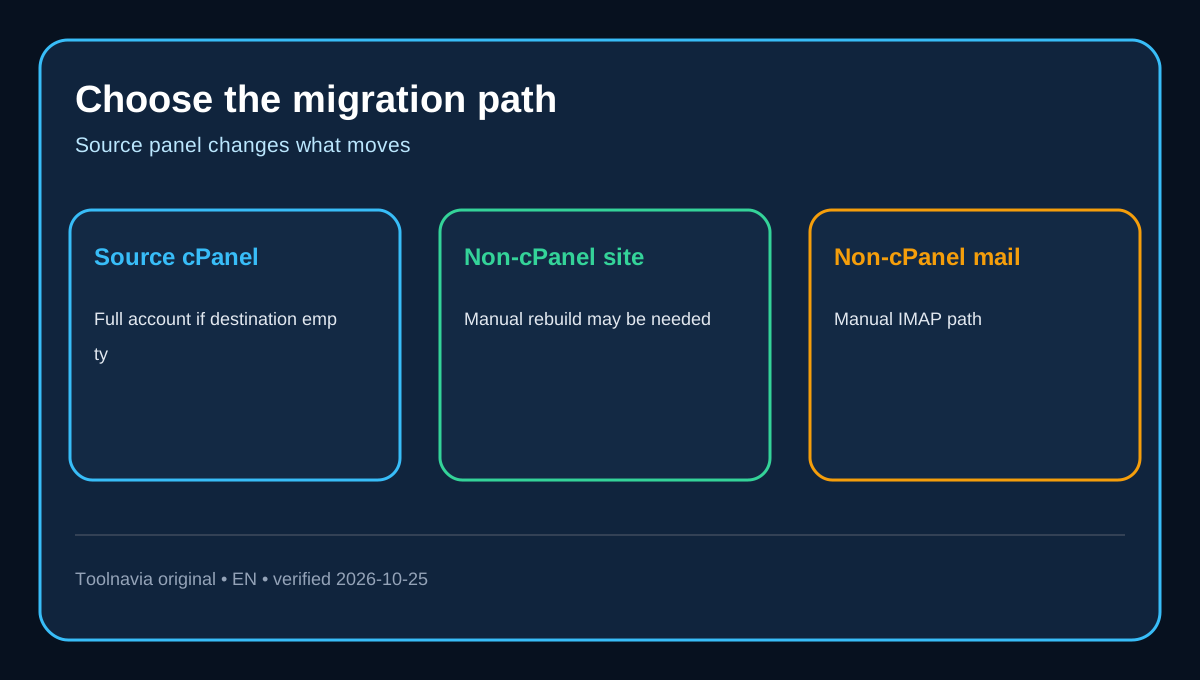
A full cPanel migration is the cleanest path. hosting.com’s email documentation says the source must be cPanel and the destination hosting.com account must be empty for the entire account—including mail—to be migrated. Existing files, mailboxes or configuration in the destination can therefore change the procedure.
For a non-cPanel source, hosting.com says it can move conventional websites manually, but host-specific settings may need to be recreated. Non-cPanel email is explicitly a manual path: corresponding mailboxes must first be created at hosting.com, the old server must support IMAP, and messages are then copied between source and destination accounts. “Managed migration” should not be read as “every object is automatically portable.”
What a cPanel migration includes—and excludes
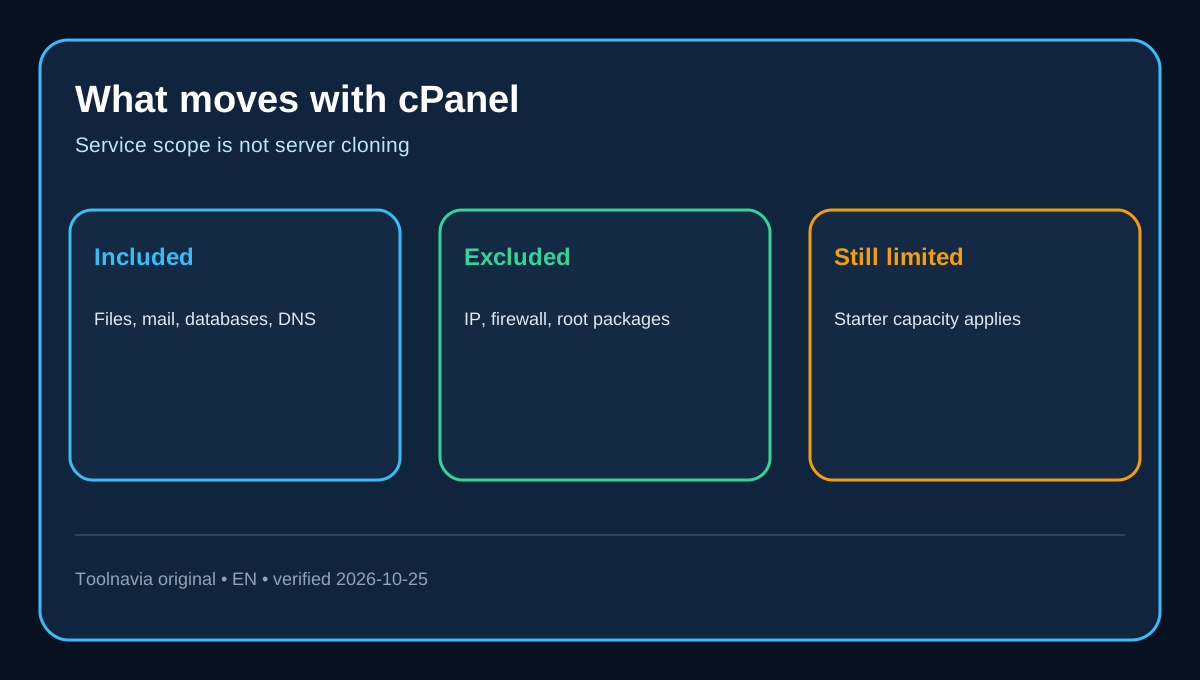
The cPanel scope page lists website files, email accounts and routing settings, MySQL and PostgreSQL databases, cron jobs, DNS settings, redirects, FTP accounts, backup settings, compatible applications, Softaculous installs and SSL certificates.
The exclusions matter for buyers coming from a VPS or customized server. IP addresses, network configuration, Apache/PHP server files, firewalls, the MySQL service configuration, root-owned files, root-installed packages, Server Rewind backups and existing two-factor keys are not moved. Application setup also depends on the destination environment. Budget time to rebuild these items instead of assuming the migration team can reproduce root-level infrastructure on Starter.
Email and DNS need explicit confirmation
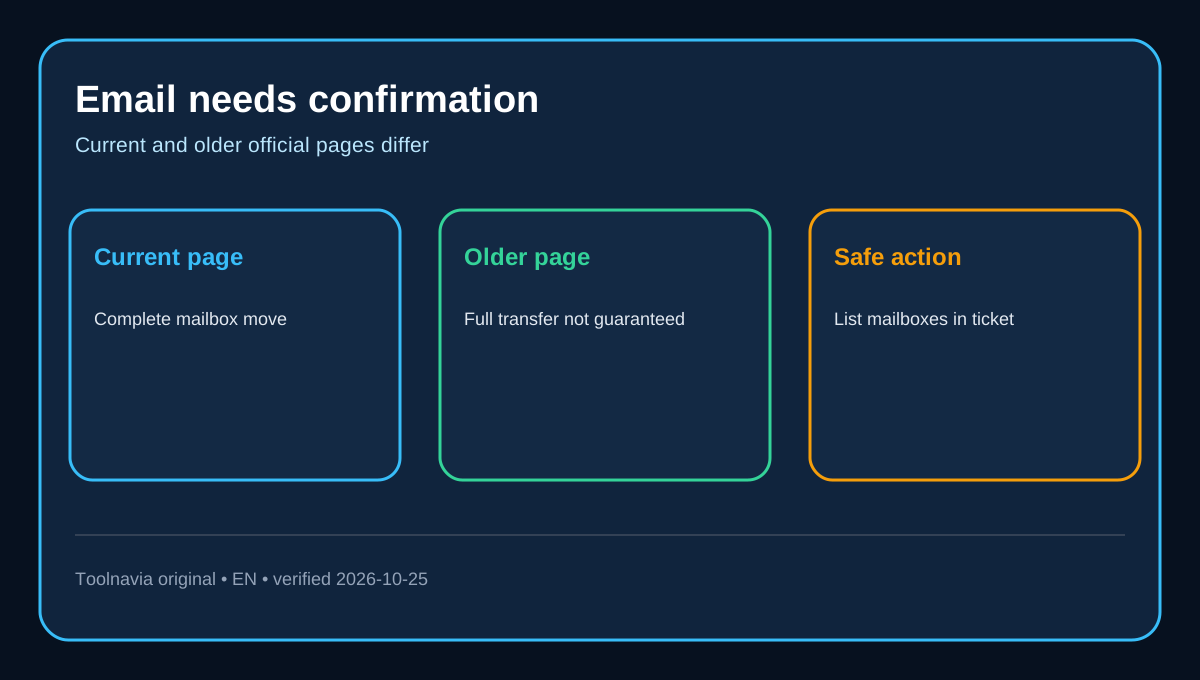
The current sales page promises complete mailboxes, messages, folders, aliases, forwarders and catch-alls, and says MX and DNS records are configured. However, an older first-party migration article says emails are included but the entire mailbox transfer is not guaranteed because it can be time-consuming. This is a material policy conflict.
Use the current service page as the present marketing position, but put every mailbox, alias and external mail service in the migration ticket. If mail is on Google Workspace or Microsoft 365, hosting.com says it can leave that service in place while moving only the site. If the source is non-cPanel, plan for manual IMAP work. DNS records moving with cPanel is not the same as transferring domain registration; verify registrar changes separately.
How cutover avoids avoidable downtime
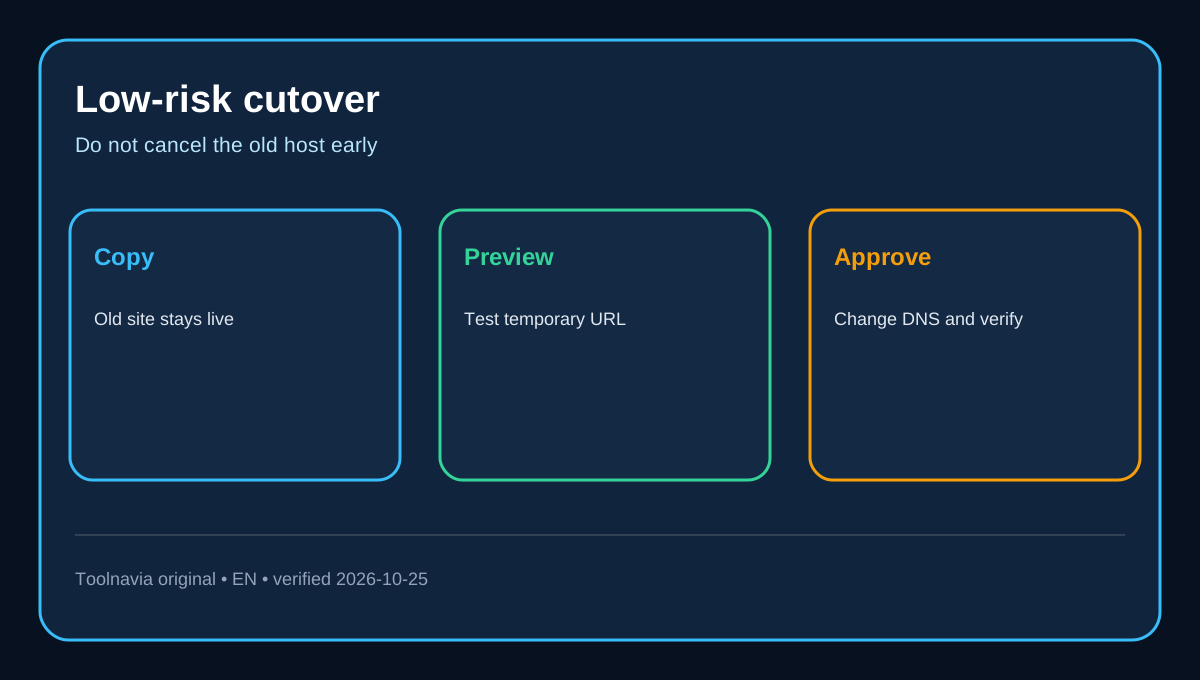
hosting.com says the live site remains on the old server while a copy is built and tested. You receive a temporary URL, review the migrated copy, and approve the go-live before DNS changes. The older process guide similarly recommends testing on a shared URL before changing name servers.
Most moves are quoted at 30 minutes to 48 hours, but source speed, site count and complexity can extend them. For ecommerce, agree a quiet window. Keep the old host active until site, SSL, forms and mail pass after propagation.
Starter capacity still controls the result
Free migration does not upgrade Starter. A copied account still has to fit the plan’s resource and file-count boundaries; see our [Starter resource-limits guide](/hosting/hosting-com-starter-resource-limits). Mailboxes also remain subject to the exact Starter entitlement; see the [Starter mailbox-limits guide](/hosting/hosting-com-starter-email-mailbox-limits).
Before submitting the ticket, total the sites, databases, files, storage and mailboxes. If the source exceeds the destination, moving it for free does not make the resulting account usable. Upgrade or reduce the account before cutover rather than discovering the mismatch after DNS changes.
A low-risk migration checklist
1. Confirm the cart still names the exact Starter product and that migration is included.
2. Inventory sites, databases, storage, inode count, mailboxes, aliases, DNS records, cron jobs, SSL and custom server software.
3. Keep the destination empty if requesting a full cPanel account migration.
4. Open the migration ticket with source access, destination service, domains, SSL and special instructions.
5. Ask the team to list every excluded or manually recreated item—especially email and root-level settings.
6. Preview the temporary URL and test pages, logins, forms, database writes, SSL and outgoing/incoming mail.
7. Approve DNS cutover only after validation, then keep the old host active until propagation and post-cutover checks finish.
Starter’s free migration is valuable when the source is conventional and the destination fits. Its real boundary is not the advertised migration fee; it is the combination of source-panel compatibility, documented exclusions, ticket-specific work and Starter capacity.