TOOLNAVIA / BUYING GUIDE
hosting.com Starter Resource Limits: Can 2GB RAM and 30 Processes Handle Your Site?
The short answer
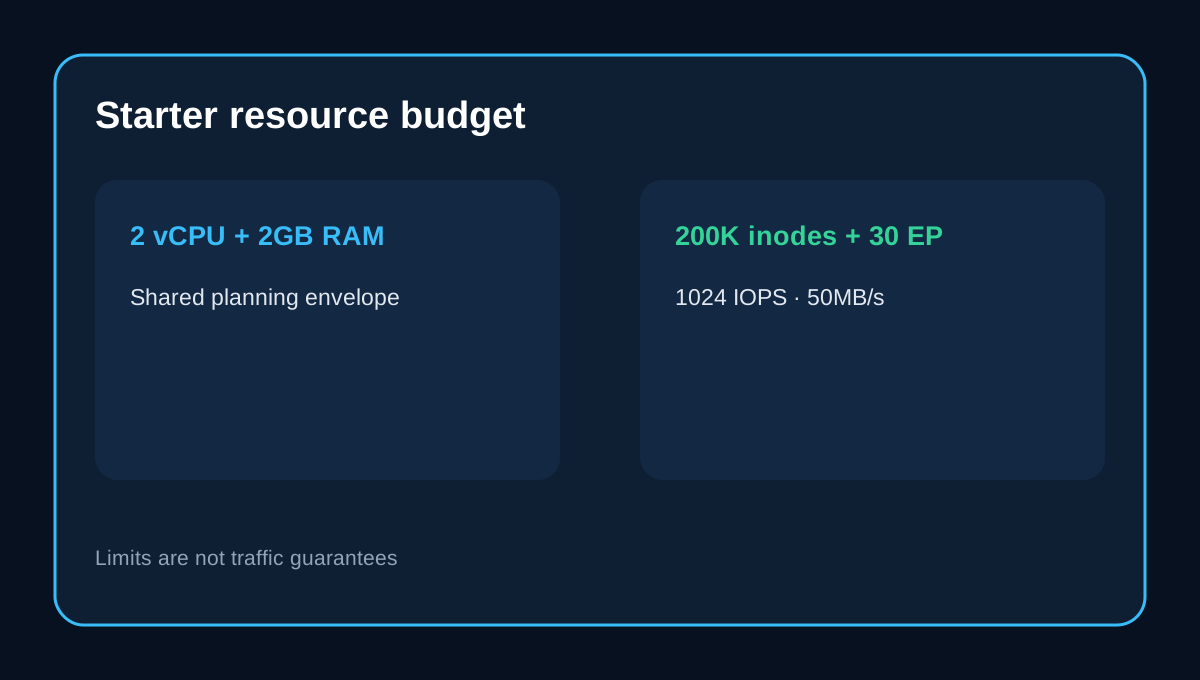
hosting.com Starter currently publishes **2 virtual CPUs, 2GB RAM, 1,024 IOPS, 50MB/s I/O, 200,000 inodes, 30 entry processes and a 1GB maximum database size**. These numbers help comparison, but they do not promise that every WordPress site handles the same visitor count. A cached brochure site or modest blog can fit; a plugin-heavy store, membership site or uncached app can hit a process, database or I/O ceiling much sooner.
At a glance
- Best for
- One modest cached site with monitoring.
- Price model
- Checkout-controlled
- Check first
- Shared resources; no traffic guarantee.
Read the numbers as a shared budget
CPU and RAM are account allocations under hosting.com's shared-resource model, not dedicated hardware. IOPS limits storage operations and the 50MB/s row limits throughput. A site can slow because one resource is exhausted while disk space remains. The **200,000 inode limit** counts files and directories, not gigabytes. Cache, old staging copies, email, logs and backup archives can consume inodes quickly. Track file count as well as storage.
Thirty entry processes are not thirty guaranteed visitors
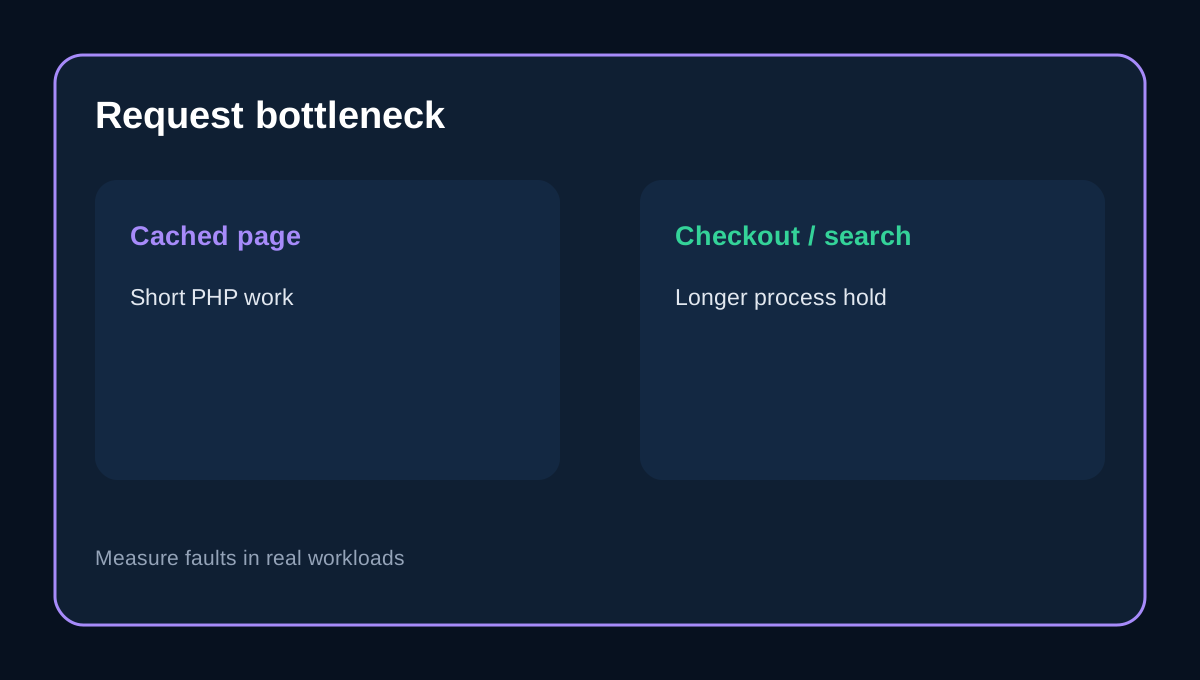
An entry process is a concurrent web request entering the account. hosting.com also publishes a visitor-capacity guide, but labels it guidance rather than a hard limit. A cached page may finish quickly; an uncached checkout, search or slow plugin can hold a process longer. Therefore 30 entry processes cannot become a universal “30 visitors at once” promise. A brochure site should use page caching and optimized images. A content site should monitor imports, indexing and cron jobs. A store should test login, cart, checkout and webhooks.
The 1GB database ceiling can arrive first
Starter currently lists a **1GB maximum database**. WooCommerce orders, analytics tables, security logs and revisions can reach it even when CPU looks normal. Inspect the database before migration and back up before cleanup.
Do not apply an old A2 test to a new Starter order
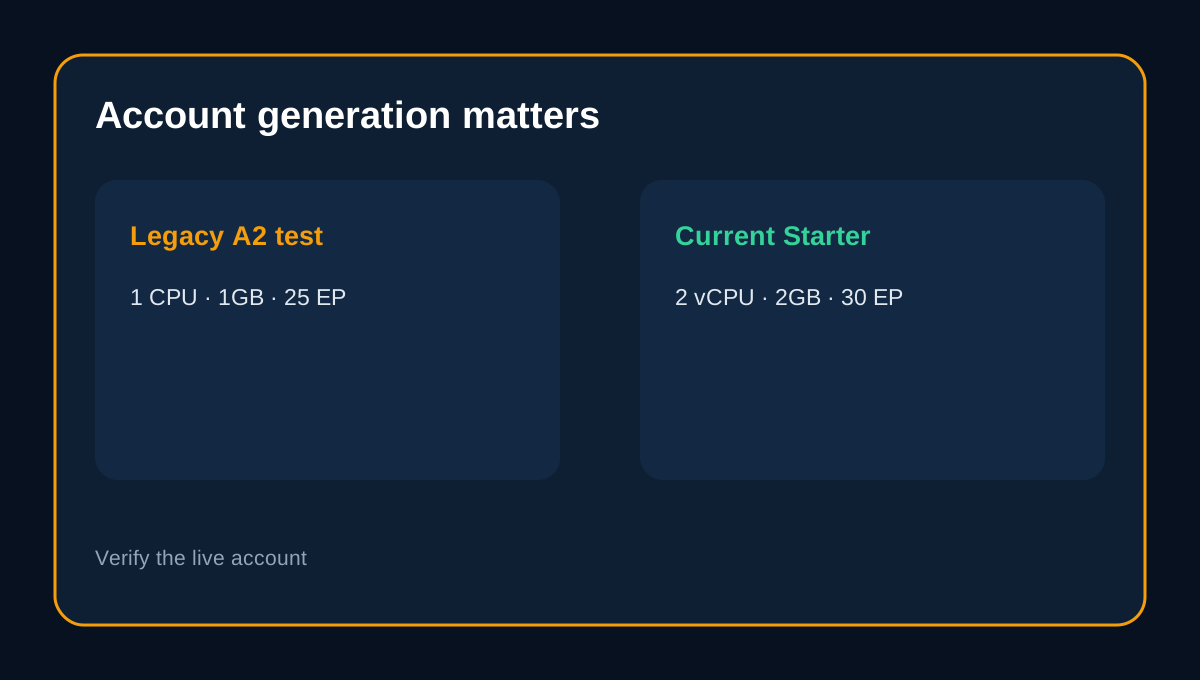
ThatMy reports an older A2-era account with about **1 CPU, 1GB RAM and 25 processes**, while the current matrix shows 2 vCPU, 2GB and 30 entry processes. Do not average them. The older result is legacy-account evidence; the live matrix is the new-order specification. After provisioning, confirm limits in cPanel Resource Usage. Hostingstep identifies its tested product as Starter and reports measured latency, uptime and load behavior. Those results are context, not a guarantee for another region, stack or traffic pattern.
Three workload decisions
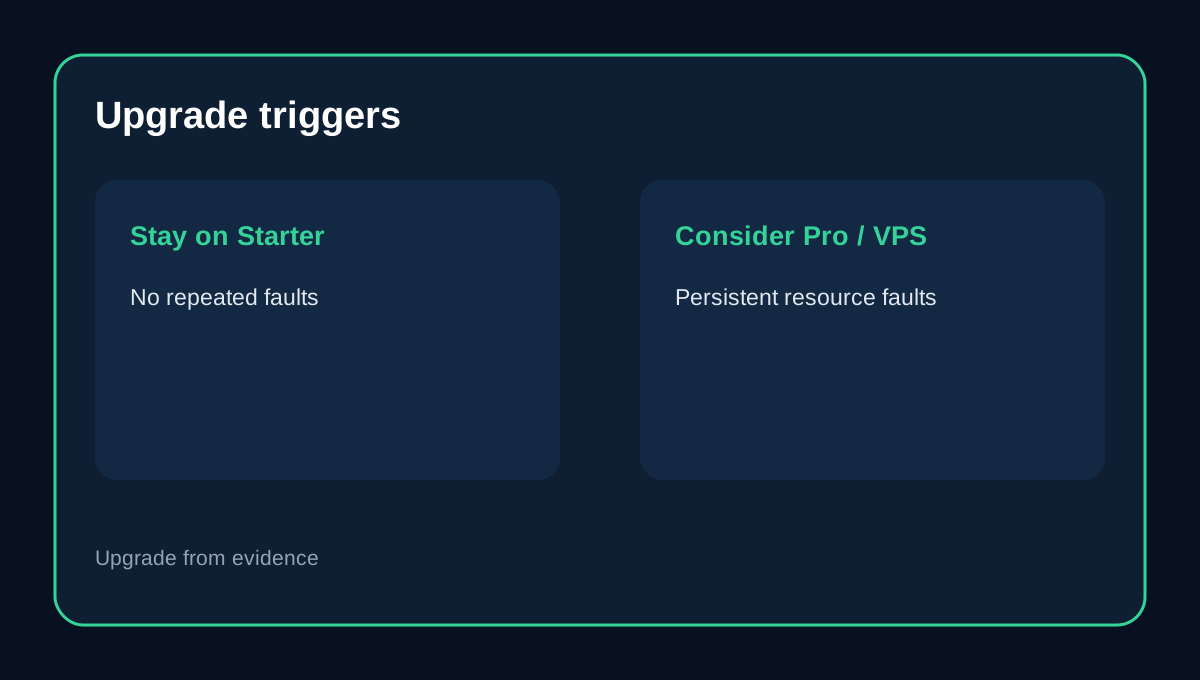
**Good fit:** one cached company site, portfolio or modest blog with controlled plugins. **Borderline:** a growing publication with frequent imports, search indexing, several cron jobs or a large media library. Monitor CPU faults, memory faults, I/O and inode growth. **Upgrade candidate:** an uncached membership site, busy WooCommerce store, frequent large backup generation or sustained background workers. Higher tiers publish more resources and selected performance features, but an upgrade should follow measured bottlenecks.
Verify before and after checkout
Confirm the live Starter row and price before buying. After provisioning, record CPU, physical memory, I/O, IOPS, entry-process and fault history during a normal week and a planned load test. Count inodes and inspect the largest database. Upgrade when repeated faults correlate with slow pages or failed jobs, not after one spike. If the workload needs dedicated resources or uses shared hosting for prohibited large media/file distribution, Starter is the wrong architecture.
**What independent reviews add.** ItechGuides treats the current resource rows as provider specifications and recommends a verify-after-provisioning approach. HostingRanker adds current buyer context around plan qualifications, while HostingPerk notes that explicit CPU and RAM rows still require workload interpretation. These pages support the monitoring framework; none overrides hosting.com's current matrix.
Verdict
Starter is reasonable for one modest, well-cached site whose owner monitors real use. Explicit limits are a strength, but **2GB RAM and 30 entry processes are a planning envelope, not a traffic guarantee**. Use current official rows as the purchase baseline, disclose legacy differences and validate the live account before moving revenue-critical work. Toolnavia's exact hosting.com Starter offer is approved, market-confirmed and enabled. The commercial link uses the matching [hosting.com Starter route](/go/hosting-com-shared-hosting-starter-official-usd); checkout controls final price and details.