TOOLNAVIA / BUYING GUIDE
hosting.com Starter Backups: 30-Day Restore, but Can You Restore the Full Account?
The short answer
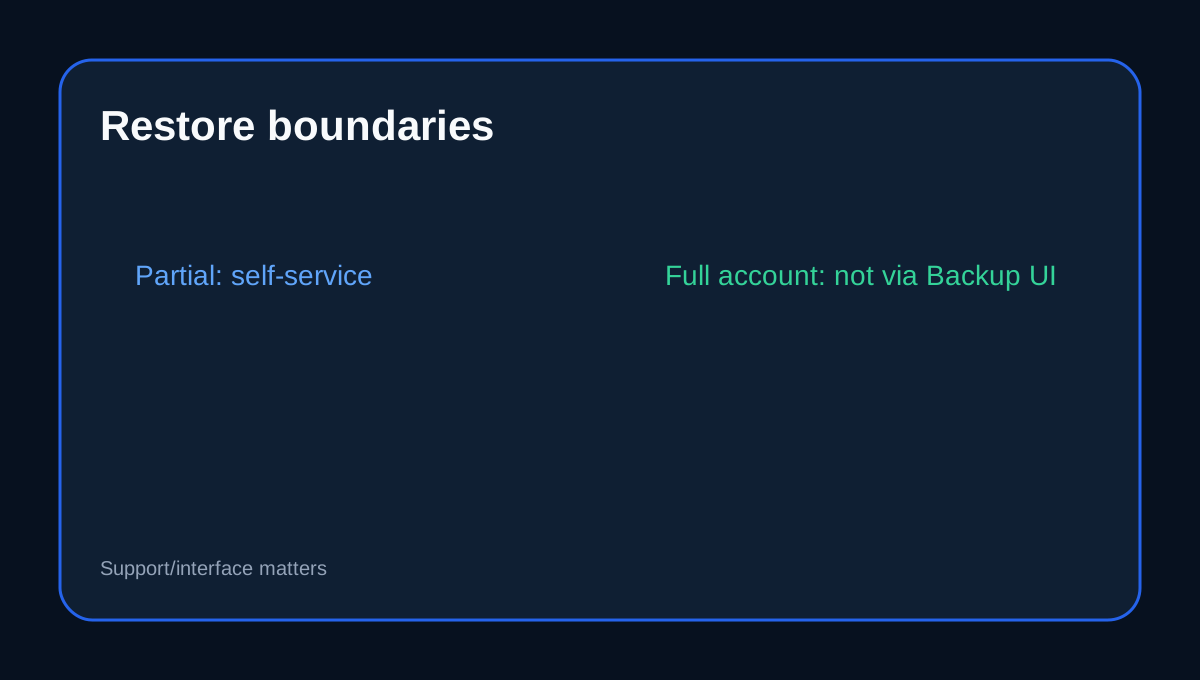
hosting.com cPanel Starter advertises **daily backups with a 30-day restore window**, but that does not mean every full-account backup is self-restorable from cPanel. The current plan page markets one-click restore, while hosting.com's backup documentation says cPanel can restore **partial** backups but cannot restore a **full account backup** from the Backup interface.
At a glance
- Best for
- One-site owners combining provider rollback with tested off-account backups.
- Price model
- Backup features included with current cPanel Starter; hosting price remains checkout-controlled
- Check first
- 30-day history is best-effort; full cPanel backups are not self-restored through the Backup interface; UI may be JetBackup or Server Rewind.
Provider restore history is not your only backup
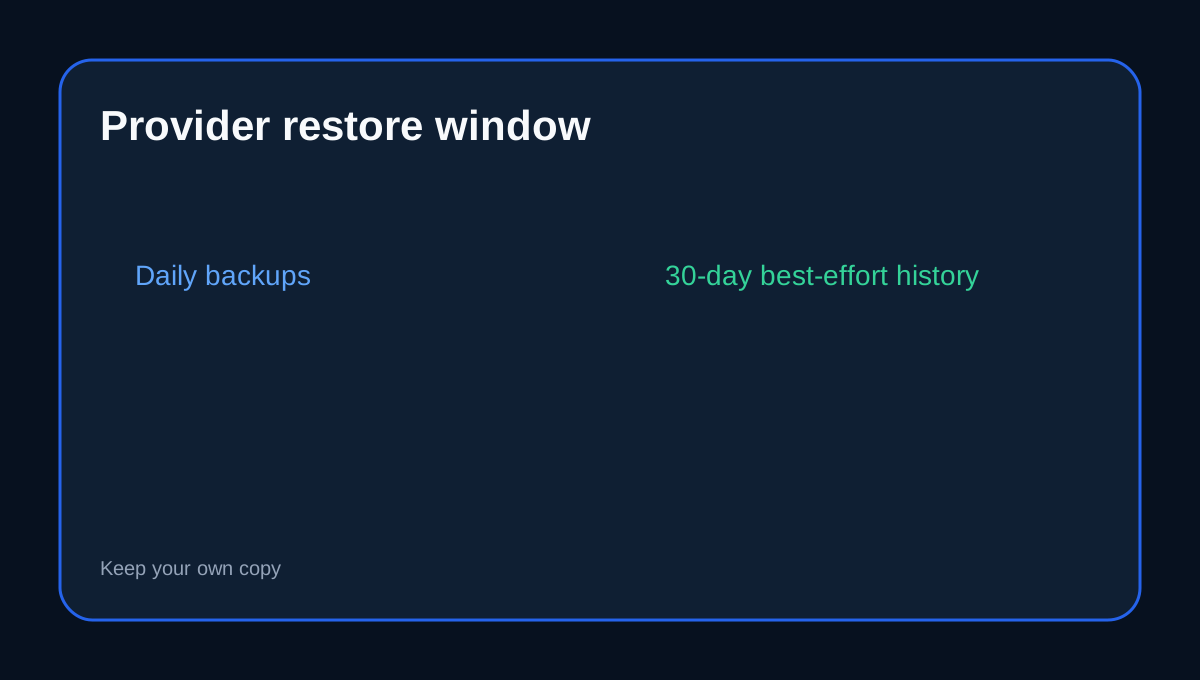
Starter lists daily backups and 30-day restore. hosting.com's Server Rewind page adds that off-server backups are kept for the last 30 days on a **best-effort basis**, and it explicitly recommends customers maintain their own backups. Keep an off-account copy before major changes and test it periodically.
Full backup creation and full restore are different jobs
A cPanel user can generate a full account backup and save it locally or send it to remote storage. But the same documentation says cPanel's Backup interface cannot restore that full archive; self-service restore there is partial. A full archive is still useful for migration and support-assisted recovery, but it is not the same as a whole-account rewind button.
The restore UI may be Server Rewind or JetBackup
hosting.com says many accounts now use **JetBackup 5** instead of Server Rewind. If Server Rewind is missing, the current account may expose JetBackup for file/database recovery. Confirm the live Starter interface and what can be restored without support.
User-managed backups still matter
hosting.com documents manual and scheduled file/database backups on shared hosting, including cron-based file archives and MySQL backups. cPanel's generic documentation makes the same conceptual distinction between backup generation and provider-specific restore support. A sensible stack is provider restore points for quick rollback plus an off-account full archive before risky changes.
Backuply should not be assumed on Starter
hosting.com also documents Backuply for files, email and MySQL, including remote destinations. But that article currently says Backuply is available on VPS and Dedicated servers. A Starter buyer should not assume it is included merely because the same knowledge base describes it.
Independent reviews are only context
WebsitePlanet and TechRadar discuss hosting.com's shared-hosting and backup positioning. Exact restore behavior still comes from hosting.com's current product and KB pages.
Decision rule
Choose Starter when a 30-day provider restore history plus your own off-account backup is enough for one site. If you need guaranteed long retention, immutable copies or fully self-service whole-account rollback, use a separate backup system or a product that explicitly provides those controls.
Before checkout, confirm the current restore interface, whether full-account restore needs support, and where your independent archive will live.
Toolnavia's exact hosting.com Starter offer is approved, market-confirmed and enabled; the commercial link uses the matching [hosting.com Starter route](/go/hosting-com-shared-hosting-starter-official-usd).