TOOLNAVIA / BUYING GUIDE
hosting.com Starter Cancellation: Refund Rules and a Safe Data Exit
The short answer
Canceling hosting.com Starter safely requires three separate decisions: whether a refund is available, when the hosting service should stop, and how the site, databases, mail, domain and DNS will leave. Treating “cancel” as one button is the fastest route to an avoidable outage or lost data.
At a glance
- Best for
- Starter customers who need a refund decision and a reversible site, mail, domain and DNS exit.
- Price model
- Qualifying new Shared Hosting has a 30-day guarantee; current checkout and invoice control.
- Check first
- Refund eligibility is invoice-specific; renewals and listed extras are excluded; immediate termination can delete data.
Short answer: migrate first, cancel last
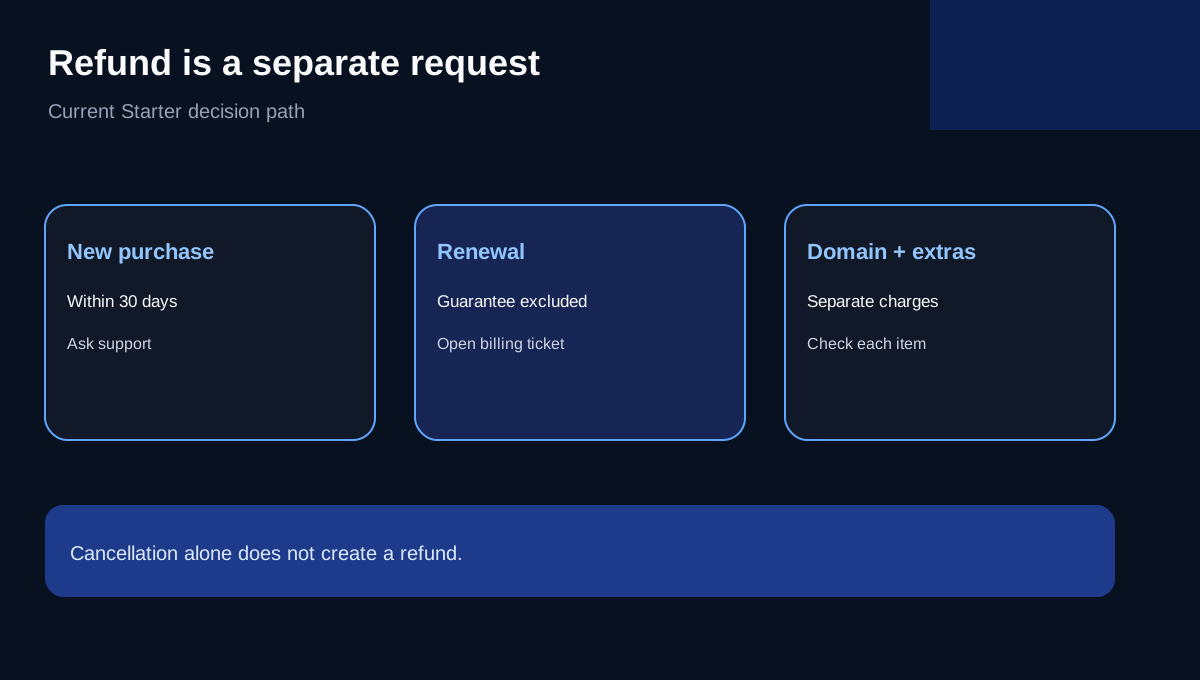
For a qualifying new Shared Hosting purchase, the current official guarantee gives a 30-day window to request the hosting-fee refund. It covers annual and multi-year initial purchases, but not domain registrations, SSL, servers, listed third-party services or renewal fees. Cancellation alone does not create the refund; contact support and request it.
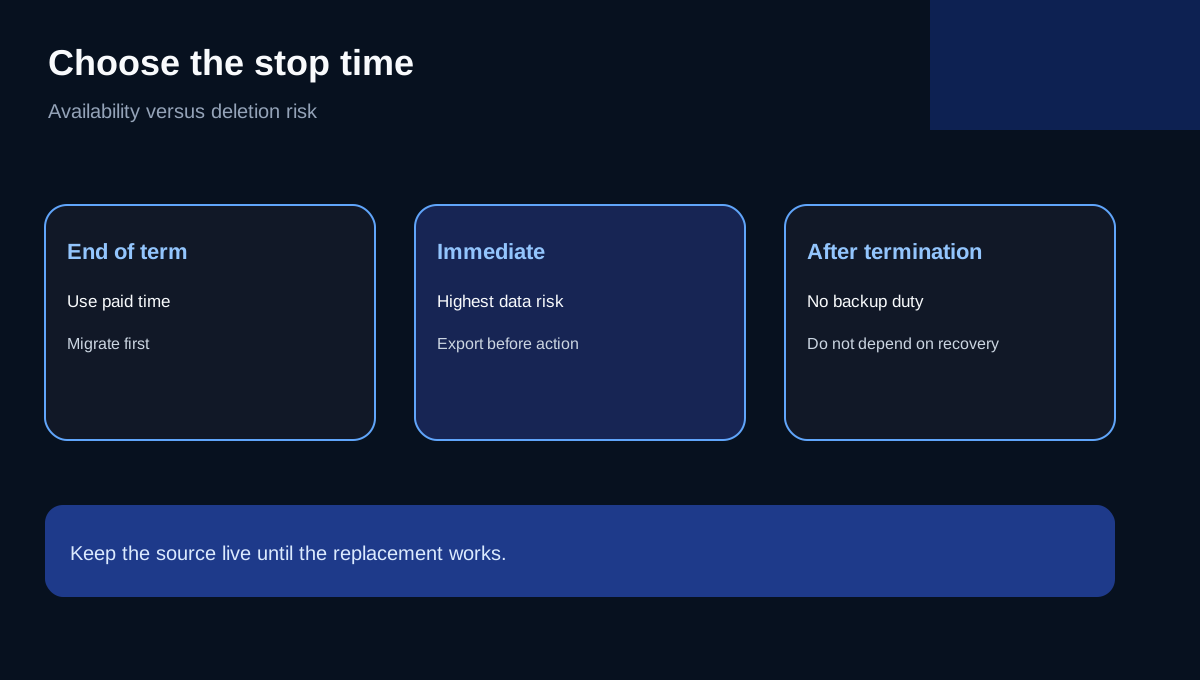
Outside that new-purchase window, scheduling cancellation for the end of the paid term is usually safer than immediate termination. Keep the source account live until the new site, database, mail and DNS path have been tested.
Refund eligibility is not the same as cancellation
The current money-back page is specific: qualifying new Shared Hosting, WordPress Hosting and Reseller Hosting purchases are covered for 30 days. The hosting portion may be refunded, while a bundled domain fee remains non-refundable and the customer keeps that registration for its paid period. Renewals are excluded.
Older A2/hosting.com material has referenced prorated refunds after day 30. A current same-intent walkthrough notes that conflict, but the present official guarantee page does not promise the 31–90 day path. Use the current policy, invoice and written billing response—not an old review—as the decision authority.
If a renewal was captured shortly before the due date, the official cancellation guide says hosting.com may charge up to three days early and directs the customer to a billing ticket. Do not delete the account while that request is unresolved.
Choose end-of-term or immediate cancellation deliberately
End-of-term cancellation stops the next hosting renewal while leaving the paid service active until the term ends. Hosting plans cannot be switched to manual renewal; scheduling cancellation is how the customer prevents another term. Domains are different and can have their own auto-renew setting.
Immediate cancellation carries the highest data risk. The service terms say a terminated account may be closed and its data deleted, with no duty to forward email or preserve older backups. Never use immediate termination as a shortcut before an independent export exists.
Build a data-exit package you control
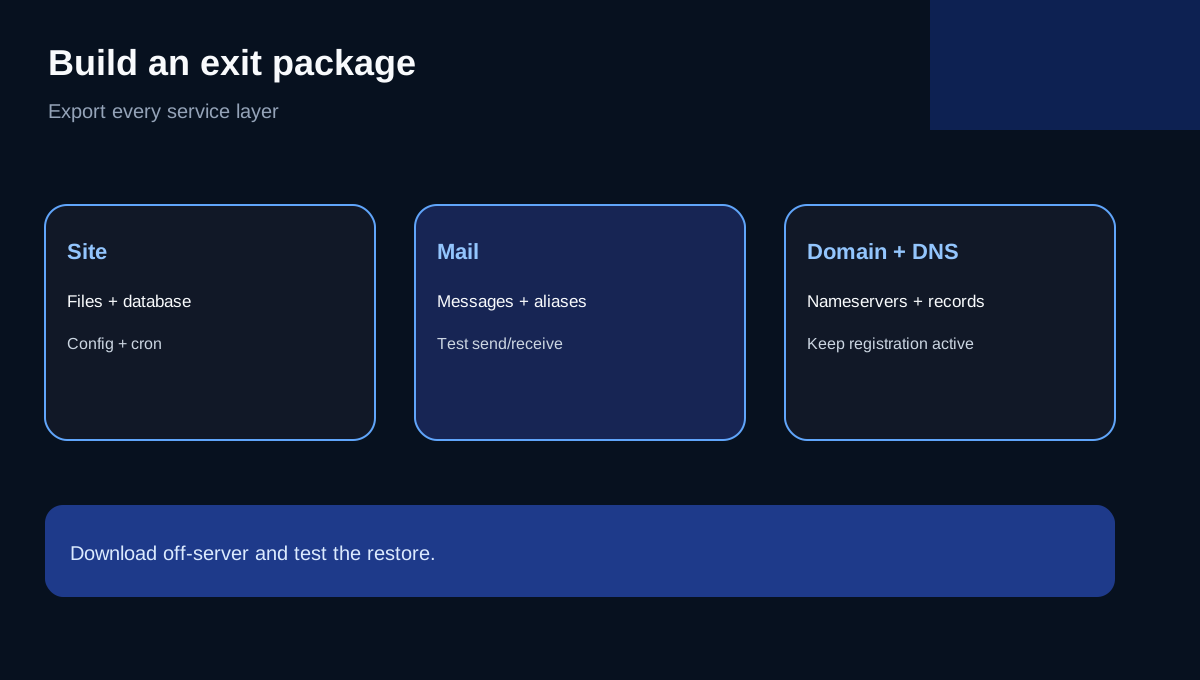
Create and download a full cPanel account backup, but do not stop there. Export the home directory and databases separately when practical, and record database names, users, PHP settings, cron jobs, redirects and DNS records. cPanel documents the full-backup process, while hosting.com's backup tools separate website, database and email restoration.
Mail needs its own check. hosting.com documents copying the cPanel mail directory to a local archive. If mail will move by IMAP or to another provider, verify every mailbox, alias, forwarder and recent message at the destination. Restoring an older email backup can remove messages that arrived after the backup date.
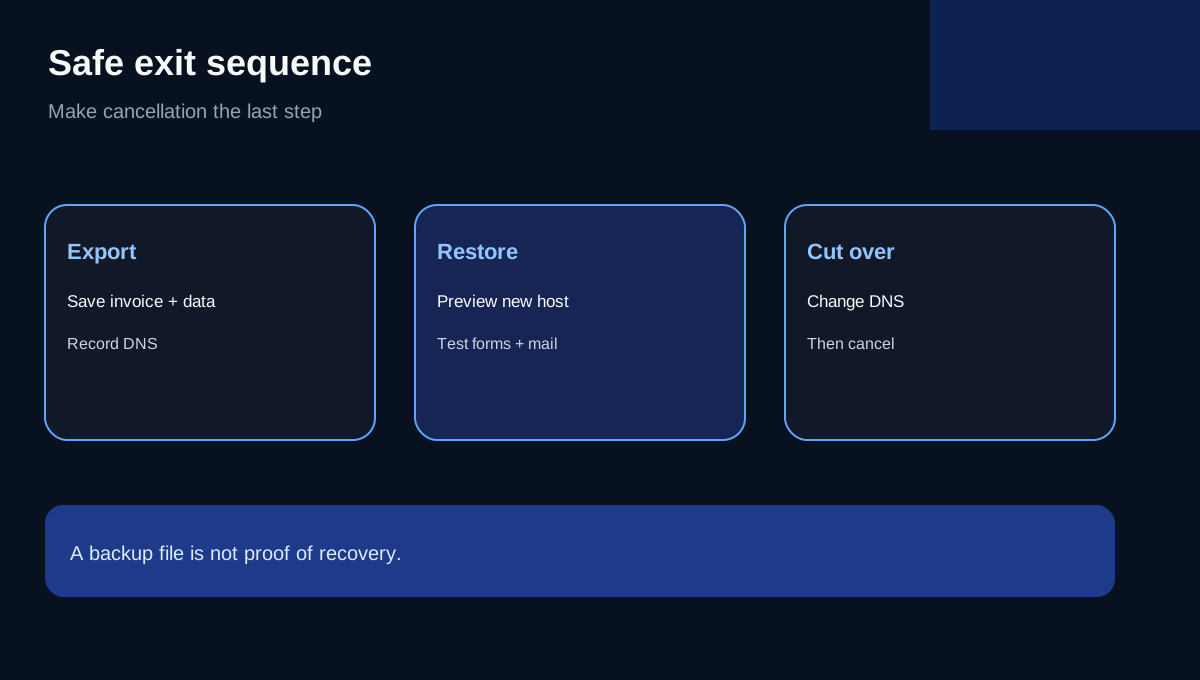
A backup file is not proof of recovery. Download it off the server, verify its size and contents, and test a restore or migration preview before cancellation.
Domain, DNS and external email continue separately
Canceling the hosting plan does not cancel the domain registration. It also does not automatically rewrite nameservers, DNS records or domain forwarding. Google Workspace or Microsoft 365 mail may continue if the domain remains active and DNS still points correctly.
Decide who will hold the domain, where authoritative DNS will live, and whether mail records must remain unchanged. Lower the DNS TTL before cutover when possible, move the site and mail, verify them, then change nameservers or records. Only after the new path works should the old hosting be scheduled to end.
A safer exit timeline
1. Save the invoice, purchase date, renewal date and current policy. 2. Request any eligible refund in writing; get a ticket confirmation. 3. Export full cPanel, files, databases, mailbox data and DNS records. 4. Restore or preview the new site before changing DNS. 5. Test HTTPS, forms, logins, scheduled tasks and mail send/receive. 6. Keep the domain active and verify its separate auto-renew choice. 7. Schedule end-of-term cancellation unless immediate deletion is intentional. 8. Recheck billing and public service after the stated end date.
The current Starter page includes one website, 15GB NVMe, daily backups with 30-day restore and a free first-year domain, but those provider backups are not a substitute for an exit archive under customer control.
Verdict
Starter's 30-day new-purchase guarantee is useful, but it is narrower than “cancel anytime and get money back.” The low-risk strategy is to separate the refund request, hosting cancellation, domain renewal and data migration into documented steps. Keep the service alive until the replacement is verified, and never rely on post-termination backup availability.
**Affiliate disclosure.** Toolnavia may earn a commission from an eligible hosting.com purchase through the exact product link. This does not change the refund or exit limits above. Verify your invoice, current policy and written support response before acting.