TOOLNAVIA / BUYING GUIDE
hosting.com Starter SSH vs SFTP: Verify Shell Access Before Buying
The short answer
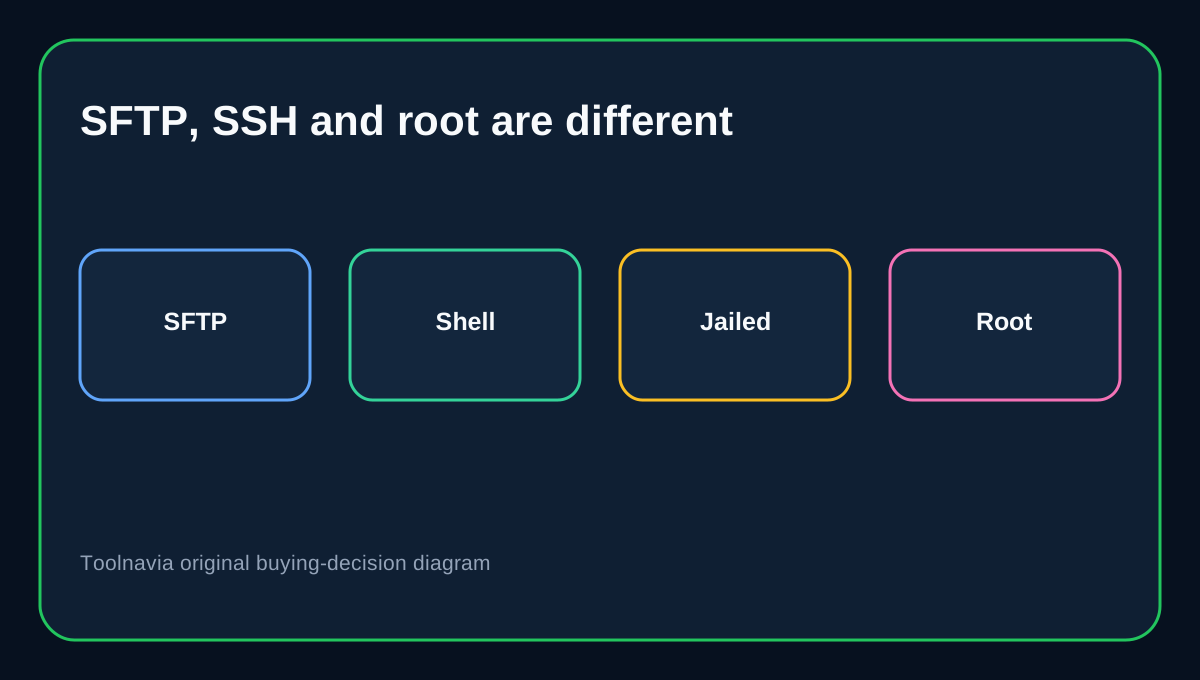
The current hosting.com **cPanel Starter** page describes a one-site, 15GB NVMe plan. It says every cPanel plan gets the full panel, lists SFTP as built-in security, and places SSH access in the developer stack. That is promising for developers—but SFTP, SSH shell access and root control are three different entitlements. Buy Starter only after the exact checkout and support team confirm the shell state you actually need.
At a glance
- Best for
- One-site cPanel buyers who need secure developer access and will verify shell activation.
- Price model
- Live checkout controls price, term and renewal; no fixed claim.
- Check first
- SFTP, interactive shell and root are separate; verify the exact Starter account before purchase.
Start with the exact product line
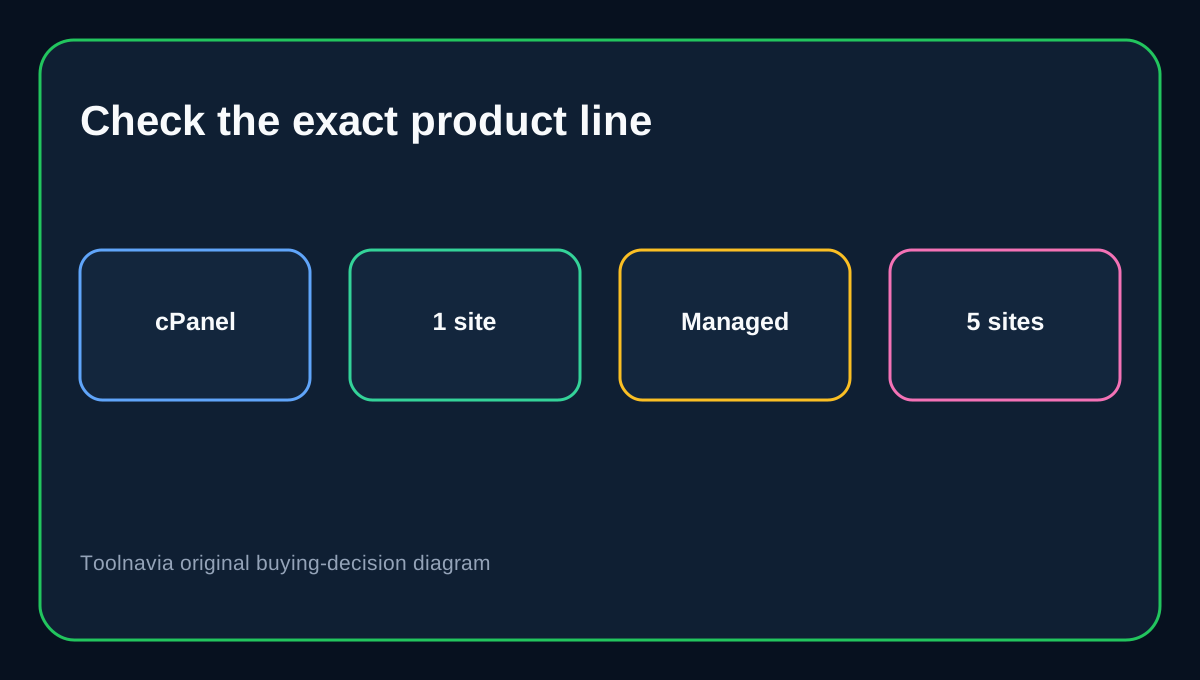
hosting.com currently shows two Starter presentations. The exact affiliate offer used here points to the cPanel page, where Starter is one website. A separate managed shared-hosting page shows five websites and a different control experience. This guide does not transfer the five-site allowance to the cPanel offer, and it does not assume a feature from one product line applies to the other.
For the exact cPanel route, the strongest first-party evidence is that every plan is described as full cPanel with no features held back, SFTP appears in built-in security, and SSH access, Git, WP-CLI and cron appear in the developer stack. Because the rendered comparison text does not expose every checkmark cleanly, verify Starter’s shell activation and port before paying if command-line work is mandatory.
SFTP is not another FTP account
Plain FTP transfers credentials and data without the protection buyers usually expect today. SFTP instead uses the SSH service to encrypt the session. That makes it the better default for deploying code, downloading backups or editing a production file remotely.
The naming is easy to misunderstand: adding an FTP account in cPanel does not automatically create a separate SFTP identity. cPanel says SFTP authenticates through the main cPanel account or a server-level account, while ordinary FTP subaccounts cannot use SFTP.
This limitation changes the contractor decision. If a developer needs only one directory, creating an FTP subaccount can restrict the folder but may lose SFTP. Sharing the main cPanel identity enables SFTP but grants much broader access. Before choosing Starter for outsourced work, ask whether hosting.com provides a separate jailed shell or delegated SFTP user on this exact account.
SSH shell access is a separate decision
SFTP needs the SSH service, but secure file transfer does not necessarily mean an unrestricted interactive shell. A provider can allow SFTP while limiting commands, disabling Terminal, using a jailed shell or requiring activation. cPanel’s own security guidance recommends granting SSH only when needed and using jailed shells for users confined to their home directory.
Ask hosting.com five precise questions: Is interactive shell enabled on cPanel Starter? Is it jailed? Does Terminal appear in cPanel? Is key-based authentication available? What hostname and port should the client use? Save the support answer with the checkout record. A generic feature-table label is not a substitute for the exact connection details.
What Starter can and cannot replace
Starter can be a good fit for one site when the workflow is file upload, log inspection, Git-based deployment, WP-CLI or scheduled commands within the hosted account—and when hosting.com confirms each required tool. It is not a root server. Do not expect to install system packages, change SSH daemon settings, create arbitrary Linux users or open firewall ports. hosting.com positions command-line management and operating-system control with VPS products.
That boundary also protects the purchase decision. If the project merely needs encrypted file transfer, Starter may avoid an unnecessary VPS. If it requires Docker daemons, custom system services, root cron, multiple isolated shell users or server-wide configuration, buying shared hosting first creates migration work rather than savings.
Compare how activation is documented
Bluehost requires shared-hosting customers to enable SSH before using SFTP and limits SFTP to the account username. GoDaddy exposes a specific SSH switch in the cPanel account dashboard. These competitor workflows do not prove how hosting.com provisions Starter, but they show what buyers should demand: a visible entitlement, an activation step and exact credentials.
The practical comparison is therefore not “does the marketing page contain SSH?” It is “can this exact Starter account produce a working, supportable connection without sharing more access than the developer needs?” If the answer is unclear, keep the project on hold until support confirms it.
Safer developer handoff
Do not give a contractor the hosting.com billing login. Use delegate access where available, and separate project credentials from account ownership. If only the primary cPanel identity can use SFTP, rotate its password or key after the engagement, remove unused authorized keys, review changed files and keep an independent backup.
For a developer who only needs a limited folder, compare restricted FTP or Web Disk with the broader cPanel/SFTP identity. Encryption and least privilege both matter; one should not be sacrificed accidentally for the other.
Pre-purchase checklist
Open the exact cPanel Starter checkout and confirm it is the one-site, 15GB plan associated with this offer. Ask support to confirm SFTP, interactive SSH, shell type, Terminal visibility, authentication method, hostname, port and whether separate users are possible. Decide whether main-account access is acceptable for contractors. Choose a VPS instead if the workload needs root, custom services or multiple operating-system users.
Affiliate disclosure: Toolnavia may earn a commission from an eligible purchase through the exact hosting.com Starter route. The product-line conflict and shell-verification requirement remain the same regardless of commission.