TOOLNAVIA / BUYING GUIDE
hosting.com Managed cPanel 4GB: CA$40.54 Start, No Root, One Account
The short answer
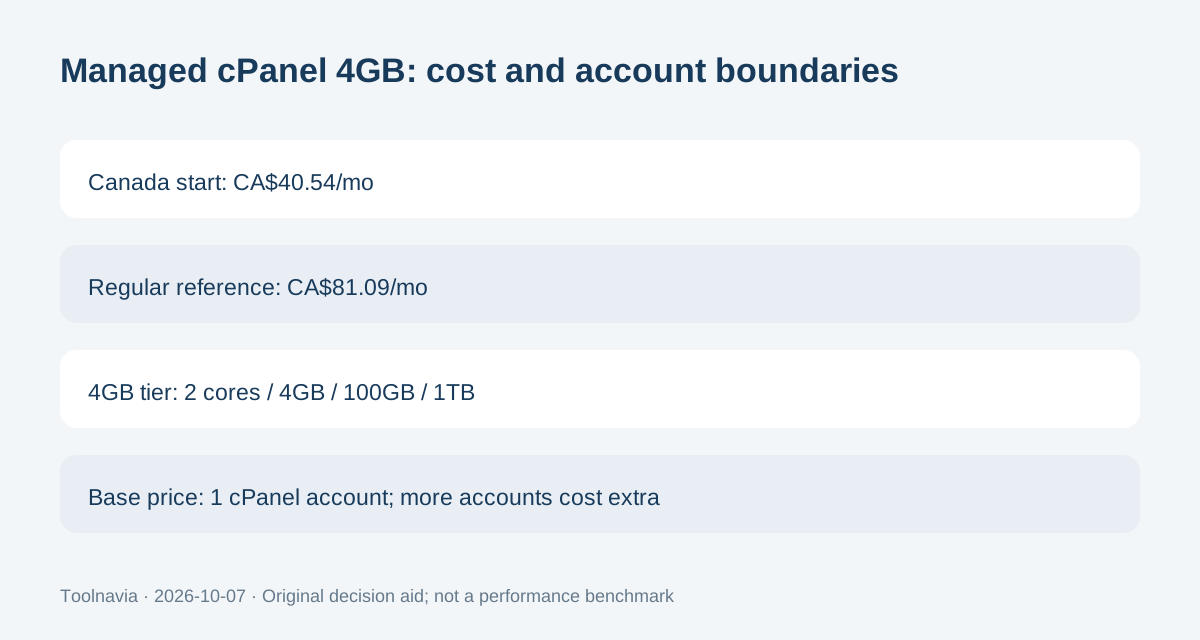
hosting.com Managed cPanel 4GB is the entry managed cPanel server: 2 CPU cores, 4GB RAM, 100GB storage and 1TB monthly bandwidth. Canada currently advertises Managed cPanel VPS from CA$40.54/month versus CA$81.09, with a 12-month promotional term.
At a glance
- Best for
- A Canadian cPanel-oriented workload that fits 2 cores/4GB, wants the provider to manage the server and can operate without root access.
- Price model
- Canada Managed cPanel VPS starts CA$40.54/mo vs CA$81.09 regular; 12-month promo term; exact 4GB checkout unconfirmed
- Check first
- Root-dependent deployments, buyers needing many separate cPanel accounts without extra licensing, or LiteSpeed-dependent workloads until the exact 4GB webserver is confirmed.
Treat CA$40.54 as the current entry display, not a captured 4GB invoice
The Canada homepage shows Managed cPanel VPS at CA$40.54/month, reduced from CA$81.09. The managed-VPS page states that the promotion is based on a 12-month term and renews at the regular rate after the introductory term.
Because the Canada homepage exposes the category starting price rather than a full 4GB order summary, this article treats CA$40.54 as the current entry-tier display, not a captured customer checkout. Simple twelve-month arithmetic is CA$486.48 for the introductory year and CA$973.08 at the displayed regular monthly reference, before tax, if those figures apply unchanged. Save the actual cart.
The 4GB tier includes one cPanel account and no root access
The current Managed cPanel specification table lists the 4GB tier with 2 CPU cores, 4GB RAM, 100GB storage, 1TB monthly bandwidth, one IP address and a 99.99% uptime guarantee. The platform uses cPanel/WHM and CloudLinux.
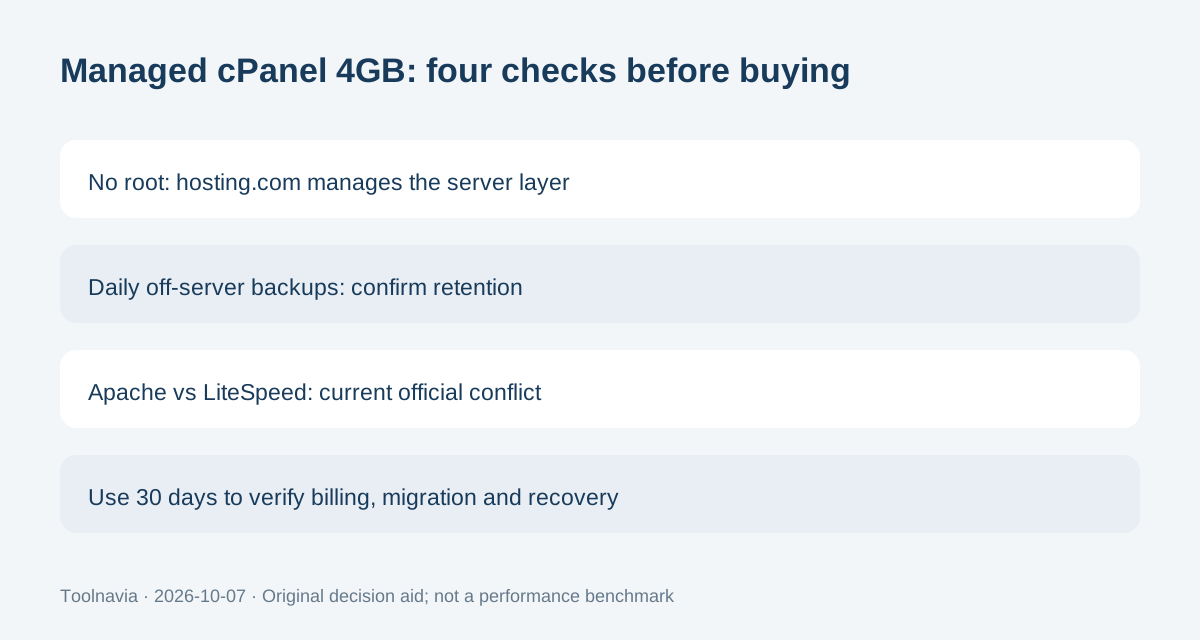
hosting.com says the paid software bundle is included in the price when you run one cPanel account. More separate cPanel accounts use autoscale licensing and are billed at cPanel's pass-through cost. Root access is not provided on the managed service; hosting.com says that restriction is intentional so it can maintain and secure the underlying system.
“Fully managed” covers the server, not your application code
The provider says it handles OS patching, firewall maintenance, security updates, backup configuration and 24/7 monitoring, while the customer manages sites, domains, email, databases and content through cPanel.
That is useful for a business that wants cPanel without owning Linux administration. It is not the right product for a deployment that requires arbitrary OS-level changes, and hosting.com points those buyers toward unmanaged options.
Daily backups are off-server, but retention still needs a current check
hosting.com's current managed-cPanel page says backups run daily to a separate server and can be restored from the control panel. It also describes granular file restores and database backups.
That is stronger than relying on a local VPS copy, but the fetched page does not expose a numeric retention period for the 4GB plan. Do not invent one. Confirm retention and any account-level limits before treating the backup system as your only recovery path, and keep an independent export for critical data.
Apache versus LiteSpeed is internally inconsistent in current official material
The current technical table shows Apache for the 4GB and 8GB plans. The same managed-cPanel page later says every managed cPanel server includes LiteSpeed, while the current package-comparison page describes the managed-server platform as using the same LiteSpeed stack.
Those statements do not cleanly identify the 4GB webserver. This article leaves the conflict unresolved and does not claim the 4GB plan definitely includes LiteSpeed. Ask sales or verify the checkout/configuration before buying for a LiteSpeed-specific workload.
Use the 30-day guarantee to test the managed model
hosting.com's current package comparison shows a 30-day money-back guarantee for the managed server range. Use that period to verify the actual Canadian invoice, cPanel account structure, backup restore path, webserver stack, migration result and the no-root operating model.
Choose Managed cPanel 4GB when 2 cores/4GB and one cPanel account fit, you want hosting.com to handle the server, and no-root is acceptable. Skip it when you need unrestricted OS control, many separate cPanel accounts without extra licensing, or a LiteSpeed-specific configuration that has not been confirmed in writing.