TOOLNAVIA / BUYING GUIDE
hosting.com Starter Node.js: Included—or a Pro Upgrade?
The short answer
# hosting.com Starter Node.js: included—or a Pro upgrade?
At a glance
- Best for
- Buyers who can confirm the exact Starter Node entitlement before paying.
- Price model
- External Oct 18 snapshot: Starter from $1.99/month on 48 months, renewal $13.99; live checkout controls.
- Check first
- Official pages conflict; no root; runtime, workers and WebSockets require exact-plan confirmation.
1. The official pages disagree, so do not buy on one label
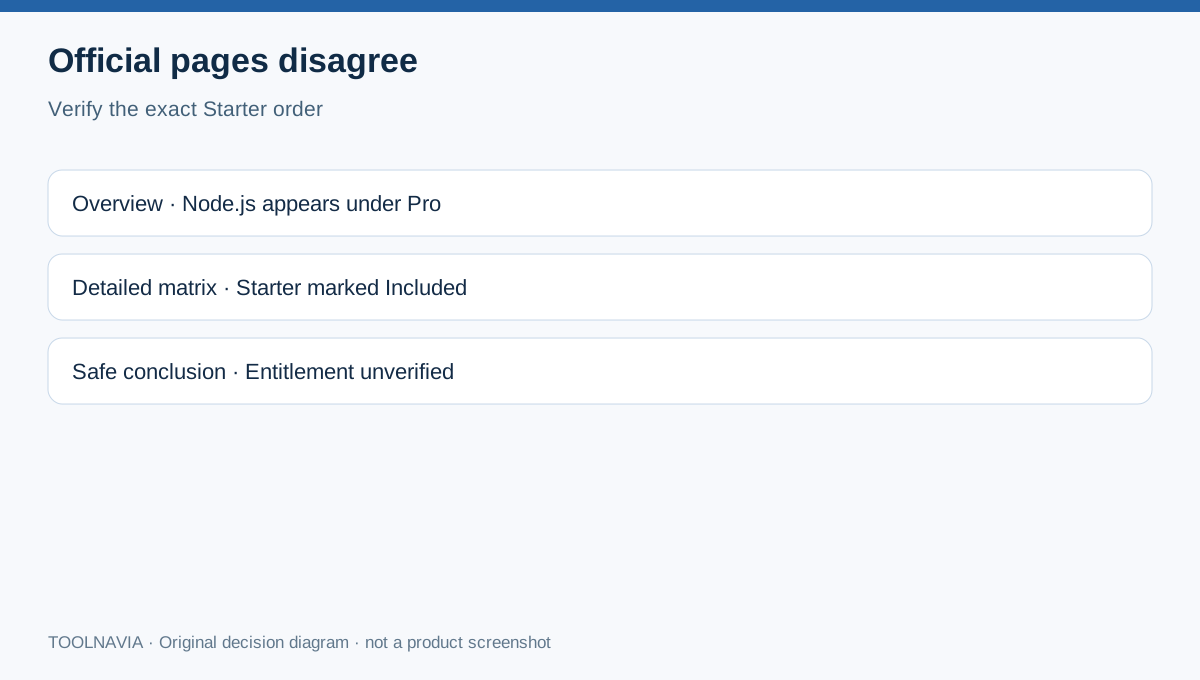
hosting.com’s current plan overview puts “Node.js Support” under Pro’s “Includes everything on Starter, plus” list. Its detailed product matrix, however, marks “Node.js, multiple versions” and “Multiple Node.js apps per site” as included for Starter, Pro and Max. Those two first-party statements cannot both be used as an unqualified Starter promise.
The practical decision is not whether hosting.com can run Node.js somewhere on shared hosting. It can. The unresolved question is whether the exact US Starter checkout you receive exposes the runtime and app controls you need. Until the selected order or support confirms that entitlement in writing, treat Node.js on Starter as unverified—not absent, and not guaranteed.
2. What the detailed matrix says Starter should include
The current comparison matrix labels multiple Node.js versions, multiple Node.js apps per site, PostgreSQL, MySQL/MariaDB, SSH and Git as included across Starter, Pro and Max. The same matrix lists Starter at five websites, 15GB NVMe, 2 vCPU, 2GB RAM, 30 processes and 50,000 monthly page-view capacity. Those resource figures are planning boundaries, not a performance guarantee.
A regional Node.js page describes version selection, Git/SSH or file upload, isolated apps and MySQL/PostgreSQL. It shows that the provider has a managed Node platform, but a regional marketing page does not settle the exact US Starter entitlement.
3. What the shorter plan card says instead
The main plan card lists Node.js as a Pro addition alongside staging, preview URLs and more CPU/RAM. An independent pricing snapshot checked on October 18, 2026 reaches the same buyer-facing interpretation: Starter from $1.99 per month on a 48-month term, renewing at $13.99 per month; Pro from $3.79, renewing at $19.99, with Node.js presented as a Pro feature. Prices, terms and taxes can change, so the live checkout total controls.
This does not prove the detailed matrix is wrong. It proves the marketing path is inconsistent. Do not pay the Pro premium solely because one card says “Node.js Support,” and do not buy Starter solely because the matrix says “Included.”
4. Verify the runtime, not just the word “Node.js”
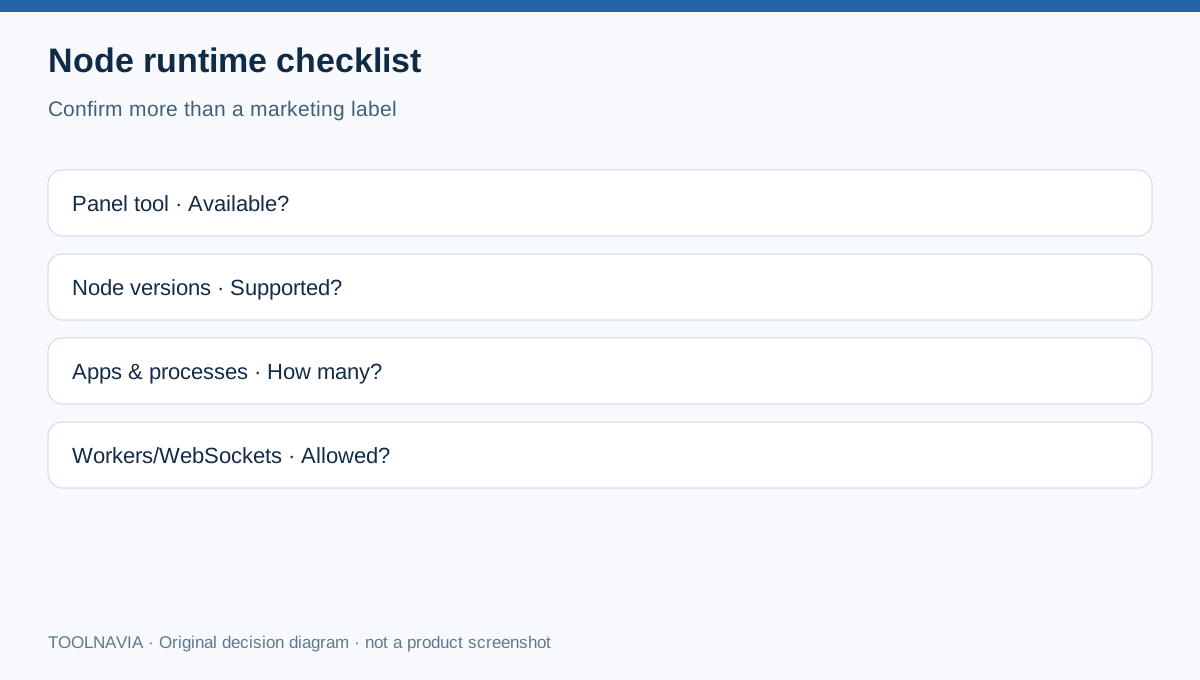
cPanel’s official instructions require the hosting provider to install the Node runtime and Passenger components before a user can register an application. A shared-hosting deployment also needs a supported Node version, a startup file, dependency installation, an assigned application URL and a restart process.
Before checkout, ask support to confirm for the exact Starter SKU: whether Setup Node.js App appears in the panel; available versions; app and process limits; WebSocket and worker support; public URLs, ports, SSH/Git and environment variables; and PostgreSQL availability. Save the reply. A general “shared hosting supports Node.js” answer is not enough.
5. Starter, Pro or a server?
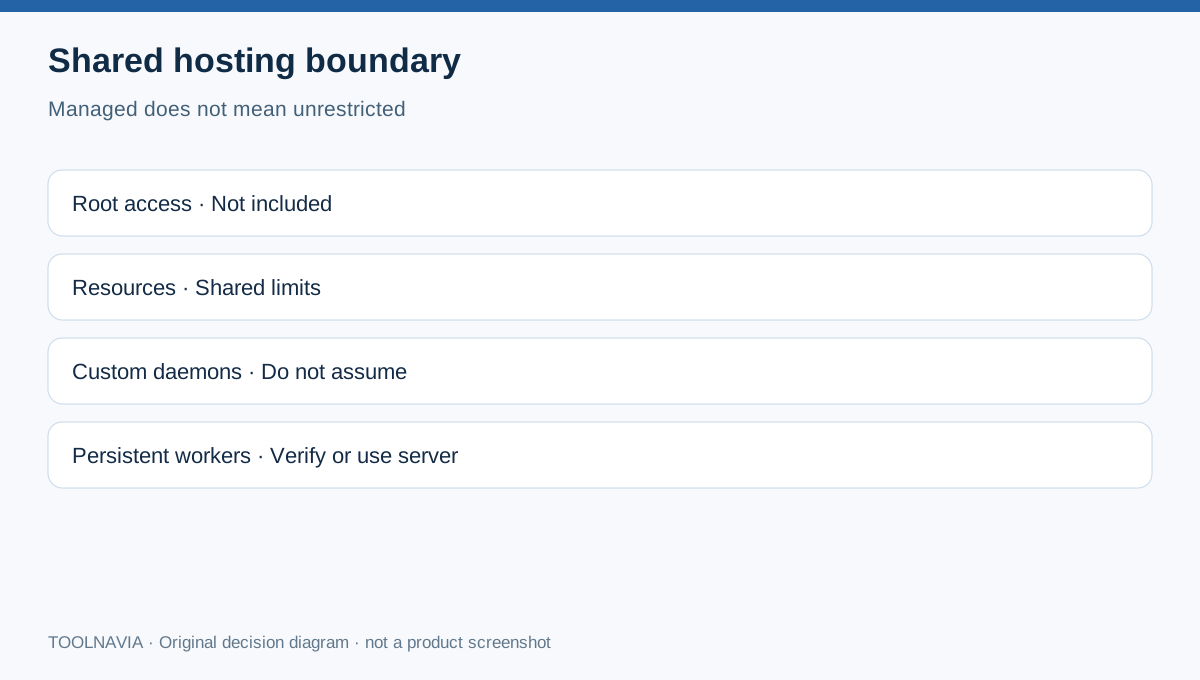
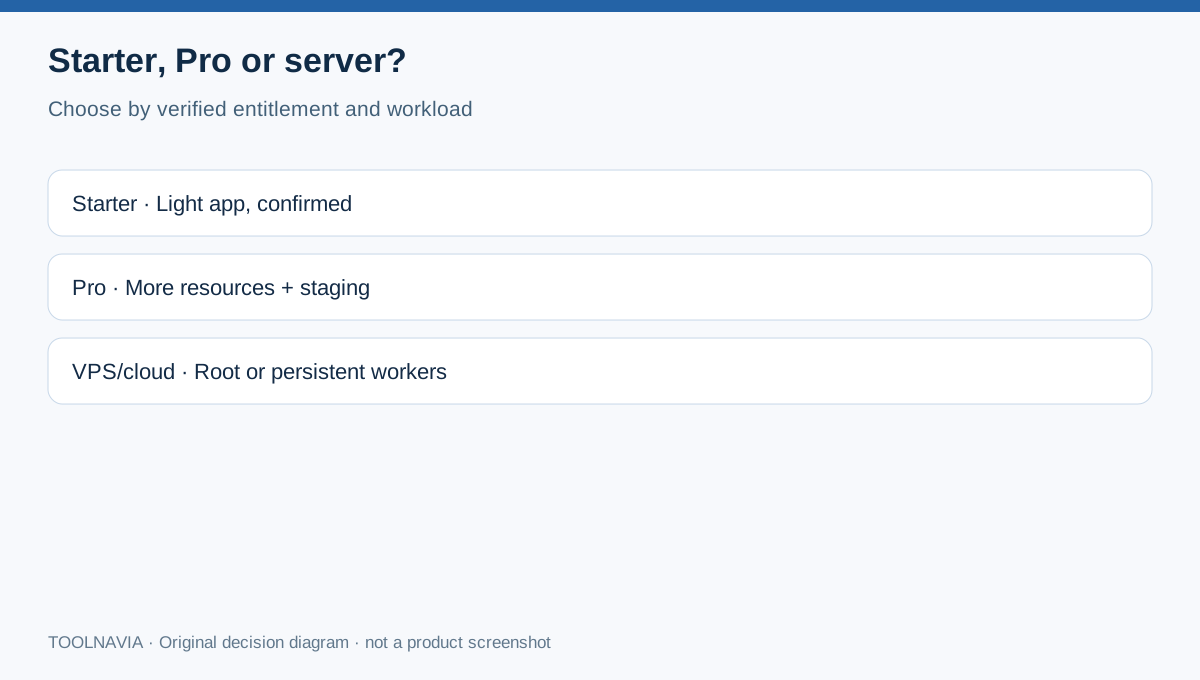
Choose Starter for a small brochure, WordPress or PHP site, or for a lightweight Node app only after entitlement is confirmed. Choose Pro when you also need its larger published resource envelope, staging or preview URLs—not merely to resolve an ambiguous label. Choose a VPS or cloud server when the workload needs root access, persistent workers, custom daemons, reliable WebSockets or predictable dedicated resources. Shared plans explicitly exclude root access, and self-hosted automation such as n8n is shown as unavailable on Starter, Pro and Max.
Independent reviews agree that hosting.com supports Node.js on shared hosting, but they do not provide a contractual Starter guarantee. One current review describes the cPanel Node tool broadly; another pricing guide places Node.js on Pro. That disagreement reinforces the need for order-specific confirmation.
6. Verdict and affiliate disclosure
The safest verdict is conditional: Starter may include Node.js according to the detailed matrix, while the overview sells it as a Pro addition. Verify the live US checkout and obtain written support confirmation before buying. If Node is confirmed and the 2GB RAM/30-process envelope fits, Starter can be the lower-cost choice. If it is not confirmed—or your app needs workers, WebSockets or root—select a verified higher tier or server instead.
The exact Starter offer referenced here is approved, enabled and market confirmed. Toolnavia may earn a commission if you buy through the disclosed link; this does not change your price or our conflict disclosure.