TOOLNAVIA / BUYING GUIDE
hosting.com Starter Security: Is Malware Cleanup Really Included?
The short answer
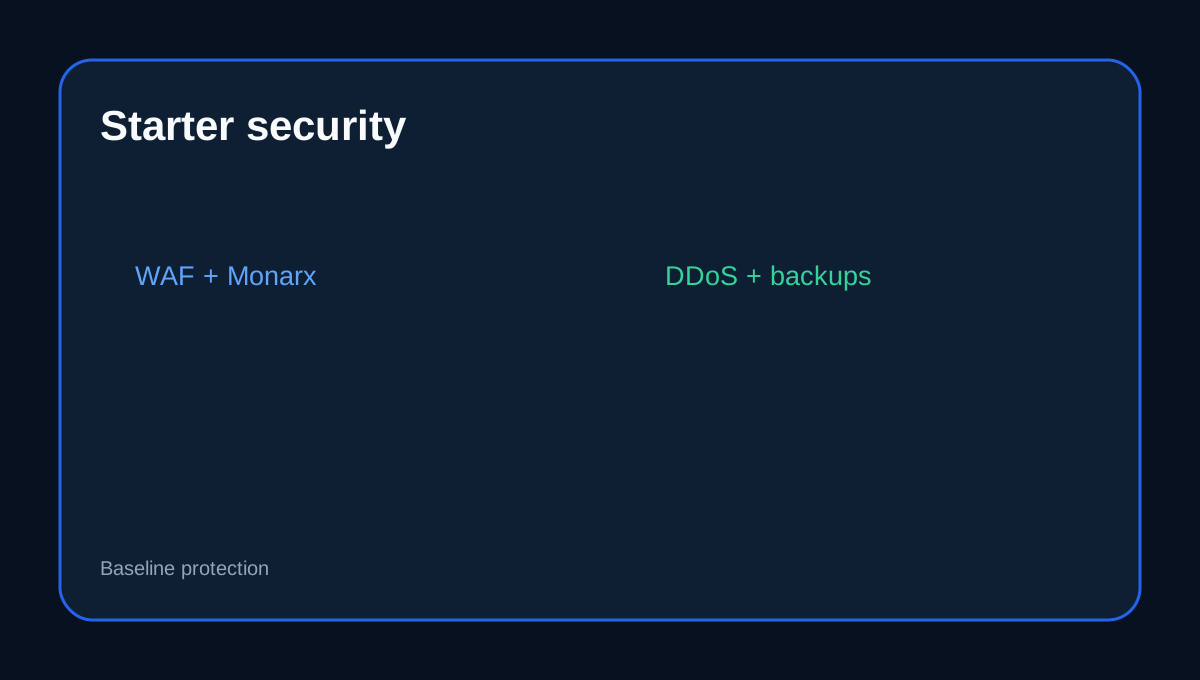
hosting.com Starter includes free SSL, ModSecurity WAF, brute-force protection, Monarx malware scan and removal, DDoS filtering, SFTP and daily backups with 30-day retention. But hosting.com separately sells an engineer-led WordPress malware cleanup service and Care Plan. Automated protection, emergency cleanup and ongoing WordPress maintenance are not the same job.
At a glance
- Best for
- One-site buyers wanting strong built-in hosting security with a clear cleanup boundary.
- Price model
- Checkout-controlled Starter pricing; separate cleanup/Care Plan scope verified
- Check first
- Built-in scan/removal does not guarantee engineer-led root-cause remediation for every compromise.
What Starter already includes
The current Starter cPanel plan lists WAF, Monarx scan/removal, DDoS protection and 30-day daily backup history. These layers can block common attacks, detect malicious files and provide a recent rollback path.
What the separate cleanup service adds
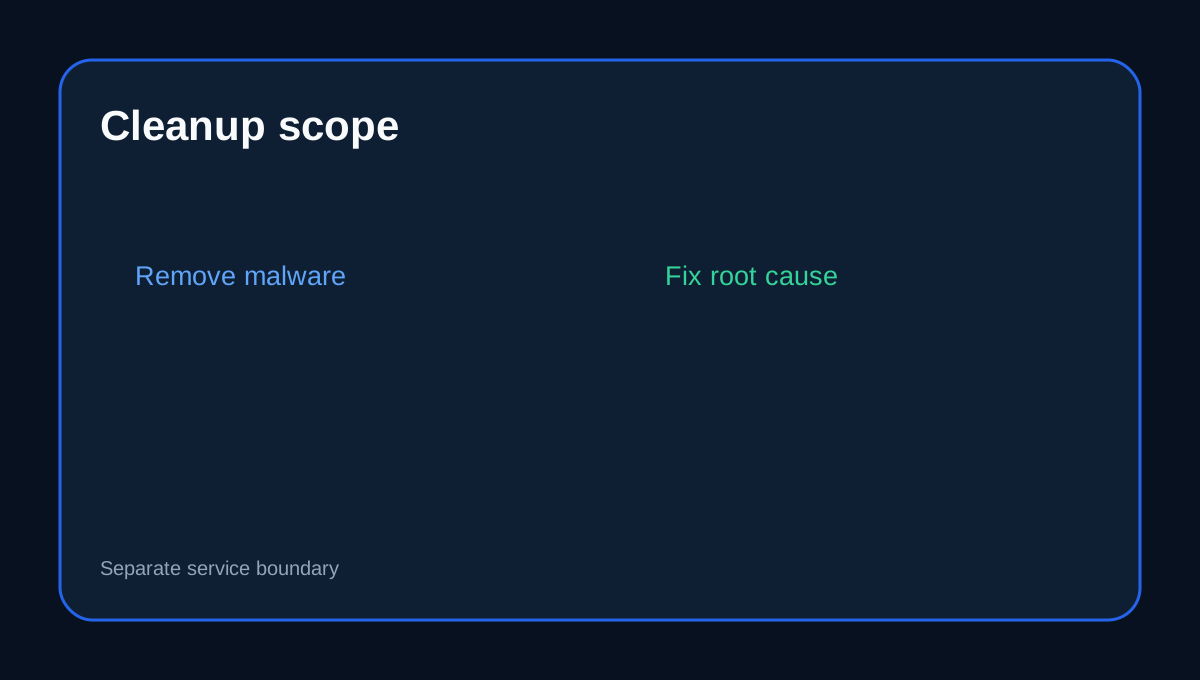
The one-time WordPress cleanup says engineers remove malware, fix the route that allowed the compromise, help clear browser/search warnings and repair incident symptoms. The Care Plan adds monitoring, updates, patching and unlimited cleanup.
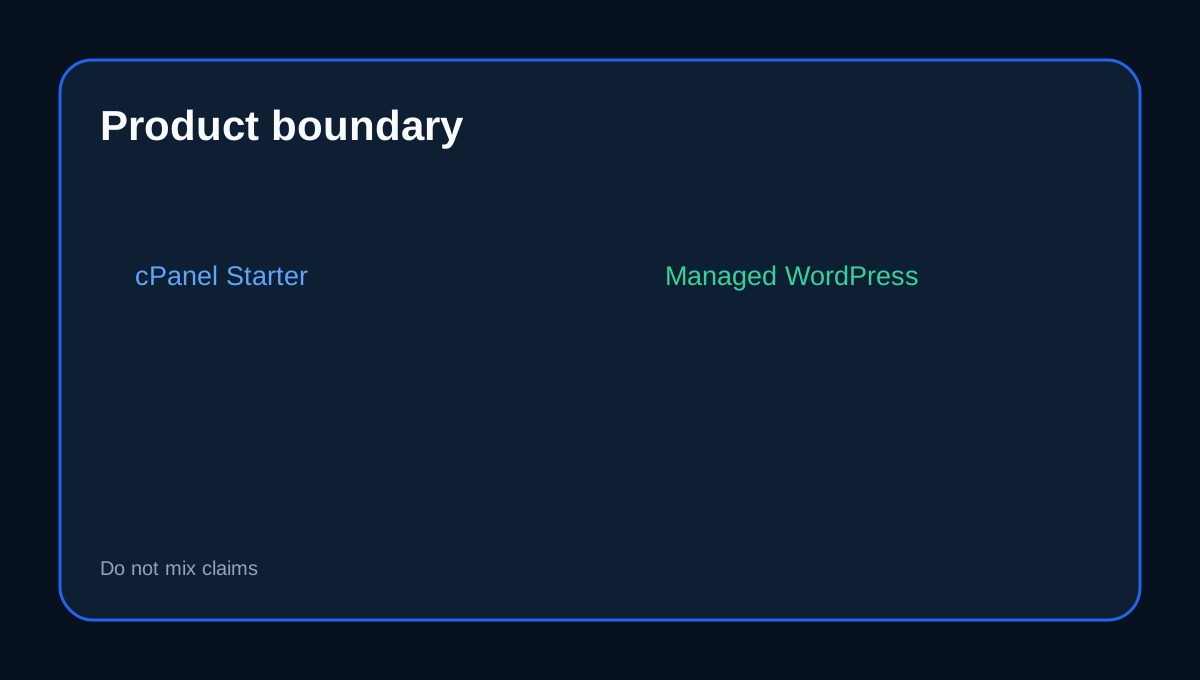
Do not mix Starter with Managed WordPress
hosting.com Managed WordPress advertises continuous cleanup, Cloudflare Enterprise plus Imunify360 and automatic WordPress updates. Those are a different product surface, so a cPanel Starter buyer should not assume every managed-security promise applies automatically.
The site owner still has security duties
Keep WordPress core, plugins and themes updated, remove abandoned extensions, use unique administrator credentials and review custom code or upload paths. A WAF can reduce attacks but cannot make vulnerable application code safe. The same baseline-versus-application distinction appears in current secure-hosting guidance from other providers.
Backups are recovery, not root-cause repair
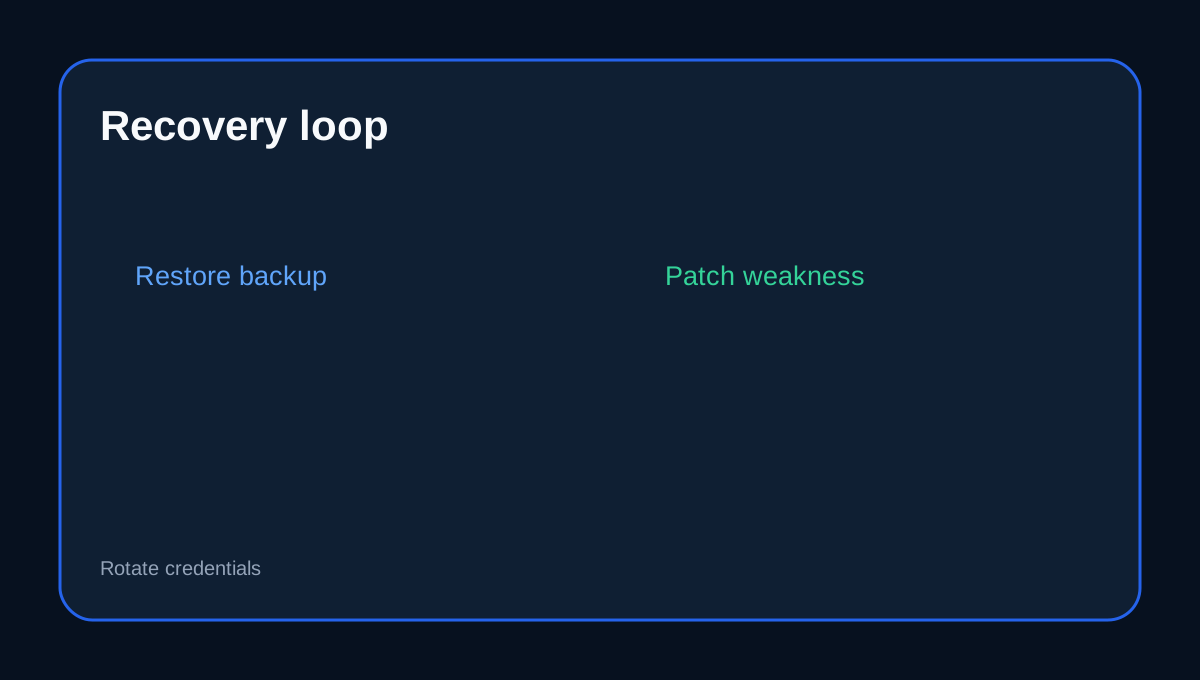
A 30-day backup history helps rollback, but restoring without fixing the exploited plugin, theme or credential can recreate the same incident. Keep an independent copy and test restore before relying on the backup badge.
Buyer fit
Starter fits a one-site buyer who wants strong baseline hosting security. The separate cleanup or Care Plan becomes more relevant when you need engineer-led root-cause remediation, repeated cleanup or ongoing WordPress maintenance.
Checkout checklist
Confirm the Starter term, Monarx scan/removal, ModSecurity WAF, 30-day backups, what support does after malware is detected, and the current scope/price of one-time cleanup or Care Plan.
Affiliate disclosure: Toolnavia may earn a commission from an eligible hosting.com purchase. That does not change this security-responsibility analysis.