TOOLNAVIA / BUYING GUIDE
hosting.com Starter AutoSSL vs Wildcard: Do Five Subdomains Need Paid SSL?
The short answer
**Quick answer:** hosting.com Starter includes free AutoSSL, but the public pages do not prove that it includes one free wildcard certificate. The current plan material lists five subdomains and free SSL, while wildcard coverage appears as a separate paid option. Treat “HTTPS on several named subdomains” and “one wildcard covering current and future first-level subdomains” as different buying questions.
> Affiliate disclosure: Toolnavia may earn a commission if you buy through the verified hosting.com Starter link. This does not change the evidence or your price. No wildcard price or exclusive coupon is claimed.
At a glance
- Best for
- A small site with fixed hostnames whose included named certificates are confirmed.
- Price model
- AutoSSL included; wildcard upgrade price must be verified
- Check first
- No included wildcard guarantee or verified public addon price
What the included AutoSSL statement proves
The package comparison says all plans include AutoSSL and describes free certificates as issued and renewed automatically for every domain. Starter is also shown with up to five subdomains. The exact cPanel Starter page likewise lists free SSL and five subdomains.
Those rows support a cautious baseline: the account includes automated certificate provisioning for eligible hosted names. They do not explicitly say that one included wildcard covers every Starter subdomain, nor that every future subdomain is protected without first being created and validated.
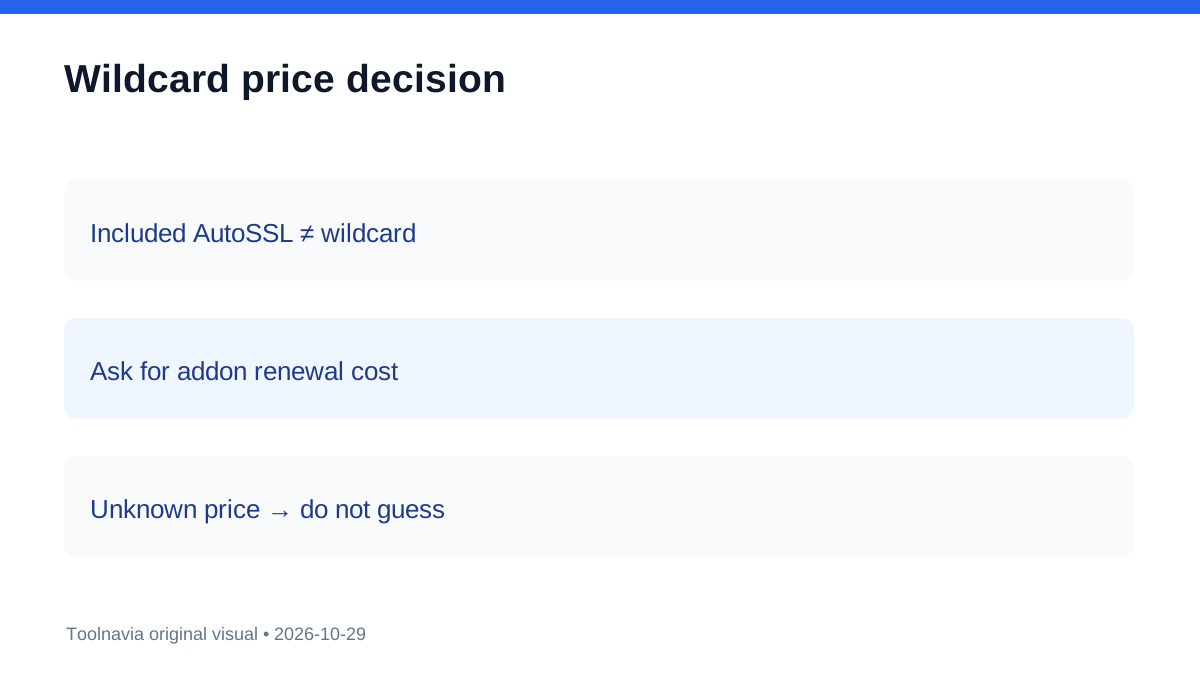
The SSL product page makes the distinction clearer. It says every website gets an automatic free Let's Encrypt certificate, then presents wildcard as a paid upgrade covering the root and unlimited first-level subdomains. No stable public wildcard price was verified, so this guide does not invent one.
Named certificates and wildcard certificates solve different problems
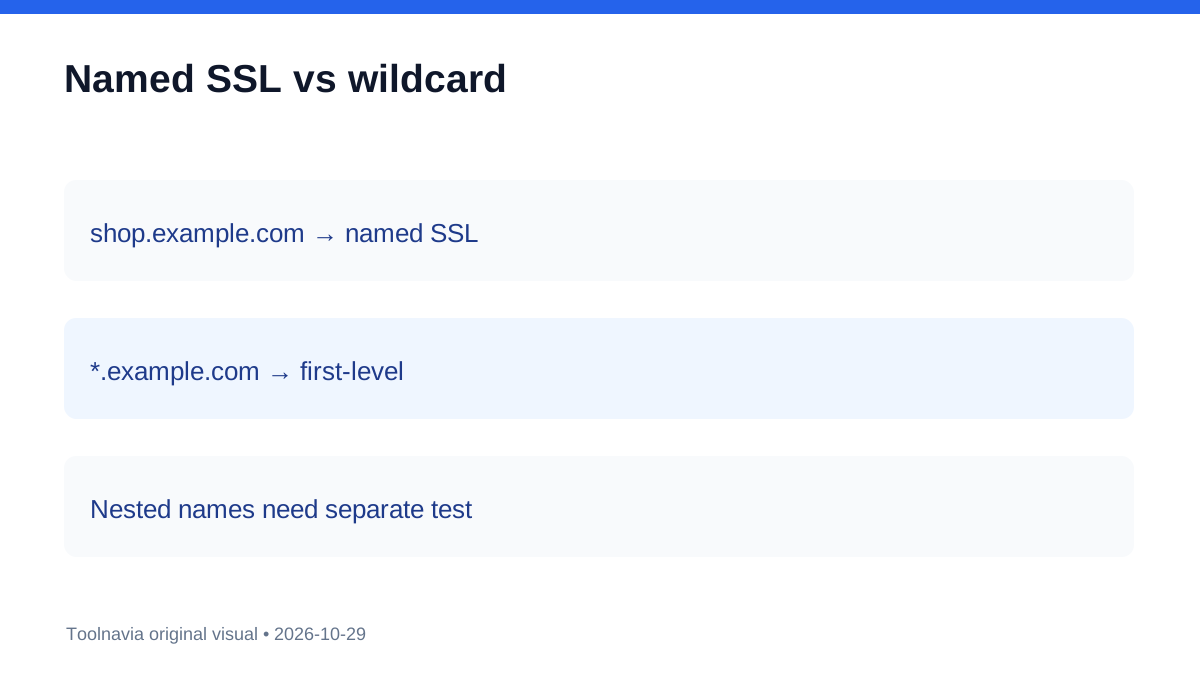
A named certificate can cover a specific hostname such as shop.example.com. AutoSSL can issue separate certificates for registered domains and subdomains, so several named hosts can be encrypted without buying one wildcard.
A wildcard such as *.example.com is a certificate pattern for first-level subdomains. It does not automatically cover checkout.shop.example.com, and Let's Encrypt requires DNS-01 validation for wildcard issuance.
For a root domain plus www, test included AutoSSL first. For two or three fixed names such as shop, docs and app, create each name and inspect its certificate. For many changing first-level names, ask whether wildcard simplifies management. For nested names, test each exact hostname because a first-level wildcard is insufficient.
Why cPanel capability is not a hosting.com entitlement
cPanel documents what its AutoSSL providers can support, including domain and subdomain certificates and, under suitable configuration, wildcard requests. That proves technical capability, not the exact provider, validation method or commercial entitlement enabled for a particular Starter account.
The reseller guide also discusses AutoSSL, but reseller behavior cannot become a Starter guarantee. The migration page says the included certificate renews automatically without defining subdomain coverage.
The honest conclusion is narrower: hosting.com publishes included AutoSSL and separately sells wildcard coverage. The exact treatment of each Starter subdomain must be verified in the live panel or in a written support answer.
A five-hostname acceptance test
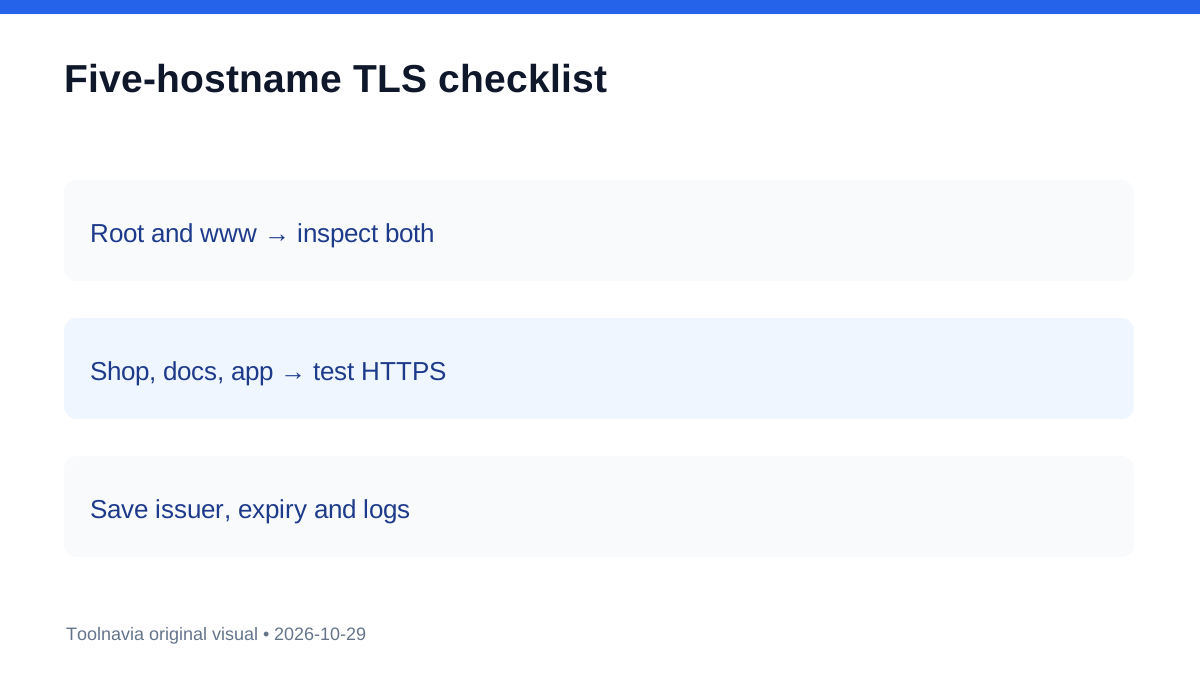
List every hostname that must work: example.com, www.example.com, shop.example.com, docs.example.com and app.example.com. After each intended subdomain exists in cPanel and DNS points correctly, wait for provisioning, inspect certificate status and issuer, then test HTTPS, redirects, mixed content and renewal status. Record the exact hostname, issuance time and expiry.
Do not create random production names merely to consume the five-subdomain allowance. The plan limit and TLS entitlement are separate controls. If a name remains unprotected, save the AutoSSL log and ask whether the selected market and Starter SKU should provision a named certificate or requires a wildcard purchase.
When paying for wildcard can make sense
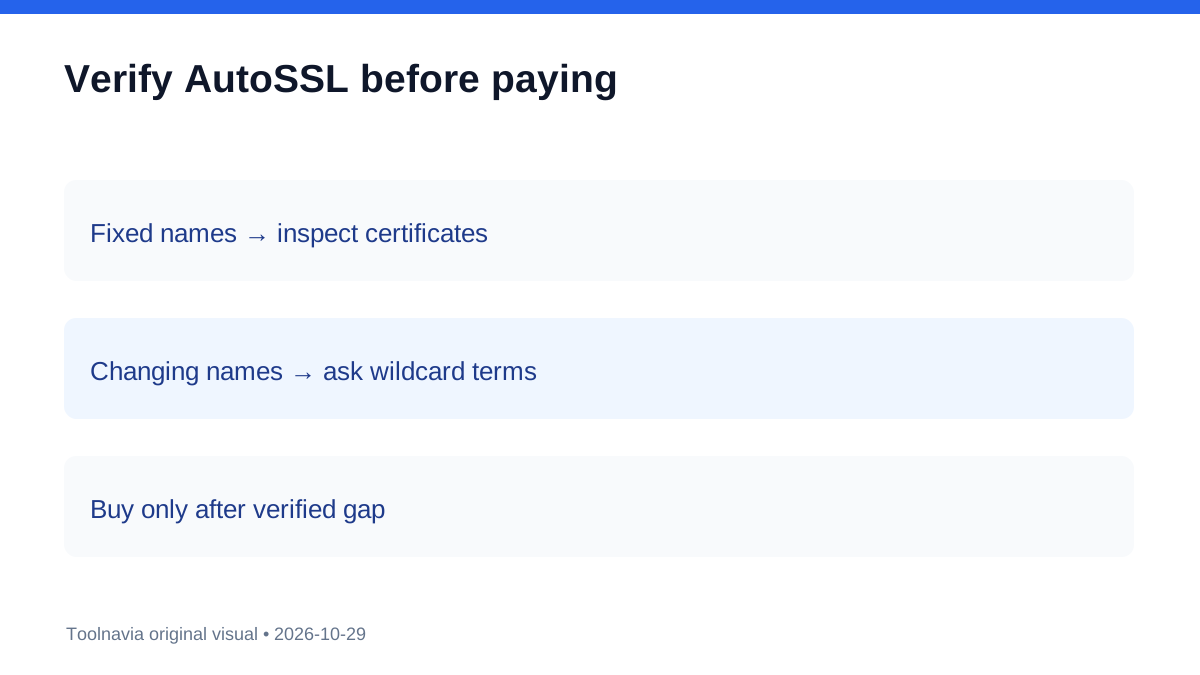
A paid wildcard is easier to justify when the organization routinely creates and removes many first-level subdomains, wants one certificate-management object, or has a written policy requiring wildcard coverage. It is harder to justify when only a few fixed hostnames exist and each already receives a valid, auto-renewing named certificate.
Independent comparison pages treat wildcard support as provider- and plan-specific. Another provider's implementation illustrates the distinction but cannot establish hosting.com entitlement. Reviews that merely say “free SSL included” do not answer the wildcard question.
Checkout checklist and verdict
Save the exact Starter market and term, the subdomain count, included AutoSSL wording, any wildcard line item and renewal, the support answer for your hostnames, and any DNS-validation requirement. The public evidence does not resolve the wildcard price; taxes, campaign eligibility and renewal depend on checkout.
Choose Starter without wildcard when a small fixed hostname inventory receives valid named AutoSSL certificates and renewal is verified. Consider paid wildcard only when many changing first-level subdomains or a written certificate policy creates real value. The safe sequence is: create the required hostname, verify the issued certificate, then buy only the missing entitlement.