TOOLNAVIA / BUYING GUIDE
hosting.com Managed cPanel 4GB Support: What Does “Managed” Cover?
The short answer
hosting.com Managed cPanel 4GB removes a large part of server administration, but **managed does not mean every website, plugin, script or business problem becomes the host’s job**. Public hosting.com material points to cPanel, migration help, advanced technical support, security patches and server upgrades. You still operate domains, DNS, FTP/SSH, email, SSL and site content through the Hosting Panel and cPanel.
**Short answer:** buy this plan if you want the provider to maintain the hosting platform and help with server-level work while your team owns websites and applications. Before checkout, ask hosting.com to confirm four boundaries for the exact Canada 4GB offer: root access, third-party software, malware cleanup and application-level troubleshooting. Public root statements conflict, so a written answer should control.
At a glance
- Best for
- Teams buying provider-maintained cPanel and server support while retaining application ownership.
- Price model
- Use current exact Canada checkout; value depends on written scope.
- Check first
- Exact root, malware, third-party software and custom-code coverage require written confirmation.
What “managed” clearly covers
hosting.com's own guide describes Managed VPS as the hands-off option and names advanced technical support, security patches and server upgrades. Its quick-start guide adds a migration path and gives customers Hosting Panel and cPanel access for daily work.
That is real value: a small team avoids starting with a blank command-line server and gains escalation when the server or supported stack fails. The unmanaged contrast is sharper. hosting.com's Australian Unmanaged page limits support to infrastructure while the customer manages the server, software and configuration.
Do not enlarge those statements. Public pages do not promise unlimited developer hours, arbitrary application debugging, every plugin fix, incident forensics or business-continuity consulting for this exact Canadian offer.
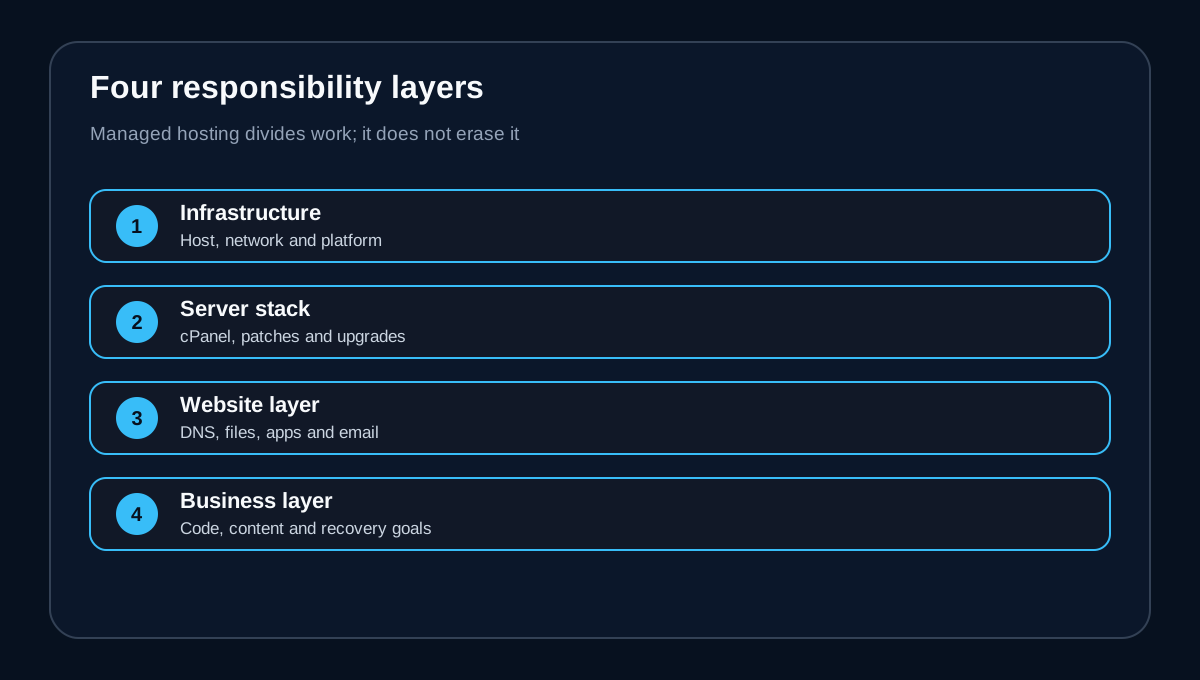
The four responsibility layers
**Provider infrastructure:** the physical host, network and platform are the clearest provider responsibilities. An SLA may apply, but the exact Canada checkout and terms must define it.
**Managed server stack:** hosting.com associates Managed VPS with cPanel, migrations, advanced support, security patches and upgrades. Ask whether OS, firewall, control-panel and security-tool updates are proactive, automated or ticket-based.
**Website and application:** domains, DNS, files, databases, mailboxes, SSL and migration appear in the customer workflow. Management simplifies these tasks; it does not necessarily transfer ownership.
**Business and content:** code, themes, plugins, data quality, checkout logic, content, compliance and recovery objectives remain customer decisions unless a written add-on says otherwise.
Competitor matrices show why the layers matter. InMotion itemizes its own managed-cPanel scope; Bluehost separates server work from custom code and specialized applications. Copy the questions, not the benefits.
Good support requests—and risky assumptions
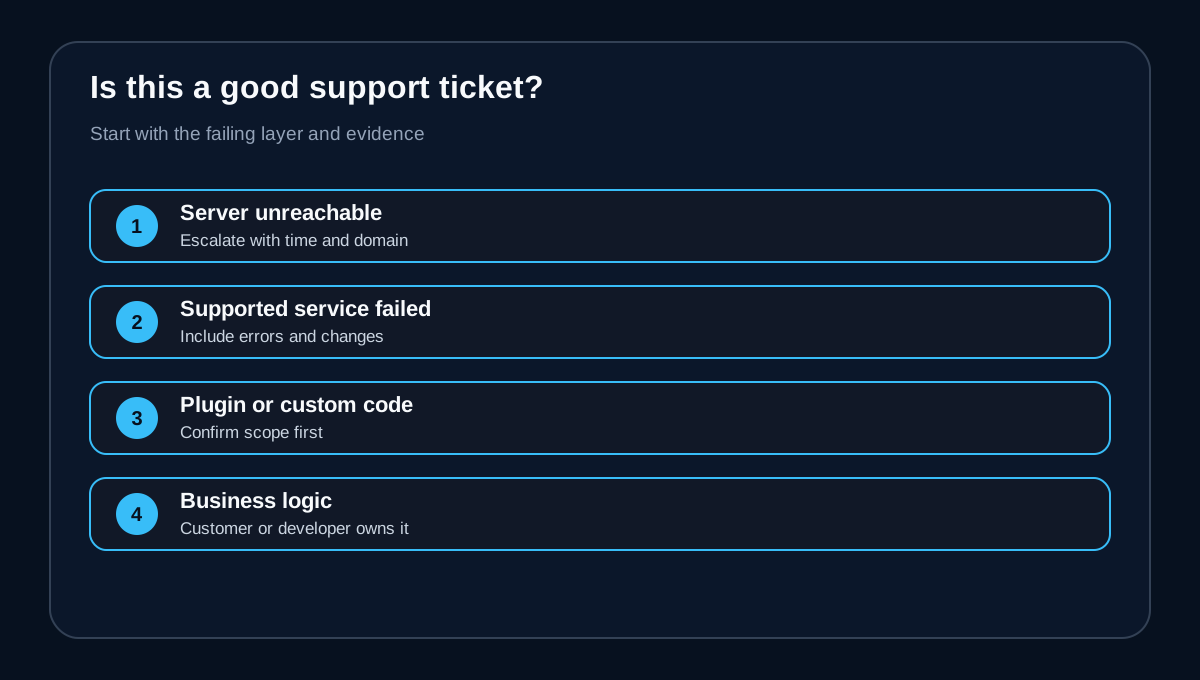
A good ticket asks whether the VPS is reachable, whether a documented service failed, whether migration can be scheduled, or whether an included component needs an update. Include timestamps, domains, errors, recent changes and a safe reproduction path.
Risky assumptions include “managed will repair any WordPress plugin,” “the host cleans every compromised site,” “custom Docker or VPN software is supported,” or “support will redesign the application.” TechRadar's category review says managed VPS reduces administration but still needs technical oversight, and control may be narrower than self-managed service.
If an answer affects launch, revenue or compliance, ask for the exact supported action and escalation path—not merely whether the server is “managed.”
Root access: resolve the official conflict
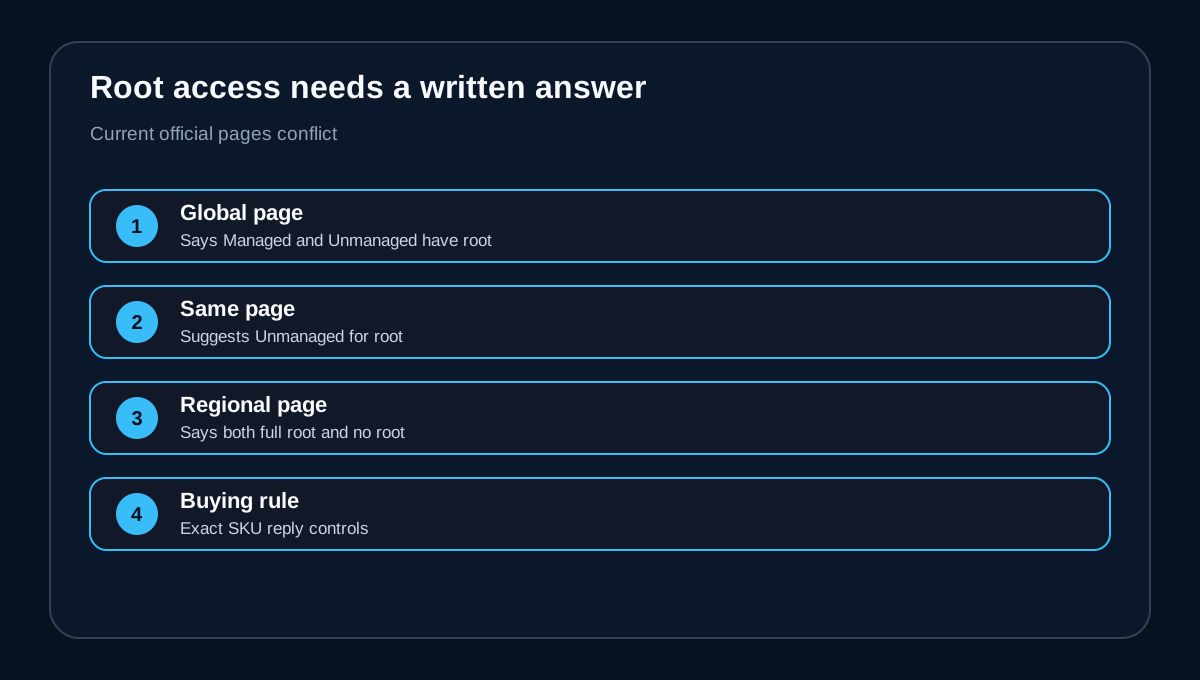
Current hosting.com pages are inconsistent. The global VPS page says Managed and Unmanaged have full root, then recommends Unmanaged to developers wanting root customization. A current regional Managed page simultaneously promotes full root and says root is not provided.
This guide therefore makes no blanket root claim for Canada Managed cPanel 4GB. Ask:
1. Does this SKU provide root, sudo, jailed shell or only cPanel/WHM administration? 2. Which root changes narrow or void managed support? 3. Can support restore the standard image after an unsupported change, and is that billable? 4. Which daemons, repositories and security tools may the customer alter?
Save the answer with the order. Root is not automatically better: more control can shift troubleshooting and recovery back to the customer.
Pre-purchase support ticket
Send one concise ticket before migrating:
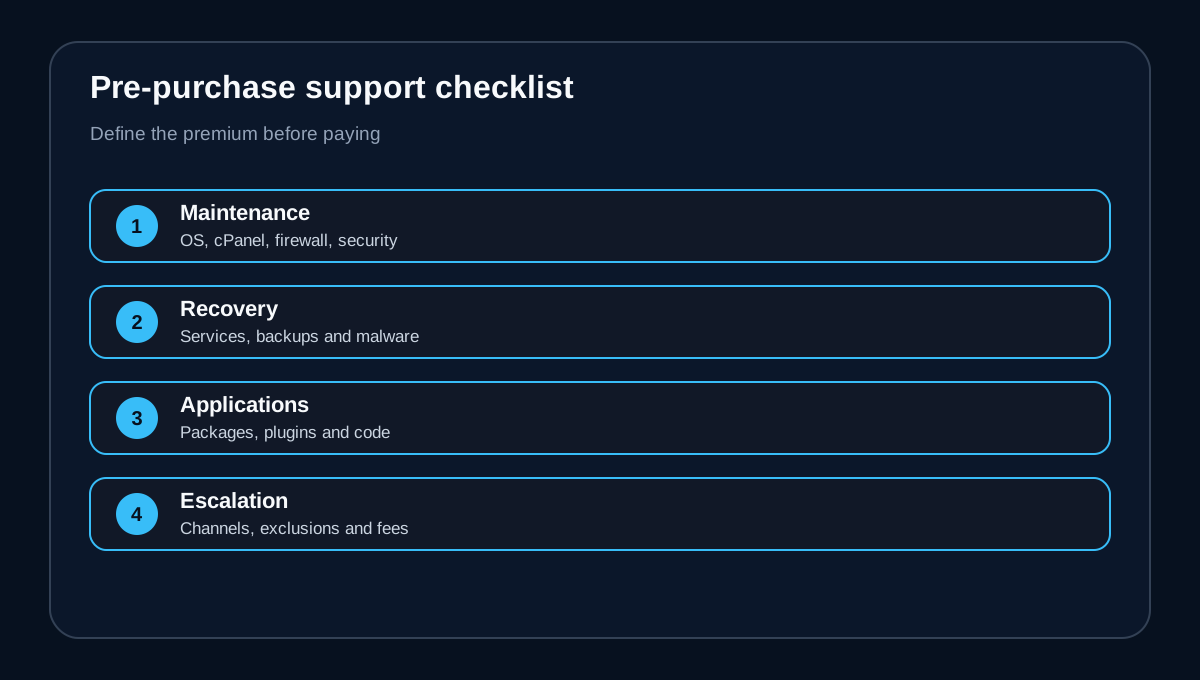
> For Canada Managed cPanel 4GB, please confirm whether you handle OS and cPanel updates, firewall and included security-tool maintenance, failed-service recovery, malware scanning and cleanup, migration, backup restoration, DNS/email/SSL issues, third-party packages, custom code and root-caused incidents. Please list exclusions, channels, escalation, billable work and actions that change support level.
Test the answer against the workload. A brochure site mainly needs migration, patching and restore help. Ecommerce needs explicit incident and database boundaries. An agency needs client separation and offboarding. A custom application may need Unmanaged VPS or an external administrator if it falls outside the standard image.
Managed versus unmanaged: pay for the boundary you need
Managed cPanel 4GB fits teams valuing a familiar panel, migrations and a provider-maintained baseline more than unrestricted customization. Unmanaged fits experienced operators who accept responsibility for server, software, configuration and backups.
The premium is worthwhile when it replaces real administrative work and shortens server-level incidents. It is poor value if the hardest problems live in unsupported code—or if required root changes narrow support. HostingAdvice and CreativeVertical both point buyers toward verifying the exact plan and root/support boundary.
**Verdict:** choose the 4GB offer when cPanel, migration, server-stack maintenance and escalation match your operating model. Delay checkout if root, malware response, custom packages or application debugging are critical and unwritten. [Check the current hosting.com Managed cPanel 4GB offer](/go/hosting-com-managed-cpanel-4gb-ca).