TOOLNAVIA / BUYING GUIDE
hosting.com Managed cPanel 4GB: One Account, Then What Costs Extra?
The short answer
hosting.com Managed cPanel 4GB includes the paid software stack when you run **one cPanel account**. That account can hold more than one domain or website, but it is still one administrative and filesystem boundary. The cost question changes when you create separate cPanel accounts for clients, teams or isolated projects: hosting.com says you can opt into autoscale licensing, it passes the cPanel cost through at cost, and usage is based on the cPanel invoice on the 15th.
**Short answer:** one account is included; additional accounts can add a variable license charge. The public page does not publish hosting.com's exact pass-through amount, proration rule, treatment of suspended accounts or downgrade timing. Ask for those four points in writing before moving a client roster.
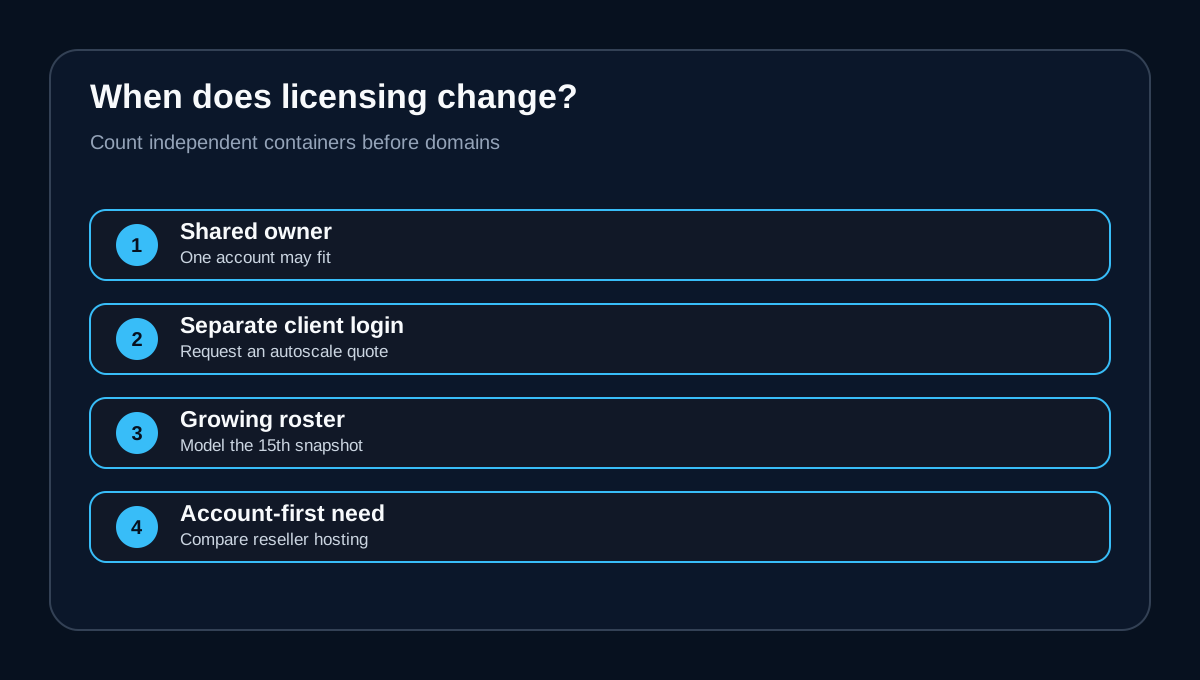
This article is about **cPanel accounts**, not website count. If all sites can share one login, file tree, backup boundary and administrator, Solo may be enough. If each client needs a separate cPanel login, independent quotas, safer offboarding or CloudLinux isolation, count those client containers before comparing the VPS price.
At a glance
- Best for
- One-account buyers and agencies that obtain a written multi-account autoscale quote.
- Price model
- One cPanel account is included; additional-account autoscale amount is not publicly fixed. Current Canadian checkout, written support quote and invoice control.
- Check first
- Exact pass-through pricing, proration, suspended-account counting and downgrade timing are not public.
What the exact Managed cPanel 4GB plan includes
The current plan page lists 2 CPU cores, 4GB RAM, 100GB NVMe storage, 1TB transfer, one IP address, cPanel/WHM, KVM and CloudLinux. The key licensing sentence is narrower: the paid software is included **if you run one cPanel account**. The same page offers autoscale licensing and says cPanel cost is passed through at cost on a pay-as-you-go basis. It also says usage follows the cPanel invoice on the 15th.
That makes the base plan easy to understand for one owner-controlled account and less predictable for an agency. Compute resources and cPanel licensing solve different problems. More CPU or RAM does not automatically buy more cPanel accounts; more accounts can alter the license bill even when CPU and RAM remain unchanged.
hosting.com's terms reinforce the boundary. The selected plan determines the applicable license and account allowance. If you need more accounts than the default license includes, you may need an upgrade or an additional purchase. The terms also reserve the ability to moderate excessive control-panel use.
One cPanel account is not one website
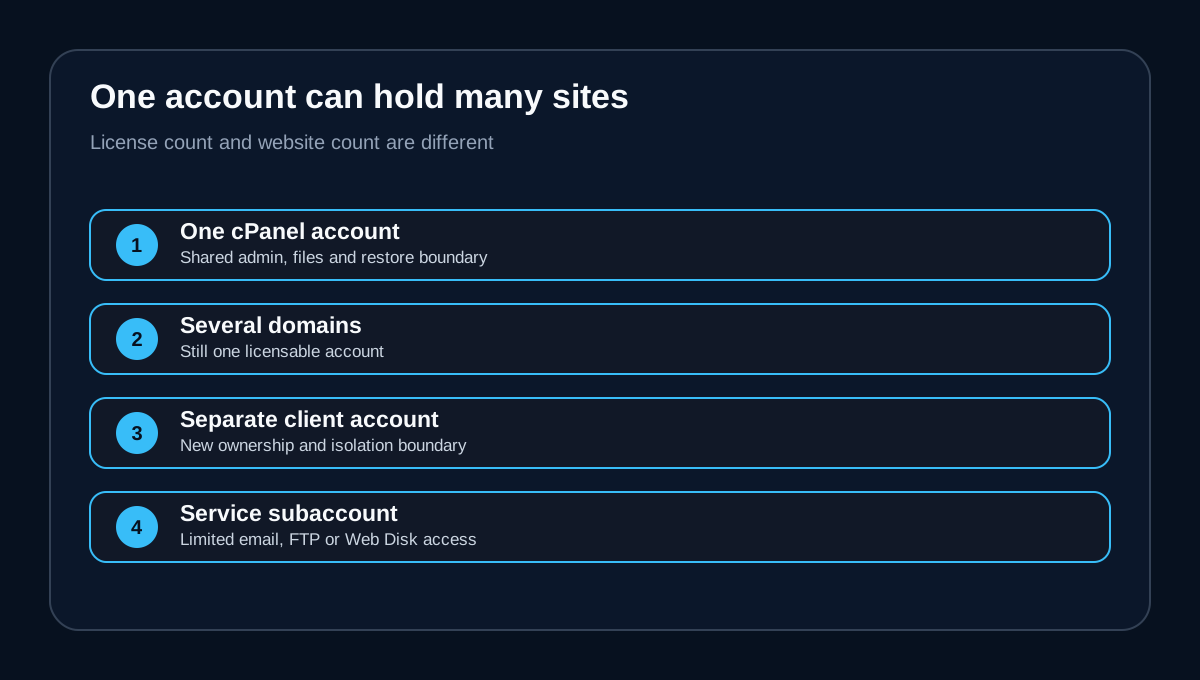
A cPanel account is a top-level hosting identity created and managed through WHM. Inside it, an administrator may host multiple domains, websites, databases, mailboxes and FTP users. Those objects can be numerous while the license still counts one cPanel account.
The operational trade-off is shared trust. Sites under one account commonly share the account owner, file permissions, backup/restore boundary and administrative access. A compromised plugin or credential may expose more of the portfolio. Restoring or handing off one client can also become harder when several unrelated projects live in the same container.
cPanel User Manager can create service subaccounts for functions such as email, FTP or Web Disk. That does not turn them into independent WHM-created cPanel accounts. A service subaccount is useful for limited access; it is not a substitute for a client who needs a separate cPanel dashboard, independent ownership and a clean offboarding path.
When a second account changes the economics
The first separate client account is the decision point. hosting.com does not publish a fixed table mapping its autoscale invoice to Solo, Admin, Pro or Premier on the public plan page. It instead describes pass-through cPanel cost at cost. The safest budgeting method is therefore to obtain an account-count quote rather than copy cPanel retail prices into a hosting.com budget.
cPanel's own 2026 direct-store prices are useful only as context: Solo covers 1 account at $29.99 per month; Admin covers up to 5 at $35.99; Pro covers up to 30 at $53.99; Premier starts at 100+ accounts at $69.99 plus $0.49 per account above 100. Annual direct-store prices are also published for Solo, Admin and Pro.
Those numbers are **not** a hosting.com quote. Partner autoscale packaging, regional billing, taxes, currency conversion and the provider's invoice date can produce a different amount. The public hosting.com page does not say whether moving from one to two accounts incurs the difference between license tiers, a separate autoscale package or some other partner rate.
The 15th-of-month statement deserves attention. Before creating, suspending or terminating accounts around that date, ask how the invoice snapshot works. Specifically ask whether suspended accounts count, whether deleted accounts are removed immediately, whether upgrades are prorated, and when a downgrade takes effect. Do not assume the answer from cPanel retail documentation.
Why agencies often need separate accounts
Separate accounts are primarily about ownership and fault boundaries, not vanity. WHM lets an operator create individual cPanel accounts, and CloudLinux is designed to isolate accounts so that one account's workload or compromise is less likely to affect another. hosting.com's product page specifically presents WHM for client-account management and CloudLinux for isolation.
Use separate accounts when clients need their own control-panel access, quotas, backups, credentials or migration package. They are also helpful when contracts require clean data separation, when different developers should not see other clients, or when one client may leave without forcing a manual carve-out from a shared account.
Keeping several sites under one account can still be rational for a single organization with one trusted admin team. It reduces license complexity and may simplify shared assets. But it should be an explicit risk decision. Do not collapse unrelated clients into one account solely to avoid a license charge.
Cost model: calculate the whole client container
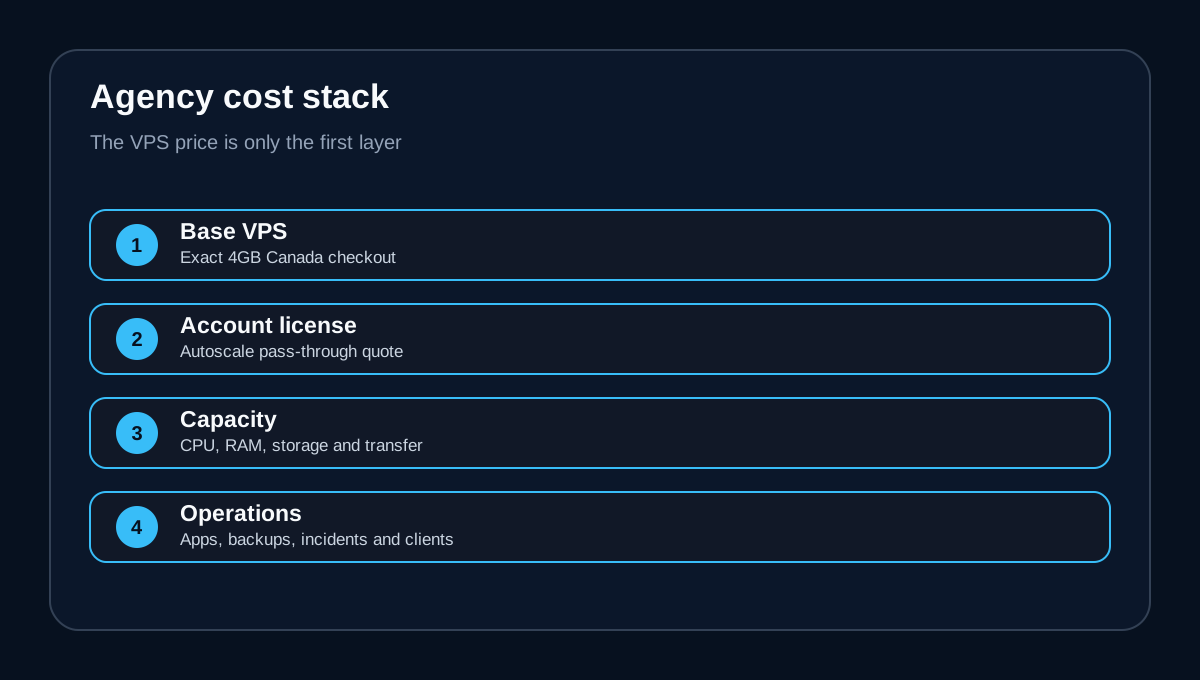
For one owner-controlled account, start with the exact Canadian Managed cPanel 4GB checkout total and confirm that the included account is active. For multiple client accounts, budget five separate layers:
1. the 4GB VPS subscription; 2. the account-based cPanel autoscale charge; 3. taxes and currency effects; 4. resource upgrades if client workloads exceed 4GB/2 CPU/100GB/1TB; 5. operational time for patching applications, backups, incident response and client support.
The VPS is managed, but hosting.com says the provider manages the server while the customer manages the sites. That distinction matters: a license upgrade creates more account containers; it does not outsource application ownership, client support or capacity planning.
A small price difference can be worthwhile if separate accounts reduce offboarding time and blast radius. Conversely, if the only requirement is many small, isolated client cPanel accounts and dedicated VPS resources are not important, compare reseller hosting. A reseller plan often packages a defined account allowance and client-facing WHM workflow. InMotion's same-intent guide makes the same strategic distinction between VPS licensing and account-capped reseller plans. GreenGeeks' support guide also shows that a provider may bundle Solo and handle tier changes through support, reinforcing why the exact provider process matters.
Decision matrix
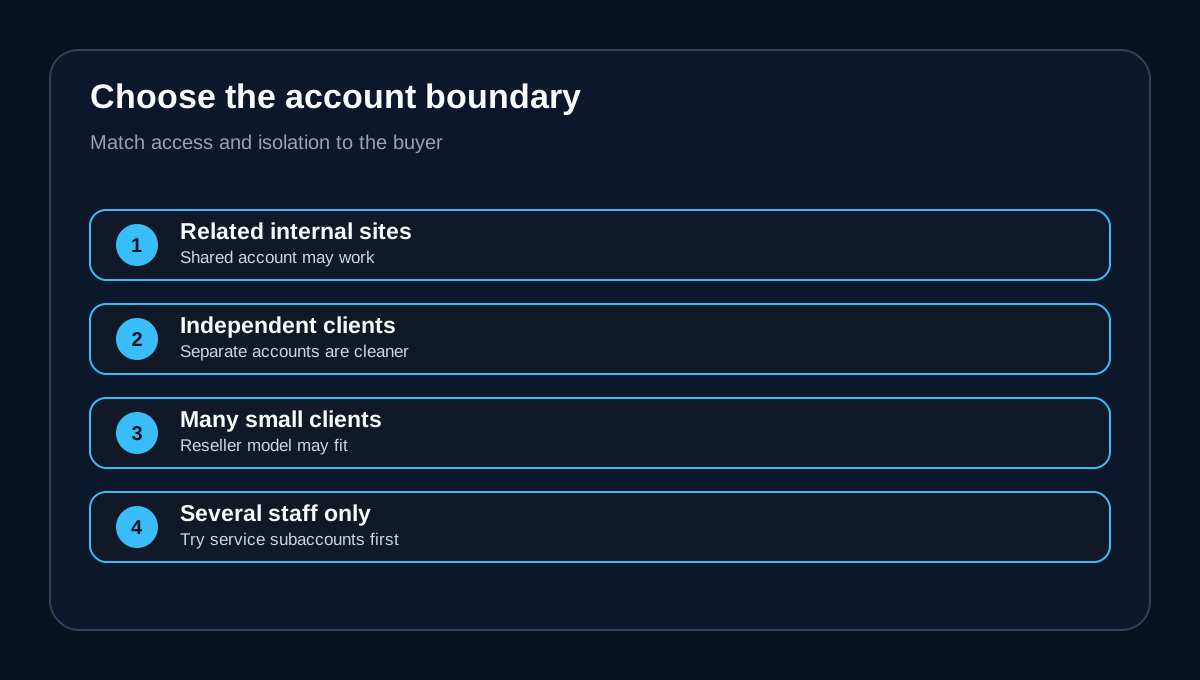
**One internal team, several related sites:** one cPanel account may fit if shared credentials, files and restore boundaries are acceptable. Confirm storage, inode and backup implications.
**Two to five client environments:** request the current hosting.com autoscale quote for the exact count. Compare that all-in amount with a reseller plan and with the value of client isolation.
**Six to thirty client environments:** treat the license as a recurring operating line, not an incidental add-on. Model client churn, suspended-account rules and the 15th snapshot.
**More than thirty accounts:** ask hosting.com for written scaling and invoicing details. Evaluate whether this 4GB VPS has enough compute, memory, storage and support workflow even if licensing is available.
**One site but several staff logins:** determine whether limited email/FTP/Web Disk subaccounts solve the access need. Do not buy extra cPanel accounts when you only need service-level permissions.
Five questions to send support before checkout
1. How much will the exact Canada/CAD Managed cPanel 4GB invoice be with 2, 5, 10 and 30 active cPanel accounts? 2. Does the 15th-of-month count include suspended accounts, and when do deletions stop billing? 3. Are autoscale changes prorated, and when does a downgrade take effect? 4. Is each additional account isolated by CloudLinux and included in the same backup/restore scope? 5. If account count grows faster than VPS resources, what is the migration path and billing treatment?
Save the reply with the purchase record. cPanel direct-store tables can establish the general tier model, but only hosting.com can define its partner pass-through invoice for this exact offer.
**Verdict**
Managed cPanel 4GB is easiest to budget for a buyer using one cPanel account. It can still work for agencies, but the moment you need independent client containers, account-based licensing becomes a variable recurring cost. Count accounts—not domains—then get written answers about autoscale pricing and the 15th snapshot.
Choose the exact 4GB offer if you value managed infrastructure, WHM and CloudLinux and the written multi-account quote beats your alternatives. Compare reseller hosting if isolated client accounts are the main need and dedicated VPS resources are secondary. Keep all commercial action on Toolnavia's exact offer route: [Check the current hosting.com Managed cPanel 4GB offer](/go/hosting-com-managed-cpanel-4gb-ca).