TOOLNAVIA / BUYING GUIDE
HostArmada Images: Hotlink Block or CORS Error?
The short answer
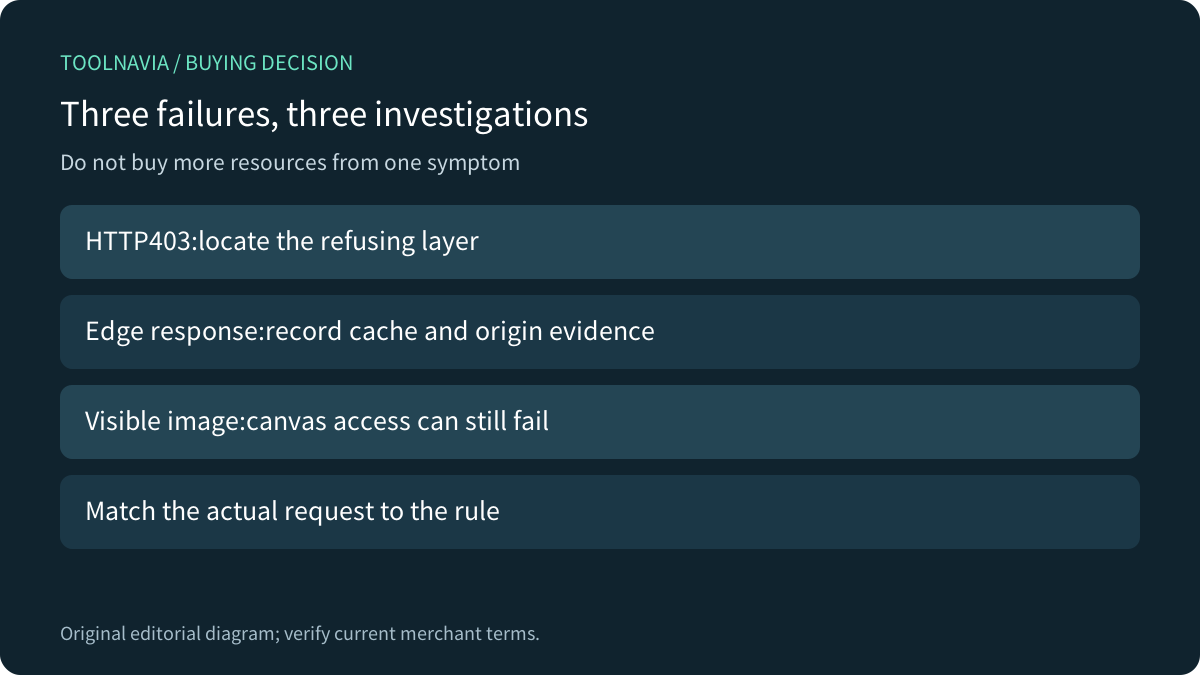
An image 403 on HostArmada is a reason to inspect the request, not an automatic reason to buy a larger plan. A hotlink rule can reject a legitimate consumer;an edge cache can hide which layer answered;and a browser can display an image yet refuse canvas access. Separate those outcomes before choosing Web Warp or changing resources.
At a glance
- Best for
- Correct image-access rules with tested www,CDN and intended external consumers.
- Price model
- Verify current Web Warp term/renewal and any separately selected CDN charge.
- Check first
- Provider controls interface availability;hotlink,CORS and edge-cache behavior differ;no universal theft or SEO guarantee.
Identify what actually failed
Record the page URL, image URL, HTTP status and browser console message. HostArmada's 403 guide describes missing www or CDN entries in hotlink allowlists, but also lists permissions and firewall rules as alternative causes. A broken thumbnail alone cannot identify the blocking layer.
Distinguish a refused HTTP response from an image that loads but cannot be read by a browser application. For a product customizer or image editor, successful display is only the first acceptance check. Ask support to correlate a failing request with the relevant origin or security event rather than treating every 403 as insufficient CPU.

Match allowed page origins and real referrer behavior
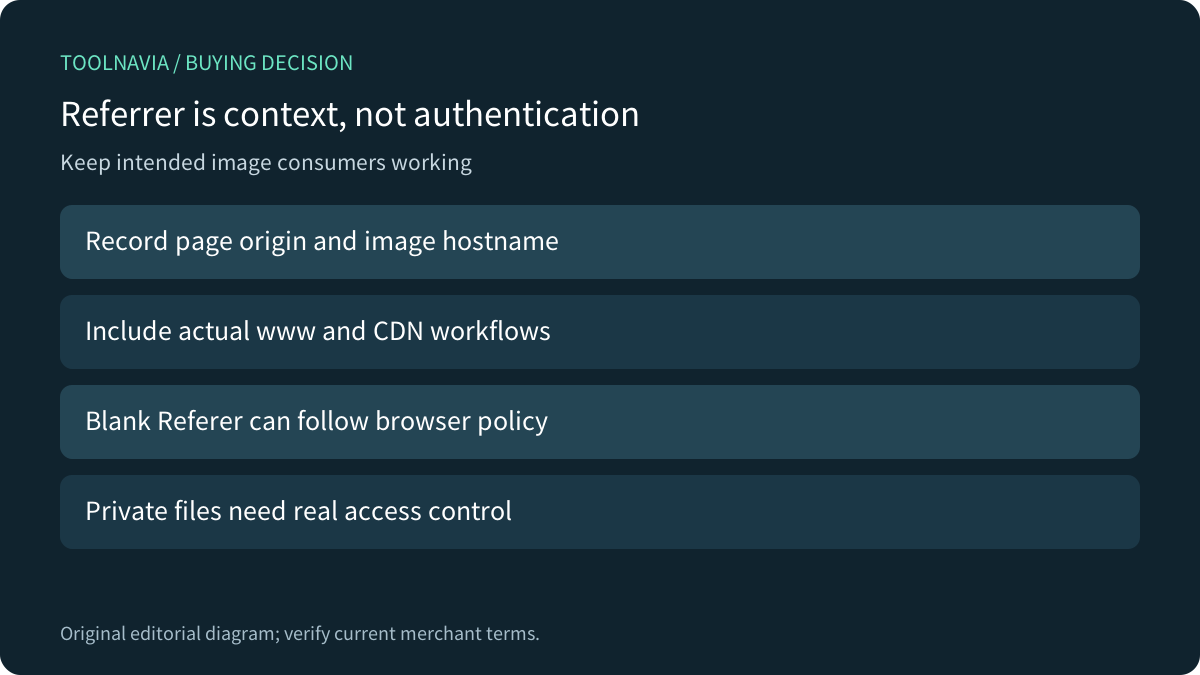
A hotlink rule uses request context to limit other sites embedding your files. Inventory the main site, www variant, actual image hostname and any intended partner, RSS or newsletter use. The page initiating a request and the hostname serving its image are not necessarily the same. Do not add only the image hostname while omitting the legitimate page origin.
Referrer information also depends on browser policy. MDN documents that no-referrer omits the Referer header, while strict-origin-when-cross-origin normally sends only the origin on cross-origin HTTPS requests. A missing path or missing header is not proof the visitor is illegitimate. Do not weaken the site's privacy policy merely to make an overly strict image rule match.
Treat hotlink filtering as a bandwidth policy, not authentication for confidential files. If content must be private, use a supported access-control arrangement with its own acceptance criteria.
Keep cPanel and Cloudflare rules distinct
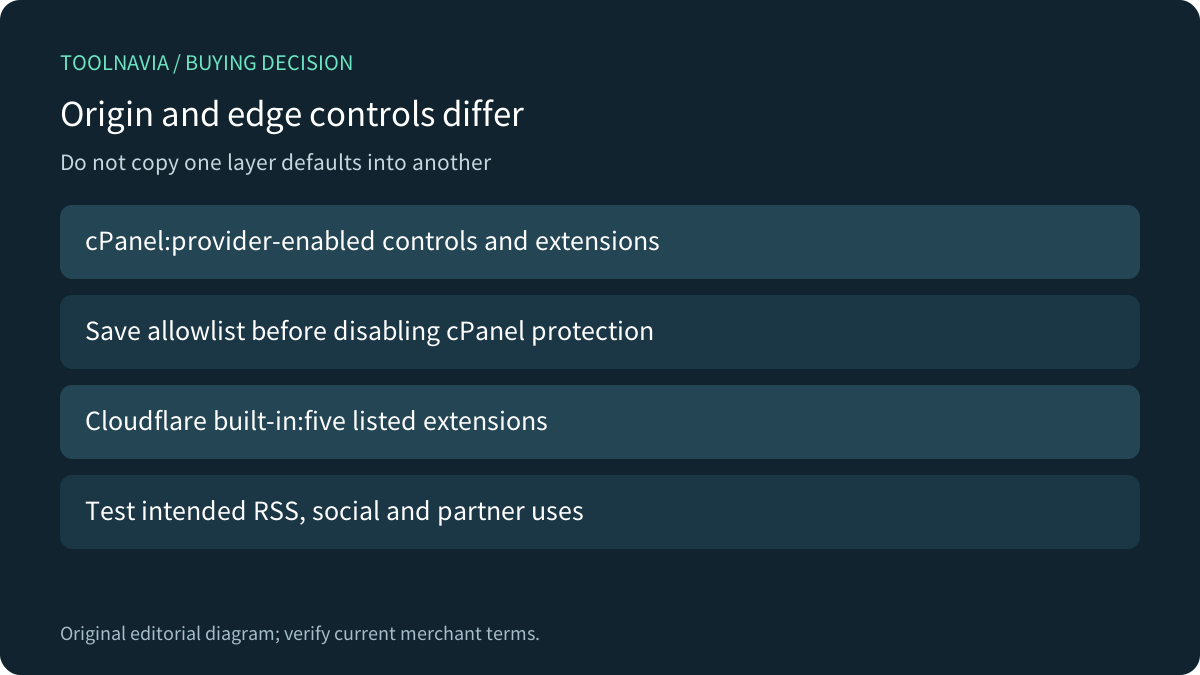
cPanel documents allowed URLs, protected extensions and an Allow direct requests setting. It also says the provider can enable or disable this interface. Confirm the actual HostArmada account's supported control and save its current configuration before changing anything. Disabling protection deletes the stored allowlist according to cPanel;it is not a reversible toggle unless you retained those entries.
Cloudflare's built-in Hotlink Protection has different documented scope:gif, ico, jpg, jpeg and png. Its rule does not reject a request merely because the referrer is blank. Do not assume it covers WebP, AVIF or SVG, or that a cPanel extension list behaves identically.
The Cloudflare guide also describes selective image exceptions and warns that protected images may not display on Google Images, Pinterest or Facebook. Namecheap separately warns about RSS and newsletter breakage with its setup. Namecheap also warns that improper rules can affect crawler access;no universal SEO outcome follows. Accept those intended consumers explicitly rather than promising universal protection with no discovery or sharing tradeoff.

Separate image display from canvas permission
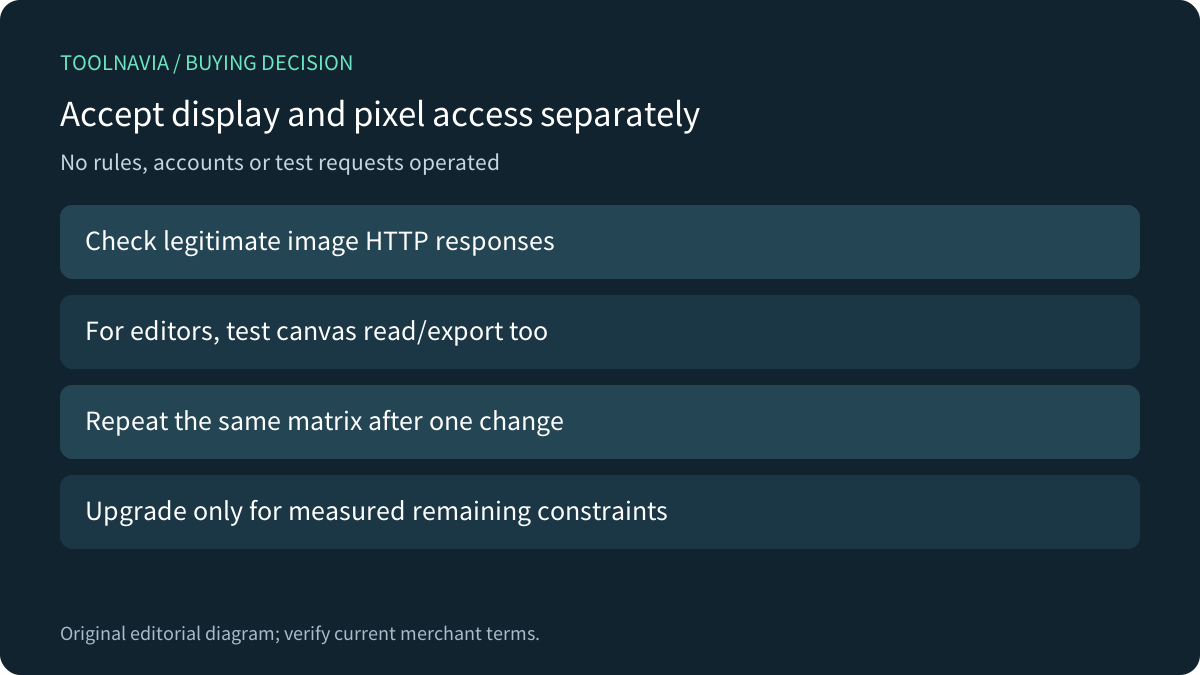
MDN explains that drawing cross-origin image data without CORS approval taints a canvas. Later attempts to read or export its pixels can raise SecurityError even though the image was visible. That is a different failure from the server denying the image with 403.
For a legitimate browser image tool, confirm the intended image origin, the application's crossorigin handling and the corresponding server CORS response. Adding an allow-origin header does not by itself remove a separate hotlink or firewall denial. Avoid prescribing a blanket wildcard or changing multiple security layers before identifying the failed step.
Cloudflare's cache-response documentation provides another diagnostic boundary:HIT means a cached resource was found;MISS means an eligible uncached response came from origin. A cached image displaying correctly is therefore not proof that the current origin rule accepted a fresh request. Record response status and cache state with the provider when comparing results.
Accept the consumers you intend to support
On an authorized disposable setup, use a harmless image and a small test matrix:the main page, www alias, intended CDN route, direct opening and one approved external consumer. For an image editor, also check the canvas read/export operation. Record actual request context and outcome without exposing private cookies or tokens.
Change only the identified supported rule, then repeat the same cases. Preserve the original allowlist and a documented restoration route. Do not disable the whole firewall to fix one image. These are proposed owner-run checks;this review issued no test requests or configuration changes.

Buy for measured web needs after the rule is correct
The current Web Warp plan context lists 30 GB storage, multiple websites and 4 CPU/4 GB resources. Those are useful inputs for a site-capacity assessment, not a promise that all image-processing or external-delivery requirements are solved. Current term, renewal, tax, acceptable-use conditions and any separately selected CDN service still need confirmation.

Stay with the current plan when an access rule is the actual cause. Consider more hosting resources when legitimate traffic or application work remains constrained after a controlled diagnosis. Then [review the current HostArmada Web Warp offer](https://affiliates.hostarmada.com/scripts/q1yoac4x8oq?a_aid=toolnavia). Toolnavia may earn a commission from eligible purchases;no hosting account, CDN rule or order was operated here.