TOOLNAVIA / BUYING GUIDE
Bluehost WordPress Import: Is an XML Export Enough?
The short answer
A WordPress XML export can suit a content-led rebuild on Bluehost Starter. It is not a complete copy of the old website. Choose that route when posts, pages and selected content are the goal;choose a separately verified full migration when design, configuration and application data must survive together. Keep the source and an independent backup until the chosen result is accepted.
At a glance
- Best for
- A deliberate content rebuild with verified media transfer and compatible import tooling.
- Price model
- Check current Starter term,renewal and any supported migration-service charge.
- Check first
- XML is not a full clone;media stays external until copied;actual importer compatibility unverified.
Decide which result you are buying
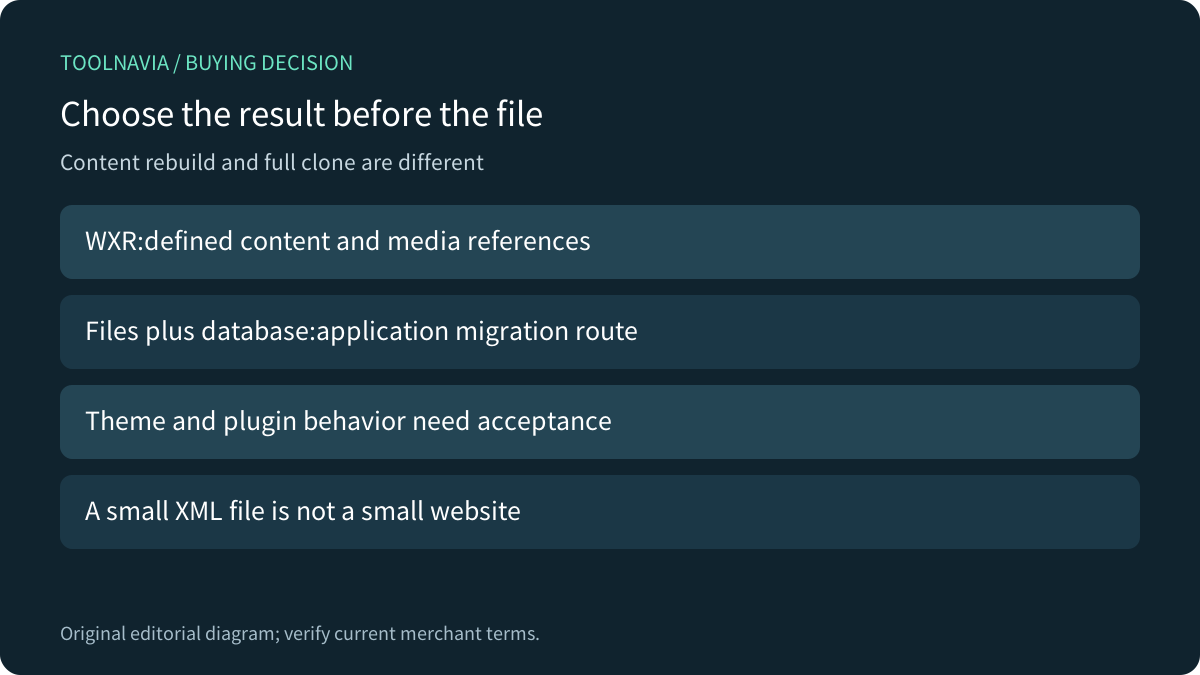
Bluehost's WordPress.com transfer tutorial uses an exported file and the destination WordPress importer. It explicitly applies to WordPress.com sources. Its separate manual migration guide transfers website files and the database, then updates the destination configuration. These are different scopes, not interchangeable download buttons.
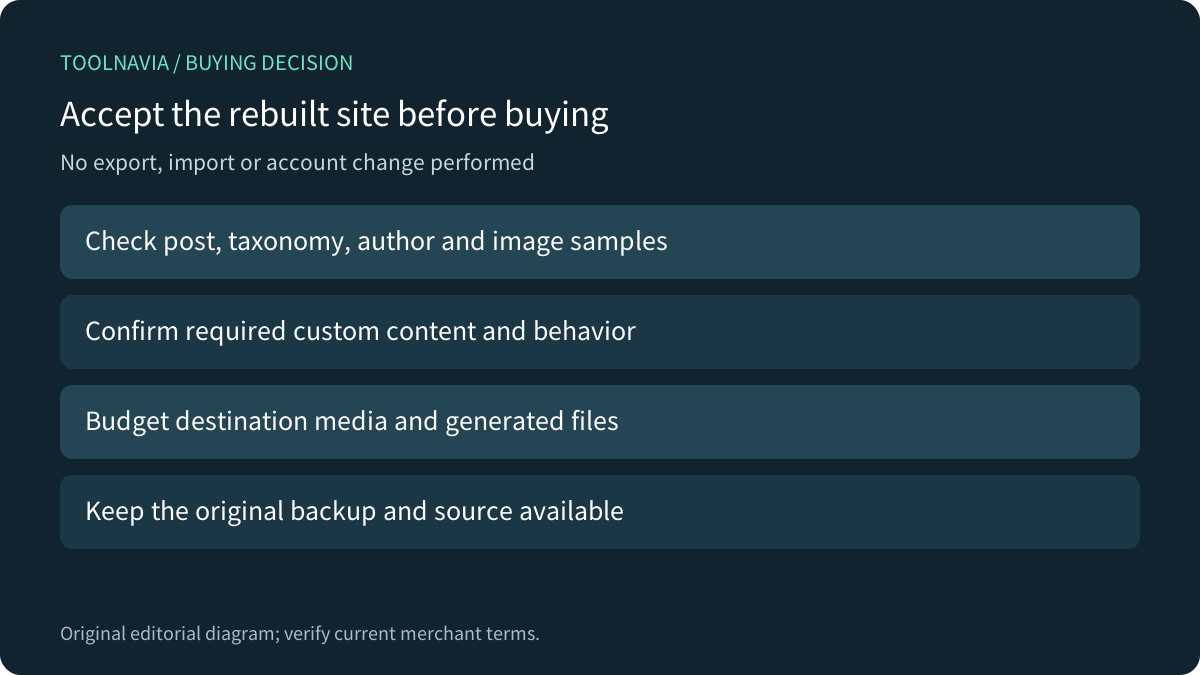
Write an acceptance inventory before choosing hosting:required articles, authors, taxonomies, images, theme behavior, plugin settings and any business records. A blog redesign may need portable content and a new layout. A live shop or membership application needs a supported plan for its actual records and dependencies;do not assume a generic content export covers them.

Read WXR as content, not a database backup
WordPress's export command documents authors, terms, posts, comments and attachment entries. It explicitly excludes site configuration options and the attachment files themselves. WordPress.com similarly says the export does not contain theme design, customizations, plugins or actual media bytes.
“All content” still has boundaries. The core export function includes post types whose can_export setting permits export and skips auto-drafts by default. That does not establish a copy of every plugin table, setting or external service. Check plugin-specific migration documentation for records that matter to the business.
Kinsta's command-line guide distinguishes XML content export from raw SQL database export. Its SQL import warning concerns replacing destination database content. Do not upload SQL into an XML importer or assume importing either file restores the missing theme and media files.
Keep media accessible until it is genuinely copied
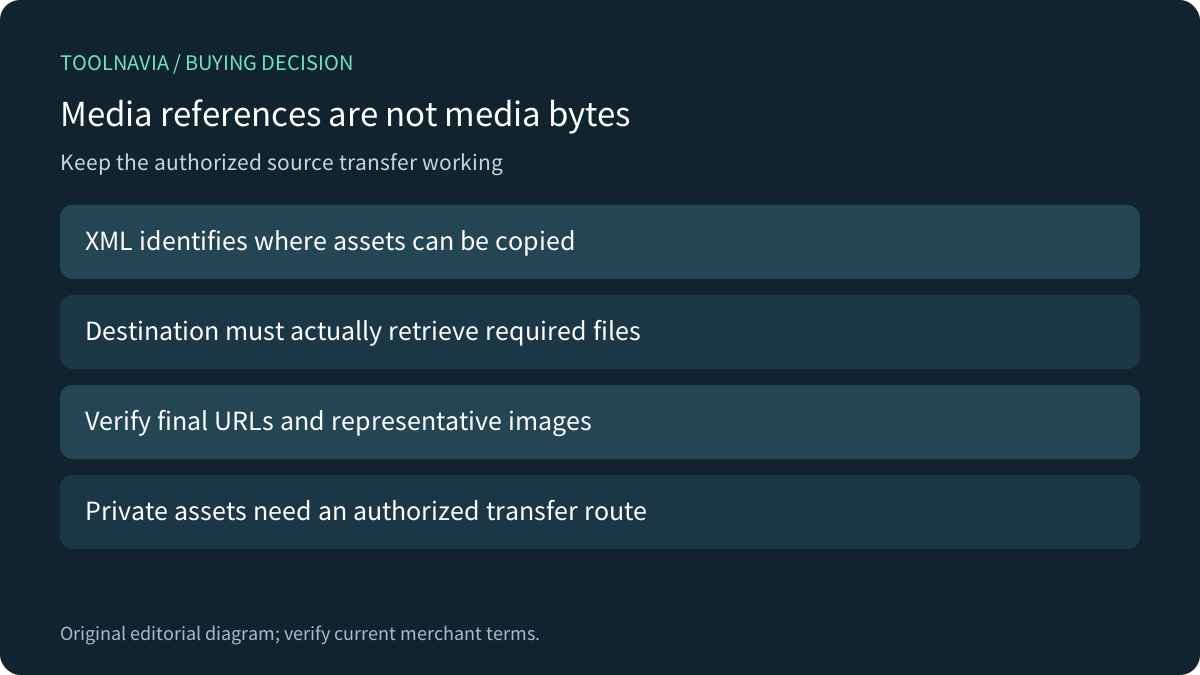
The XML file records where media can be found. WordPress.com warns that the destination needs access to the original site while copying images and offers a separate media-library export. A small XML file can therefore represent a much larger file library.
For already public source images, keep the old URLs available through transfer and verification. If the source is private, arrange an authorized supported transfer instead of making confidential assets public merely to satisfy an importer. Confirm that required assets are served from the intended destination afterward, rather than silently depending on the old host.

Check the real importer and its current compatibility
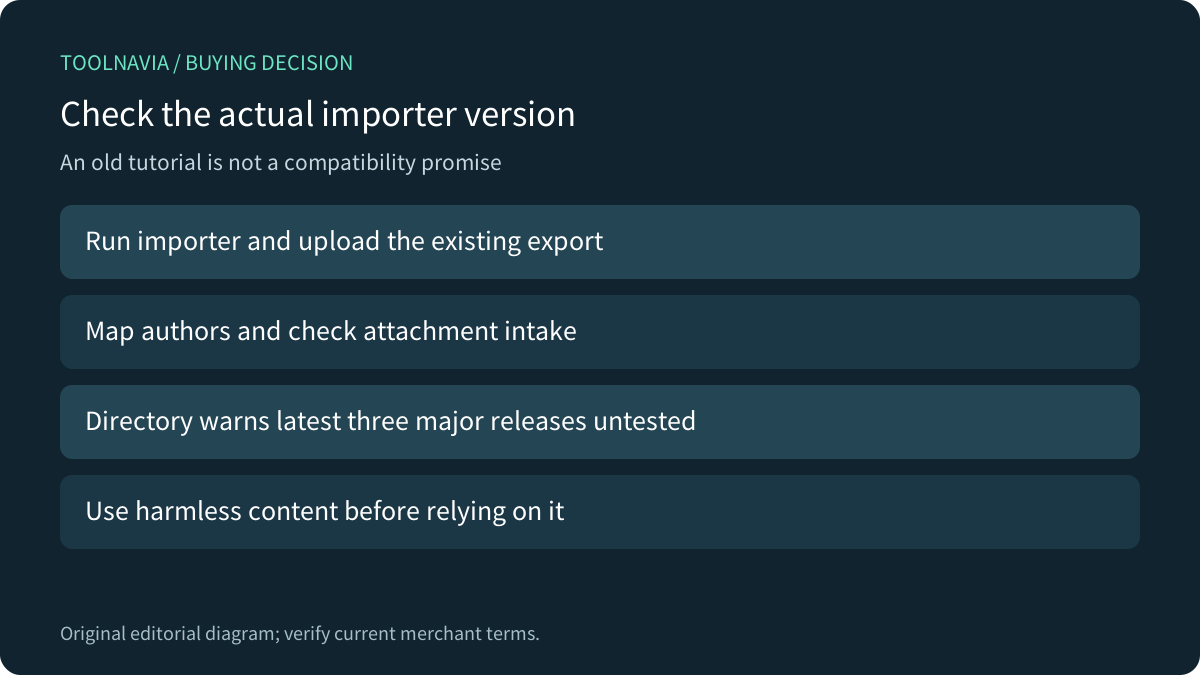
Bluehost's tutorial describes assigning authors and selecting Download and import file attachments. One earlier import step reuses the wording Download Export File;the later upload steps and the official importer's instructions make the intended direction clear:run the importer and upload the existing export. Do not start a second export on the new empty site.
The current WordPress Importer directory page also warns that it has not been tested with the latest three major WordPress releases. That warning is not proof it fails, but it prevents a blanket compatibility promise. Confirm the destination version and a supported importer with Bluehost, and test harmless content before relying on the route.
Author mapping, attachment fetching and custom content require their own checks. Do not assume a successful upload proves each image downloaded or each custom post type behaves correctly without the required application code.
Separate import limits from hosting capacity
Bluehost's content-transfer guide notes PHP memory, upload and execution-time constraints for larger imports. Its current Starter pricing page provides the hosting context, including storage and migration-tool features. Neither establishes that every XML file or complete source site will import in one operation.
Budget the actual destination library and its generated files, not just the XML download. Confirm current Starter storage, term, renewal, tax and the selected migration service's eligibility. More disk space alone does not repair incompatible content or importer behavior.

Accept a representative rebuild before retiring the source
On an authorized disposable destination, import a small representative set with a post, image, author, taxonomy and any required custom content. Compare rendered pages, media URLs, ownership and expected behavior. Preserve the import report and investigate missing items rather than repeatedly importing the full file into an uncertain destination.
If the desired result requires the original application state, choose a supported full files-and-database route instead. Keep the original independent backup and avoid overwriting a live destination merely to test a method. No export, import or migration was performed for this guide.

Choose Starter when the accepted rebuild fits its current resources and support needs. The small size of a WXR file is not the buying reason. After the transfer scope and compatibility are confirmed,[review Bluehost Starter's current offer](https://bluehost.sjv.io/7XkALd). Toolnavia may earn commission from eligible purchases;no account change or order was carried out.