TOOLNAVIA / BUYING GUIDE
Bluehost Starter WP-CLI: Test URL Replacement Before Migration
The short answer
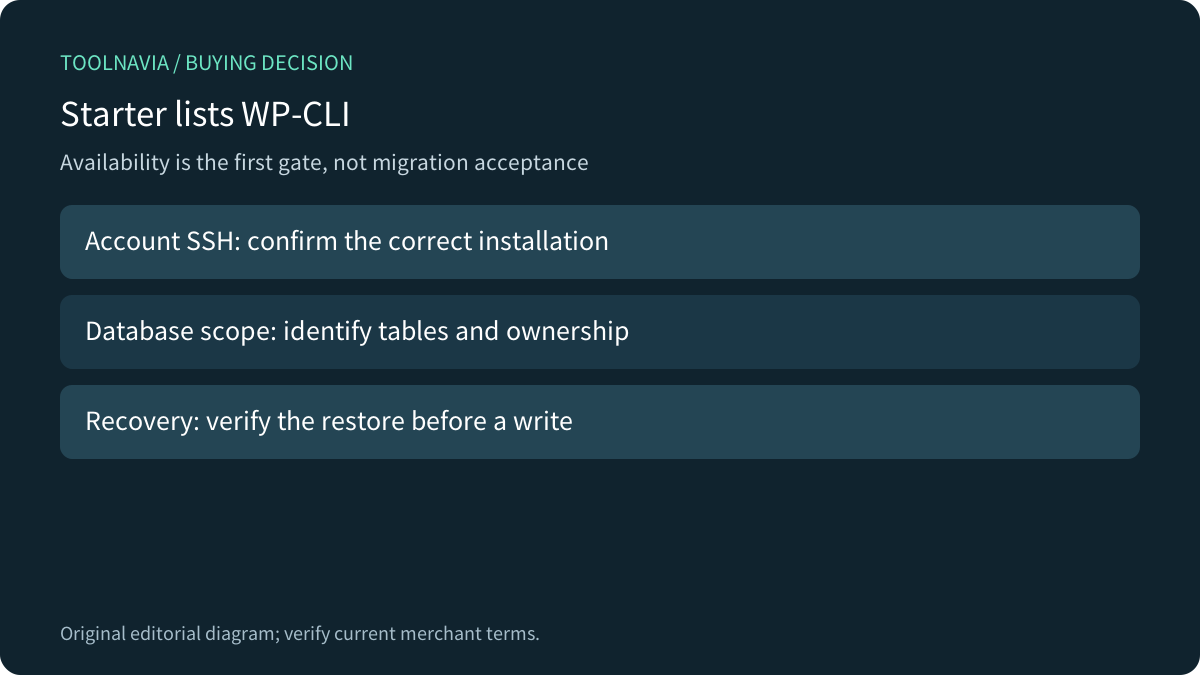
Bluehost Starter lists WP-CLI, so you do not need a larger plan merely to obtain that tool. The harder question is whether your URL migration can preserve serialized WordPress settings, cover the intended tables and recover from a bad replacement. A command being available does not answer those questions.
At a glance
- Best for
- Scoped WordPress URL migration with verified table inventory and recovery.
- Price model
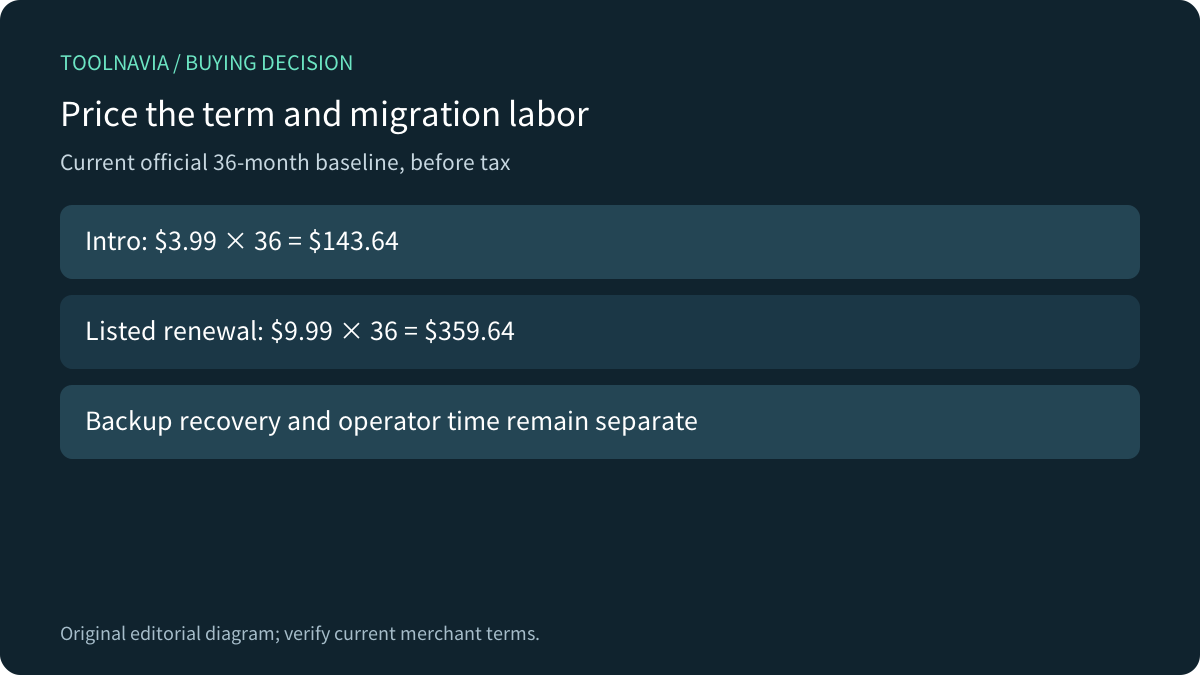
- 36-month intro $143.64 before tax; listed same-term renewal $359.64. Verify the selected order.
- Check first
- A dry run neither writes changes nor proves application correctness or restoration.
Check the tool before paying for a larger plan
Bluehost's current shared-hosting table includes SSH and WP-CLI for Starter. Its SSH guide describes account access; root access in a VPS context is a different entitlement. Confirm that the actual installation and operator have access before scheduling a move. Neither feature listing promises unlimited database resources or a completed migration service.
The practical purchase gate is simple: if Starter otherwise fits the site, obtain a scoped migration plan before upgrading just because someone says URL replacement requires a more expensive host. Review the actual database size, plugin requirements and maintenance responsibility separately from the presence of a CLI command.

Treat serialized settings differently from plain text
WordPress migration guidance warns that changing URL strings can break serialized values. PHP serialization records string lengths as part of the stored format; widgets and plugin options may contain such values. A raw replacement in an exported SQL file can leave those lengths wrong even when the new domain looks correct in a text editor.
The canonical WP-CLI reference says search-replace handles PHP serialized data and does not change primary-key values. That is useful support for choosing the tool, not proof that every plugin format is understood. Compressed, custom-encoded or external data can require its own migration method. Identify representative settings before choosing a replacement strategy.
Preview one exact replacement and inspect the scope
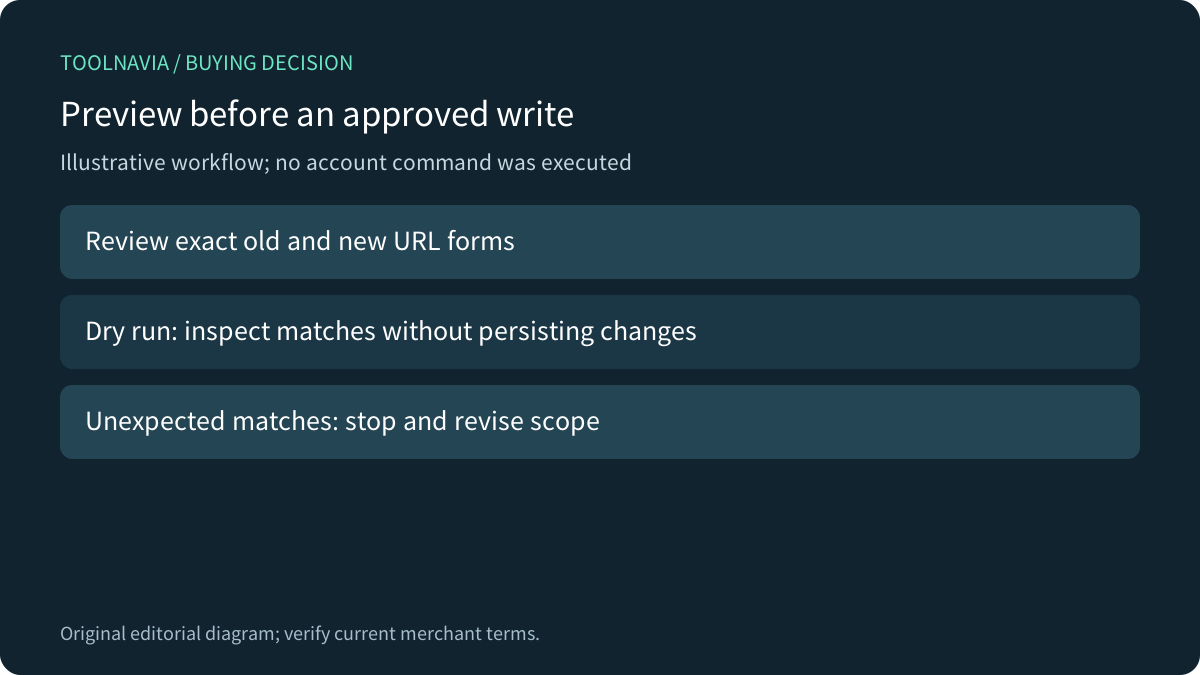
An illustrative template is `wp search-replace 'https://old.example' 'https://new.example' --skip-columns=guid --dry-run`. These reserved domains are placeholders. We have not executed the command or tested a Bluehost account. Use the actual installation path and reviewed old/new URL forms, and keep a recoverable database copy before any approved write.
The canonical definition of `--dry-run` is a preview that does not persist replacements. The Cloudways tutorial's parameter table mislabels that option as a URL; its workflow and WordPress's own reference describe the preview correctly. Use the canonical definition. A successful preview still does not prove a successful restore or working application.

Inventory tables before expanding the command
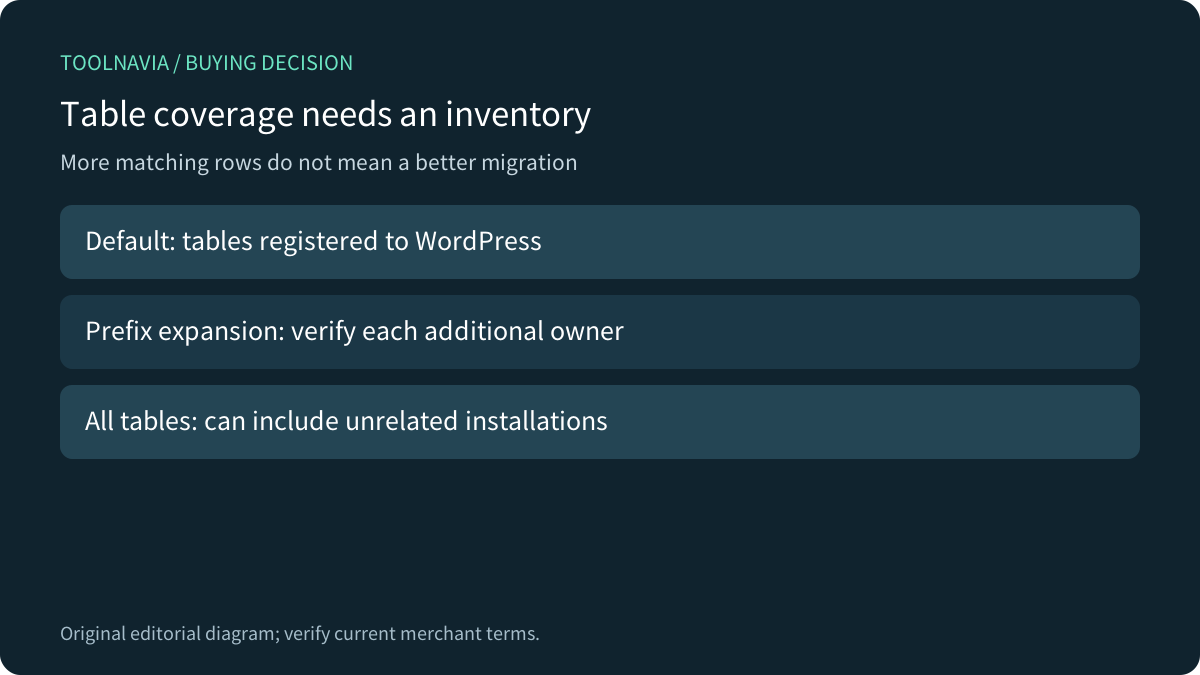
By default, the command operates on tables registered to WordPress's database object. A plugin can have additional tables. The prefix flag expands coverage to matching-prefix tables; the all-tables flag expands it further and overrides narrower scope options. Do not add the broadest flag merely to make the replacement count larger. A shared database may contain data belonging to another installation.
Make a small inventory: table owner, relevant URL column, expected match and an example that must stay unchanged. Decide deliberately about GUIDs, email addresses, old subdirectories, HTTP versus HTTPS and www versus bare domains. One literal replacement is not a complete specification for all these cases. WP Engine's guidance is a useful comparison for scoped operations, while its provider-specific automation must not be assumed to exist on Bluehost.

Prove recovery and application behavior separately
Use a test copy where feasible, record the preview, and review unexpected matches before approving a write. Verify a database backup can actually be restored using the intended process. A saved file without a tested recovery route does not establish the time or effort needed to recover. Keep the old and new URL map alongside the table inventory.
Then check representative menus, widget settings, media, forms and any purchase journey using a suitable test environment. Database replacement may leave filesystem configuration, external services or custom formats untouched. Cache invalidation belongs after the appropriate change, but a fresh-looking page cannot prove that all application paths work. These are proposed acceptance checks, not results from a migration we performed.
Price the commitment and the work together
The current Starter offer shows $3.99 per month for a 36-month term: $143.64 before tax for that term. The listed 36-month renewal baseline is $9.99 per month, or $359.64. The introductory monthly label is not a monthly-payment promise; confirm the term and total in the selected order. Other renewal terms have different rates.

Starter is a reasonable candidate when the hosting limits fit and an operator can demonstrate scoped replacement and recovery. Pause when the purchase assumes a dry-run count guarantees complete plugin migration, or when nobody owns the restore. Budget operator time separately from hosting. [Check Starter pricing](https://bluehost.sjv.io/7XkALd), then make the purchase against a reviewed migration plan rather than a tool name alone. This article contains an affiliate link; we may earn a commission from an eligible purchase.