TOOLNAVIA / BUYING GUIDE
Bluehost Starter for AI Apps: Static Files or a Server?
The short answer
Bluehost Starter can fit an AI-generated static site or a supported request-driven website. A generated project that needs a resident Node.js server or a persistent Python application server requires a different deployment model. Identify what must run after upload before buying three years of shared hosting. Bluehost’s specific app-selection guide makes that boundary explicit.
This is a source-based buying guide, not a deployment we performed. The proposed checks use nonproduction data and do not establish your app’s compatibility in advance.
At a glance
- Best for
- Static exports and supported request-driven sites with separately planned backend services.
- Price model
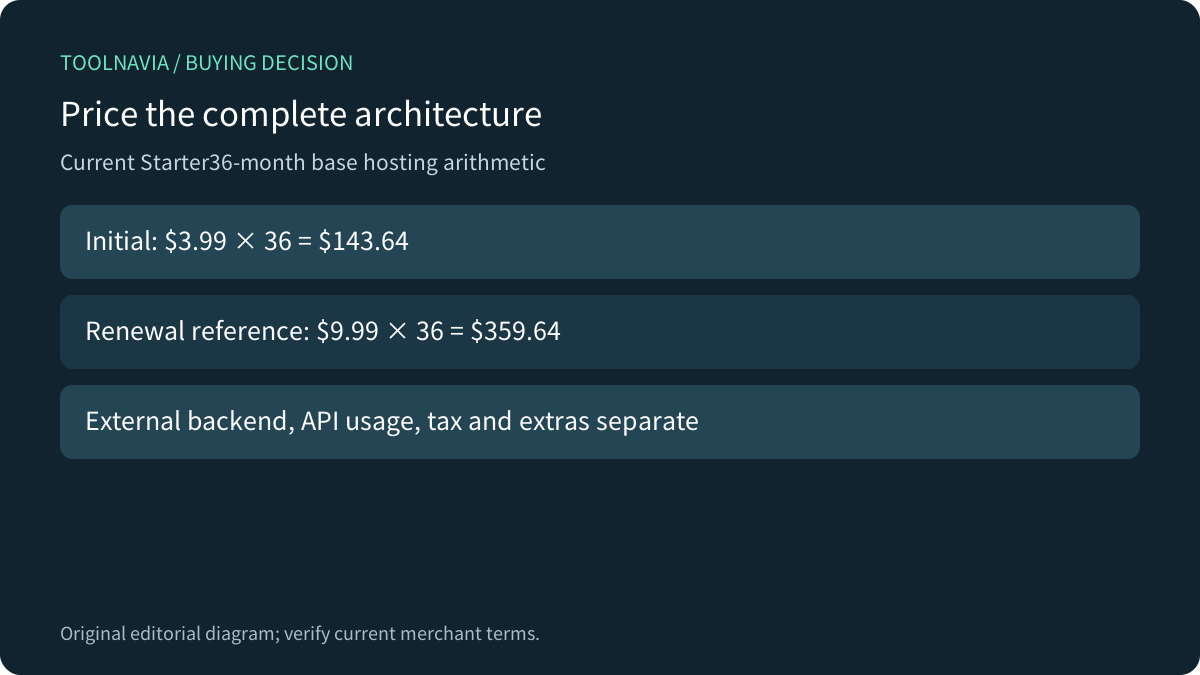
- Starter $3.99/mo equivalent for36months; $143.64 initial hosting subtotal, renewal reference$9.99/mo.
- Check first
- SSH does not grant a persistent Node or Python application server on shared hosting.
Trace what runs after the build
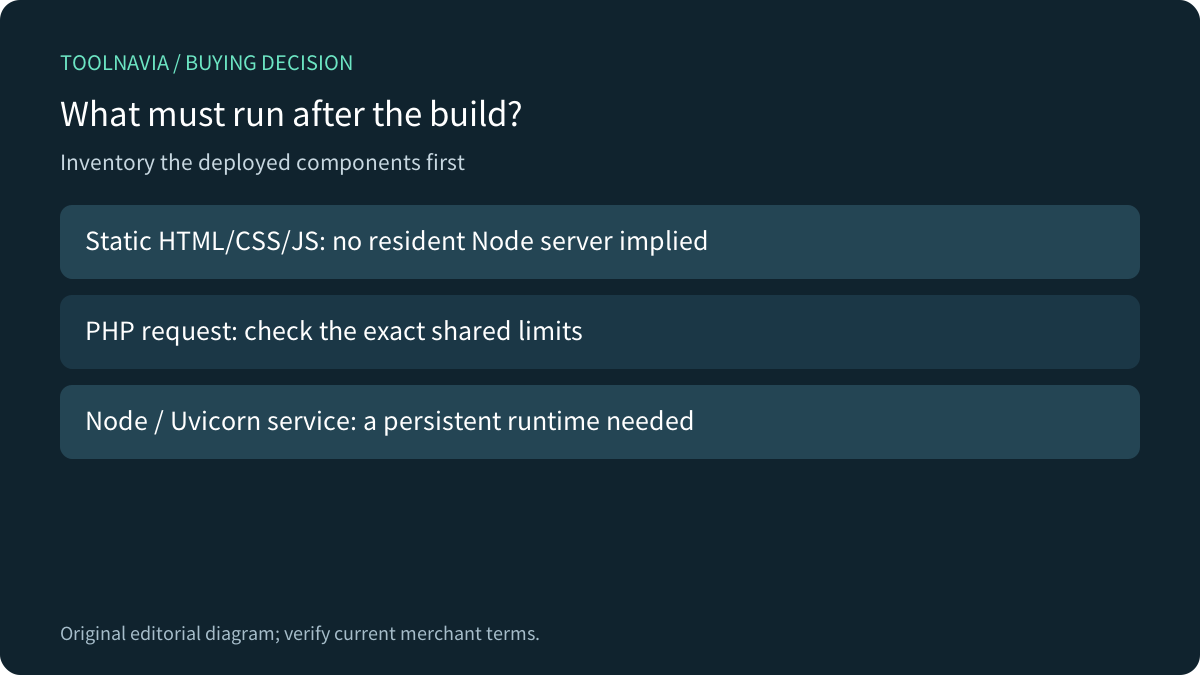
Ask for a deployment inventory: build command, output directory, server start command, database and background jobs. The language used while generating files is not enough to choose hosting. A build tool can run elsewhere and produce files served without that tool staying on the host.
Next.js documents that static export creates HTML, CSS and JavaScript assets. Server Components may execute during the build; their name alone does not prove that a runtime server is needed. Features requiring a live server must be checked separately.
Node’s own introductory example instead creates an HTTP server that listens on a port. Uploading its source file is not equivalent to providing the running server, routing and process lifecycle.

Apply Bluehost’s specific runtime boundary
The current Bluehost guide identifies PHP as the primary shared-hosting backend. Python support is limited to plain CGI-style scripts; an application needing a persistent server such as Uvicorn or Gunicorn is excluded. The guide also excludes Node applications and persistent processes. SSH access does not change these product rules.
Bluehost’s broader Node article explains that some shared providers enable a managed Node runtime. Its Bluehost-specific section points Node workloads toward Self-Managed VPS or VDS. Read the general capability and the exact product entitlement separately; a tutorial showing a cPanel Node selector is not evidence that Starter includes one.
FastAPI’s deployment guide explains why a manually started API is only the beginning: startup and crash recovery need an owner or supervising service. A command that works once in a shell has not established that operating model.
Check the slow request before the visitor estimate
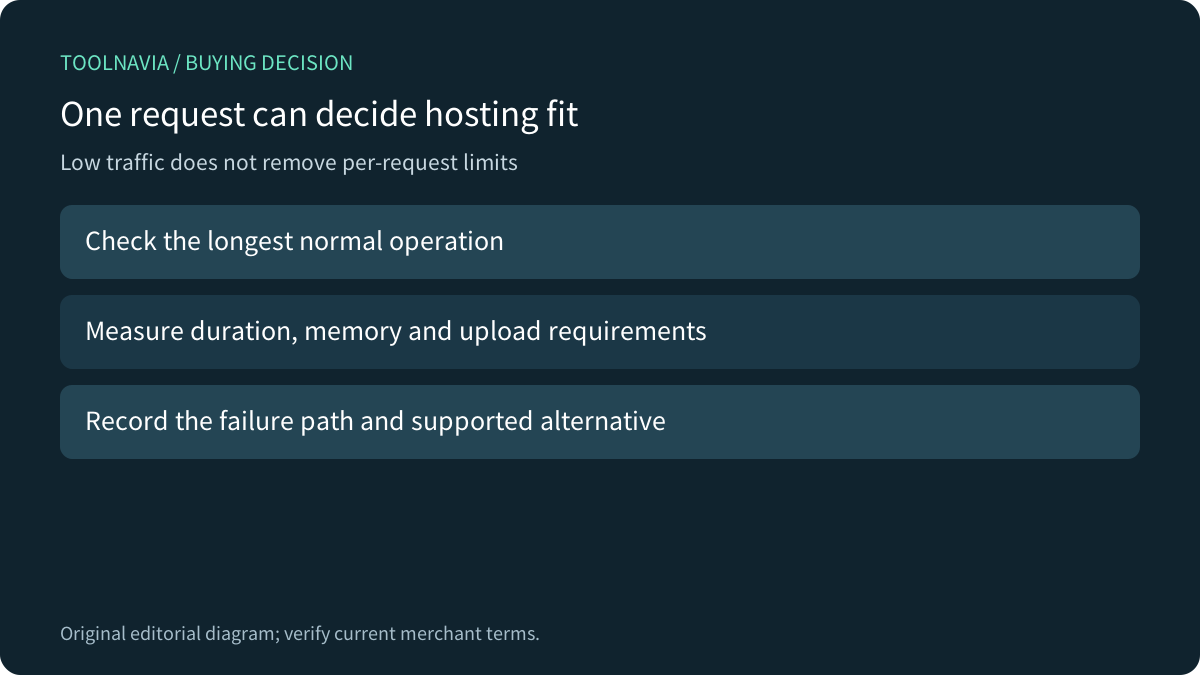
Bluehost’s current shared limits include 60-second PHP execution, 512 MB PHP memory, 64 MB upload/POST data and 25 concurrent account processes. These are separate constraints, not quantities you can add together. A low-traffic app can still fail because one request is too slow or one upload is too large.
Use a representative request: the longest normal report, supported-size upload or actual external API interaction. Record its duration and failure behavior. Plan a supported alternative if it exceeds a platform limit; do not treat a higher website count or an “AI tools” label as a limit increase.

Separate workers and live connections from cron
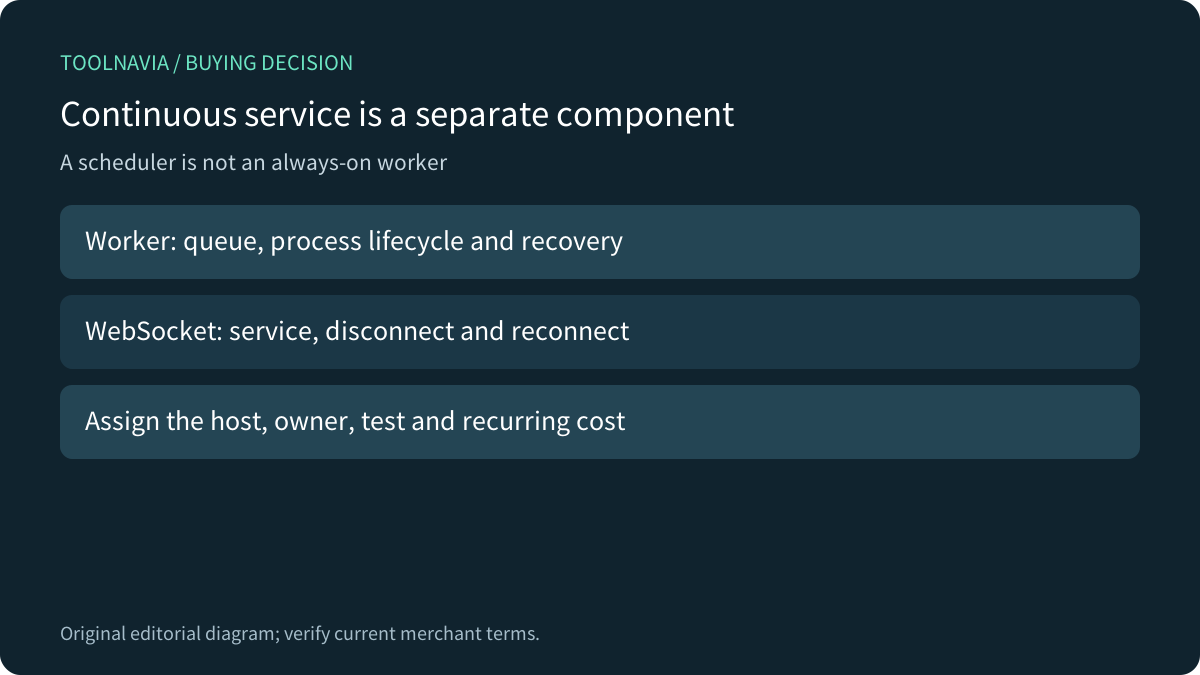
Render describes a background worker as a continuously running service that usually polls a queue. PythonAnywhere similarly distinguishes an ordinary console from its paid always-on task mechanism, which restarts the process after failures and remains subject to resource allowances. These illustrate the service you need to buy, not Starter features.
A fifteen-minute scheduler cannot substitute for a queue that must be watched continuously. Bluehost’s shared guide sets that minimum cron interval and excludes persistent workers. If you move the worker elsewhere, budget and operate that separate component explicitly.
WebSocket support also needs a suitable server service. Render documents inbound WebSockets on web services and still requires clients to handle interruptions and reconnects. A successful initial connection alone does not prove reliable real-time operation; test reconnection and the handling of unfinished work. Do not import Render’s connection policy into Bluehost.

Prove the chosen architecture with a small pilot
For static output, test direct navigation to nested pages, refreshes, asset paths and every external-backend interaction. Keep privileged API credentials on the backend that performs the protected operation. Hosting the frontend does not make a private key safe to ship to browsers.
For a service-based alternative, verify the documented runtime version, startup command, restart behavior, persistent storage needs and logs. Then test one representative job or connection. Assign responsibility for updates and recovery. These are proposed acceptance checks; no Bluehost account, API key, server or bill was changed for this article.
Keep a plain decision table: component, where it runs, required service, test result and monthly charge. An unknown backend is a reason to inspect the project further, not to assume the cheapest plan fits.
Count the full commitment before choosing Starter
Starter currently displays $3.99/month for a 36-month term, or $143.64 in base hosting charges. Its $9.99/month renewal reference corresponds to $359.64 over the same length. Tax, extras and future rate changes are separate. Those numbers do not include an external API, database or worker service.
Choose Starter when the actual deployed components fit its supported model and the full architecture is affordable. Choose a platform with explicit runtime and process support when the backend requires it. Buying shared hosting first and discovering the missing server later creates a migration job without solving the app requirement.

For account access, see our [Starter SSH/SFTP guide](/en/hosting/bluehost-starter-ssh-sftp-developer-access). Toolnavia may earn a commission through its approved Bluehost link; no app-compatibility or performance result is guaranteed.