TOOLNAVIA / BUYING GUIDE
Pressidium Large Uploads: Transfer Is Not a Media Import
The short answer
A large file arriving on a server is only the first part of a WordPress media move. It may still be absent from the Media Library, lack the expected image sizes, or fail during processing. Pressidium Starter is worth considering only when the complete intake route works for your content—not because an SFTP transfer finishes.
At a glance
- Best for
- WordPress owners who need controlled media intake and can verify import and processing before bulk transfer.
- Price model
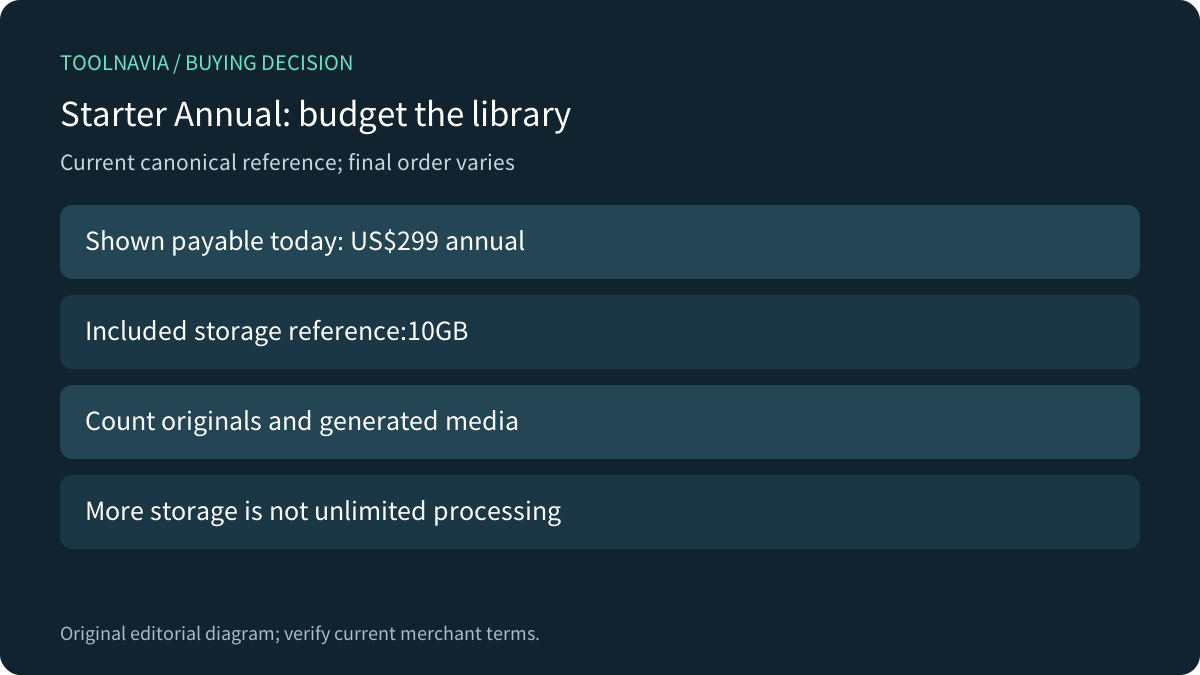
- Starter Annual: US$299 shown payable today; 10GB storage. Confirm tax and final order.
- Check first
- SFTP is not attachment registration; exact live upload limit and import permissions need confirmation.
Identify the failing gate before changing the plan
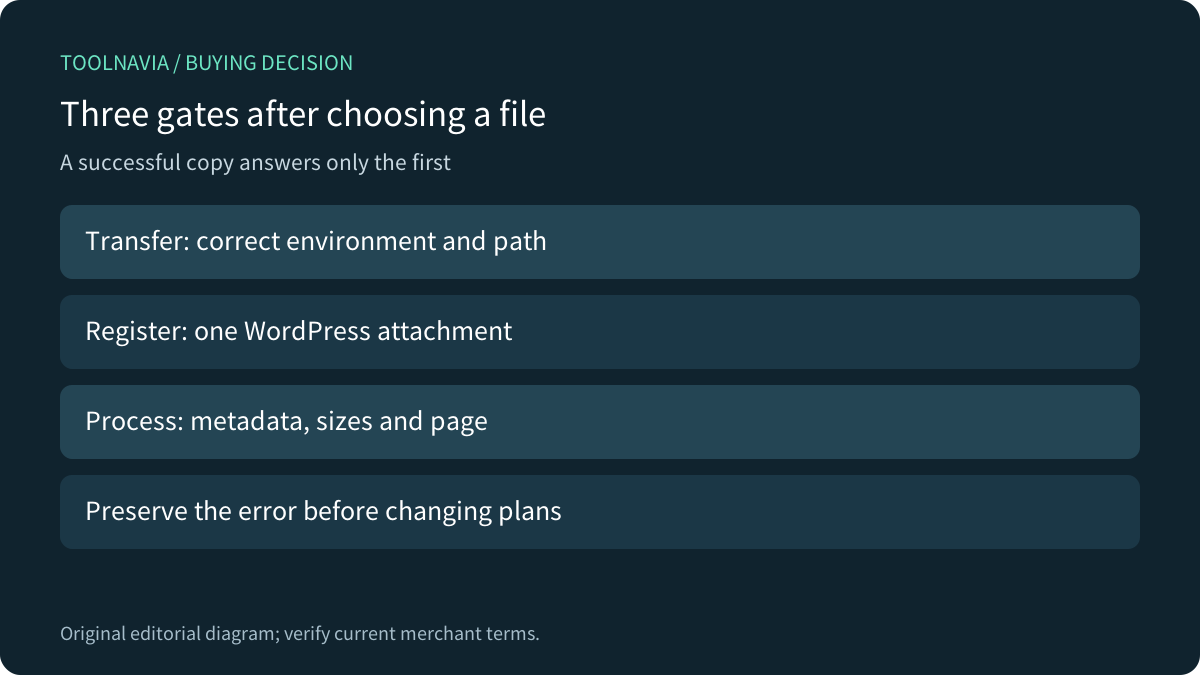
Separate three questions: can the bytes reach the correct environment, can WordPress register the attachment, and can the site process and use it? A browser upload error, an invisible SFTP file and a fatal error after import need different investigations. Record the exact error, file size, format and image dimensions before changing anything.
This research did not establish a current Starter-specific numeric HTTP upload ceiling. Inspect the actual site's Media → Add New screen and ask Pressidium about the applicable server, application and permitted import limits. WPMU DEV documents this screen for its own hosting; its published ceiling does not become a Pressidium entitlement.
Likewise, Kinsta documents a 100 MB cap for its own dashboard File Manager. That is a limit of that interface, not a universal WordPress maximum or a Pressidium specification. WP Engine also documents platform-specific settings rather than one portable limit for every host. Compare routes and restrictions, not isolated numbers.

Confirm the destination and permitted file access
Pressidium's SFTP instructions distinguish production and staging and tell users to use the displayed connection port. Verify the intended environment and directory before transferring the single pilot file. Do not assume a familiar port or copy a whole local folder because the connection succeeds.
Managed WordPress core files have write restrictions. An access-denied message is not an instruction to make all directories writable. Pressidium provides a permissions-reset workflow; use the documented operation or support diagnosis rather than broad permission changes. Take an appropriate backup before modifying site files.
The existing [Pressidium SSH and SFTP access guide](/en/hosting/pressidium-starter-ssh-sftp-access) covers access prerequisites. Here the buying question begins once access is confirmed: which supported process turns the transferred file into a usable WordPress attachment?
Register the attachment without copying assumptions
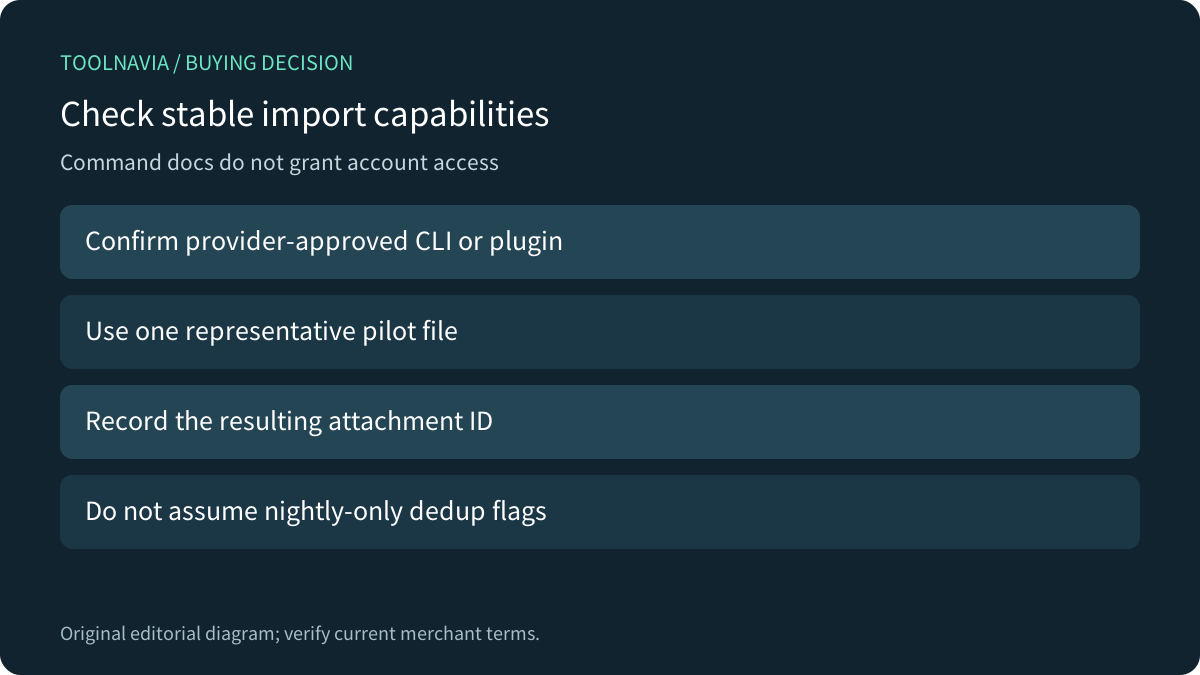
WordPress's documented `wp media import` command creates attachments from local files or URLs. Its `--skip-copy` option can register an already placed file in situ, but that requires a correct path and permission to run WP-CLI. Public command documentation does not prove that your Pressidium account has the required access. Ask the provider which import route it supports.
The current command reference marks `--destination-dir` and `--skip-duplicates` as not yet available in a stable WP-CLI release. Do not base an ordinary production migration on those flags or install a nightly build merely to follow a generic tutorial. Check the installed stable command help with the provider before planning automation.
For the pilot, record the existing attachment count and the result for one file. Verify that one intended attachment was created; do not rerun an entire batch just because the terminal output is unfamiliar. Use a provider-approved plugin or supported manual route when CLI access is unavailable. File presence alone is not evidence of a library record.

Diagnose processing separately from transport
An accepted file can still trigger application work that the transfer did not perform. Check whether the expected metadata and image variants appear and whether an actual page displays the intended asset. A successful copy does not measure the site's processing capacity.
Pressidium lists memory exhaustion among causes of a WordPress white screen and recommends investigating errors and recent changes. That does not establish a Starter image-size promise, and it does not mean every failed upload needs more memory. Preserve the error and have support distinguish permissions, plugin behavior and resource limits before paying for a larger plan.
Avoid changing several settings at once. If the file is a large video intended for repeated playback, separately evaluate a video-delivery service and embed workflow. Buying managed WordPress hosting does not, by itself, establish a video-transcoding service or an unlimited media-processing budget.
Accept one file before importing a library
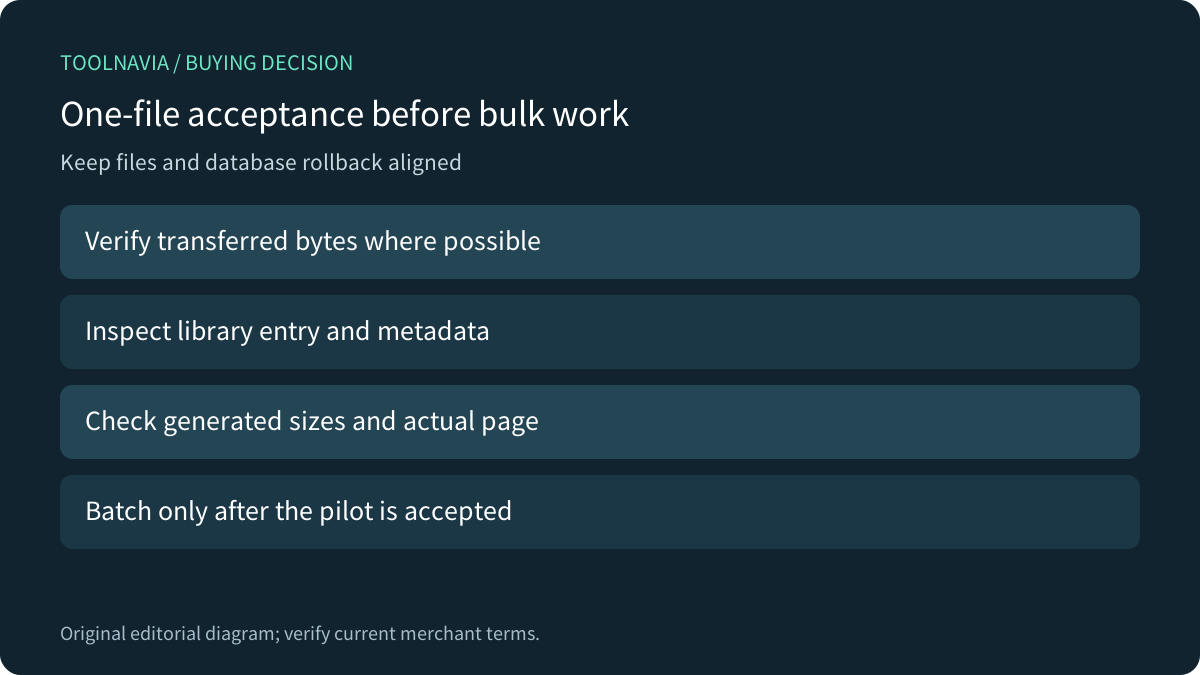
Use an authorized staging environment where practical. Keep a backup and a written mapping of source file, destination, attachment result and the page that uses it. Confirm which rollback restores both files and database records; deleting a copied file is not necessarily a complete reversal of an attachment import.
Transfer one representative file, compare its size or checksum where your tools permit, then use the approved registration route. Inspect the Media Library entry, title, alternative text or caption where relevant, expected generated sizes, and a rendered page. Test the delivery URL through the site's intended cache/CDN path without claiming the cache itself proves correct registration.
Proceed in small batches only after that evidence is satisfactory. Keep a record of processed files and attachment IDs to investigate duplicates. Revoke temporary access when the work is complete. These are proposed owner-run acceptance steps; Toolnavia transferred no files and ran no import.

Budget storage and buy for the whole workflow
The current canonical Starter Annual card shows US$299 payable today and 10 GB storage. Its US$25 monthly headline is rounded; multiplying that headline into a US$300 invoice would misstate the displayed annual amount. Confirm tax and the final order. This is a current plan reference, not a future renewal-price guarantee.
Inventory original files and generated media, leave working headroom, and ask which items count toward the quota. Do not assume staging, backups or every derivative are included or excluded from billing without the applicable accounting rules. Additional storage alone does not promise a higher browser upload ceiling or successful processing of every image.

Consider Starter when the provider confirms a supported intake route, the pilot produces the required library entry and page, and the planned library fits the confirmed storage budget. Pause a bulk move if any of those remain unclear. After those checks, [review the current Pressidium Starter plan](https://pressidium.com?fpr=chunhua-cd1f29). Toolnavia may earn a commission from eligible purchases; no paid order or hosting performance test was performed.