TOOLNAVIA / BUYING GUIDE
HostArmada Start Dock SSH Access: Port 19199, Keys Only—and No Root
The short answer
HostArmada Start Dock is unusually developer-friendly for entry shared hosting: SSH is enabled by default, SFTP uses the SSH service, and the current development-hosting pages list Git, WP-CLI, Python, Node.js, Remote MySQL and cron tools. The catch is equally important: **shared hosting does not include root access**.
The current Start Dock display is $1.99/month on the triennial cycle, with a $9.95/month regular price, 15GB NVMe, 2 CPU cores, 2GB RAM and one website. That makes it a low-cost development target when account-level shell access is enough.
At a glance
- Best for
- One-site developers who need SSH/SFTP and common CLI tools without root.
- Price model
- Current triennial promo $1.99/mo; regular $9.95/mo; live checkout controls.
- Check first
- Shared hosting has SSH but no root; tools still operate within account-level resource and permission limits.
SSH is available, but it is key-based
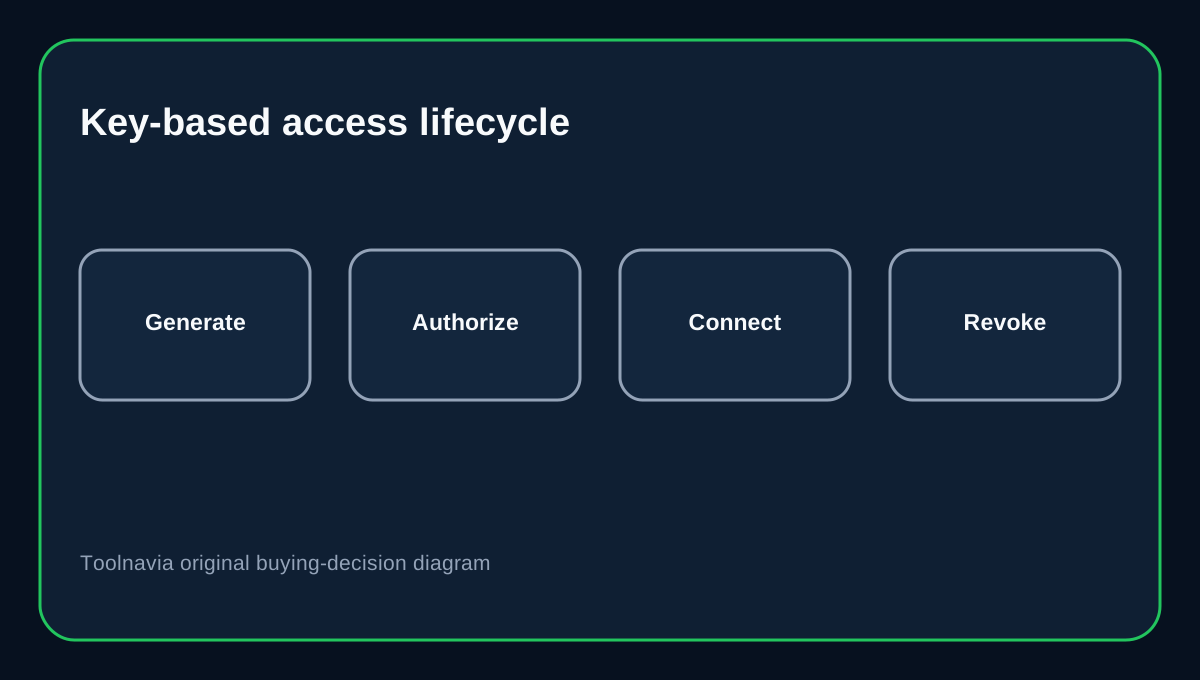
HostArmada's current SSH guide uses public/private keys rather than normal SSH password login. Generate or import the key in cPanel, authorize the public key, keep the private key protected, and connect with the cPanel username.
That setup is better for deployments than sharing a reusable account password, but it adds onboarding work. Test the key before a production cutover and keep a documented revocation process for contractors or former staff.
Port 19199 matters for every tool
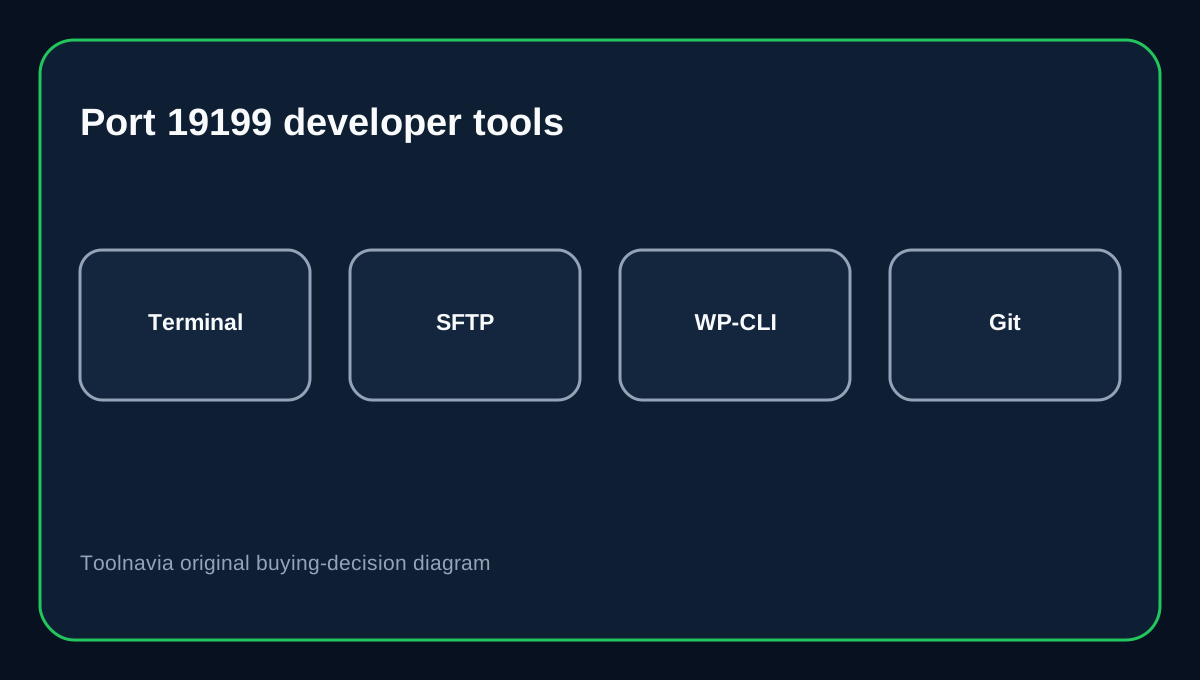
HostArmada uses SSH port **19199** instead of the default 22. Its SSH and SFTP documentation both show the custom port.
That affects terminal commands, SFTP clients, IDE remote connections and automated deployment jobs. A connection that works on another cPanel host can fail here simply because the port was not changed. Save the hostname, username, port and key path as deployment variables instead of hard-coding them in scripts.
SFTP and SSH do not mean root
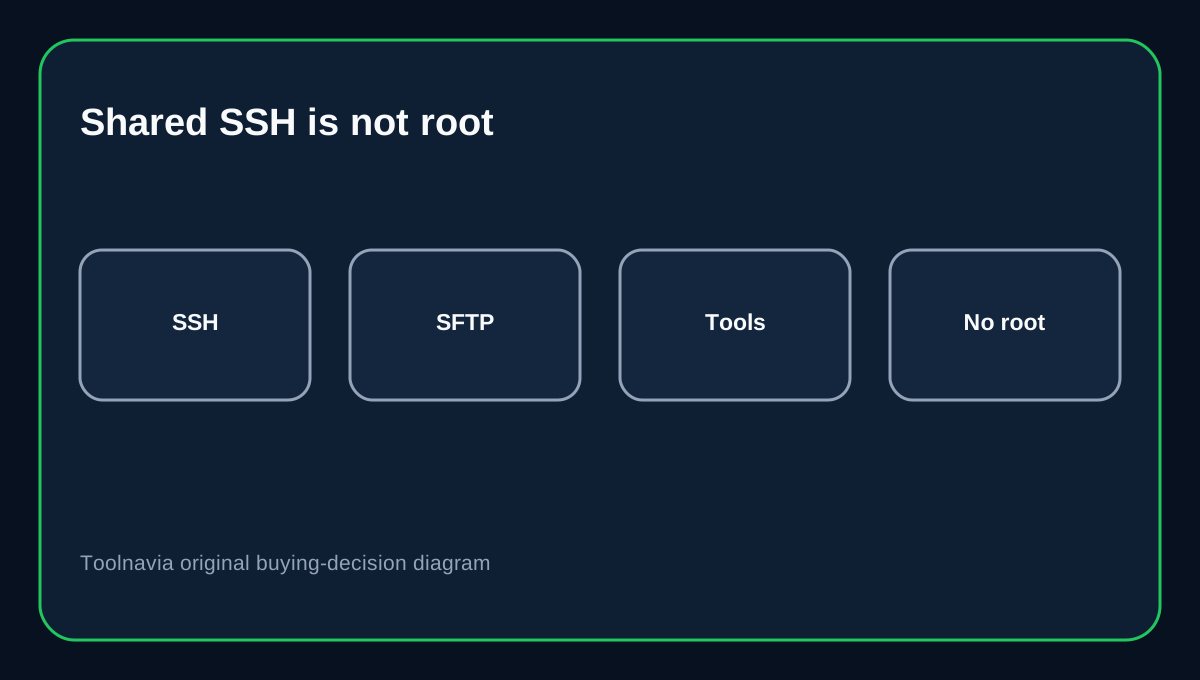
HostArmada's shared-hosting knowledge base is explicit: shared customers can use SSH, but root access belongs to VPS and Dedicated products.
This is the key buying boundary. Start Dock can support account-level file work, Git pulls, WP-CLI and many framework workflows, but it is not the place to install arbitrary system packages, change the SSH daemon, bind privileged services or redesign the server firewall.
A broader HostArmada pricing matrix contains ambiguous root wording in a development-feature row. The product-specific shared-hosting KB is more precise, so this guide does **not** treat that matrix as permission for shared root.
Developer tools still need a compatibility check
HostArmada lists Git, WP-CLI, Python, Node.js, Remote MySQL, multiple PHP versions and cron among its developer features. That is a strong toolkit, but a feature label does not guarantee that every framework version or build pipeline will fit shared-hosting limits.
Before moving a project, confirm the exact runtime version, package needs, writable paths, long-running process requirements and database connection model. If the app needs a daemon, Docker, custom OS packages or unrestricted system configuration, plan for VPS instead.
Safer Git and WordPress deployment
WP-CLI can run remotely over SSH with an explicit non-standard port, so the HostArmada 19199 setup can work with remote WordPress administration.
For Git deployments, avoid leaving a developer's personal broad-scope credential on the server. GitHub documents deploy keys as repository-scoped credentials and notes they are read-only by default. Use a dedicated deployment identity where practical, rotate or remove keys after a contractor leaves, and do not put private keys inside the web root.
Contractor access needs an exit plan
Because Start Dock is a shared cPanel account, shell access is tied to account-level permissions rather than VPS-style Linux user administration. Give only the minimum access the job requires, record which keys were authorized, and deauthorize them when the engagement ends. cPanel explicitly supports key authorization and deauthorization.
If several developers need separate long-lived shell identities with different server-level privileges, shared hosting is likely the wrong isolation model.
Buying decision
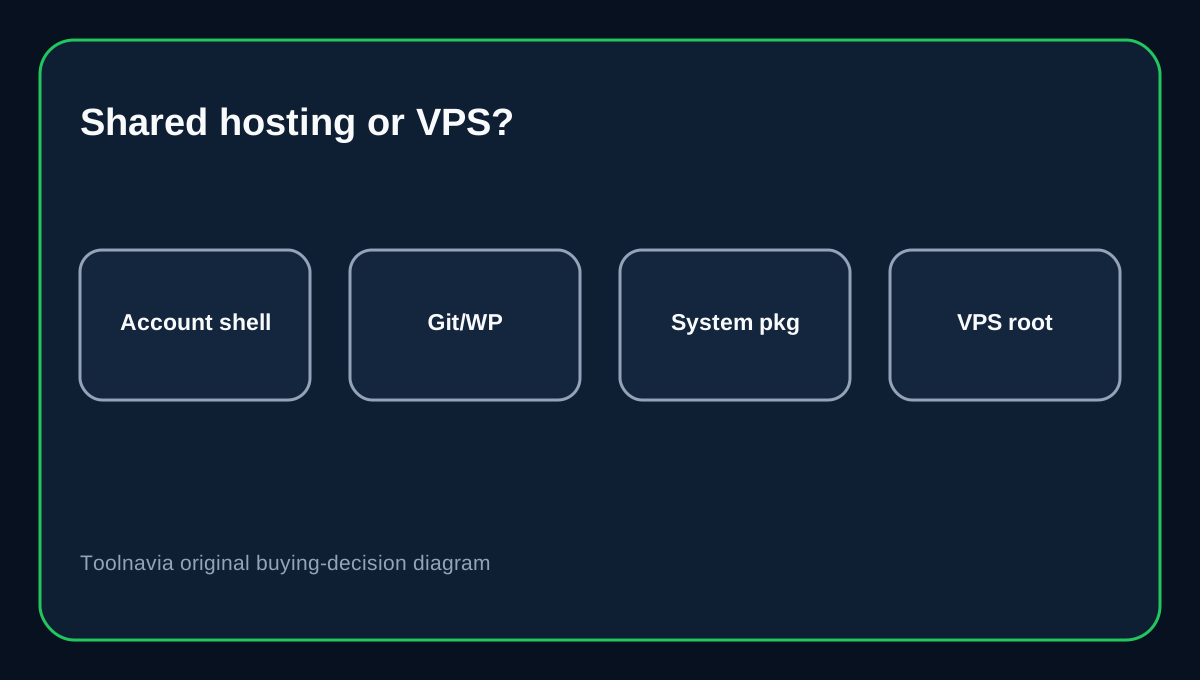
Choose Start Dock when you need a low-cost one-site cPanel plan with SSH/SFTP, Git and common developer tools, and you are comfortable working without root. Move to VPS when the workload requires custom services, system packages, privileged ports or stronger multi-user isolation.
Affiliate disclosure: Toolnavia may earn a commission from an eligible HostArmada purchase. That does not change the access-boundary analysis.