TOOLNAVIA / BUYING GUIDE
HostArmada Inode Limits: What Counts—and What to Verify Before Buying
The short answer
No current HostArmada public page verifies plan-specific inode quotas. Ask support for the exact allowance before buying, then size the plan from real file growth—not a third-party table.
At a glance
- Best for
- Buyers who want to verify and manage file-count growth before choosing a HostArmada shared plan.
- Price model
- Live price, term and exact quota must be verified.
- Check first
- No current official plan-specific numeric quota is asserted; verify it before checkout.
Verdict: verify the quota, then buy for the file-growth pattern
Choose Start Dock for one carefully maintained site with a modest media library and no habit of retaining old backups inside the account. Web Warp is the practical middle choice for several moderate sites when you can monitor each domain separately. Speed Reaper provides the largest shared-plan resource frame, but it is not proof of a particular inode entitlement and will not solve uncontrolled cache, backup or email growth.
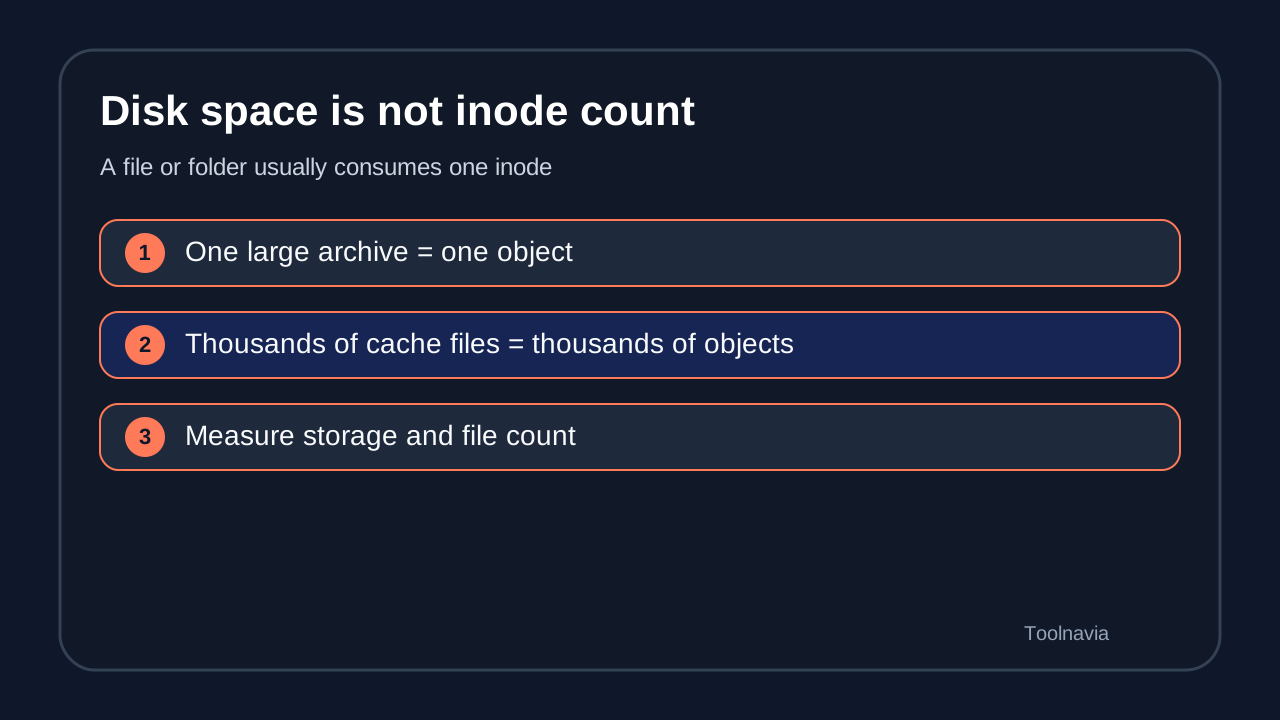
HostArmada says an inode describes one file or folder. A tiny cache file and a large archive can each consume one inode although their disk use is radically different. “Storage left” therefore does not answer “inodes left.”
| Buyer question | What to verify | |---|---| | Exact current quota | Ask support for the plan-specific allowance before checkout | | What counts | Files and folders across sites, email, caches, logs and backups | | Where to measure | HostArmada Inodes Manager in cPanel, when available | | Near-limit behavior | Confirm the current account’s soft/hard behavior | | Upgrade or clean | Identify legitimate growth versus removable waste |
What creates inode growth
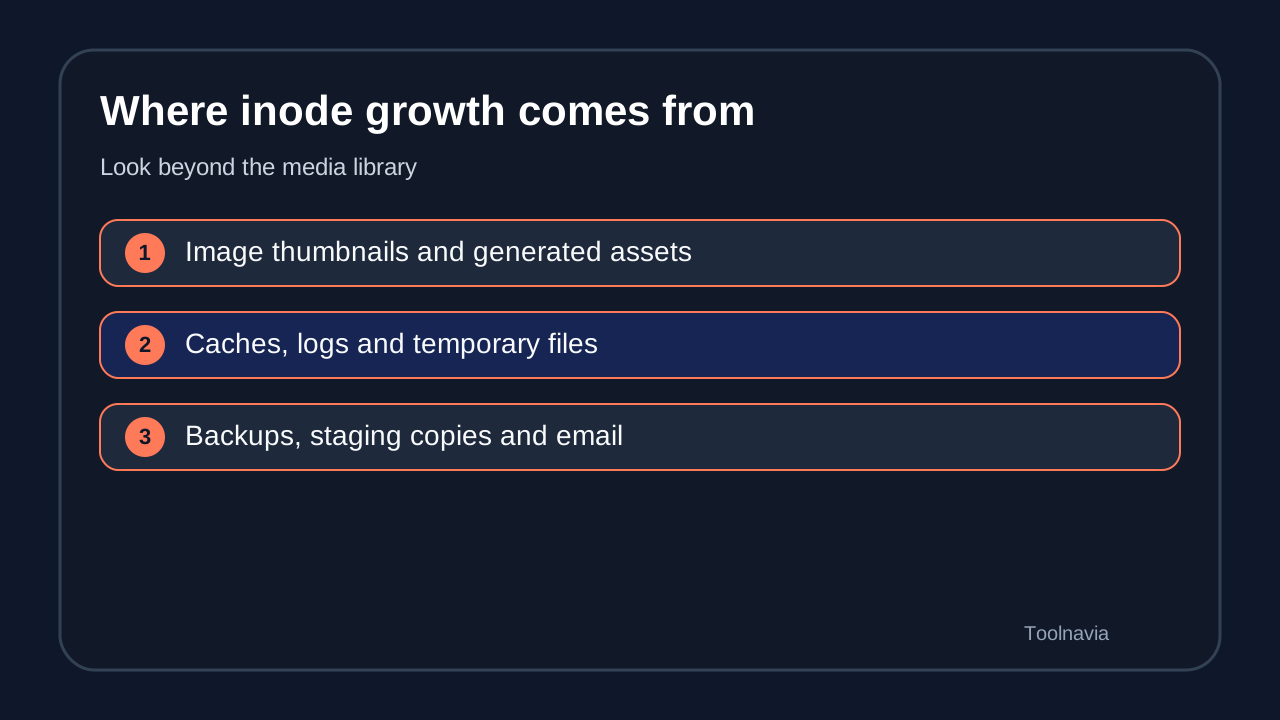
WordPress can multiply one image into several thumbnails. Cache plugins generate many small files. Staging copies, backup archives and migration packages leave duplicate trees. Logs and temporary files accumulate. Mailboxes can hold thousands of individual messages and attachments. Development dependencies can also grow quickly.
This makes demand workload-specific. One large video stored as one file can use fewer inodes than a small site with tens of thousands of cached objects. Neither site count nor gigabytes predicts the answer alone. HostArmada’s tutorial says CMS, themes, extensions, media, cache, backups and activity all affect usage, and that no universal inode count fits every WordPress, Drupal or Magento site.
Measure before and after buying
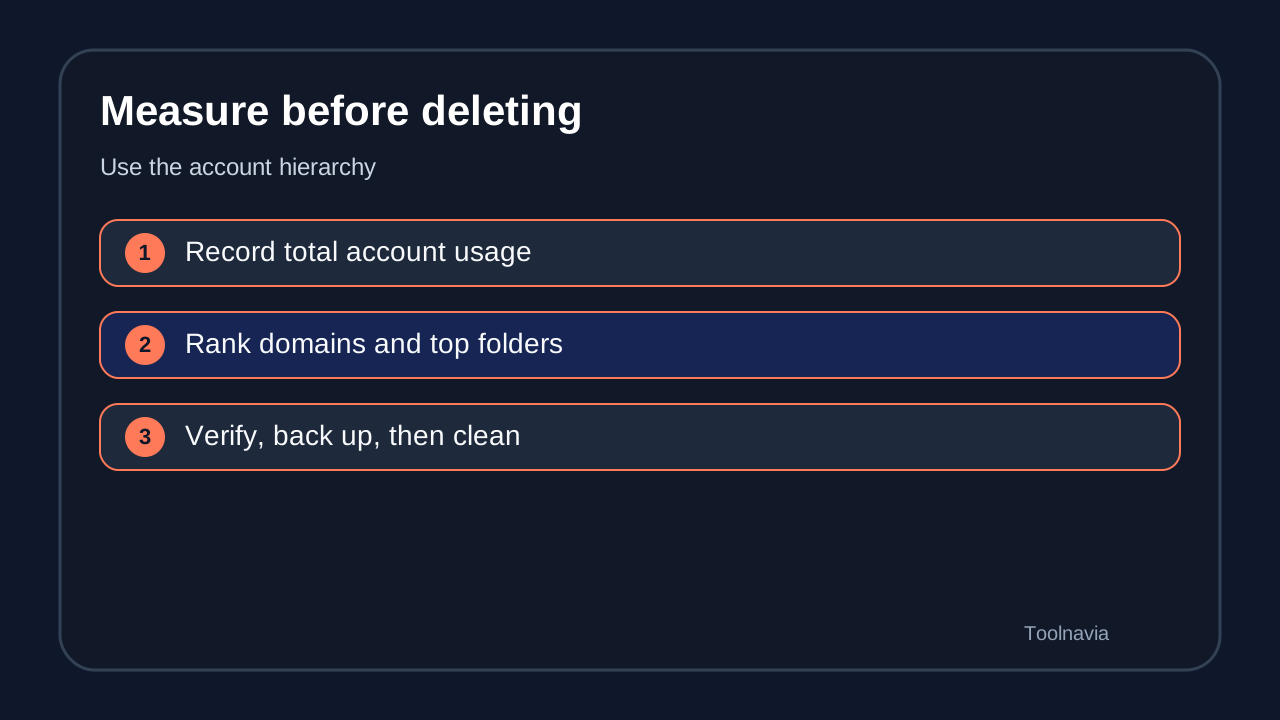
Before checkout, inventory the site you will migrate. Count files and directories, including hidden folders, mail, staging, cache and backup locations. Repeat the count after normal publishing, a plugin update and a backup cycle. Growth direction is more useful than one snapshot.
After migration, open cPanel and look for HostArmada Features, then Inodes Manager. HostArmada describes total-account, per-website and top-folder views. If the feature or File Usage display is missing, ask support where the current account exposes the counter; cPanel says interface visibility can depend on provider configuration.
Use this workflow:
1. Record total usage. 2. Rank domains by file count. 3. Drill into the top folders. 4. Identify which application owns each folder. 5. Back up important material outside the account. 6. Remove only files you understand. 7. Recheck the counter and growth rate. 8. Ask support before deleting unfamiliar data.
Safe cleanup versus dangerous cleanup
Likely candidates include expired cache objects, abandoned staging copies, old installers, redundant local backups and logs whose retention you understand. Confirm that the application can regenerate them and that a restorable copy exists elsewhere.
Do not delete a parent directory just because it ranks first. HostArmada advises opening the folder, finding the specific inode-heavy child and investigating first. Deleting live uploads, plugin files, mail storage or database-related data can break the site or destroy information. The Inodes Manager warns users and recommends downloading a folder before clearing it.
A backup stored inside the same account is not enough. Copy it to independent storage and verify it before cleanup. Then set retention so the next automated job does not recreate the problem.
What happens near the limit
HostArmada’s blog says it will not suspend an account merely for reaching the inode limit and will try to help. Its resource terms still preserve broader enforcement for shared-resource violations. Read both together: the support posture is cooperative, but it is not a promise that every high-usage state can continue unchanged.
Symptoms may include failed uploads, inability to create new mail or cache files, incomplete backups and application errors. Exact behavior depends on account configuration and the attempted action. Ask support for the current plan’s soft and hard behavior rather than importing another provider’s rules.
Upgrade, optimize or leave shared hosting
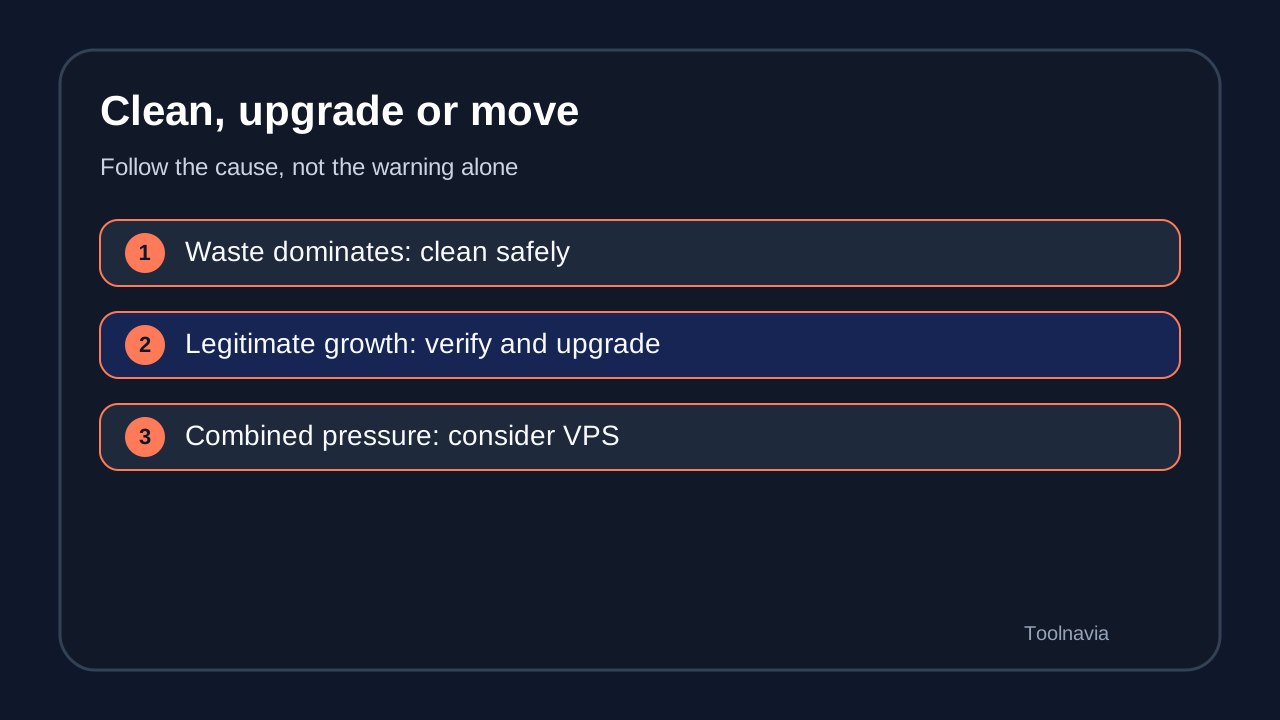
Upgrade when the file count reflects legitimate growth that still fits shared hosting: more production sites, a controlled media library or mail the business truly needs. Web Warp can be the sensible middle purchase when multiple sites make Start Dock too narrow. Speed Reaper can fit a larger shared workload when its other resources are also useful.
Optimize first when caches, duplicate staging trees, local backups, logs or abandoned sites dominate. A higher tier without cleanup only delays another warning.
Consider VPS or another architecture when the workload continuously generates huge numbers of files, needs custom cleanup automation, or combines file growth with CPU, RAM, process or database pressure. Object storage can move suitable media or archives, but it does not automatically fix cache, email or generated files.
Five questions before paying
1. What is the exact current inode allowance for this plan and market? 2. Is it a soft threshold, hard threshold or both? 3. Which services count: websites, email, logs, backups and staging? 4. Where does the counter appear in this account’s cPanel? 5. What support and upgrade process applies near the threshold?
Save the reply with the checkout record. Policies change, and a dated answer for the exact account is stronger than an undated third-party table.
Buying checklist and disclosure
Compare current file count, monthly growth, cleanup discipline, site count and non-inode resources. Keep headroom, but do not present a universal percentage as a HostArmada rule. Verify live price, term and exact allowance immediately before purchase.
Toolnavia may earn a commission if you use a HostArmada link. Start Dock, Web Warp and Speed Reaper routes are enabled because the current program and exact offers are approved and market-confirmed. DirectLink remains pending. No conversion, payout, uptime, speed or inode-quota guarantee has been tested.
Plan-role context
The current official plan surfaces present Start Dock as the single-site entry tier. That makes it the lower-cost fit for one modest maintained file tree, while HostArmada’s Inodes Manager provides the account and folder diagnosis described above. Web Warp is the multi-site middle tier. Speed Reaper is the top shared-plan resource frame; it can fit a larger legitimate file tree and provide a step above lower tiers, but it does not replace cleanup or prove a numeric inode entitlement.
Source mapping: definition and policy; causes, Inodes Manager and cleanup; account effects; live pricing and missing quota; cPanel visibility; peer measurement context.