TOOLNAVIA / BUYING GUIDE
HostArmada Bandwidth Limits: What 30GB, 60GB and 90GB Really Mean
The short answer
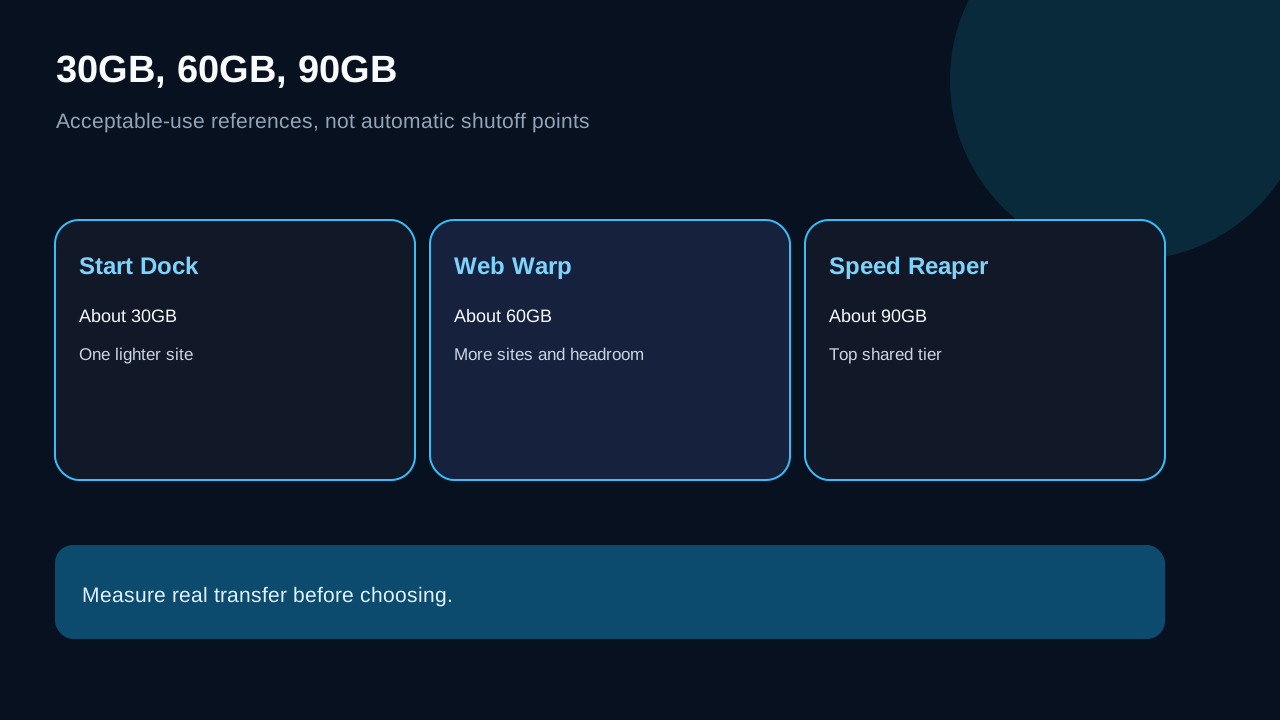
HostArmada does not frame 30GB, 60GB and 90GB as automatic shutoff points. It calls them acceptable-use references for Start Dock, Web Warp and Speed Reaper, and says it does not automatically bill or limit an account solely for passing them. The useful buying question is therefore not “How many visitors are allowed?” but “How much data does my real workload transfer, how fast is it growing, and how much headroom do I want?”
At a glance
- Best for
- Buyers who want to size a HostArmada shared plan from measured transfer.
- Price model
- Live price and term must be verified; no fixed price asserted.
- Check first
- Acceptable-use references are not hard caps, visitor promises or performance benchmarks.
Verdict: choose by measured transfer, not a visitor promise
Start Dock is the economical fit for one lighter site with measured transfer comfortably below roughly 30GB per month. Web Warp is the safer middle choice when multiple sites, richer pages or growth make 60GB meaningful. Speed Reaper raises the published reference to roughly 90GB and adds resources, but 90GB is not a performance benchmark or a guarantee that every workload belongs on shared hosting.
| Plan | Published acceptable use | Practical buying signal | |---|---:|---| | Start Dock | about 30GB | One lighter site with stable transfer | | Web Warp | about 60GB | Multiple sites or rising media traffic | | Speed Reaper | about 90GB | More transfer headroom plus higher shared resources |
The official Awstats tutorial lists more exact acceptable figures of 32,534MB, 63,875MB and 91,539MB. Treat those as the measurement presentation behind the rounded plan labels, not a separate entitlement.
Acceptable use is not the same as a hard quota
HostArmada’s shared-hosting page says it does not automatically charge or automatically limit an account merely for exceeding the acceptable figure. Its resource terms also describe unlimited or unmetered service as variable and subject to fair-share use on shared infrastructure. Those statements are compatible only if readers keep both halves: there is no simple overage meter at 30/60/90GB, yet sustained resource-heavy use can still trigger contact, optimization work or a plan change.
That distinction matters. A temporary campaign spike is different from a site that continuously consumes far more than peers. The first may simply need observation; the second needs a support conversation and a durable capacity decision. Do not buy on the assumption that “no hard cap” means zero enforcement.
Why visitors cannot be converted directly into bandwidth
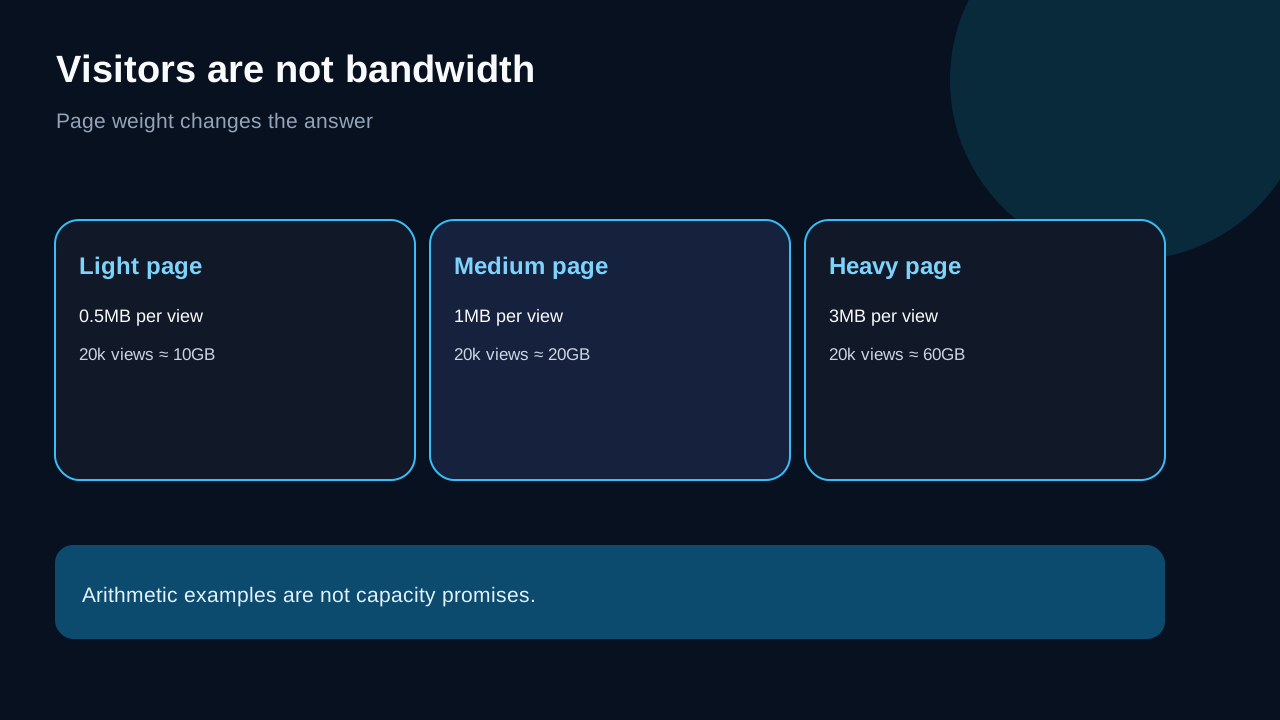
A visit is not a fixed unit. A mostly cached 500KB page, a 3MB image-heavy landing page and a download page move very different amounts of data. A rough planning model is:
**monthly transfer ≈ page views × transferred bytes per page view + downloads + uncached assets + backups or other outbound traffic**
For illustration, 20,000 page views at 1MB each are roughly 20GB before other traffic. The same page views at 3MB are roughly 60GB. These are arithmetic scenarios, not HostArmada capacity promises. Compression, caching, bots, repeat visits, video, downloadable files and application behavior can materially change the result.
This is also why visitor estimates on pricing pages should be treated as orientation, not an automatic cutoff. HostArmada’s own tutorial says bandwidth cannot be inferred directly from visits because page size varies.
Measure in cPanel and Awstats before upgrading
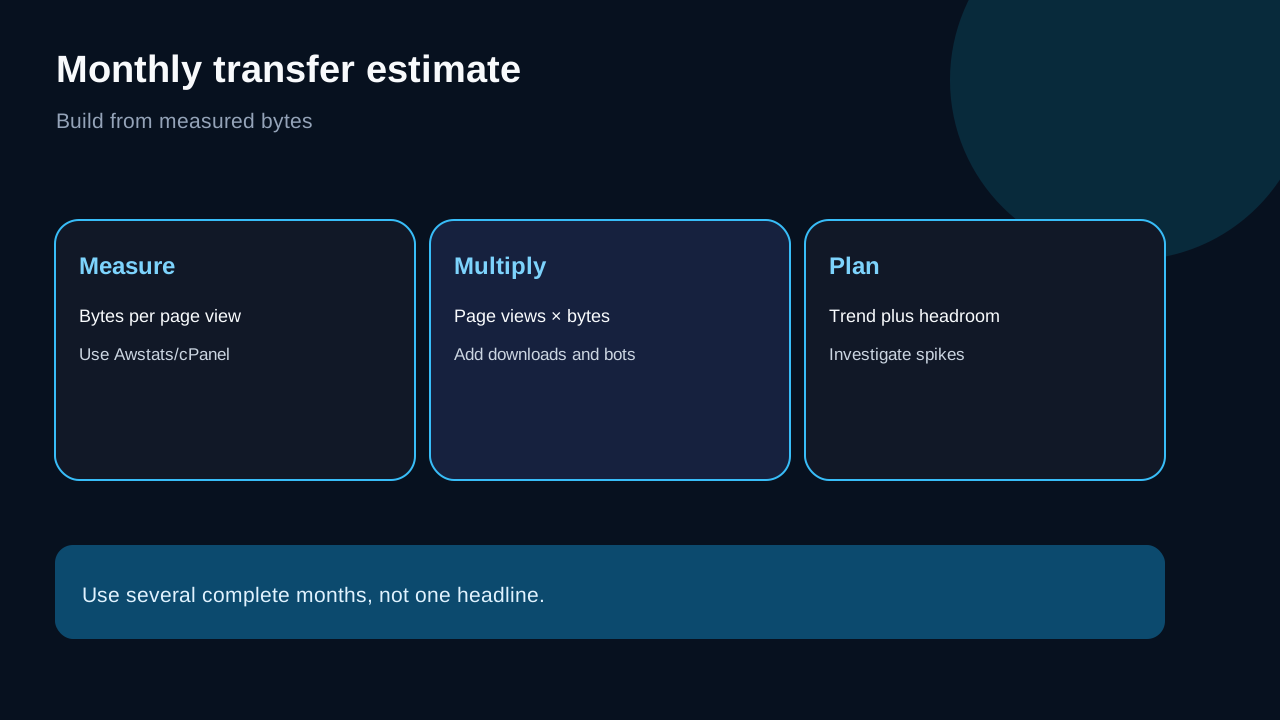
Start with actual monthly transfer, not a traffic-counter headline. In cPanel, open Awstats or the available bandwidth reporting view, compare several complete months, and note whether the rise comes from web pages, downloads, bots, email, FTP or another service. Record the biggest files and the pages that create repeated transfer.
Then calculate headroom. If normal months use 18GB and campaigns peak near 25GB, Start Dock may still be defensible. If a growing multi-site account repeatedly approaches the middle reference, Web Warp provides more room without pretending the number is a hard boundary. A single unusual month should not be extrapolated blindly; use a rolling trend and investigate the cause.
Start Dock currently combines one site, 15GB NVMe, 2 CPU cores, 2GB RAM and seven daily backups. Web Warp moves to unlimited sites, 30GB NVMe, 4 CPU cores, 4GB RAM and fourteen daily backups. Speed Reaper lists unlimited sites, 40GB NVMe, 6 CPU cores, 6GB RAM and twenty-one daily backups plus enhanced caching features. These are current plan specifications, not measured performance claims.
Four page-weight scenarios
A compact brochure site with optimized images can generate modest transfer even with healthy traffic. A portfolio with full-resolution galleries can consume much more with fewer visits. A software site serving installers or PDFs can be dominated by downloads. A WooCommerce store can combine image transfer with uncached cart, account and checkout work.
Only the first two are mainly a bandwidth-sizing problem. The latter workloads may hit CPU, RAM, process or database constraints before transfer becomes decisive. HostArmada’s shared-resource terms make clear that shared plans are not dedicated servers. Moving from 60GB to 90GB does not by itself prove faster application performance.
When to move up a tier—or leave shared hosting
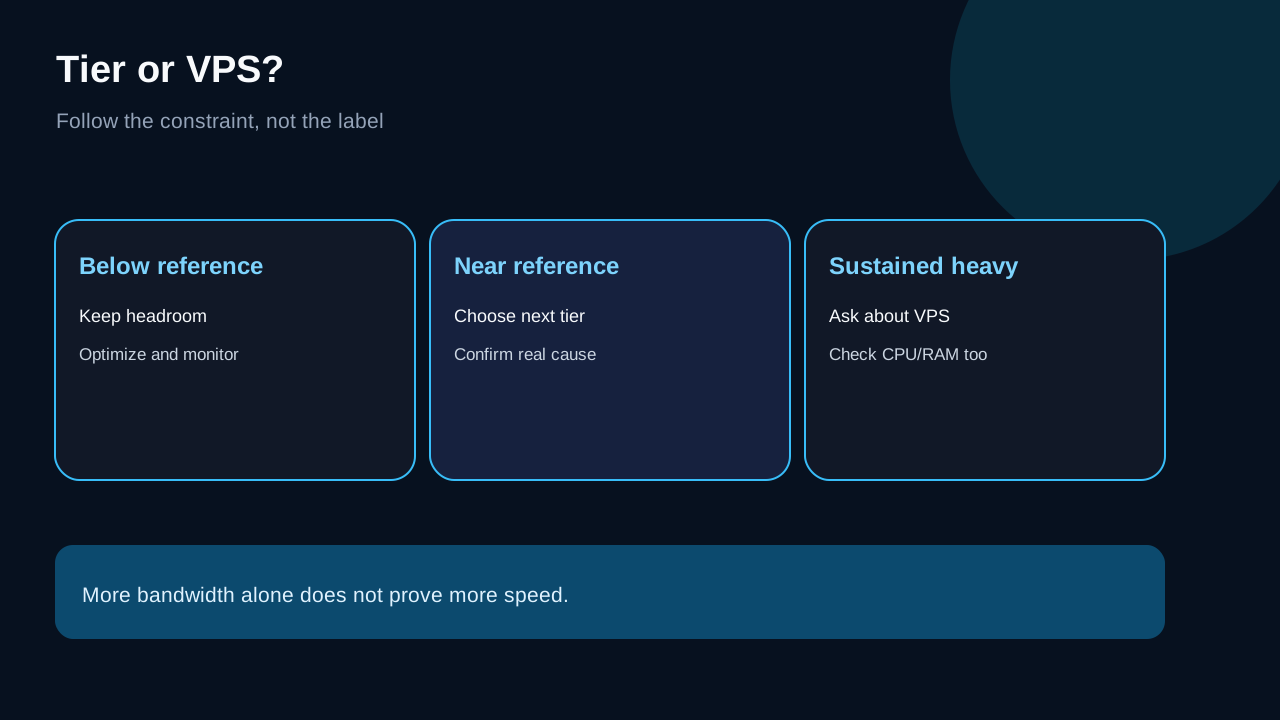
Choose Start Dock when one site is light, predictable and measured below the lower reference with room for peaks. Choose Web Warp when you need multiple sites or your measured transfer makes 30GB uncomfortably tight. Choose Speed Reaper when you want the highest shared tier’s transfer reference and resource set, while the workload still behaves like shared hosting.
Consider VPS or another architecture when transfer is sustained above the shared references, large files dominate, dynamic operations remain resource-bound after optimization, or support recommends isolation. A CDN or object storage can reduce origin transfer for suitable static assets, but it does not erase database, checkout, login or other dynamic work.
Buying checklist and disclosure
Before checkout, capture the current plan page, term, price and acceptable-use wording. After launch, establish a monthly Awstats baseline and review it after campaigns or major asset changes. Keep at least 20–30% planning headroom if the site is business-critical, but treat that as a conservative planning choice—not an official HostArmada rule.
Toolnavia may earn a commission if you use a HostArmada link. The exact Start Dock, Web Warp and Speed Reaper routes are enabled only because the current program and offers are approved and market-confirmed. DirectLink remains pending and is not described as approved. Prices, terms and acceptable-use language can change, so verify the live page before paying.
Source mapping: Start Dock features and live pricing; Web Warp features and live pricing; Speed Reaper features and live pricing; Awstats measurement; shared-resource terms; visitor-estimate guidance; cPanel transfer semantics; peer unmetered context; independent buyer context.