TOOLNAVIA / BUYING GUIDE
HostArmada Backups: Are 7, 14 or 21 Restore Points Enough?
The short answer
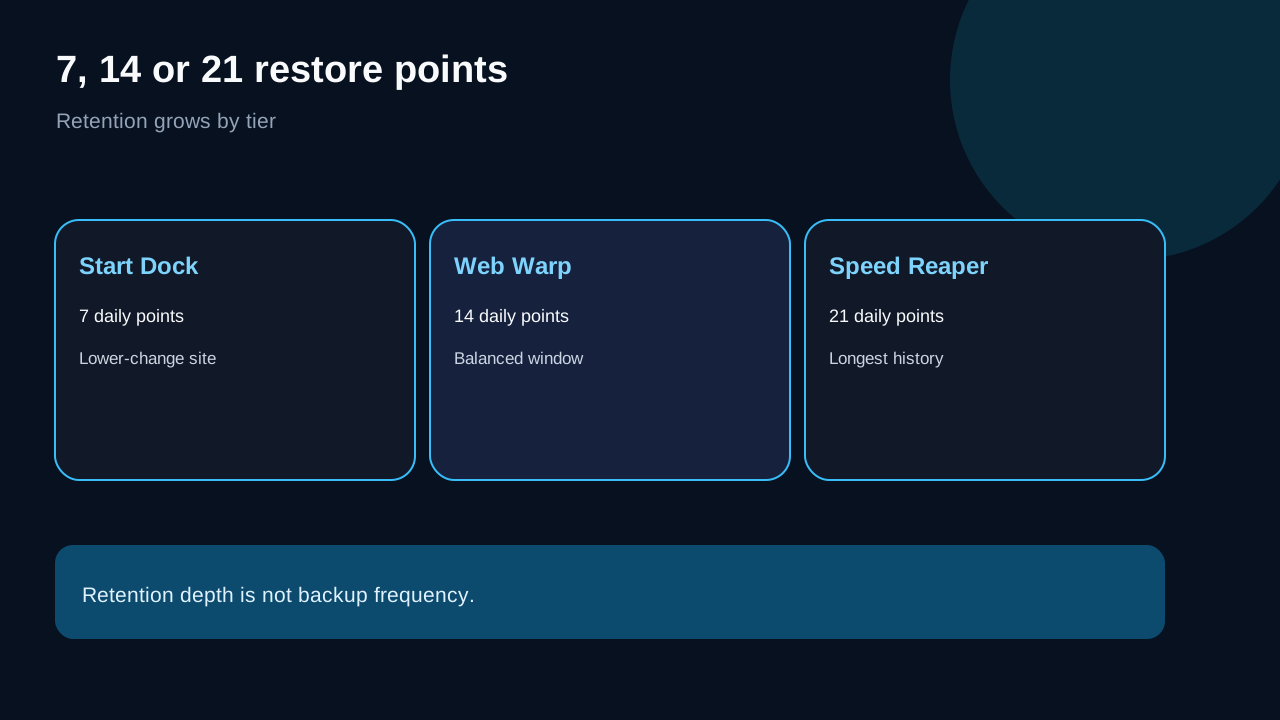
HostArmada’s shared plans include 7, 14 or 21 retained daily backups: Start Dock gets seven, Web Warp fourteen and Speed Reaper twenty-one. That ladder is useful, but it answers only “how far back can I usually look?” It does not create a guaranteed recovery-point objective, guaranteed restore time or protection for every change between daily jobs.
At a glance
- Best for
- Buyers choosing a HostArmada shared plan by rollback window and recovery risk.
- Price model
- Live price and term must be verified; no fixed price is asserted.
- Check first
- Included backups are best-effort recovery copies, not a substitute for an independently controlled backup.
Verdict: Web Warp is the balanced recovery tier, not a complete backup strategy
Choose Start Dock when a site changes slowly and a roughly one-week rollback window is enough. Web Warp is the practical middle choice for frequent publishing or several sites because fourteen retained points double the history. Speed Reaper’s twenty-one points suit release-heavy or more active sites that need a longer detection window.
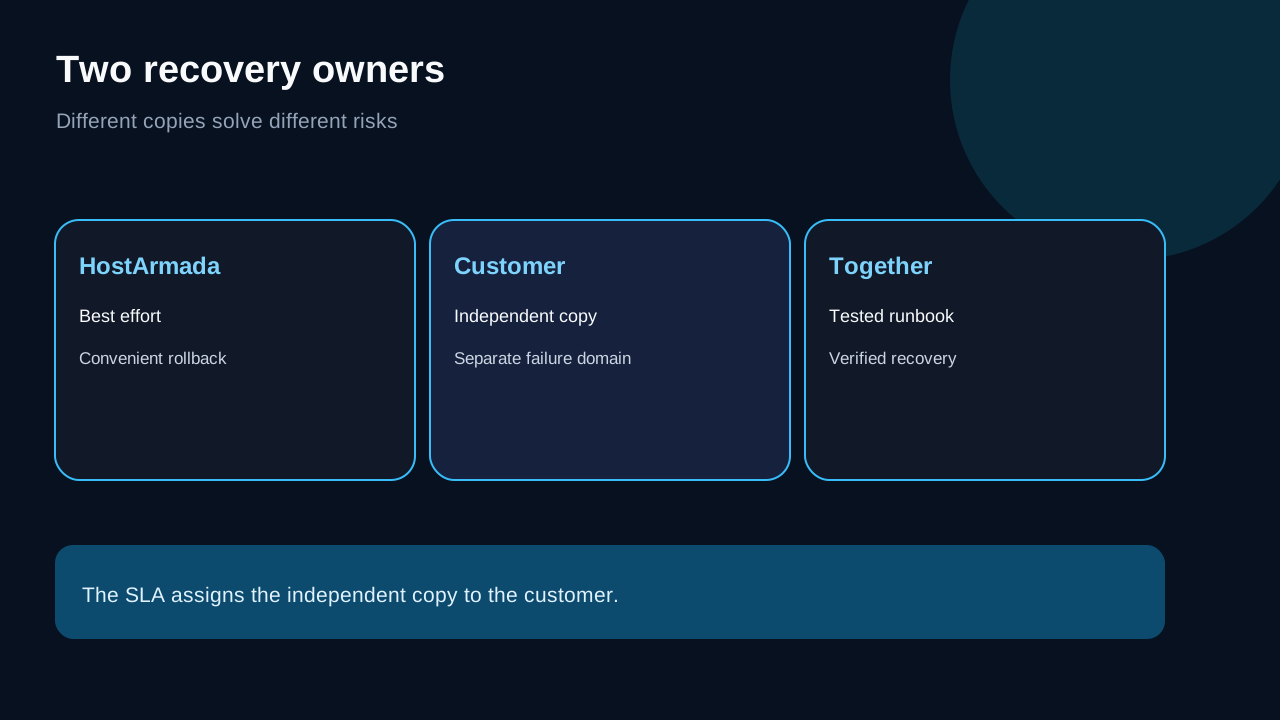
For a business-critical site, none should be the only copy. HostArmada’s marketing describes complimentary, offsite and one-click restore features, while its SLA says backups are best effort, supplied as-is and may be damaged or lost. The SLA makes customers responsible for independent copies. Treat the included system as a convenient first recovery layer, not the last one.
| Plan | Retained daily points | Good fit | Main boundary | |---|---:|---|---| | Start Dock | 7 | Lower-change brochure site or blog | Shortest history | | Web Warp | 14 | Multi-site owner or frequent publisher | Still one scheduled daily layer | | Speed Reaper | 21 | Active site or longer detection window | Does not protect every transaction |
Seven, fourteen and twenty-one are retention depths—not backup frequency
A daily schedule normally creates one restore point per successful job. Seven retained points describe a short recent history, not seven copies every day. If a damaging change is discovered after the oldest good point rotates out, a longer tier can matter. If the problem happens between jobs, restoring yesterday’s copy can still discard later work.
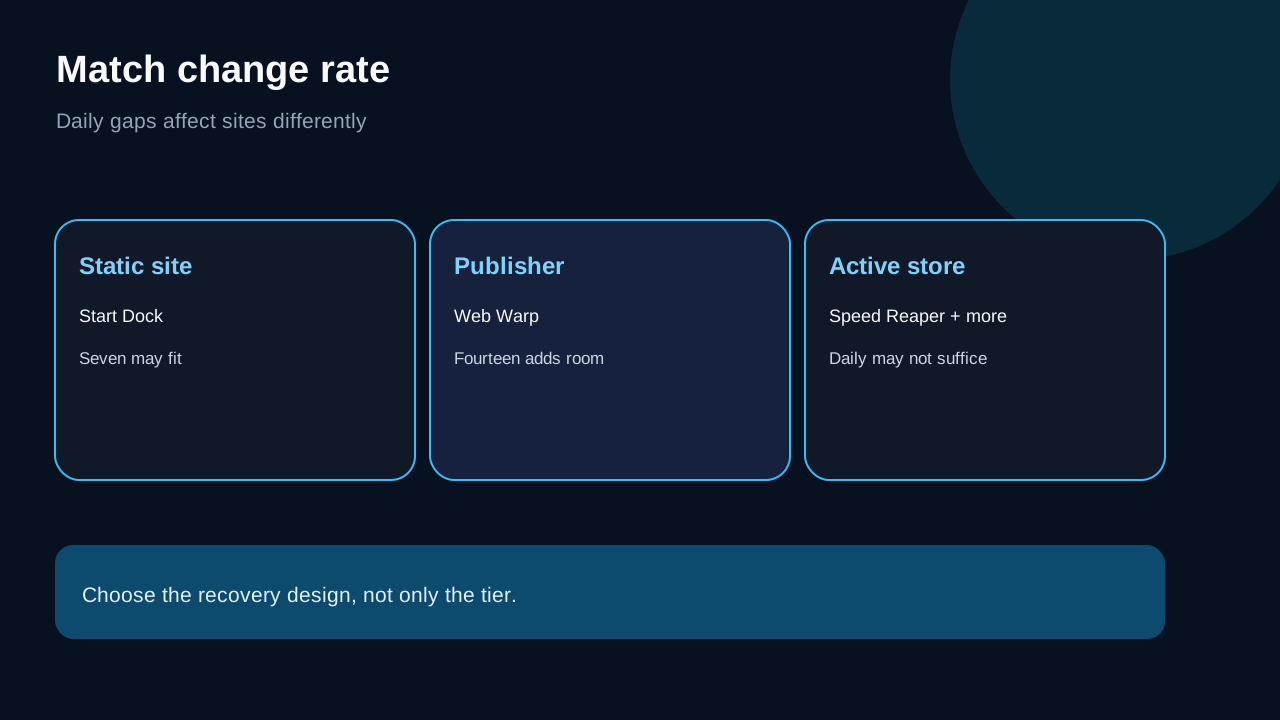
Change rate therefore matters more than the headline. A brochure site edited twice a month may find seven points ample. A publication deploying every day gains useful room from fourteen. A store creates orders, customer records and inventory changes continuously; even twenty-one daily points do not reduce the gap between the last job and an incident. HostArmada’s own buyer article says one daily backup is not enough for e-commerce.
What JetBackup can restore
HostArmada documents JetBackup in cPanel for files, databases and email. JetBackup 5 material also covers DNS zones and SSL certificates. Targeted recovery can be safer than overwriting an entire account, but components are related: an old database beside current files, or old DNS beside a changed certificate, can create mismatch.
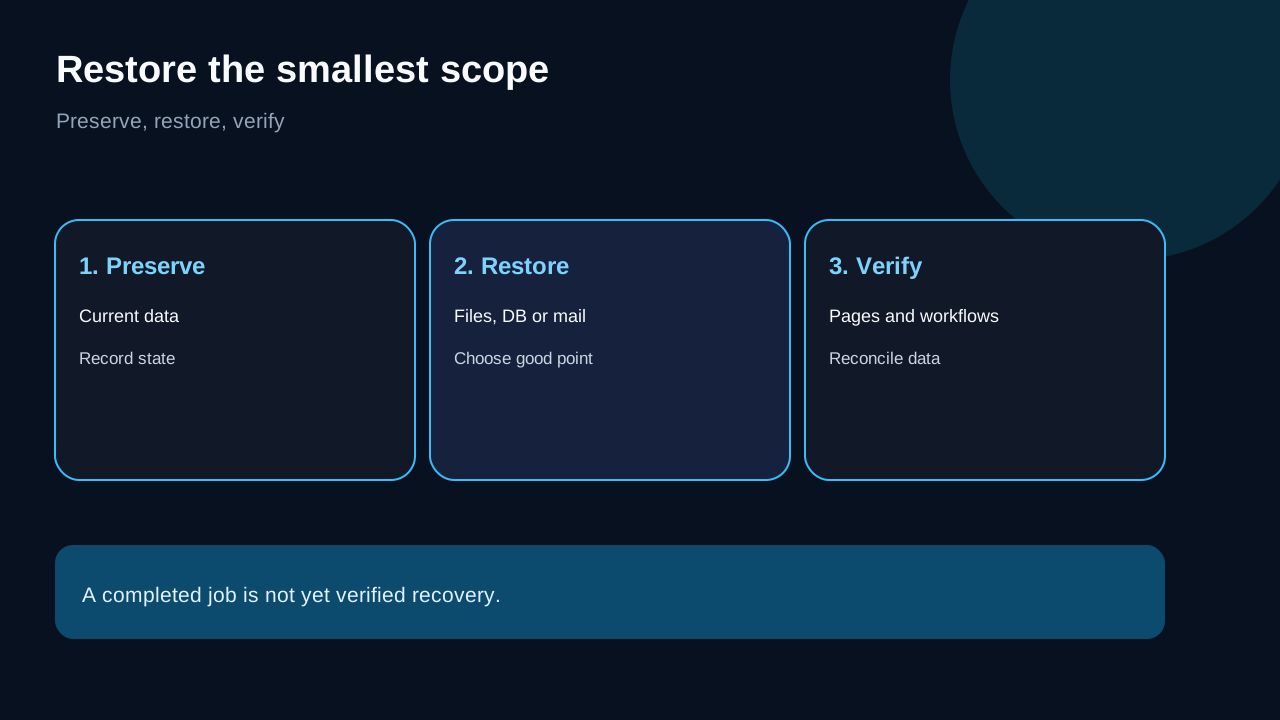
Before an incident, identify which objects power the site. Before a restore, record the current state, choose the smallest recovery scope and save any still-accessible data created after the selected point. Afterward, test public pages, login, forms, mail, scheduled jobs and—where relevant—checkout. A completed restore operation is not the same as verified business recovery.
The policy conflict buyers should not skip
HostArmada’s plan, security and WordPress pages emphasize complimentary daily backups, offsite storage and easy restore access. Its SLA is more cautious: shared backups are made on a best-effort basis, supplied as-is, copies can be corrupt, and the company does not accept liability for resulting loss. It also requires the customer to keep independent copies.
The tension remains unresolved. The honest reading is not “backups are unreliable,” nor “recovery is guaranteed.” HostArmada supplies a useful managed recovery system whose availability and integrity are not insurance. For business data, create a second copy under a separate account or destination you control.
A three-layer recovery design
**Layer 1: HostArmada restore points.** Use JetBackup for fast rollback when a recent copy is healthy.
**Layer 2: Application-aware export.** Before major updates, migrations or releases, create a portable copy containing matching application files and database.
**Layer 3: Independent destination.** Keep at least one copy outside the hosting account and outside the same access credentials. The goal is a separate failure domain, not another archive in the live account.
Document who can access each layer, how credentials are stored and how the copy is restored. Test periodically. A backup never restored is evidence of storage, not evidence of recovery.
Which tier fits each workload
Start Dock’s seven points fit one low-change site when recent edits can be recreated and a separate export exists. Move to Web Warp when more sites, daily publishing or a longer detection window make seven points narrow. Fourteen points are usually the clearest balance between entry cost and rollback depth.
Speed Reaper’s twenty-one points help when incidents may go unnoticed longer or frequent releases make older versions useful. Buy it for the whole tier—resources, caching and retention—not because twenty-one copies make a store transaction-safe. If recovery-point needs are measured in hours or minutes, add a more frequent application or database process instead of relying on daily jobs alone.
Restore drill before you need it
Pick a non-production or low-risk object. Confirm JetBackup shows expected dates and components. Record the current state, restore the chosen item, verify it, and note how long identification, restore and validation take. Do not turn that drill into a universal restore-time claim; it proves only that account’s workflow under those conditions.
Repeat after major stack changes. Keep the runbook short: incident owner, last known good point, objects to preserve, restore order, acceptance checks and rollback-of-the-rollback. For stores, include order and inventory reconciliation. For mail, include sending and receiving checks.
Plan evidence behind the recommendation
Start Dock’s **seven retained daily backups** cover a short entry-tier rollback window, and its **complimentary daily backup** adds a convenient recovery layer; both benefits remain subject to the best-effort SLA and the customer’s independent-copy duty. Its JetBackup path documents restoration of files, databases and email.
Web Warp’s **fourteen retained daily backups** double the nominal history over Start Dock. HostArmada also markets **offsite daily backup** access, while JetBackup 5 documents object-level recovery for files, databases, email, DNS and SSL; the SLA boundary still applies.
Speed Reaper’s **twenty-one retained daily backups** provide the longest shared-plan history. The current materials also describe restoration without a separate restore fee, but no fee does not guarantee copy health or restore time. Its deeper history is part of the top shared recovery package, not proof of faster recovery or workload isolation.
The live official pricing page controls Start Dock, Web Warp and Speed Reaper prices and terms; verify each at checkout rather than relying on a static number.
Buying checklist and disclosure
Before checkout, verify the live retention count, eligible restore objects, price and term. Ask support how a full-account recovery is requested if cPanel is inaccessible and whether the planned workload needs a different backup service. Keep the response with recovery notes.
Toolnavia may earn a commission if you use a HostArmada link. Exact Start Dock, Web Warp and Speed Reaper routes are currently approved, market-confirmed and enabled; CTAs use Toolnavia /go/. DirectLink is only an additional attribution layer. Flux is not promoted because its exact offer remains unconfirmed. Policies, prices and features can change, so verify live official pages before paying.
Source mapping: retention and JetBackup scope; SLA responsibility and best-effort boundary; offsite/one-click positioning; e-commerce frequency guidance; independent current reviews; older same-intent context; complimentary daily backup; free restoration wording.