TOOLNAVIA / BUYING GUIDE
HostArmada Email with External DNS: SPF, DKIM, DMARC or Paid Mail?
The short answer
**Quick answer:** Third-party authoritative DNS does not by itself require paid email. HostArmada Start Dock includes mailboxes and cPanel email tools. It is viable when you can publish domain-specific SPF, DKIM and DMARC at the real DNS provider, keep routing pointed to the actual mailbox service, and accept shared-host sending limits. Authentication reduces spoofing and rejection risk; it does not guarantee inbox placement.
> Affiliate disclosure: Toolnavia may earn a commission from the verified Start Dock offer. Prices were checked October 29, 2026; checkout, tax, currency and eligibility can change.
At a glance
- Best for
- Low-volume owners able to manage authoritative DNS and verify every sender.
- Price model
- $2.15/month introductory; $11.95/month regular renewal on current display.
- Check first
- Shared-host limits; external-DNS administration; authentication does not guarantee inbox placement.
Price and included scope
Start Dock currently shows **$2.15/month promotional** and **$11.95/month regular renewal**. The comparison page lists unlimited email accounts plus IMAP, POP3 and SMTP. “Unlimited accounts” is not unlimited sending, a dedicated IP, mailbox SLA or marketing-email capacity. For retention, audit, device administration, large transactional volume or a written SLA, compare control models rather than price alone.
Publish records at the authoritative DNS
cPanel Email Deliverability may offer Repair when HostArmada controls DNS. With external nameservers, Repair is unavailable, but Manage still supplies the SPF and DKIM names and values to publish at the authoritative provider.
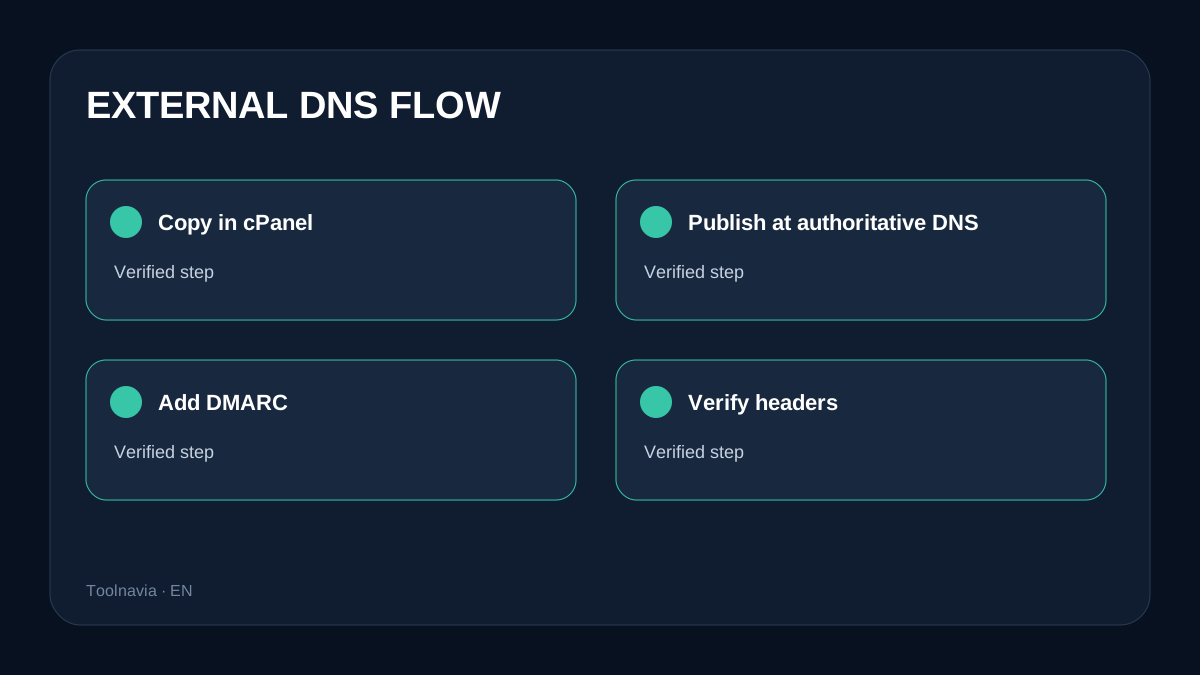
1. Confirm the active nameservers. 2. Copy the exact domain’s SPF and DKIM from cPanel Manage. 3. Publish them at Cloudflare or the real authoritative provider, not only in a non-authoritative cPanel zone. 4. Add DMARC with a reporting mailbox; monitor first and tighten after every legitimate sender aligns. 5. Recheck public DNS and cPanel after propagation.
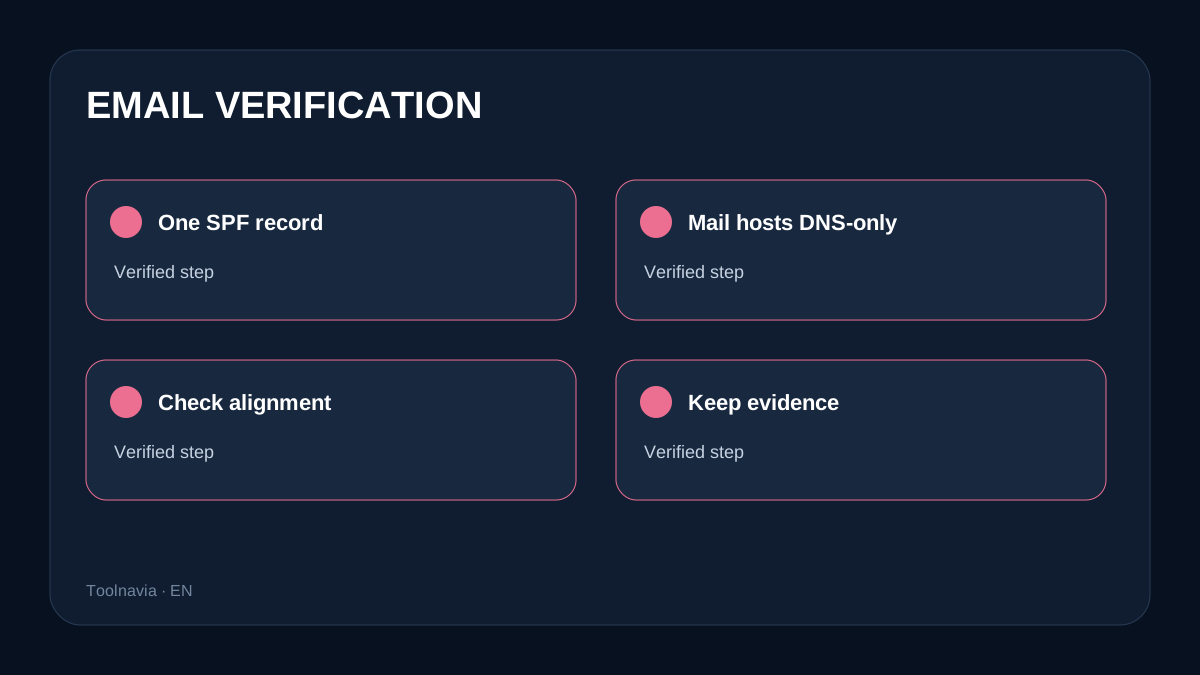
DKIM keys are domain-specific. If SPF already exists, merge legitimate senders into the single record; multiple SPF records can invalidate evaluation.
SPF, DKIM and DMARC are different controls
SPF authorizes envelope-domain infrastructure. DKIM signs messages with a DNS-published key. DMARC checks visible-From alignment with authenticated SPF or DKIM and applies policy. Gmail and Yahoo publish authentication requirements; Microsoft documents the same model without promising delivery. Reputation, complaints, content, sending patterns and IP history still matter.
Local versus Remote routing
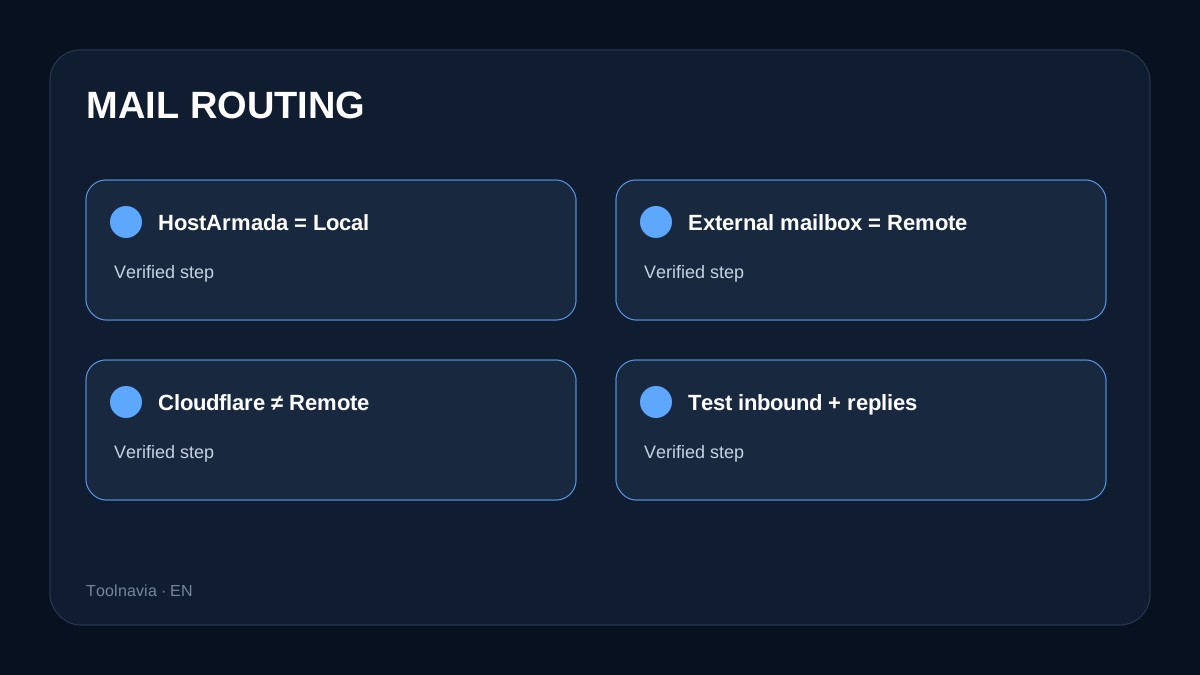
If HostArmada receives mail, use **Local Mail Exchanger**. If mailboxes move to Google Workspace, Microsoft 365 or another service, publish that provider’s MX and use **Remote Mail Exchanger**. Cloudflare DNS does not imply Remote. cPanel warns automatic detection may rely on the local zone rather than actual public DNS, so wrong routing can leave outgoing mail working while inbound mail goes elsewhere.
Cloudflare and verification
SMTP, IMAP and POP cannot be proxied through Cloudflare. Mail hostnames and MX targets must be **DNS-only**; remove stale MX records and keep one merged SPF. Test Gmail, Yahoo and Microsoft recipients, inspect headers for SPF/DKIM/DMARC and From alignment, then test inbound delivery and replies. Keep timestamped evidence.
Included mail or paid mail?
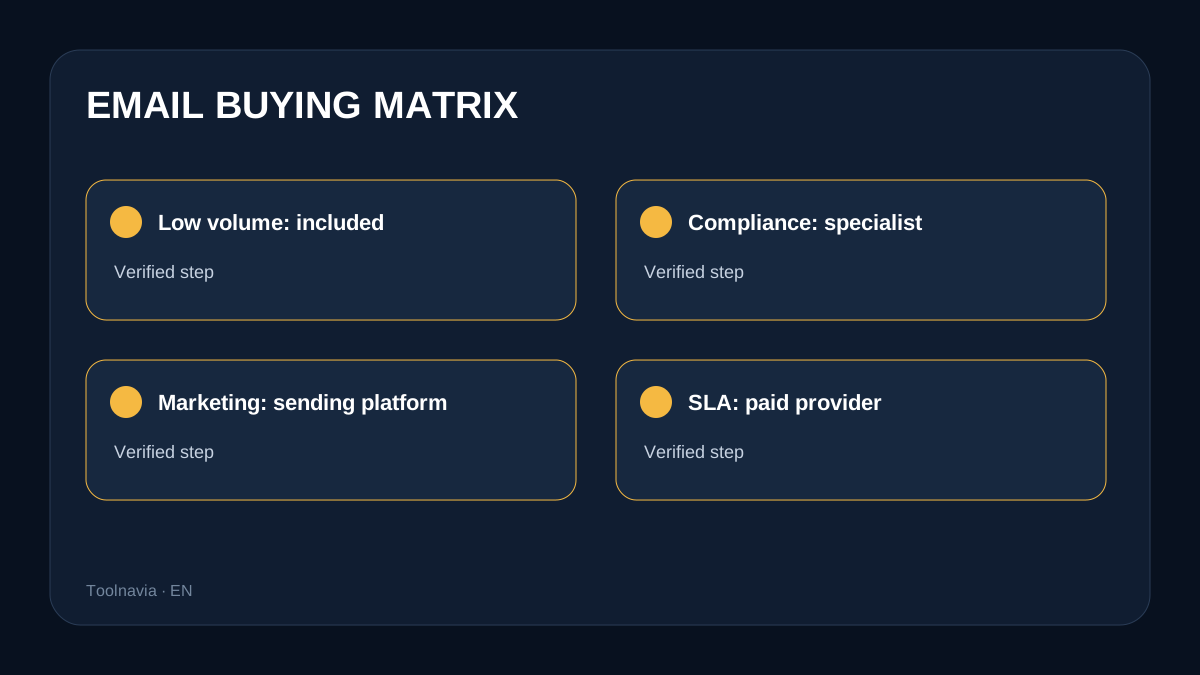
Included mail is reasonable for low-volume conversations when one person owns DNS, every change is tested and shared-host limits are acceptable. Choose specialist mail for compliance, audit, centralized recovery, marketing/transactional volume, SLA or reputation isolation. Do not send newsletters from a personal mailbox merely because account count is unlimited.
**Verdict:** External DNS is a configuration responsibility, not a reason by itself to buy separate email. Start Dock mail can suit a careful low-volume owner. A specialist provider is the defensible purchase when policy, administration, volume or service commitment matters.
A safer migration sequence
Treat DNS and mailbox migration as two separate changes. First inventory every sender that uses the domain: the HostArmada mailbox, website forms, invoicing software, a CRM, support tools and any transactional service. Capture the current MX, SPF, DKIM selectors and DMARC policy before editing. That inventory prevents an apparently successful mailbox change from silently breaking password resets or receipts.
If the mailbox remains at HostArmada, keep the existing MX and Local Mail Exchanger setting, then publish only the authentication records shown for that domain. If the mailbox moves away, stage the external provider's users and aliases first, publish its MX and authentication records, and switch routing to Remote. Do not leave both old and new systems accepting mail without a written coexistence plan.
Lowering DNS TTL before a planned migration can shorten cache time, but it does not make every resolver update immediately. Keep the old service available through the observation window. After the switch, test old threads, replies, password resets and contact-form delivery rather than relying on one outbound message.
Common failure modes
**Repair looks unavailable.** With third-party nameservers this can be expected, not proof that email is unsupported. Use Manage to retrieve the proposed records and publish them where DNS is authoritative.
**SPF returns PermError.** Look for multiple SPF TXT records, excessive lookups or a missing sender. Merge authorized senders into one policy and remove obsolete includes only after confirming they are unused.
**DKIM is absent after publishing.** Recheck the selector, hostname formatting and whether the DNS provider automatically appends the zone name. Copy the value exactly; do not reuse a key from another domain.
**Outgoing works, incoming fails.** Check public MX first, then Local versus Remote routing. cPanel warns that automatic detection can differ from actual public DNS when the local zone is not authoritative.
**Authentication passes but mail still lands in spam.** Review sending history, complaint rate, list quality, content and shared-IP reputation. Gmail, Yahoo and Microsoft describe authentication as necessary protection, not a delivery guarantee.
Cost and control model
At the current display, a 12-month Start Dock term models to **$25.80 for the first year** and **$143.40 for a later year** at the shown regular rate, before tax and options. The included mailbox therefore has a low incremental sticker price for a small site. That arithmetic does not value administrator time, recovery objectives or delivery support.
For a solo site, the economical choice is often to use the included mailbox, document DNS and keep an independent backup of important correspondence. For a team, calculate the cost of account lifecycle, retention, device controls, shared calendars, legal hold, audit logs and recovery. A specialist provider can be worth paying for even when HostArmada supplies unlimited mailbox accounts.
Marketing and transactional mail deserve a separate decision. A newsletter platform or transactional sender manages consent, bounces, suppression and delivery telemetry that a normal mailbox is not designed to replace. Do not treat “unlimited email accounts” as permission to send unlimited campaigns.
Acceptance checklist
1. Confirm the authoritative nameservers and preserve the pre-change DNS export. 2. Verify public MX, one SPF record, the current DKIM selector and a DMARC reporting address. 3. Confirm Local routing for HostArmada mail or Remote routing for the external provider. 4. Keep mail hostnames and MX targets DNS-only when Cloudflare is authoritative. 5. Send to Gmail, Yahoo and Microsoft; inspect authentication results and visible-From alignment. 6. Test inbound mail, replies, aliases, forms and password-reset messages. 7. Record timestamps, headers and the final DNS values, then monitor DMARC reports before tightening policy.
Who should buy Start Dock for email
It fits a low-volume owner who is comfortable managing DNS, can test every sender and accepts shared-host operational boundaries. It is less suitable when the purchase depends on a written mailbox SLA, centralized compliance, large campaigns, high-volume transactions or isolated sending reputation. In those cases, buy hosting for the website and budget a specialist mail system separately.
External DNS adds responsibility, not an automatic software fee. The practical buying question is whether the owner can operate and verify that responsibility.