TOOLNAVIA / BUYING GUIDE
HostArmada Start Dock Remote MySQL: IP Allowlist, phpMyAdmin & SSH
The short answer
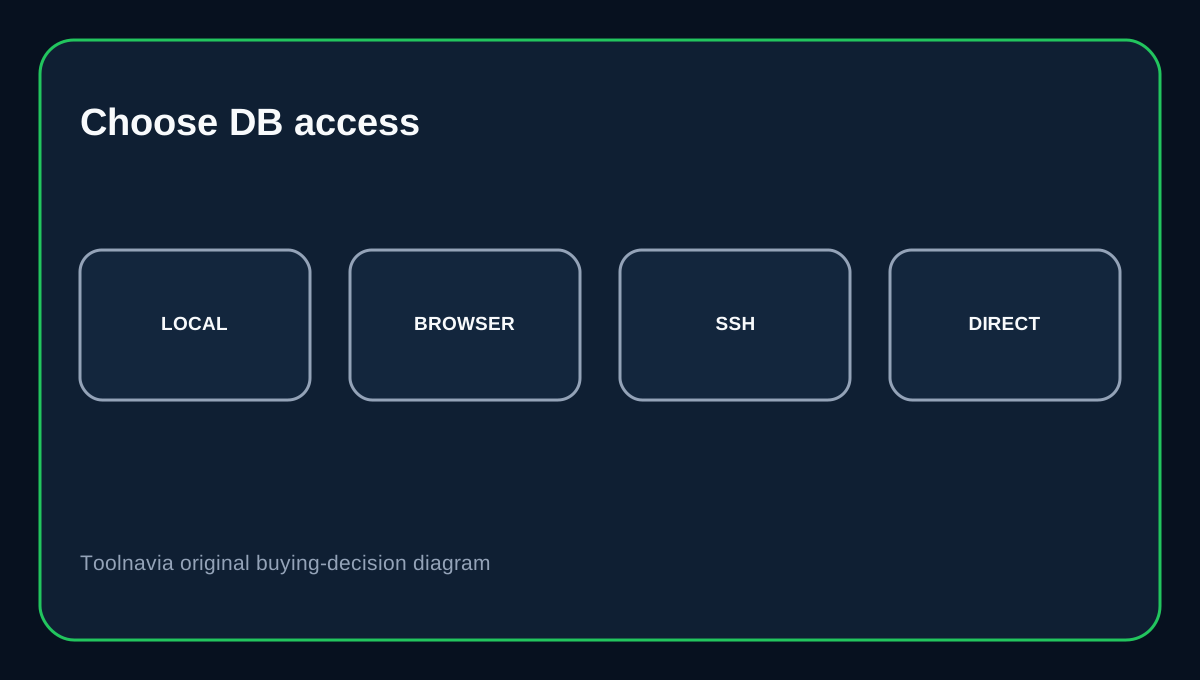
HostArmada Start Dock includes MySQL 8.0, unlimited databases, phpMyAdmin and Remote MySQL, but the safe buying decision is not “remote access is available.” The important question is **which access path you actually need**. HostArmada documents local database access through cPanel/phpMyAdmin and remote access that is denied by default until an external IP address is explicitly allowed.
At a glance
- Best for
- Shared-host developers needing occasional external database access.
- Price model
- Current 12-month promo path $2.15/mo; regular reference $11.95/mo.
- Check first
- Remote access remains shared-host account access, not root database-server administration.
Start Dock database capability and cost
HostArmada's current pricing page lists Start Dock with one website, 15GB NVMe, 2 CPU cores and 2GB RAM; the current 12-month promotional path is $2.15/month with a regular reference of $11.95/month. The same plan table lists MySQL 8.0, unlimited MySQL databases, phpMyAdmin and Remote MySQL.
Local applications should normally use localhost
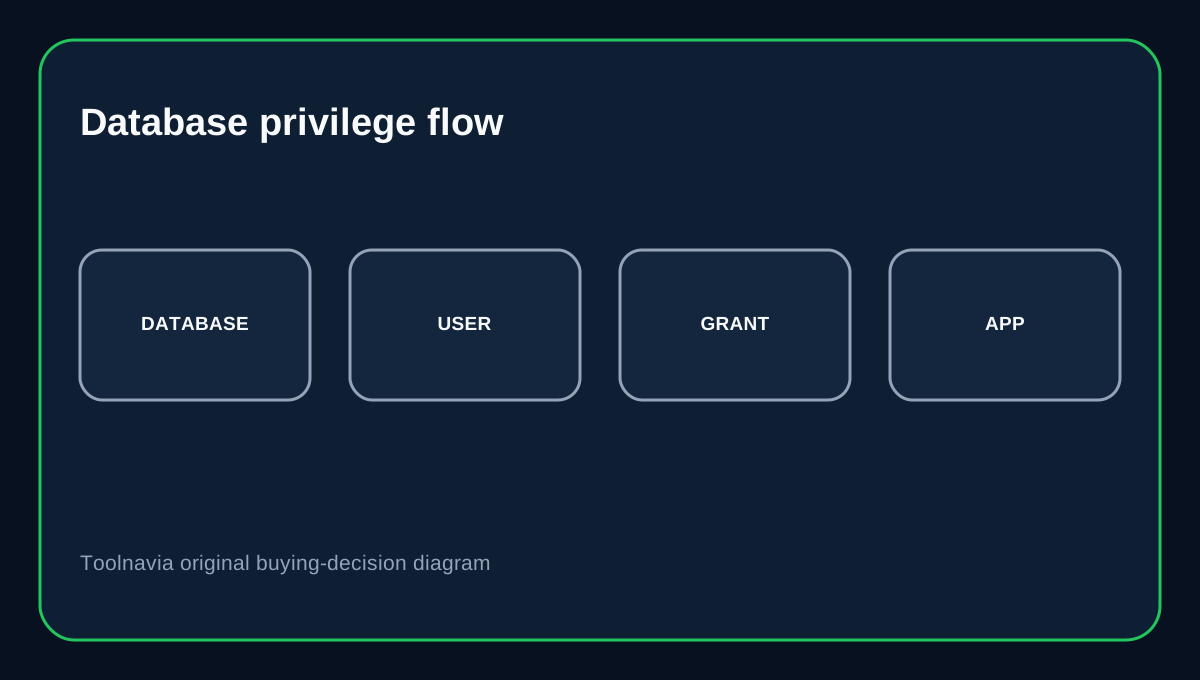
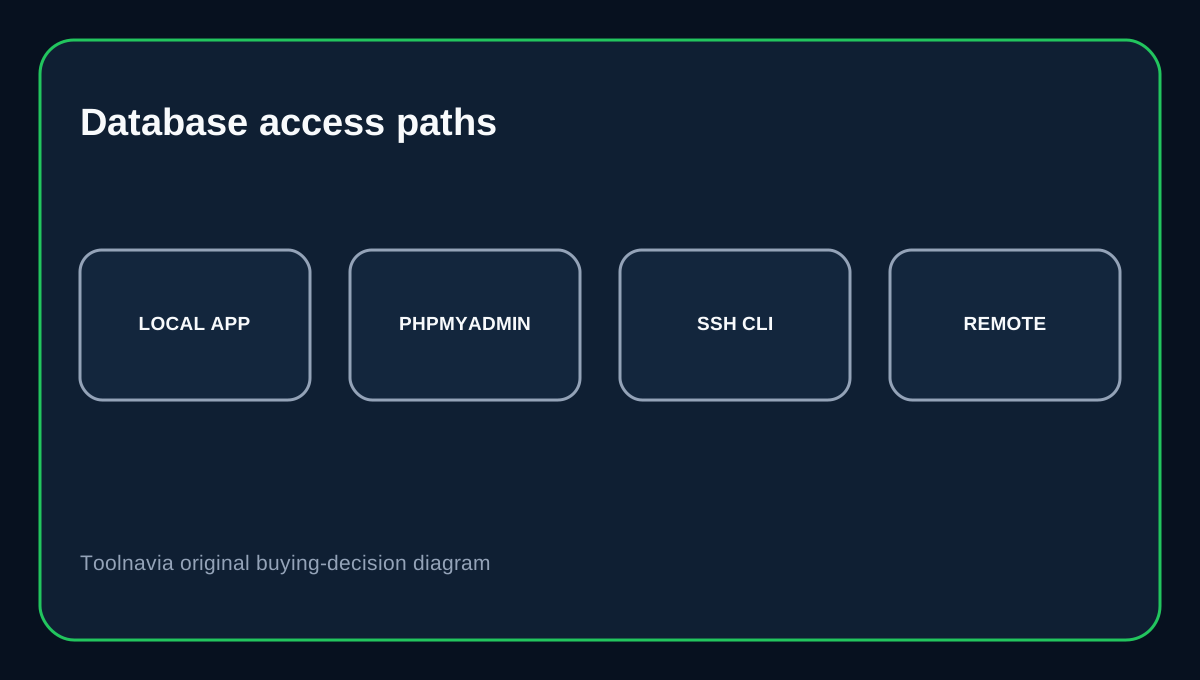
HostArmada's phpMyAdmin documentation shows the database server as localhost on port 3306 for local cPanel applications. Its database wizard guide creates a database, creates a database user and grants that user privileges to the database. For WordPress, Laravel or another application hosted on the same account, localhost is the normal path. Do not open remote access merely because the Remote MySQL icon exists.
Remote MySQL is blocked until you allow a source
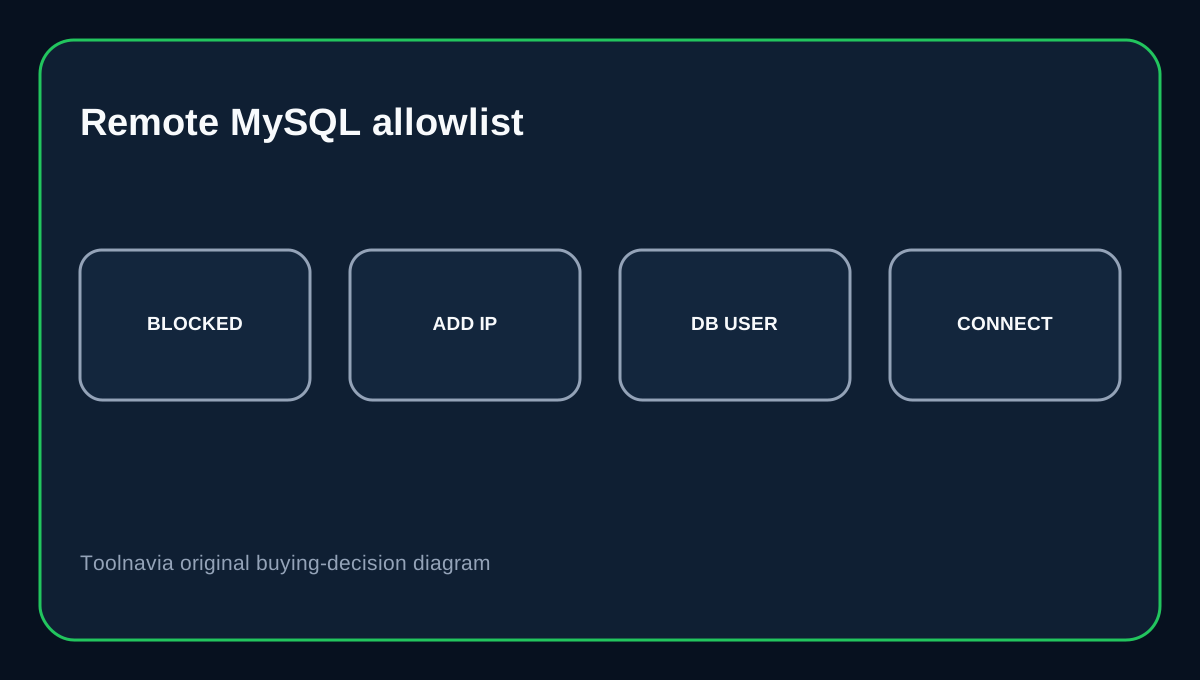
HostArmada's Remote MySQL guide explains that outside connections are denied by default and that cPanel's Remote MySQL tool adds the external host or IP that is allowed to connect. This is the key security boundary. Use a specific stable IP when possible. A broad wildcard can make administration easier, but it also expands the set of systems that can reach the database listener and shifts more security burden onto the database credentials.
phpMyAdmin and a desktop client solve different jobs
phpMyAdmin is convenient for browser-based table inspection, SQL queries, imports and exports from inside the hosting control panel. HostArmada also documents MySQL command-line access through SSH on its development hosting stack. A desktop client such as MySQL Workbench is useful for developers who need external database tooling, but remote access then requires both a valid database account and an allowed source host. MySQL Workbench also supports SSH-tunneled connections when a direct listener is not the preferred approach.
Keep database privileges narrower than network access
Allowlisting an IP only decides which external host can reach MySQL; it does not replace database-user permissions. Create a dedicated user for the application or developer and grant only the database privileges needed. MariaDB's remote-access documentation makes the same general distinction: network listening and host/user privileges are separate layers. Remove old access hosts and unused database users after a migration or contractor engagement ends.
Buying decision
Choose Start Dock if you want low-cost cPanel hosting with local phpMyAdmin, normal app-local MySQL and the option to allow a known external IP for remote database work. The plan is flexible enough for developers without making remote exposure the default.
If the workload needs permanent cross-server database traffic, replication, high availability or root-level database tuning, shared hosting is no longer the right architecture. HostArmada itself reserves database replication for VPS and dedicated services.
Affiliate disclosure: Toolnavia may earn a commission from an eligible HostArmada purchase.