TOOLNAVIA / BUYING GUIDE
HostArmada Migration Limits: 1, 3 or 5 Free Transfers?
The short answer
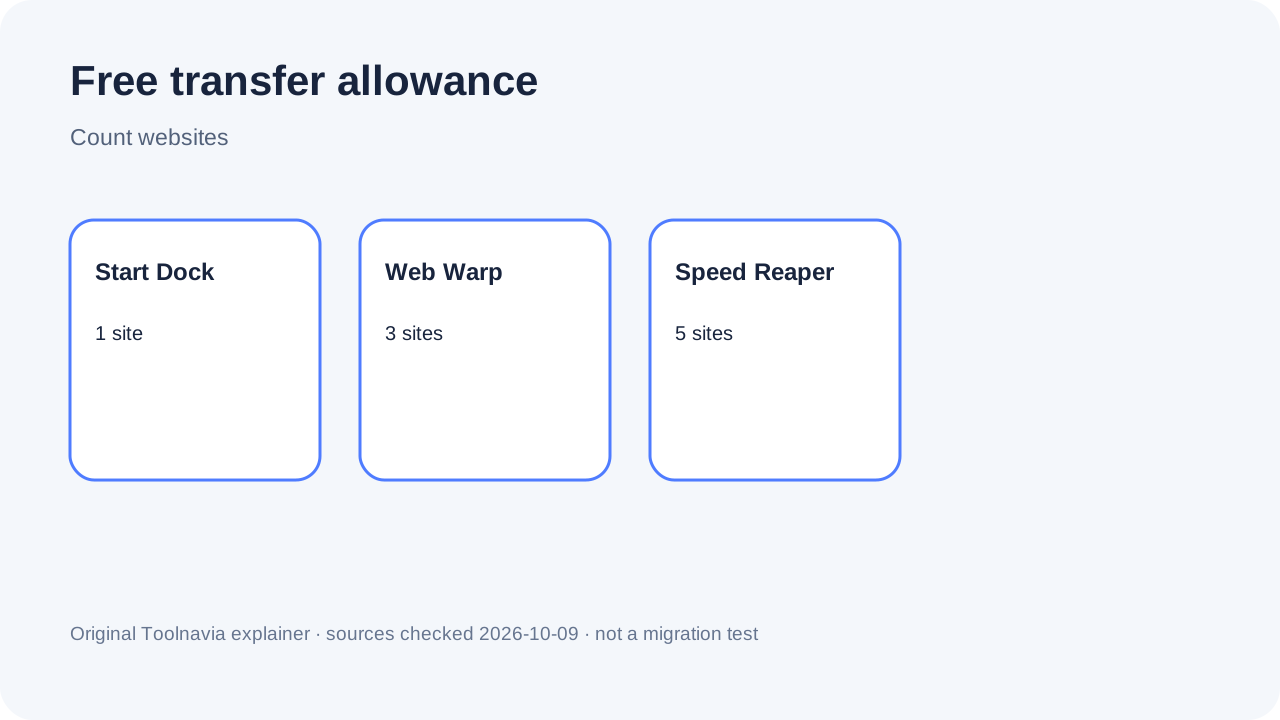
HostArmada includes 1 / 3 / 5 free website transfers on Start Dock, Web Warp and Speed Reaper. Match the tier to compatible site count, then confirm method, exclusions and the workload you will keep after cutover.
At a glance
- Best for
- Buyers choosing a shared plan by sites to migrate and cutover work.
- Price model
- 1/3/5 included; extras quoted.
- Check first
- Domain transfer, DNS, every integration and guaranteed success are not universal.
Start with separate website count
The official ladder is 1 / 3 / 5 free transfers. Count separate installs, databases and domains, not pages. Ask whether a staging copy, multisite network or reseller account counts separately.
For one ordinary site, Web Warp is usually unnecessary solely for migration. For three unrelated sites, Start Dock can leave two separately priced moves. The policy does not publish the extra-migration amount, so request a written quote before checkout.
What the service covers
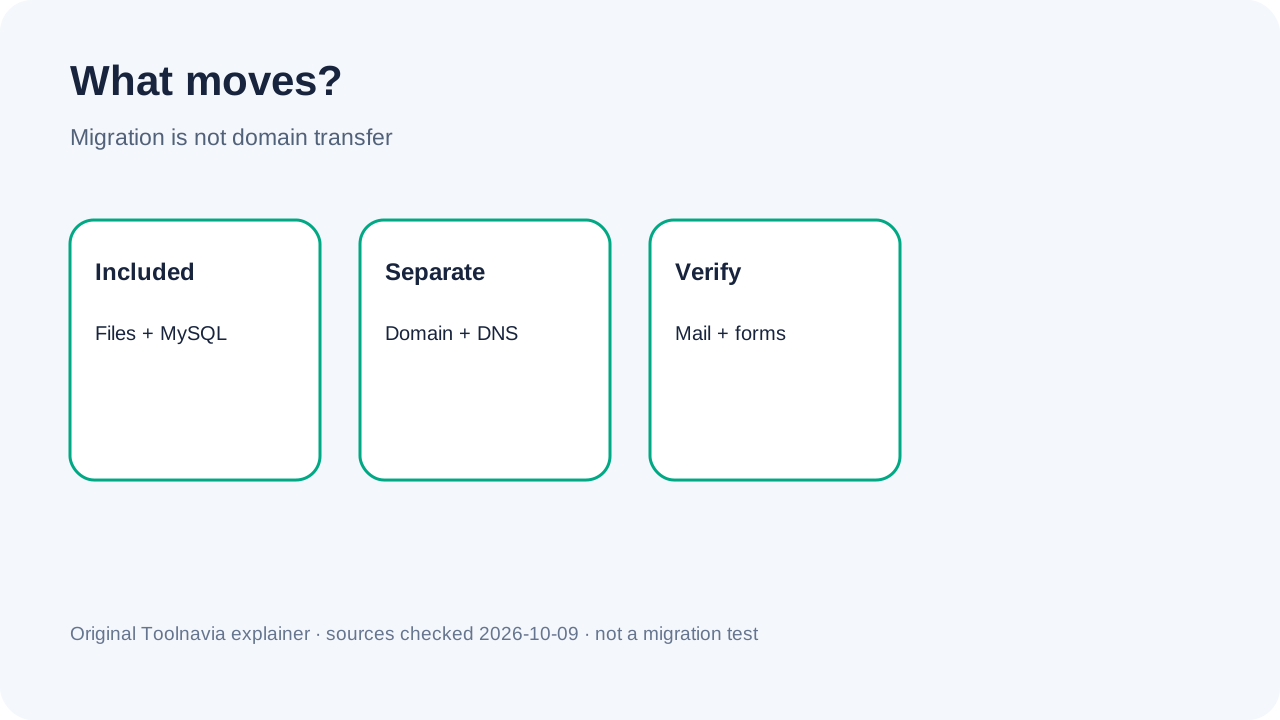
The SLA says files, MySQL databases and email data are included. Domain transfer is separate, and DNS configuration after migration remains the customer’s responsibility.
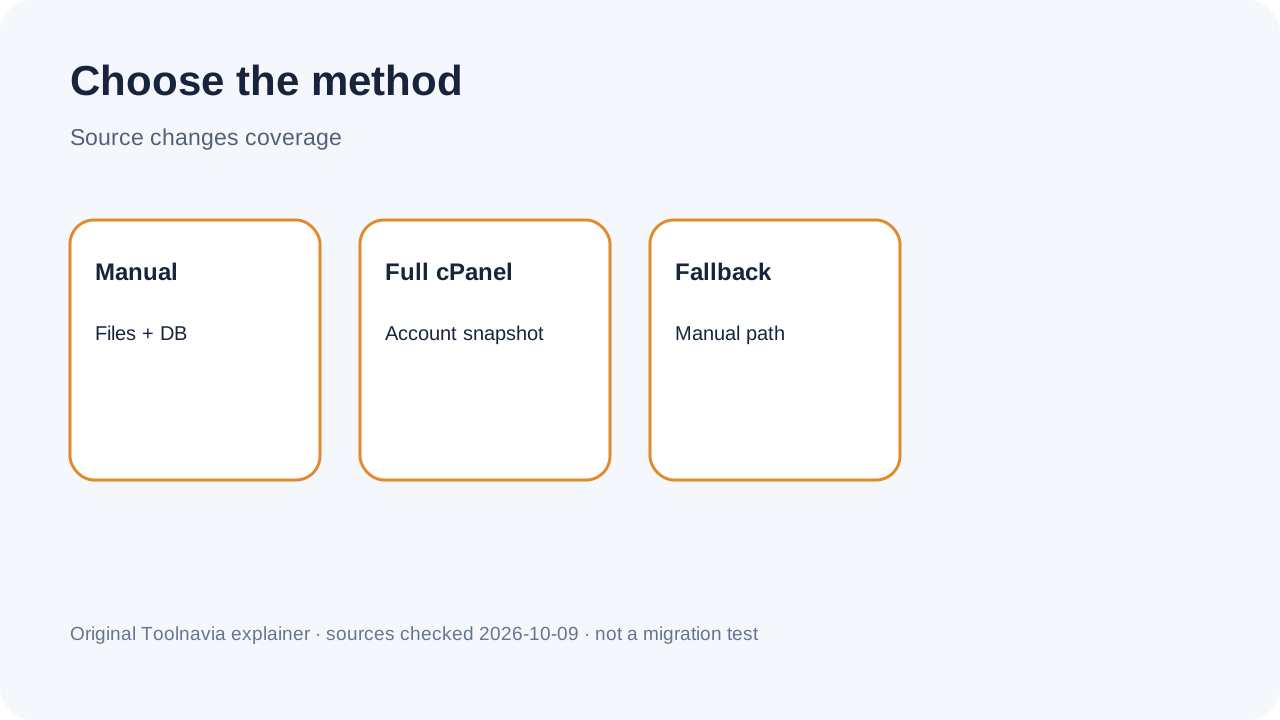
Method matters. A full cPanel migration can include email accounts, FTP accounts, subdomains, aliases and redirects. A manual move from a non-cPanel or restricted host generally copies files and the database; email, aliases and subdomains may need separate work. Read “email included” as method-dependent, not universal.
The source host changes the workflow
Open a Website Transfer ticket. Manual migration needs FTP or SSH plus database access. Full cPanel migration needs old-provider or cPanel credentials. If the old host blocks a full backup, a cPanel site can still fall back to manual migration.
Create an independent backup first. Inventory cron jobs, DNS, mailboxes, certificates, redirects and external services. Copying files and a database does not automatically reproduce integrations stored outside the hosting account.
Get a written migration manifest
Before paying, send support a compact manifest for every site: control panel, CMS, PHP version, database engine and size, mailbox count, aliases, subdomains, redirects, cron jobs, DNS provider, SSL arrangement and any external storage or transaction service. Ask support to mark each line as included, customer action or separately quoted work. The SLA establishes the broad boundary, while the knowledge base shows why the chosen method changes what can be copied.
Also ask what HostArmada counts as one website. A primary domain, addon domain, staging copy and multisite network can create different operational work even when they appear under one account. The public table gives the allowance but not every edge-case counting rule. A written answer prevents a plan upgrade based on an assumption that support later interprets differently.
Credentials are part of feasibility. Confirm that the old provider allows a complete cPanel backup or provides working FTP/SSH and database access. If it does not, request the narrower manual scope in writing and decide who will recreate mailboxes, DNS records, scheduled jobs and account-level settings.
Plan the DNS cutover
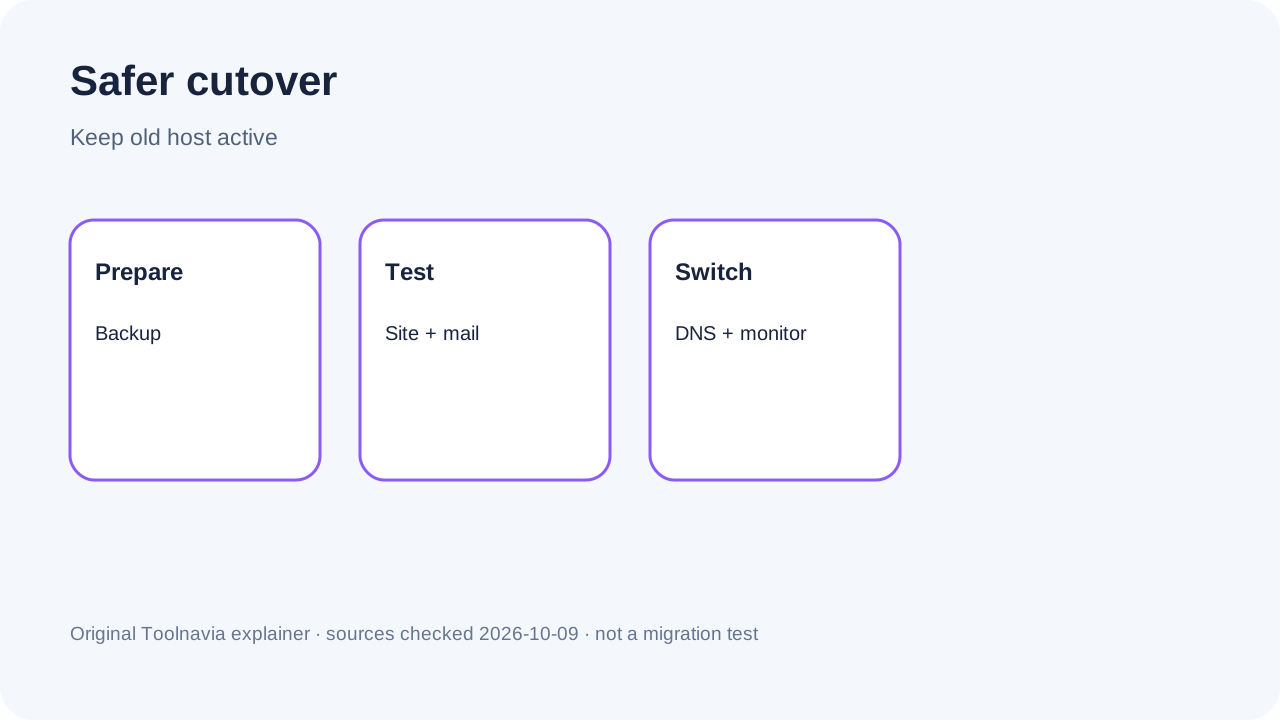
Data transfer is not traffic cutover. HostArmada places DNS configuration on the customer. Keep the old hosting active, test the destination through a temporary URL or hosts-file method, and change DNS only after representative pages, forms and admin login work.
Namecheap’s official migration guidance supports the same practice: keep the old account active while DNS propagates so requests can reach either environment. Stores and membership sites also need a brief content freeze or final database sync so new orders and submissions are not left behind.
Use an acceptance gate before cancellation
Treat the move as unfinished until both content and account services pass a written check. Compare representative pages, media, downloads and redirects; submit every important form; sign in to the CMS; send and receive test mail; run scheduled tasks; confirm the certificate chain; and inspect analytics or payment callbacks. For stores or communities, compare order, user and content counts after the final database sync.
Test from more than one network after DNS changes because cached resolvers can reach the old and new servers at different times. Keep both environments available during that overlap. The SLA assigns DNS configuration to the customer and does not guarantee success when the source host or data format blocks the transfer. The acceptance record therefore matters more than a generic “migration complete” message.
Cancel the old plan only after the agreed observation window, and retain the independent backup beyond cancellation. This converts migration from a hopeful handoff into a reversible cutover with a clear stop condition.
Free does not mean guaranteed
HostArmada’s tutorial promises a flawless move with no data loss or downtime, while the SLA says success cannot be guaranteed when the old provider restricts access, formats are incompatible or other external limits intervene. The SLA boundary should control the decision.
Assisted migration still removes substantial manual work. But keep your backup and verify pages, forms, media, redirects, email, scheduled jobs, SSL and analytics before cancelling the old plan.
Pick a tier for the move and life afterward
**Start Dock** fits one compatible site when its long-term resources also fit. **Web Warp** is the practical middle choice for two or three sites. **Speed Reaper** covers up to five transfers, but five free moves alone do not justify paying for top-tier shared hosting indefinitely.
Above five sites, compare a written one-time migration quote with the long-term plan difference. Upgrade only when CPU, RAM, storage, backups or caching also add continuing value.
Price the exception instead of overbuying forever
If the batch exceeds the included allowance, ask for the total one-time migration quote and compare it with the higher plan's cost over the term you expect to keep it. The public policy says additional migrations are separately priced but does not publish a universal amount. Do not invent that price, and do not assume a higher tier is cheaper without the written quote.
A temporary transfer need and a permanent hosting need are different. Paying once for an extra move may be rational when the lower tier fits afterward. Buying up can be rational when the same sites also need the higher tier's storage, resource, backup or caching bundle. Record both numbers before checkout, then make the choice on total expected cost rather than the word “free.”
The current plan table and SLA control the 1/3/5 allowance and service boundaries for all three tiers. The official workflow and WordPress pages explain transfer methods and marketing scope. Independent reviews and a peer-provider migration guide add search-market and cutover context, but they do not override current HostArmada terms.
Safer purchase checklist
List each site, mailbox, database, cron job, DNS zone and external integration. Ask which method applies, what counts as one transfer, what will not be copied and what extras cost. Keep old hosting active, preserve a backup, test the destination, schedule final sync, change DNS, monitor both environments and cancel only after acceptance.
Toolnavia may earn a commission from approved HostArmada links. Recommendations follow migration scope and post-cutover workload; visible CTAs use exact approved Toolnavia offer routes.