TOOLNAVIA / BUYING GUIDE
HostArmada Data Center Locations: How to Choose Before Checkout
The short answer
HostArmada Data Center Locations: How to Choose Before Checkout
Short answer: pick the origin closest to the people who generate the most important uncached requests—but only after checking data-residency needs, third-party dependencies, and the exact locations offered by your chosen plan at checkout. HostArmada's company-wide page advertises 23 data centers across five continents, while a current product page lists six VPS locations: London, Frankfurt, Dallas, Montreal, Singapore, and Sydney. Treat the live plan selector as the source of truth, because the broad footprint is not proof that every location is available on every plan.
At a glance
- Best for
- Buyers who need to document and test a HostArmada location before checkout.
- Price model
- No location surcharge asserted; verify price, term and location live.
- Check first
- The 23-location footprint does not prove every plan offers every location; policy permits later relocation with notice; no performance guarantee is made.
The buying decision in 60 seconds
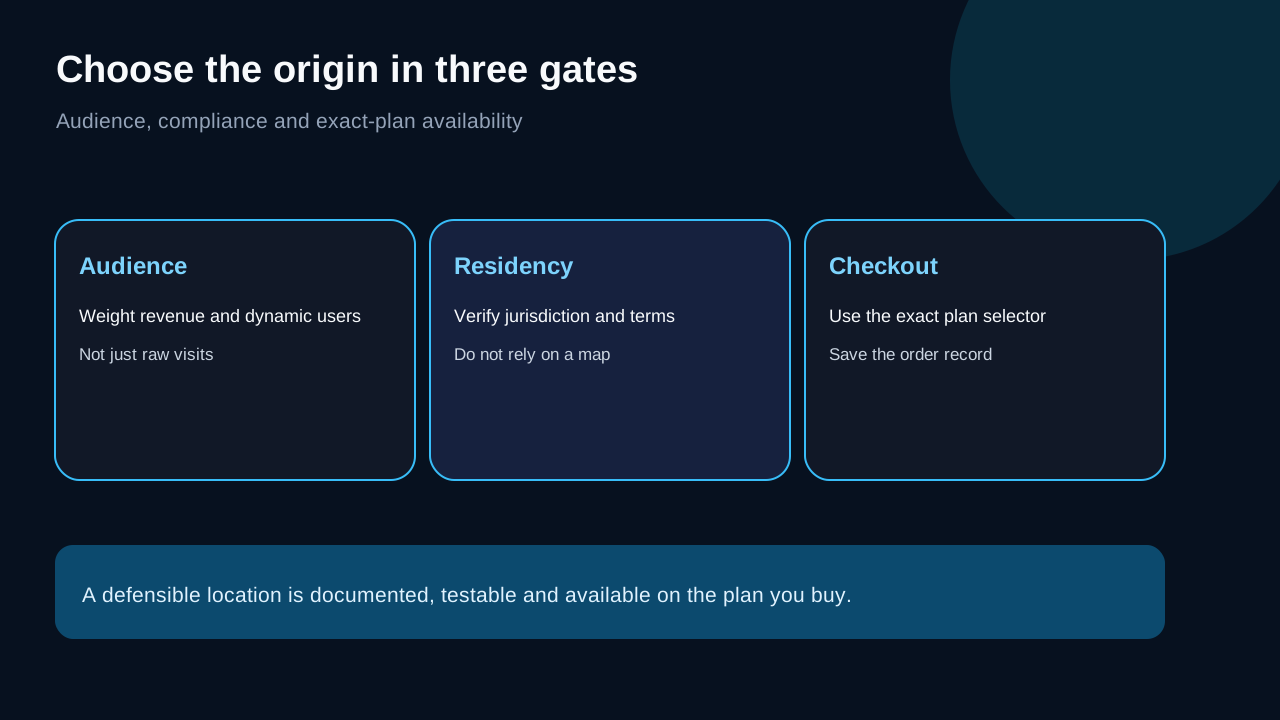
1. **One-country audience:** start with the nearest available region to that audience. 2. **Split audience:** choose the region closest to revenue-critical users or the largest share of dynamic traffic, then use a CDN for cacheable assets. 3. **Regulated or contractual data:** verify the jurisdiction and HostArmada's relocation terms before payment. 4. **Database, API, payment, or SaaS dependencies:** minimize the full request path, not just visitor-to-server distance. 5. **Uncertain demand:** choose a defensible middle ground, run real-user monitoring, and keep a migration plan.
Cloud region guidance from AWS likewise treats proximity, compliance, available services, and cost as separate selection inputs—not a single "nearest is always fastest" rule. Kinsta and SiteGround location explainers also center audience proximity while documenting product-specific availability.
Global footprint is not the same as exact-plan availability
HostArmada's data-center page says its network spans 23 locations on five continents. That is useful evidence of broad company reach. The current VPS page, however, exposes a smaller named set of six locations. Independent reviews may mention another subset, but they are secondary to HostArmada's live selector and service details.
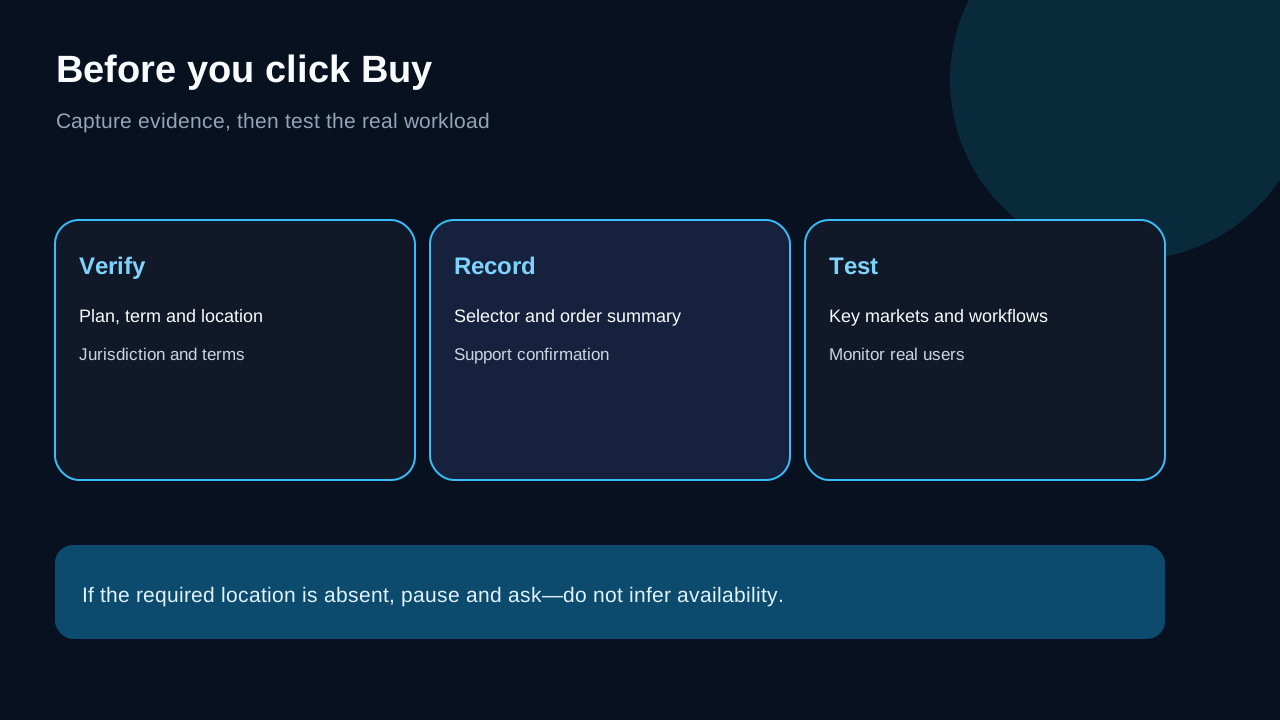
Before checkout, record:
- the exact plan and billing term; - the location shown in the selector; - whether that choice appears in the order summary; - the country and legal jurisdiction; - a screenshot or receipt for your purchase file.
HostArmada's client-area documentation shows the server location as a service detail. It does not promise a self-service region switch, so do not assume changing region later is a one-click control.
Choose for your important audience, not an abstract center of the map
A geographic midpoint can be a poor answer. If 70% of revenue comes from the UK and 30% of visits come from North America, London may be more defensible than a transatlantic midpoint. If most visitors read cached pages but checkout talks to a US payment or inventory API, the dynamic path may favor a North American origin.
Use this order:
1. **Revenue-critical audience.** Weight purchases, sign-ins, uploads, or support actions more heavily than anonymous page views. 2. **Dynamic share.** Cached images and scripts behave differently from login, cart, search, and API requests. 3. **Dependency location.** Database replicas, payment gateways, ERP, CRM, and external APIs can dominate total latency. 4. **Residency and contracts.** A convenient location is not a substitute for legal review. 5. **Operational access.** Consider where administrators and developers work, especially for large uploads and backups.
This is a decision framework, not a speed benchmark. HostArmada advises choosing near the target audience, but that statement does not establish measured performance for your site.
What a CDN helps—and what it does not erase
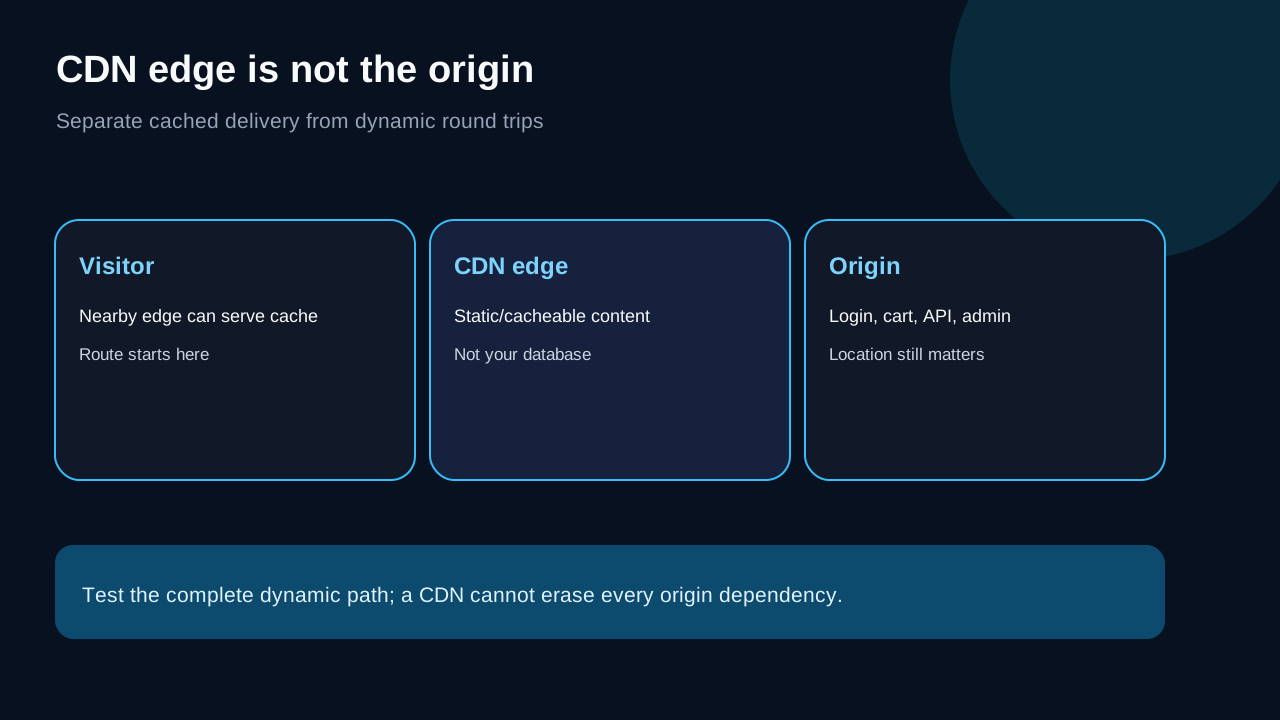
A CDN can cache static or otherwise cacheable responses closer to visitors. Cloudflare describes caching as serving content from distributed edge locations and Anycast as routing users to nearby network endpoints.
A CDN does not automatically move your origin database, WordPress admin, checkout state, uncached HTML, email processing, or third-party APIs. Cloudflare's origin documentation still requires a reachable origin server behind the edge.
Therefore:
- a content-heavy site can tolerate a more distant origin if most traffic is safely cached; - a membership, WooCommerce, LMS, or dashboard site should give more weight to dynamic round trips; - a CDN is not evidence that origin location is irrelevant; - origin choice is not evidence of a guaranteed page-speed result.
Data residency needs a contract check
HostArmada's privacy policy says a customer selects a storage location at purchase, but it also says HostArmada may change the location at its discretion with at least five business days' notice. If the change would alter applicable jurisdiction, the policy says the customer may oppose it by terminating the relevant agreements.
That creates a practical distinction:
- **initial selection:** you can choose among the locations actually offered; - **permanent residency:** the public policy does not promise that the original location can never change; - **regulated data:** obtain written confirmation appropriate to your legal and contractual obligations; - **buyer record:** retain the checkout selection, applicable terms, and any support confirmation.
This article is operational buying guidance, not legal advice.
If you need to move later
HostArmada documents migration support for cPanel accounts, including files, databases, email, FTP accounts, and subdomains. It also notes that accounts larger than 30GB may need a manual process. That describes migration scope, not a guaranteed internal data-center relocation workflow.
Before assuming an easy move, ask support:
1. Can this exact plan move between the two named data centers? 2. Is the change an in-place relocation or a migration to a new service? 3. What downtime, DNS change, IP change, or reconfiguration should you expect? 4. Are email and cron jobs included? 5. Does the billing term or renewal date change? 6. Who validates the destination before DNS cutover?
Keep independent backups and rehearse a rollback for revenue-critical sites.
Five-minute location scorecard
Score each candidate 0–3:
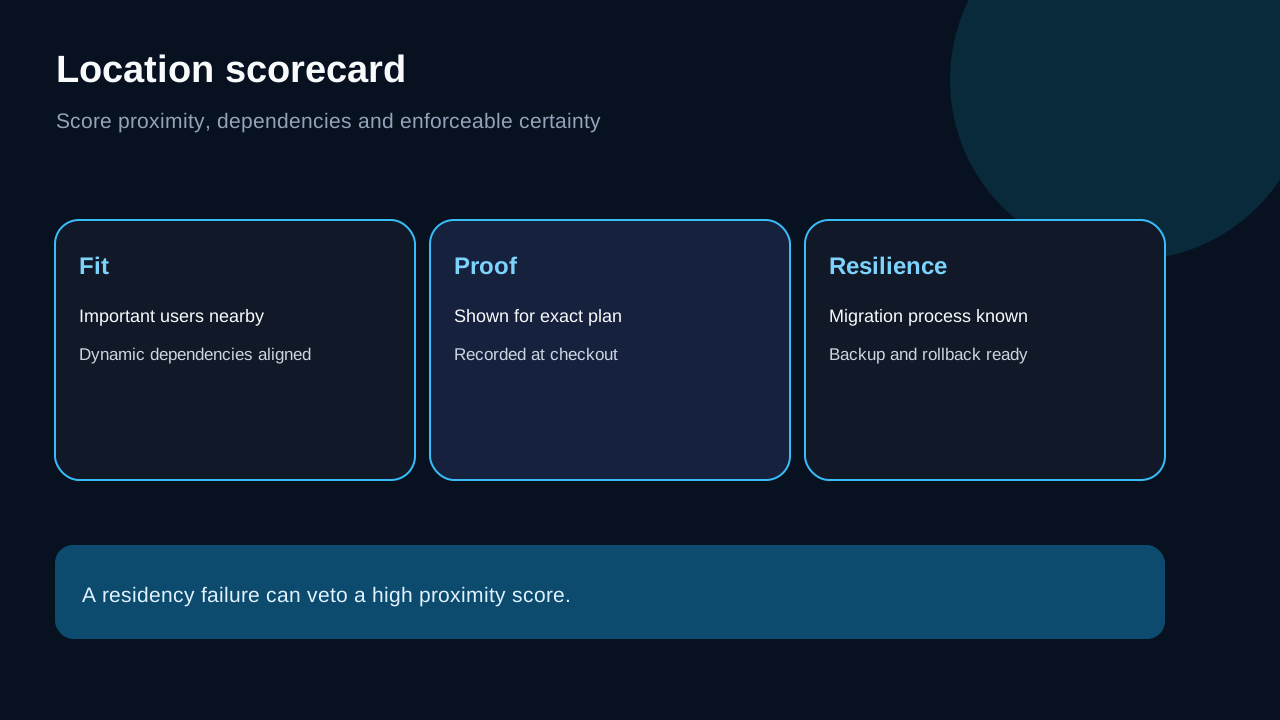
| Factor | 0 | 1 | 2 | 3 | |---|---|---|---|---| | Important users | Far from most | Mixed | Near majority | Near revenue-critical users | | Dynamic dependencies | Cross-region | Several remote | Mostly nearby | Co-located/low-hop | | Residency confidence | Unclear | Public policy only | Support-confirmed | Contractually documented | | Exact-plan availability | Not shown | Mentioned elsewhere | Shown in selector | Shown in order summary | | Migration confidence | Unknown | Possible | Process confirmed | Tested rollback plan |
Do not total the score blindly. A zero for residency can veto a high proximity score. An independent data-center guide can broaden the checklist, but official live availability and contractual terms must control the purchase.
Who should choose what
**Local business with mostly local customers:** choose the closest available location, then verify mobile and conversion flows from the real market.
**Global publication or brochure site:** pick a stable origin near the largest editorial or commercial audience and use a CDN for cacheable content.
**WooCommerce or membership site:** map customer location plus payment, inventory, search, and database dependencies; dynamic paths matter more than a static homepage test.
**Residency-sensitive organization:** do not buy on a marketing map alone. Verify exact location, processor terms, possible relocation, subprocessors, and your exit procedure.
**Early-stage project with unknown demand:** select a reasonable region near the first market, instrument real-user performance, and avoid pretending the first choice is permanent.
Buying recommendation
Start Dock is a reasonable entry point when one site fits the plan and the exact checkout location fits your audience and obligations. Verify its current price and included features on HostArmada's official shared-hosting page, then confirm the location in the live order flow. Use the live selector, save the order details, and test from the regions that matter. If the location you need is not offered for the exact plan, do not substitute a company-wide location count for availability—ask support or choose another plan/provider.
[Check the current Start Dock offer](/go/hostarmada-shared-hosting-start-dock-official-usd)
Affiliate disclosure: Toolnavia may earn a commission through this exact-plan route at no additional cost to you. HostArmada's affiliate program and the Start Dock offer are approved, market-confirmed, and enabled in the current registry. HostArmada DirectLink for toolnavia.com remains pending and is not presented as approved.
Research context and uncertainty
Observed on October 8, 2026. HostArmada's official pages control current facts. The main unresolved point is the mismatch between the broad 23-location corporate footprint and the smaller product-specific location list; only the live selector can settle exact-plan availability. Independent reviews and generic data-center guides were used for question coverage, not to override official availability or promise performance.