TOOLNAVIA / BUYING GUIDE
GreenGeeks Managed VPS 4GB: $69.95, cPanel Solo and the Daily Backup Gap
The short answer
GreenGeeks Managed VPS 4GB is a $69.95/month managed server with 4 vCPU, 4GB RAM and 75GB SSD. It includes cPanel Solo and full root access, but the “Daily Backups” line on the sales page does not mean GreenGeeks automatically keeps VPS backups for you.
At a glance
- Best for
- A 4-vCPU/4GB workload that benefits from managed server help, cPanel and root access, with an owner willing to configure and verify off-server backups.
- Price model
- $69.95/month current public USD; future renewal uses then-current fee; cPanel Solo included, Admin $17.99/mo extra
- Check first
- Buyers expecting provider-managed automatic VPS backups, many independent cPanel accounts at the base price, or a lower-cost self-managed server.
$69.95 is the current monthly display, not a permanent price lock
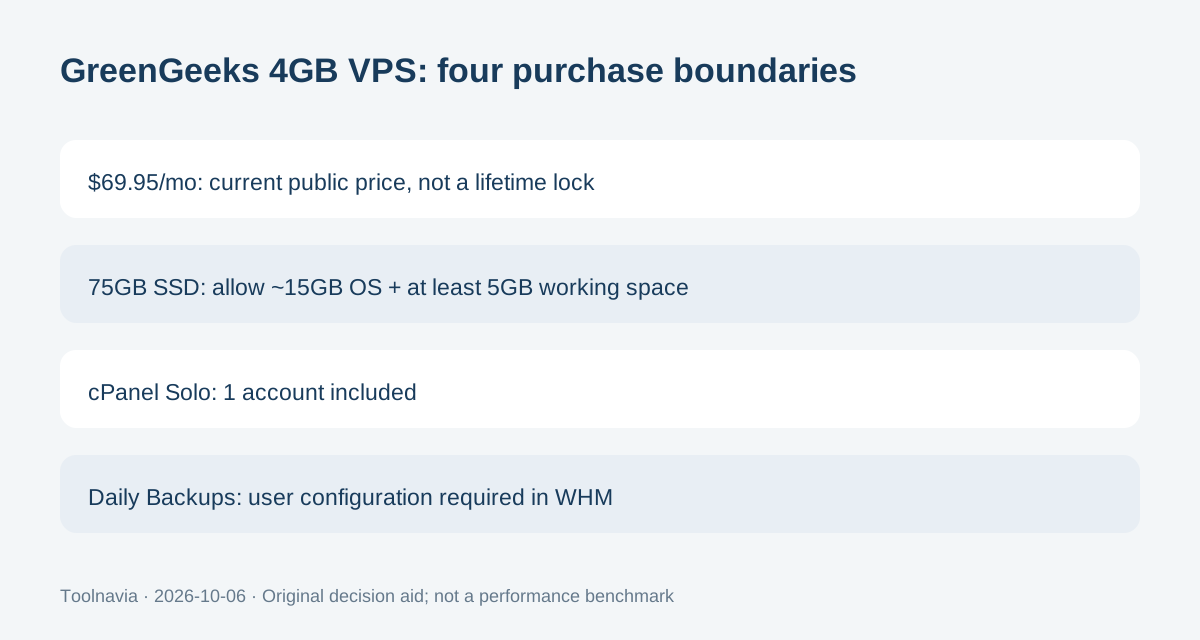
The current 4GB plan lists 4 vCPU cores, 4GB RAM, 75GB SSD storage and 10TB transfer for $69.95 per month. The Terms of Service say GreenGeeks may change service prices and renewals use the then-current renewal fee, with notice through account, service or email channels. Treat $69.95 as today’s public USD reference, not a lifetime rate.
The same terms require auto-renewal to be disabled at least five business days before renewal to avoid a renewal charge, and the 30-day guarantee does not apply to renewals. Save the actual invoice and cancellation confirmation rather than relying on an old screenshot or article.
Four useful benefits come with operational limits
Dedicated CPU and RAM give a clearer capacity envelope than shared hosting, although they do not prove a visitor or transaction limit. Full root access lets an administrator install compatible server-level software, while GreenGeeks’ managed team can assist with hardware, operating-system and basic configuration issues.
The plan also includes cPanel/WHM and free cPanel migrations. Finally, 24/7 monitoring and managed support can reduce routine server work. GreenGeeks’ scope document still excludes custom code debugging and some advanced third-party software work, so “managed” does not remove the need for an application owner.
75GB of SSD is not 75GB of website and backup space
GreenGeeks’ VPS comparison documentation says a VPS requires about 15GB for the operating system and cPanel updates, plus at least 5GB of free working space beyond cPanel user data. On a 75GB plan, the headline disk number therefore should not be treated as 75GB of usable website or backup capacity.
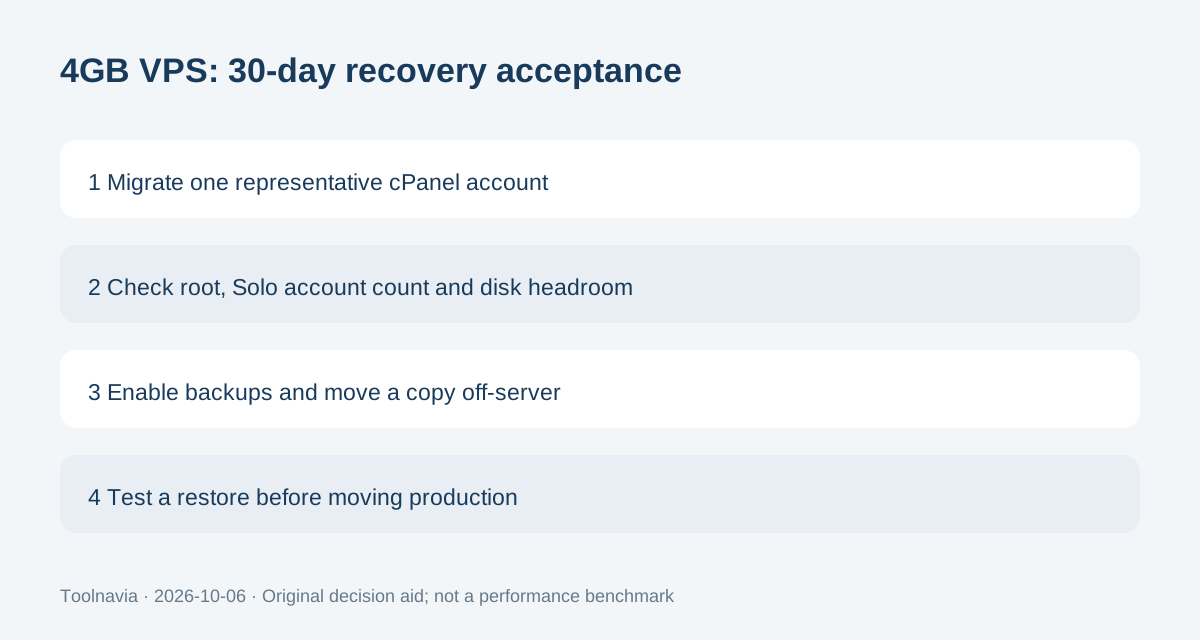
This matters most when local backups are enabled. A full backup can temporarily duplicate a large portion of account data on the same disk. Watch actual disk use and move important copies off-server instead of filling the VPS until updates or backup jobs have no working space.
“Daily Backups” means a configurable capability, not provider-run VPS copies
The product page lists “Daily Backups”, but GreenGeeks’ VPS General Information and backup policy say GreenGeeks does not automatically back up VPS servers. A May 2026 supported-software table resolves the apparent contradiction: automatic cPanel backups are available daily on VPS but require additional configuration by the user.
WHM lets you enable backups and choose scheduling, compression and other settings. That is materially different from an included provider-managed backup archive. Keep an independent remote copy and test a restore; do not assume a restore point exists merely because the plan card says “Daily Backups.”
Thirty free cPanel migrations do not equal thirty included cPanel accounts
Managed VPS includes a cPanel Solo license, which supports one cPanel account. GreenGeeks prices an Admin upgrade for up to five accounts at $17.99/month, with higher tiers for more accounts.
Separately, GreenGeeks’ migration policy allows up to 30 free full cPanel migrations on VPS. Those are migration-service limits, not license entitlements. If you intend to move many separately isolated cPanel accounts, price the required cPanel license before submitting all 30 migrations. Otherwise, the free migration allowance can be much larger than the account count your included Solo license can operate.
Use the first 30 days to test the real recovery model
GreenGeeks’ Terms of Service include VPS hosting in the 30-day money-back guarantee, while domain registrations, setup fees and add-ons are excluded. Before that window closes, migrate one representative account, verify root and WHM access, configure backups, copy one backup off-server and perform a disposable restore.
Choose the 4GB Managed VPS when 4 vCPU/4GB fits, root plus cPanel is valuable and you are willing to own backup configuration. Skip it when you need provider-managed automatic backups, many independent cPanel accounts without license upgrades, or a lower-cost self-managed server.