TOOLNAVIA / BUYING GUIDE
GreenGeeks Lite File Limits: Clean Up or Pay for an Upgrade?
The short answer
GreenGeeks Lite can have free disk space and still run short of file entries. Before buying more hosting, identify the exact alert and the files causing it. The useful decision is whether necessary content is growing beyond the account, or disposable files are accumulating. This is a documentation-based buying guide, not an account cleanup test.
At a glance
- Best for
- Small sites with manageable file growth and recoverable maintenance.
- Price model
- Public12-month display:$35.40 initial,$167.40 renewal before tax; upgrade quote unverified.
- Check first
- Actual quota controls; cached statistics and website-count discrepancies require confirmation.
Read the quota, not just the gigabytes
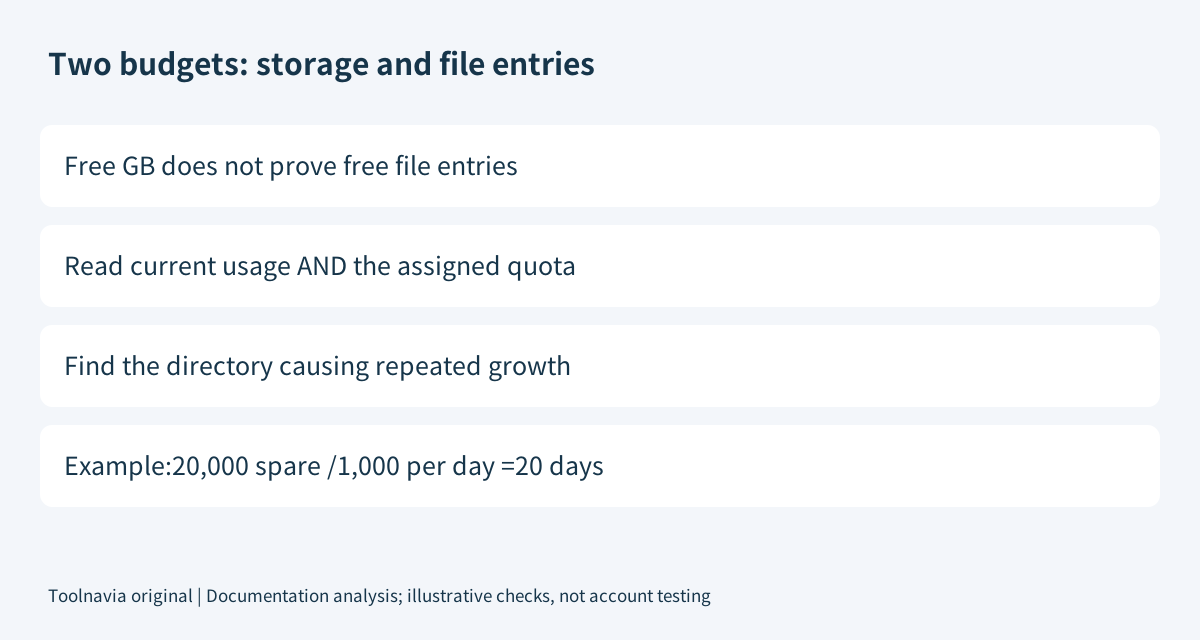
Disk usage measures storage consumption; file usage counts filesystem entries. cPanel exposes these as different statistics when the provider enables them. A folder containing many small files can therefore exhaust a file allowance while using relatively little space.
GreenGeeks' older plan table lists 200,000 inodes for Lite, 400,000 for Pro and 600,000 for Premium. Treat these as published references, not a substitute for the limit shown on your assigned account. Its inode tutorial's 600,000 example is a screenshot illustration, not a promise that Lite has that allowance.
Record the plan, current count, assigned limit and measurement time before making a change. This small worksheet prevents a misleading comparison between yesterday's cached total and today's folder scan.
Four tools that help before you spend
| Capability | Useful outcome | Important boundary | |---|---|---| | Account statistics | See usage against the assigned quota. | The displayed count may be cached. | | Folder-level inode report | Locate concentrations instead of guessing by folder size. | The documented report lists folders above 1,000 entries and excludes some system folders. | | Dashboard and email alerts | Notice an issue before relying only on a failed upload. | Ignoring active alerts can lead to restrictions. | | Support review | Ask which resource is binding and discuss an upgrade. | Assistance is not proof that a larger plan is necessary or that cleanup is included without limits. |
If the web report cannot create temporary files because the quota is already exceeded, GreenGeeks documents its CLI inode tool as another inspection route. Ask support when shell access or the correct path is unclear; do not improvise a recursive deletion command.
Recover headroom without discarding needed data
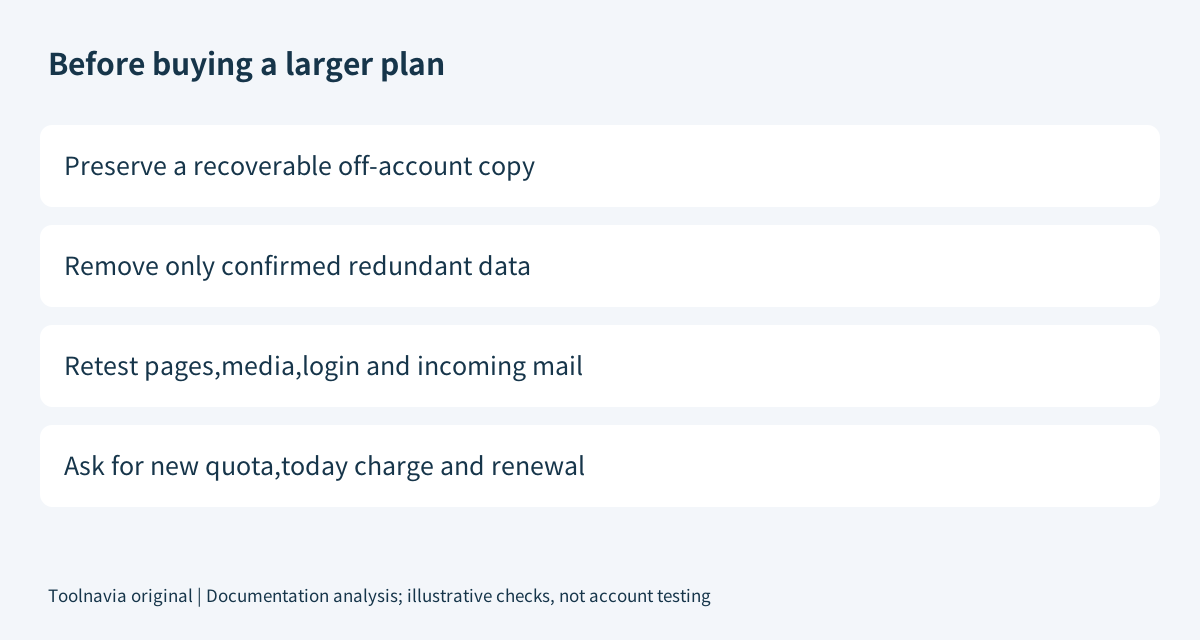
Separate candidates into confirmed redundant files, necessary content and unknown items. Our recommendation is to export and verify a recoverable copy before removing anything important. A WordPress recovery set needs both files and a database export; downloading only the website directory is not the complete backup.
Do not treat every thumbnail as waste. WordPress generates several image sizes and uses responsive-image markup to help browsers choose appropriate files. Removing derivatives that a live page still references can break media. Review actual theme and application use before changing generation or deleting copies.
For cache files, use the application's documented purge or retention control. SiteGround's separate cleanup guide illustrates this method and explains that inactive plugin files can still occupy entries. Its panel instructions, quotas and refresh timing are not GreenGeeks entitlements.
Review mail with the owner rather than deleting everything older than an arbitrary date. Retention may serve business needs. Export required messages first, then remove genuinely unnecessary copies or trash through the mail application's supported workflow.
GreenGeeks does not allow long-term backup archival on shared hosting and says most generated backups are removed after 48 hours. Move a verified copy off-account instead of keeping the only recovery archive beside the files you are about to remove. Near a disk quota, cPanel also warns backup creation itself may fail.
Check whether the files immediately return
After scoped maintenance, verify a representative page, image, login and incoming message. Then compare a fresh count with the original measurement. These are proposed acceptance checks, not results we observed.
A recurring growth source matters more than a single lower total. Suppose an account has 20,000 entries of headroom and adds 1,000 necessary entries per day: simple planning arithmetic gives about 20 days at that constant rate. A burst, changed application behavior or different counting can invalidate that estimate. It is neither a suspension countdown nor a service guarantee.
If cache regeneration or an abandoned staging job immediately consumes the recovered room, buying more capacity only postpones the same investigation. If required content consistently grows, an upgrade may be reasonable—after verifying the new quota in writing.
Compare the recurring bill, not an unrelated introductory offer
On November 6, 2026 the public Lite view shows $2.95/month prepaid for 12 months and $13.95/month renewal. That gives $35.40 initially and $167.40 for a further 12 months at the displayed rate. Pro shows $18.95/month renewal: $227.40 for 12 months, or $60 more than Lite at those references. Taxes and changes are excluded. This is arithmetic, not an existing-customer upgrade invoice.
Ask for the exact added quota, charge today, credit or proration, next invoice and any operational change. Do not assume an existing account receives the new-customer promotion.
The sales card currently says five Lite websites while the older support table says one. This article evaluates one site and does not settle that discrepancy; confirm the order entitlement before consolidation.
Buying decision
Keep Lite when necessary usage fits with reasonable headroom and a maintained retention policy. Consider a written higher-quota offer when legitimate growth persists after cleanup. Delay spending when the alert has not been diagnosed: more gigabytes, a different marketing tier and a higher file allowance are not interchangeable answers.
Affiliate disclosure: Toolnavia may earn a commission from an eligible GreenGeeks purchase through the approved direct referral link.