TOOLNAVIA / BUYING GUIDE
GreenGeeks Lite PHP 8.5: One Account Version—or Per-Folder Exceptions?
The short answer
GreenGeeks Lite supports PHP 8.5 and many legacy branches, but the important buying detail is scope: the normal PHP Selector applies one version across the cPanel account. GreenGeeks also documents a custom .htaccess handler for a specific site directory or subfolder, but treats that as an exception rather than the normal design. That matters when one old application must coexist with a modern WordPress site.
At a glance
- Best for
- Mixed modern and legacy migrations needing a temporary compatibility bridge.
- Price model
- $35.40 first 12 months; current renewal reference $167.40 per 12 months.
- Check first
- Folder overrides add maintenance complexity and legacy PHP remains a compatibility choice.
Price and available PHP versions
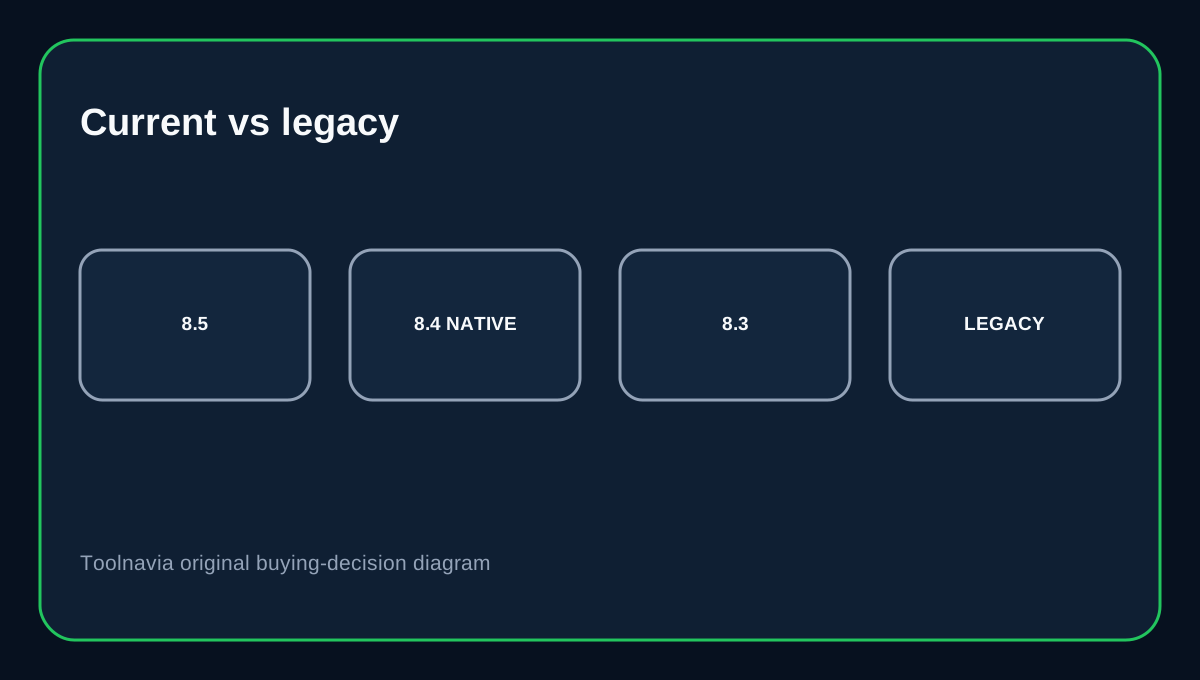
GreenGeeks currently lists Lite at $2.95/month equivalent prepaid for 12 months, or $35.40 for the first year, with a current 12-month renewal reference of $13.95/month. Its 2026 documentation lists PHP 8.5, 8.4, 8.3, 8.2, 8.1, 8.0 and legacy branches down to 5.2. PHP 8.4 is the current native/default version and 8.5 is selectable.
One selector normally affects the whole account
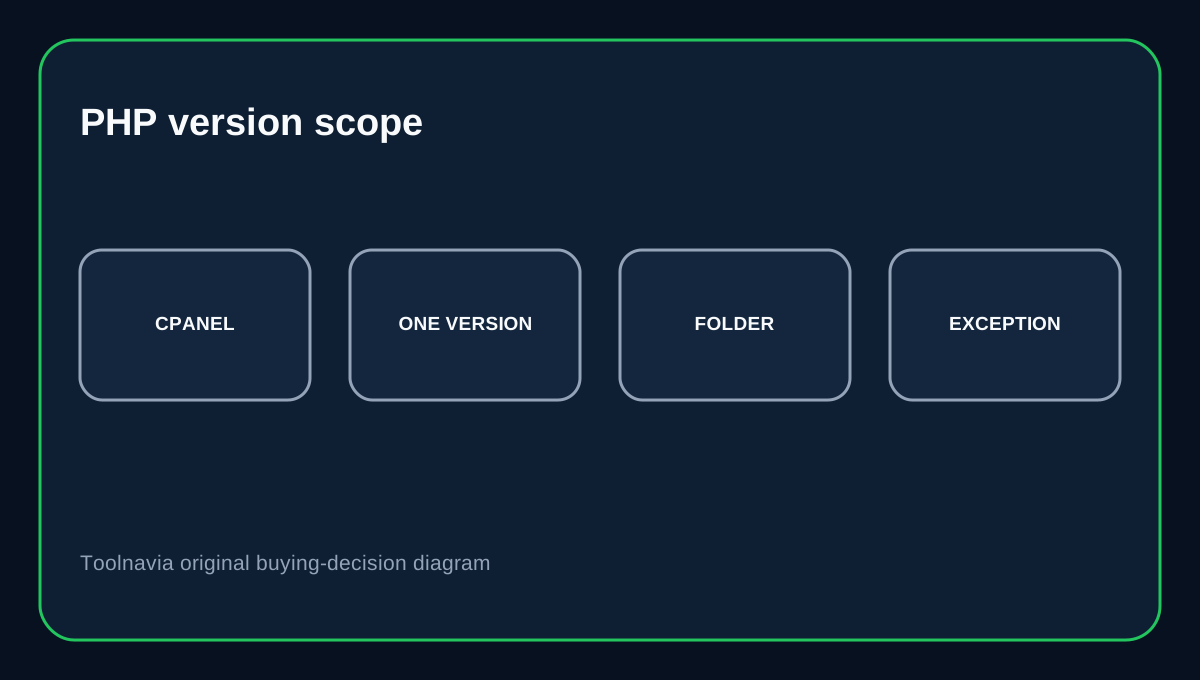
GreenGeeks says its default PHP Selector uses one PHP version for the cPanel account. That is predictable when all sites have the same requirements, but it becomes a risk when one site needs an older runtime. Changing the account version can solve one compatibility problem and create another, so check every site before applying the change.
A per-folder version is a migration exception
GreenGeeks documents an .htaccess handler that can assign another PHP version to one site or subfolder. Use that as a temporary bridge: document the override, keep it narrowly scoped and remove it after the legacy application is upgraded. It is more controlled than moving the whole account backward, but it also creates hidden configuration that future maintainers can forget.
Extensions and PHP options must be rechecked
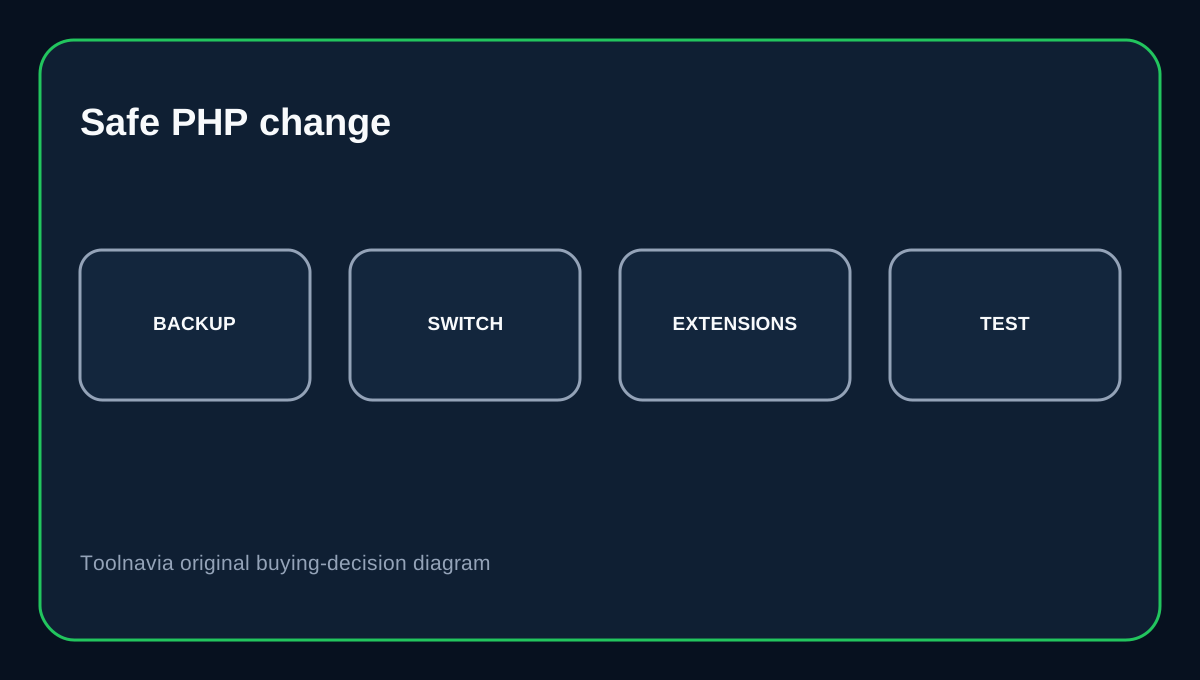
A non-native version exposes a version-specific extension list. GreenGeeks says the user can reset extensions to defaults if the new version initially has none selected. It also documents that custom PHP settings belong to the selected version and do not automatically follow when the version changes. After switching PHP, verify required extensions and test login, forms, checkout, cron tasks and custom code.
Host backports do not make old PHP the preferred target
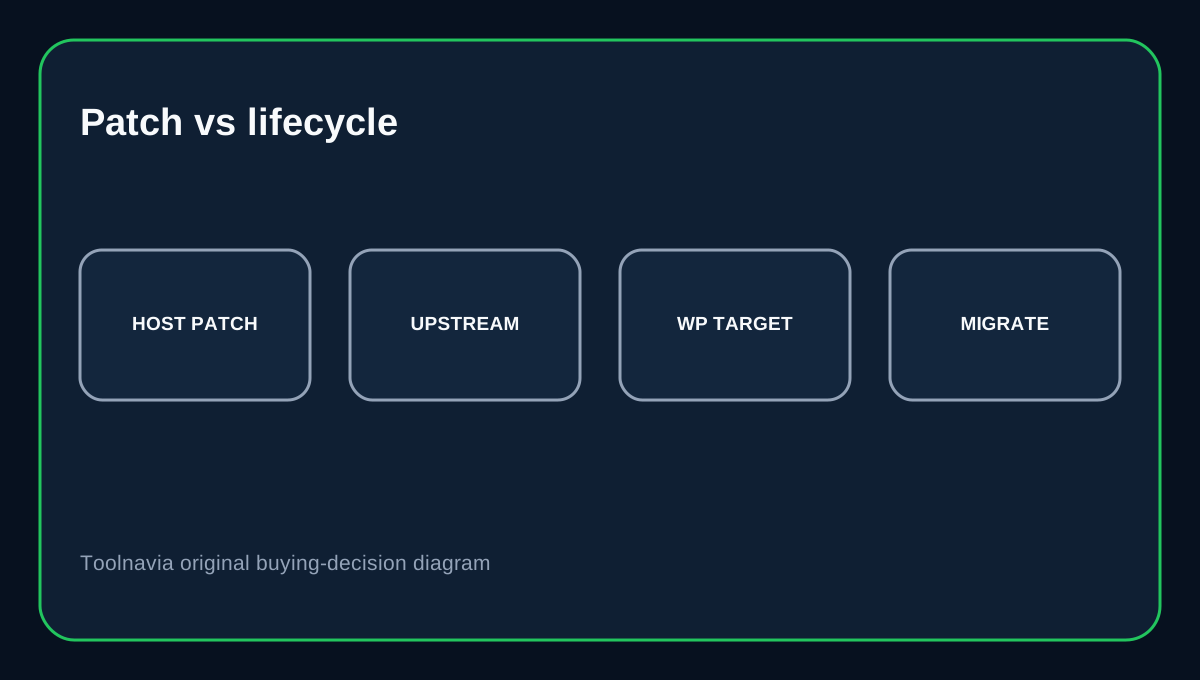
GreenGeeks' October 2026 update shows patched packages for many older PHP branches, including backported security fixes. That helps legacy compatibility. But WordPress recommends PHP 8.3 or greater, and the WordPress Hosting team recommends PHP 8.4 or 8.5 for new WordPress 7.1 installations. A host backport can reduce immediate exposure; it does not restore an old branch to normal upstream support.
Buying decision
Choose GreenGeeks Lite if you want low-cost cPanel hosting with a wide PHP range and a documented escape hatch for one legacy directory while the rest of the account moves forward. For new WordPress sites, prefer a current supported branch. Treat per-folder handlers as migration tools, not permanent architecture.
Affiliate disclosure: Toolnavia may earn a commission from an eligible GreenGeeks purchase.