TOOLNAVIA / BUYING GUIDE
GreenGeeks Lite SSH & SFTP: Ticket Activation, Keys and No Root
The short answer
GreenGeeks Lite includes **SSH and Secure FTP (SFTP)**, but access is not the same as buying a small VPS. The current product pages advertise both tools, while GreenGeeks support says shell access must first be activated through a support ticket. The account remains user-level shared hosting: useful for encrypted transfers and routine command-line work, without root or operating-system control.
At a glance
- Best for
- One-site buyers who can use support-enabled, key-based, user-level SSH/SFTP.
- Price model
- Live checkout controls price, term and renewal; no fixed claim.
- Check first
- Activation requires support; shared access is user-level and not root.
What Lite includes
The current shared-hosting and pricing pages list Free SSH & Secure FTP as developer features, and the pricing copy says every hosting plan includes them. That supports Lite eligibility, but it does not prove that an unopened account has an active shell on day one.
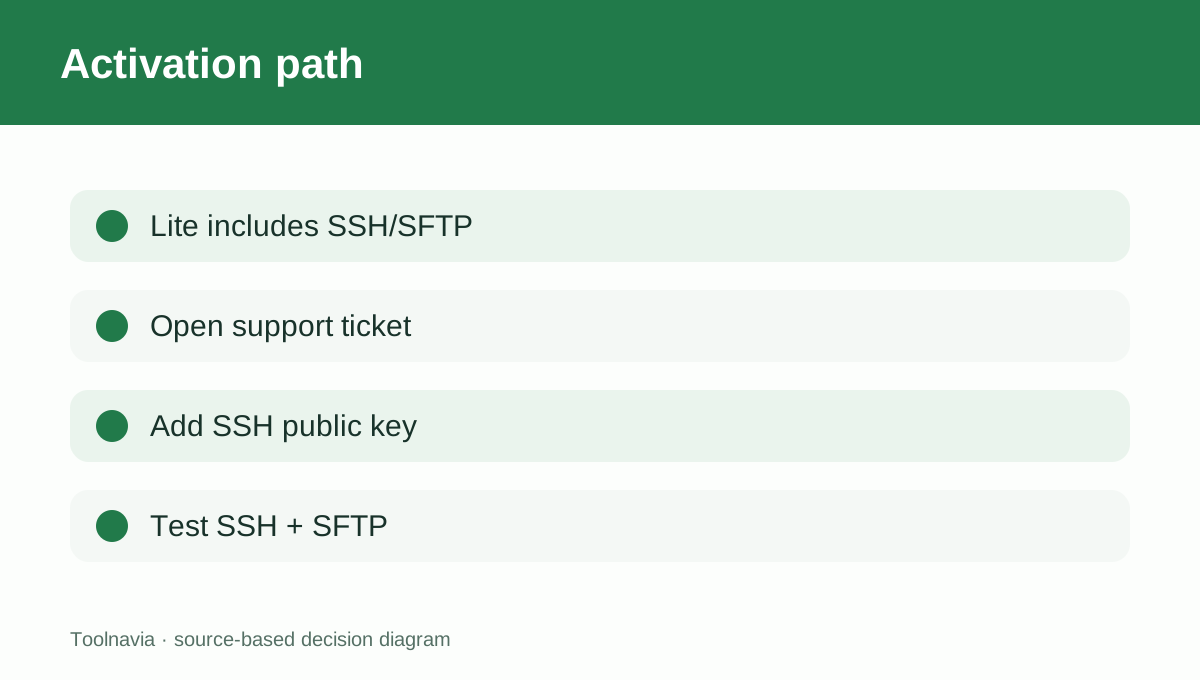
GreenGeeks’ support article supplies the missing operational step: open a ticket and ask for shell access to be enabled. An independent GreenGeeks review also confirms that SSH and SFTP are allowed, while treating them as shared-hosting file-management tools rather than server administration. If SSH is purchase-critical, request activation immediately after provisioning and do not schedule a migration window until the connection succeeds.
SFTP and SSH solve different jobs
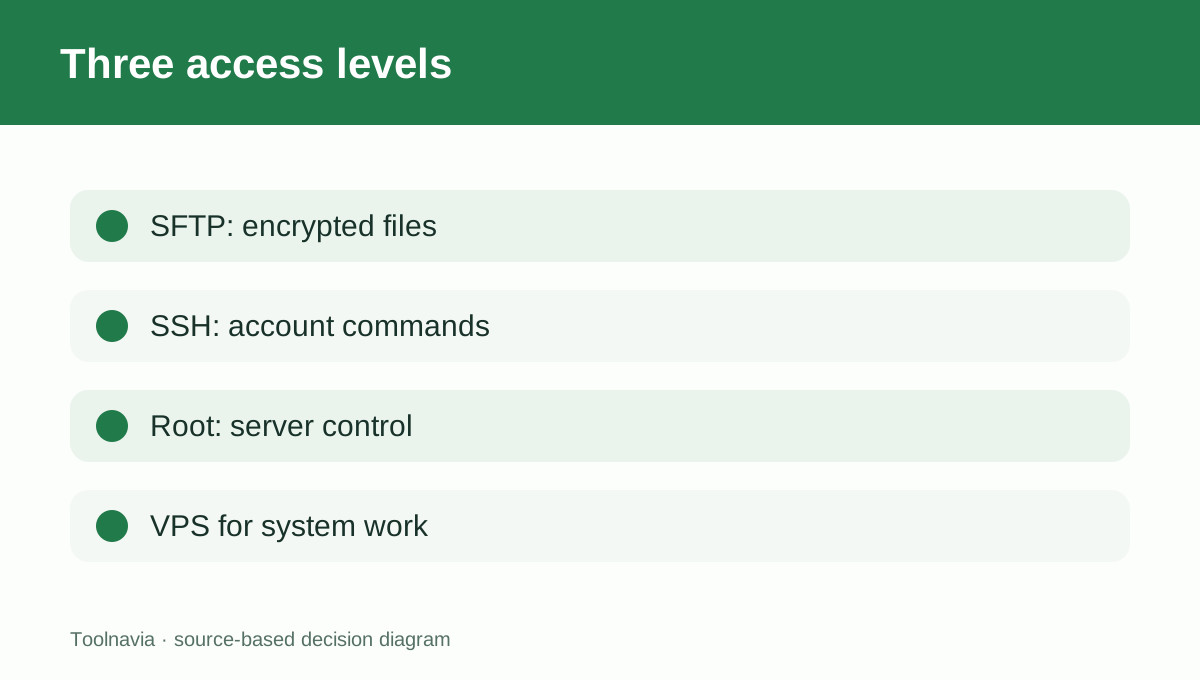
SFTP uses the SSH service to encrypt file transfers. It is the safer choice for uploading code, downloading backups or editing production files remotely; plain FTP does not provide the same encrypted session.
SSH is the broader command-line channel. It may be used for permitted account-level maintenance, but the plan page alone should not be read as a promise that every command, long-running process or server service is allowed. The safe buying assumption is “shared-account tools,” not “private server.”
Activation and keys are part of the purchase decision
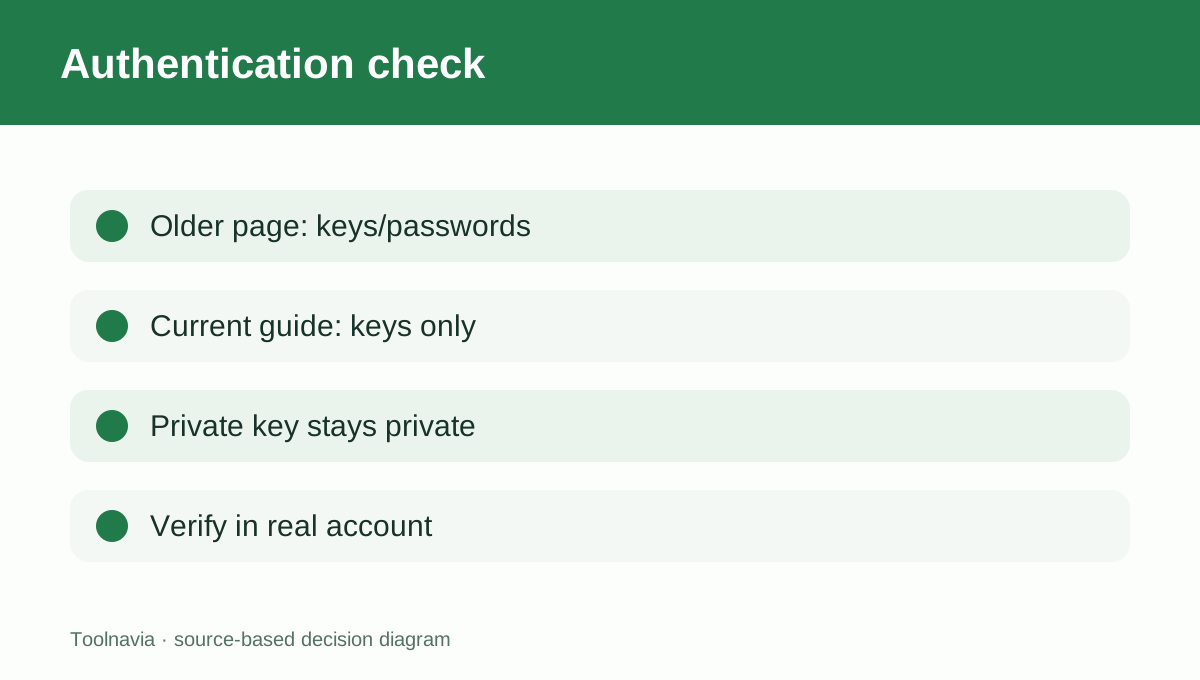
GreenGeeks’ current connection guide says SSH now requires key authentication and traditional password authentication is no longer supported. That means a buyer should be ready to generate a key pair, protect the private key and provide only the public key during setup.
One official platform comparison still says shared SSH may use keys or passwords. Because the newer operational connection guide explicitly says keys are mandatory, this article follows the key-only instruction. The discrepancy is worth checking in the actual account before a time-sensitive deployment.
User-level access is not root
GreenGeeks contrasts shared/reseller access with VPS access: shared hosting receives user-level SSH, while a VPS can provide root or user-level control. User-level access should cover only the account’s permitted files and commands. It does not authorize changing the operating system, installing system services, editing the global firewall or creating unrestricted server users.
Competitor documentation reinforces the boundary. Hostinger restricts shared SSH to the home directory, and SiteGround allows SSH but not root on shared plans. Bluehost likewise separates shared-account activation from VPS and dedicated root access.
When the support-ticket step matters
The ticket requirement is a workflow cost, not necessarily a plan defect. It matters when a launch depends on Git deployment, WP-CLI, Composer, rsync or an SFTP client at a specific hour. A delayed activation can block the workflow even though the plan technically includes SSH.
Other hosts expose different activation models: Hostinger and Namecheap document dashboard or cPanel toggles, while GreenGeeks routes activation through support. Choose based on the workflow you need, not only the feature badge.
A practical pre-purchase test
Before moving production, ask GreenGeeks to confirm that Lite supports the exact command or client you need. After activation, test a key-based SSH login, an SFTP upload, file ownership after upload and the working directory boundary. Do not share the account’s private key with a contractor; create a dedicated, limited workflow if available or use another controlled transfer method.
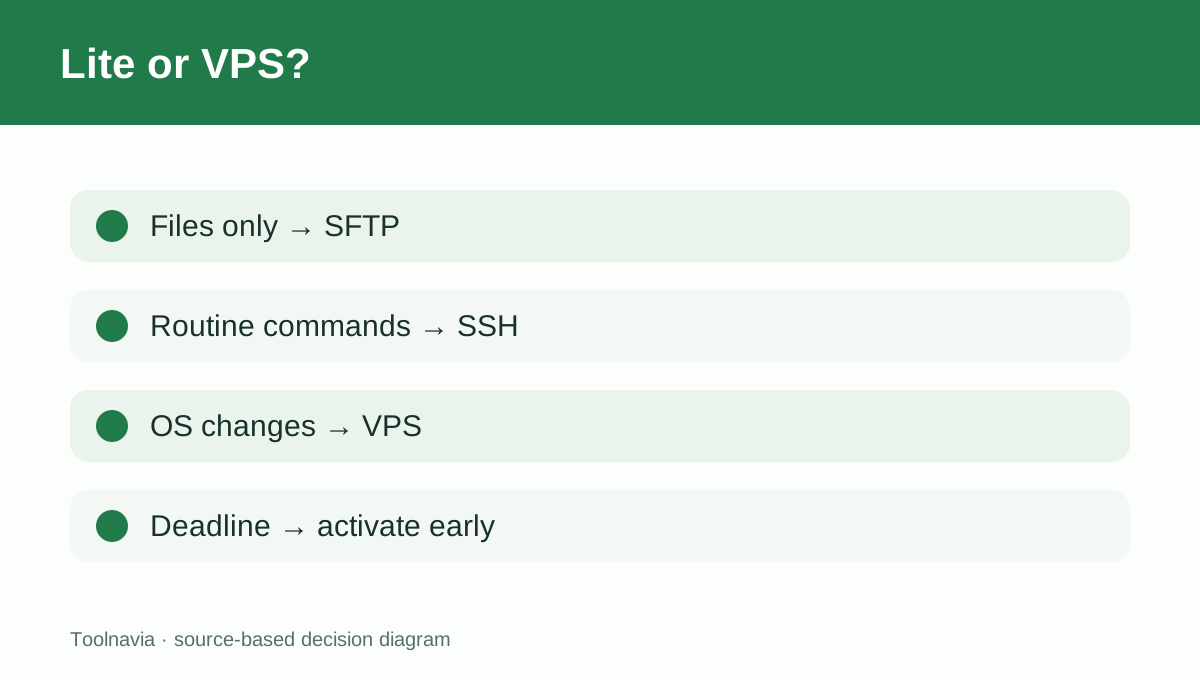
If the project needs root, custom daemons, system packages or multiple independent shell users, choose a VPS instead of trying to stretch Lite beyond shared-hosting limits.
Verdict
GreenGeeks Lite is a reasonable fit for one-site buyers who need encrypted file transfer and ordinary user-level command access. The purchase boundary is clear: SSH/SFTP are included, shell activation goes through support, current documentation favors key-only authentication, and root remains a VPS feature. [Check the approved Lite offer](/go/greengeeks-shared-hosting-lite-official-usd).