TOOLNAVIA / BUYING GUIDE
GreenGeeks Email in Gmail: Plan Beyond POP and Send As
The short answer
GreenGeeks can host the mailbox while Gmail supplies only the interface used to reach it. That distinction matters when buying Lite: Gmail is retiring third-party POP fetching and Send As, so a larger hosting plan does not restore those Google features. Choose an access path that still meets both receiving and sending needs.
At a glance
- Best for
- Hosted mail with verified webmail or direct IMAP/SMTP client access.
- Price model
- Verify current Lite term/renewal; a separate mail-hosting move has separate costs.
- Check first
- Gmail aggregation and SendAs policies are separate; future mobile outgoing needs confirmation.
Identify where the mailbox actually lives
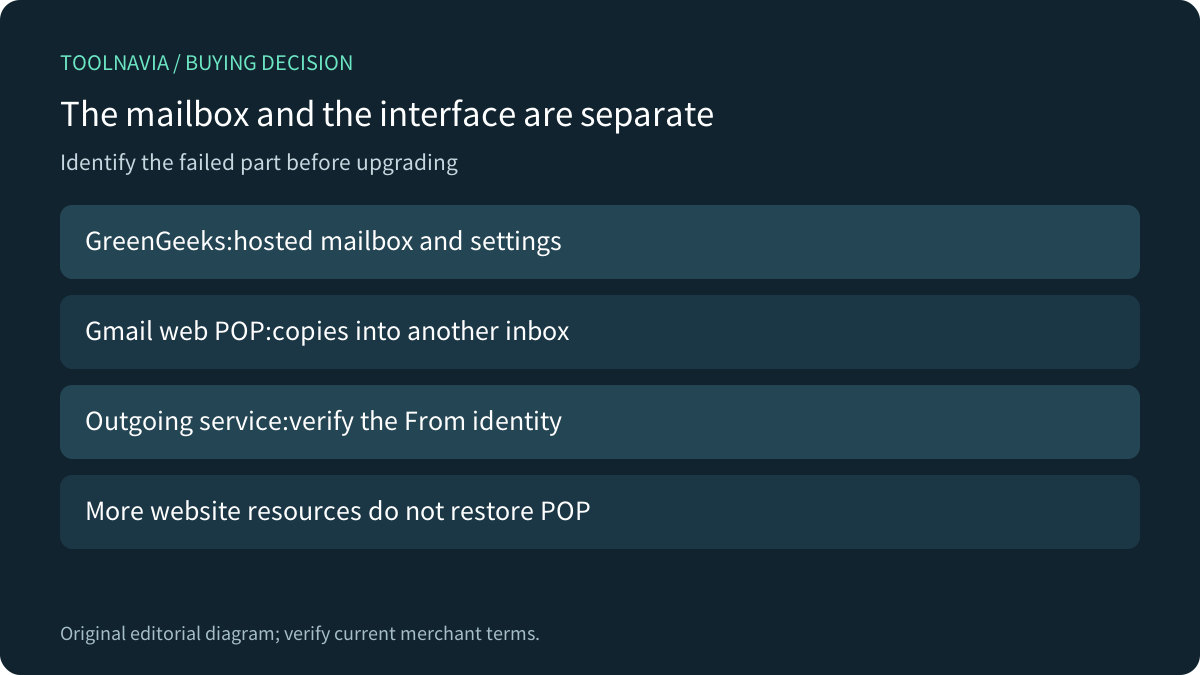
With a GreenGeeks-hosted address, the provider stores the mailbox and exposes webmail or mail-client settings. Gmail's older Check mail from other accounts function fetched messages into a separate Gmail account. It was not the same as moving the custom-domain mailbox to Google-hosted email.
Write down the mailbox host, the interface used daily and the outgoing service. A familiar Gmail screen can hide those separate roles. If the website works and provider webmail still receives mail, a missing Gmail import option does not by itself prove that the hosting mailbox is broken.
Before paying for another plan, confirm what actually failed: delivery to the provider mailbox, copying into Gmail, or sending from the desired address. Each points to a different owner and remedy.

Use the phased timeline rather than the old tutorial
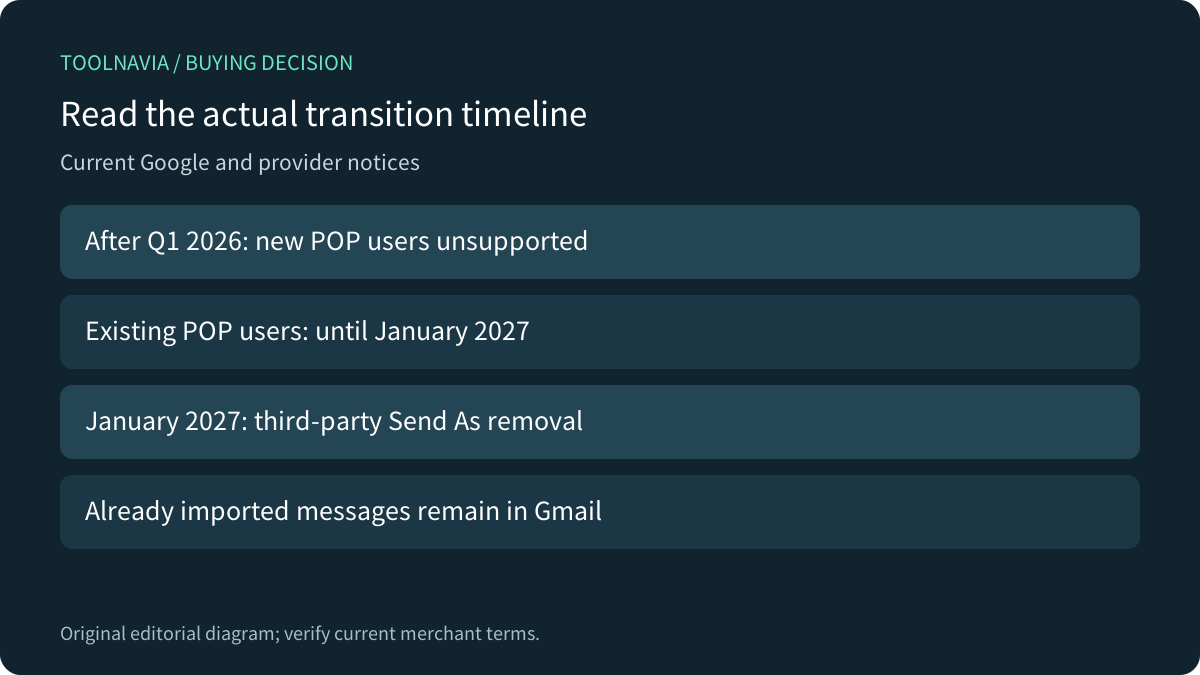
Google's POP notice says new users are no longer supported after the first quarter of 2026, while existing users can continue until January 2027. Previously imported messages remain in Gmail. It also distinguishes a one-time import from continuous synchronization.
GreenGeeks' old Gmail setup tutorial now explicitly says its POP instructions are no longer accurate for new accounts. The provider's retirement notice points readers to Google's current timeline. Do not follow the old Add a mail account recipe simply because its screenshots remain online.
Google's broader third-party account notice also schedules removal of third-party Send As for January 2027, and says new configurations may be restricted during the 2026 transition. Gmail-to-Gmail and Google Workspace aliases have separate treatment. Read the policy for the actual identity instead of assuming every address is affected identically.
Verify mobile receiving and outgoing separately
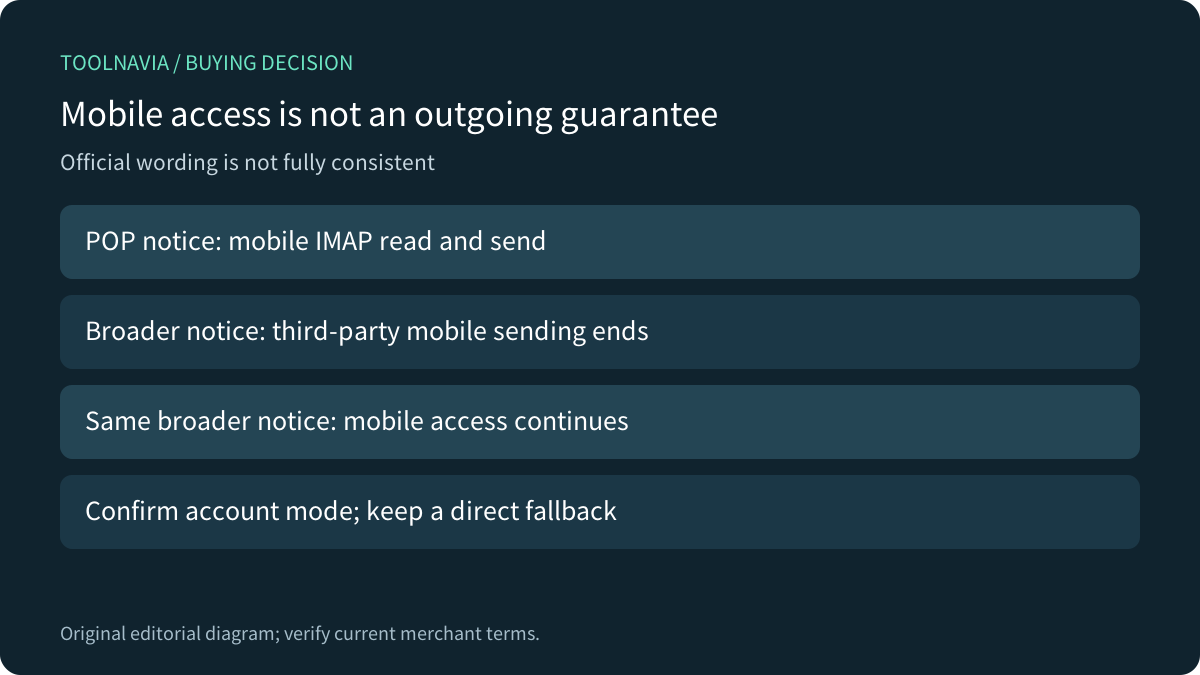
There is an unresolved wording problem in the official material. Google's POP notice says users can continue reading and sending from other accounts through the mobile app's IMAP connection. The broader notice says third-party sending ends on web and mobile, while also saying mobile account access remains available.
These statements should not become an unconditional promise that every third-party mobile sending route will work after January 2027. Confirm the exact account mode and current Google guidance, then test incoming and outgoing independently. Keep provider webmail or a separately configured desktop client available when business correspondence depends on that address.
The GreenGeeks notice says its mailbox itself is not uniquely targeted by the Gmail change. Switching shared-host brands therefore does not establish that Google's retired aggregation feature will return. Choose another mail host only for a concrete service requirement, not as an assumed workaround.

Configure the provider connection from current settings
GreenGeeks directs account owners to Connect Devices and Mail Client Manual Settings for the actual incoming and outgoing configuration. Obtain the server name, username, port and connection security from that account rather than copying an unrelated tutorial's hostname.
Mozilla's manual configuration guide similarly separates incoming IMAP/POP from outgoing SMTP and asks for provider-supplied security settings. Apple Mail's server settings also separate incoming and SMTP controls. Receiving successfully does not prove that the intended outgoing account, authentication and From identity are correct.
Use the supported secure configuration. If a certificate or hostname does not match, have the provider resolve it; do not disable validation to make the setup appear successful. No credentials were requested or used for this guide.

Forwarding is delivery, not a complete mailbox migration
Google and GreenGeeks describe forwarding as an alternative for new incoming messages. It does not by itself supply two-way folder state, historical migration or the ability to reply from the custom-domain address. Treat outgoing service as a separate decision.
Direct IMAP access also needs a deliberate archive plan. GreenGeeks explains that actions such as deleting a message can synchronize across devices and webmail. A synchronized second screen is not an independent backup. Preserve important history before changing the access method and verify the copy can be read.
If the business requirement is a Google-native browser mailbox for the custom domain, price a suitable Google-hosted service and plan its migration separately. That can involve a different mailbox host and mail-routing cutover; it is more than enabling a forwarder or upgrading Lite's website resources.
Accept the mail workflow before buying
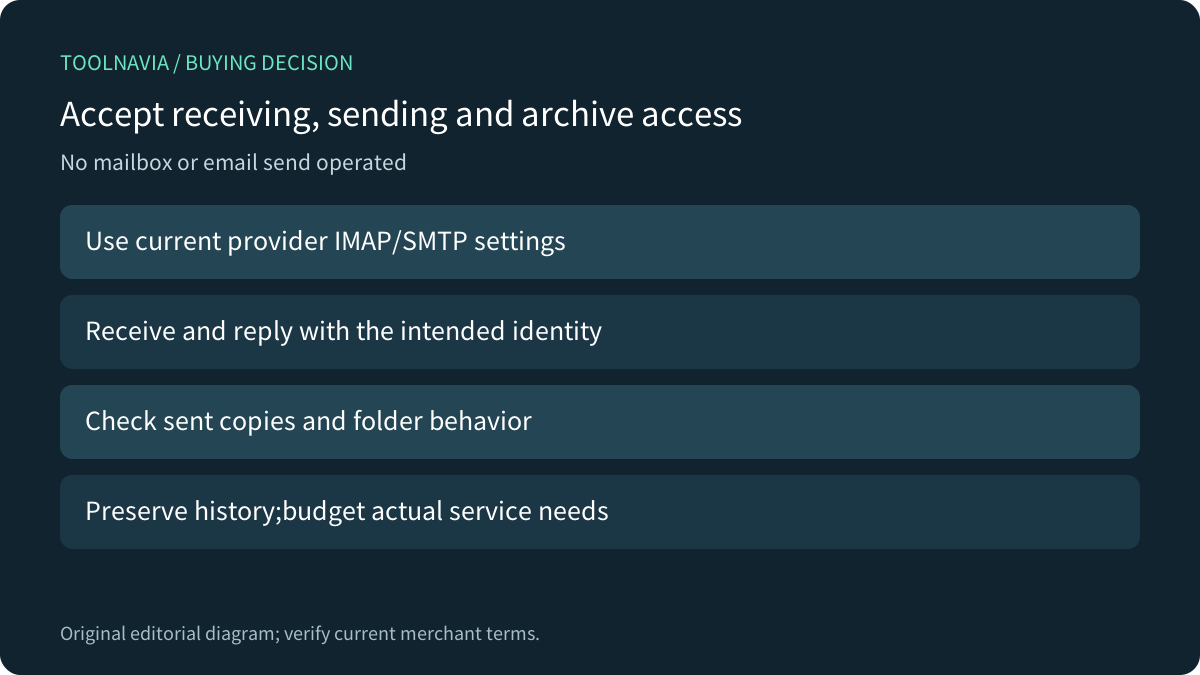
On an authorized test mailbox, verify receipt from an external address, reply using the intended From address, and confirm the sent copy and folder behavior. Check where old messages remain and how they can be exported. Use harmless content and an authorized recipient. These are proposed acceptance checks; Toolnavia did not send mail, create forwarding rules or access a mailbox.

Lite can fit when its actual hosted-mail limits and a verified client route meet the need. Keep a working existing setup when a migration adds no benefit; budget separate business-email hosting only when it solves a real requirement. Verify the current hosting term and renewal before [reviewing GreenGeeks Lite](https://www.greengeeks.com/track/bridgetmontgomery389). Toolnavia may earn a commission from eligible purchases. The linked hosting offer does not override Google's product policies.