TOOLNAVIA / BUYING GUIDE
GreenGeeks Lite Email Limits: 50 Mailboxes, 100/Hour and 50MB Messages
The short answer
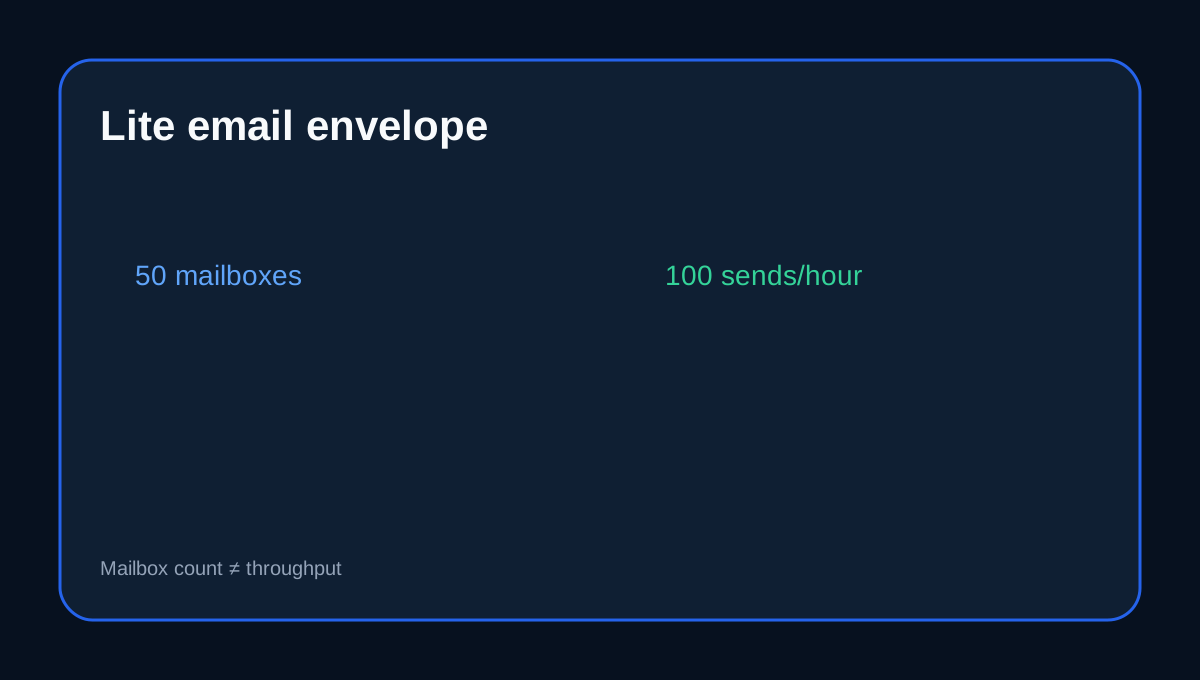
GreenGeeks Lite includes email, but the useful limit is not “50 mailboxes” by itself. The current Lite table combines **50 email accounts** with a **100-emails-per-hour** sending limit, while each newly created mailbox defaults to **250MB** and the server caps a complete message at **50MB**. Those four numbers answer different questions: how many addresses you can create, how fast the domain can send, how much one mailbox is allowed to store, and how large one message can be.
At a glance
- Best for
- Small teams needing up to 50 hosted addresses with measured outbound traffic below 100/hour.
- Price model
- Lite US$2.95/month prepaid 12 months; renews at US$13.95/month; 50 hosted email accounts listed
- Check first
- 100/hour is a ceiling, not a delivery guarantee; mailbox 'unlimited' does not mean infinite account storage; migration and backup 10GB rules differ.
50 mailboxes do not mean 50 times the sending capacity
Lite's published outbound limit is 100 emails per hour. Creating 10, 20 or all 50 mailboxes does not multiply that plan-level sending allowance. A small company can therefore have enough staff addresses and still exceed native relay capacity during a WooCommerce sale, password-reset burst or form-spam incident.
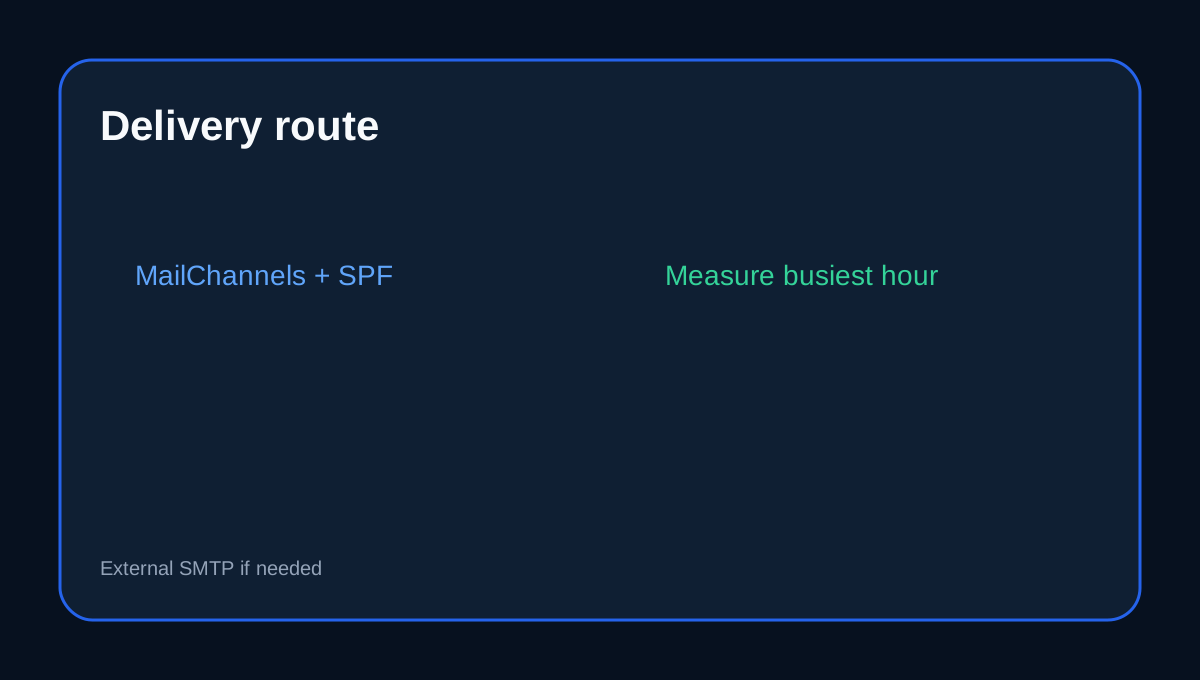
Treat 100/hour as a ceiling, not a marketing target. Measure every native-relay attempt in the busiest sixty minutes: customer receipt, admin copy, status notification, password reset, form response, retry and staff mail. WooCommerce logs can expose attempts, timestamps and failures so the decision is based on the peak rather than the daily average.
The 250MB quota is a default, not the whole account limit
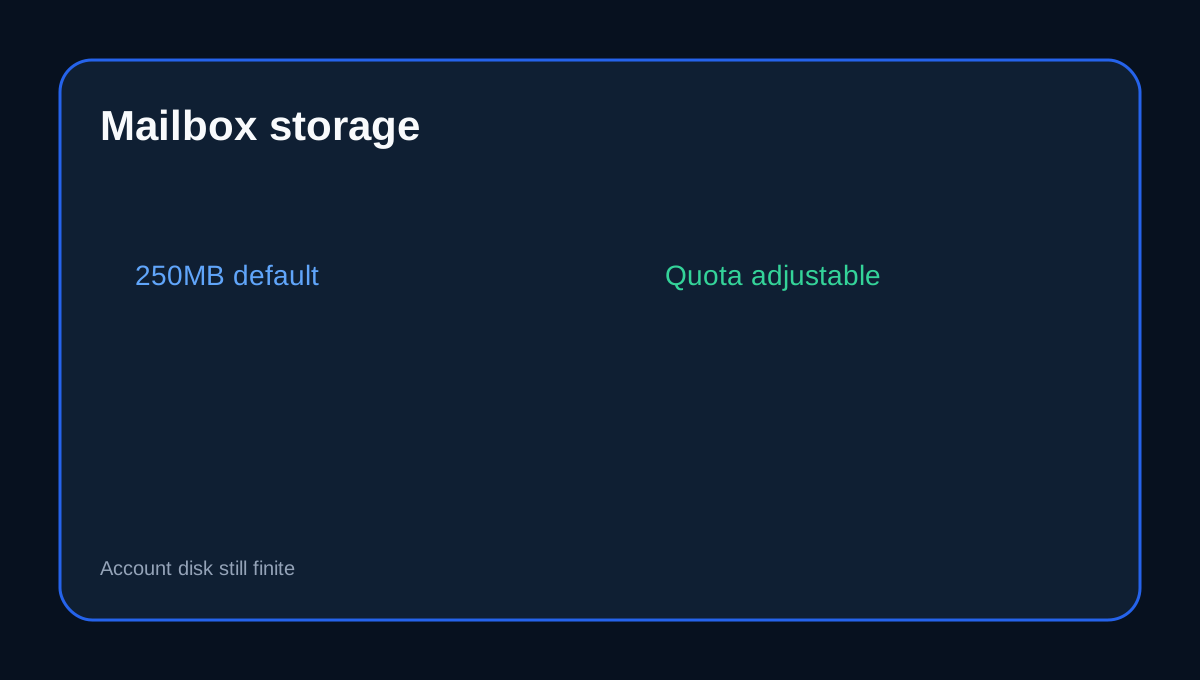
New GreenGeeks mailboxes start at a 250MB quota. cPanel lets the owner raise, lower or even label an individual mailbox “unlimited”. That setting does **not** create infinite storage. Mail still consumes the hosting account's disk resources, and GreenGeeks warns that a mailbox above its configured quota can stop accepting new mail.
“Unlimited” at the mailbox-control level only removes that specific per-mailbox number; it does not override the Lite account's finite 25GB web space or provider resource policies.
A 50MB message does not mean a 50MB attachment
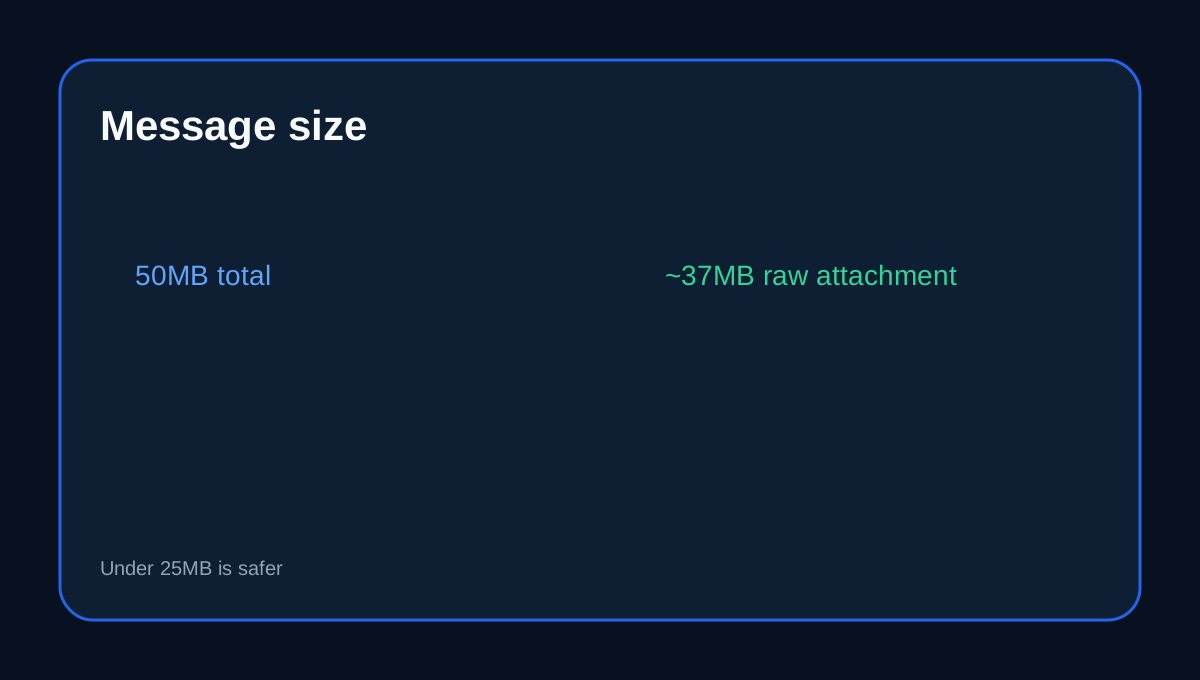
GreenGeeks' server-level total message cap is 50MB. Base64 encoding adds overhead, so the provider estimates the practical raw attachment ceiling around 37MB and recommends staying under 25MB for reliable delivery to providers with smaller caps.
For large invoices, design files, video or backup archives, send a cloud-storage link instead. This avoids wasting the hourly send allowance on repeated failures and reduces mailbox growth.
MailChannels filtering affects deliverability and DNS setup
Hosted GreenGeeks email passes through MailChannels outbound filtering. Spam-like traffic can be held or blocked before delivery. When GreenGeeks DNS is authoritative, the required outbound-filtering changes are handled automatically. If a third-party DNS service is authoritative, the sending domain needs the correct SPF configuration for GreenGeeks' outbound filter.
That makes DNS ownership part of email operations. A site can have enough hourly capacity and still fail authentication or filtering because SPF, DKIM or the actual outbound path is wrong.
The two “10GB” rules are easy to confuse
GreenGeeks' migration documentation says its supported email migration allows **10GB of email per hosting service**; larger mail archives may need purging before the migration team can handle them. Separately, the email-backup guide says a **hosting account under 10GB total** can generate a complete cPanel Backup Wizard archive including the /mail/ directory.
These are not the same rule. One concerns supported migration volume; the other concerns when a full cPanel account backup can be generated. Neither should be rewritten as “Lite has a 10GB hard email-storage cap.”
Native hosting mail or a dedicated transactional provider?
Lite's included mail is a practical fit for normal business correspondence and low-volume site notifications. A dedicated transactional provider becomes more attractive when order or authentication mail can approach the 100/hour ceiling, when delivery logs and retries matter, or when application email needs to be isolated from staff correspondence.
Installing an SMTP plugin alone does not change the limit if it still sends through the GreenGeeks hosted relay. Newsletter and marketing campaigns should use an appropriate permission-based platform rather than treating shared-host email as bulk-mail infrastructure. Independent email-hosting guides similarly distinguish GreenGeeks' included shared-host email from dedicated mailbox or transactional services; GreenGeeks' own documents remain authoritative for Lite limits.
Cost and seven checks before relying on Lite email
GreenGeeks currently shows Lite at US$2.95/month prepaid for 12 months, or US$35.40 for the first year, with a US$13.95/month renewal reference. The 50 Lite mailboxes are part of the shared-hosting feature table rather than a separate mailbox add-on. Do not import limits from GreenGeeks' separate dedicated Email Hosting product.
Before relying on Lite email: confirm 50 accounts and 100/hour; set deliberate mailbox quotas; keep normal attachments below 25MB when possible; verify SPF/DKIM with third-party DNS; log the site's busiest transactional hour; keep independent email archives; and measure total mail size before a future migration approaches the 10GB supported-migration boundary.
**Decision rule.** GreenGeeks Lite email fits when up to 50 addresses are useful, outbound demand remains comfortably below 100/hour, mailbox growth is actively managed and large files are shared by link. Use a dedicated transactional service when delivery observability or burst volume matters more than keeping application mail inside the shared host. Use a dedicated business-email platform when long-term mailbox storage, collaboration or compliance requirements dominate.
Toolnavia's exact GreenGeeks Lite offer is approved, market-confirmed and enabled. The commercial link uses the matching [GreenGeeks Lite route](/go/greengeeks-shared-hosting-lite-official-usd); checkout controls the current hosting term, tax and price.