TOOLNAVIA / BUYING GUIDE
GreenGeeks Lite Cancellation: Five-Day Rule and Data Exit
The short answer
GreenGeeks Lite buyers should treat five actions as separate: disabling auto-renew, cancelling hosting now, asking whether a charge is refundable, moving the website and mail, and managing the domain. GreenGeeks' legal terms require auto-renew to be disabled for each service at least five business days before renewal, and billing may begin 24 hours before the nominal renewal date. That makes exit risk part of the buying decision: can you move a working site, database and mailbox before the deadline without relying on a provider backup?
Affiliate disclosure: Toolnavia may earn a commission from qualifying purchases through the verified product route in this guide. GreenGeeks controls availability, billing, refund eligibility and checkout terms. No coupon code is claimed here.
At a glance
- Best for
- GreenGeeks Lite buyers who want a five-business-day renewal plan and tested site-and-mail exit.
- Price model
- Initial 30-day guarantee only; renewals and excluded fees are not promised refundable
- Check first
- Renewals are not refundable; immediate cancellation can remove data, and full cPanel backup generation has a 10 GB boundary.
Choose Disable Auto Renew or Cancel Now deliberately
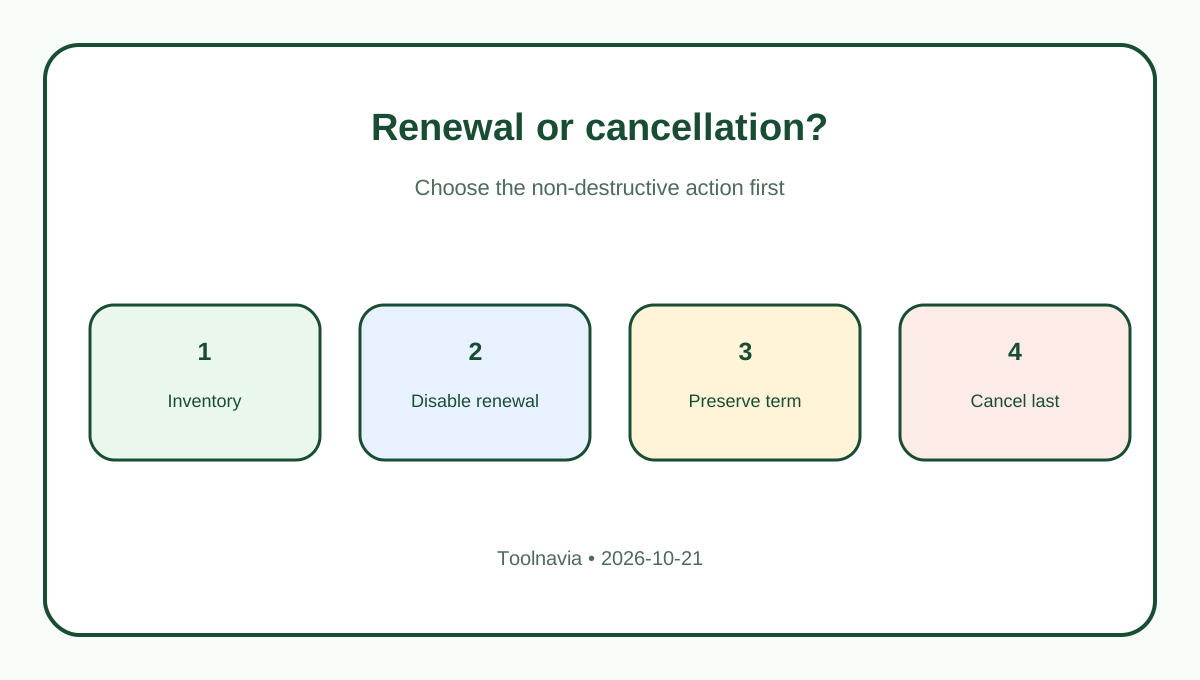
If the goal is to stop the next renewal while keeping Lite active through the paid term, disable auto-renew for the hosting service. GreenGeeks handles hosting, domains and add-ons separately, so inventory every billable service instead of assuming one switch covers the account.
Cancel Now is destructive. GreenGeeks says it terminates the selected service immediately rather than waiting for expiration, and tells customers to retain website and database copies first. Do not use immediate cancellation merely to stop a future charge. Save the dashboard confirmation and verification email, but remember that a cancellation receipt is not refund approval.
The support page says auto-renew can be adjusted at any time, while the legal terms impose the five-business-day deadline. Use the stricter legal deadline. Submit earlier, confirm each service in writing and leave time to resolve a failed email confirmation or billing ticket.
Know what the 30-day promise excludes
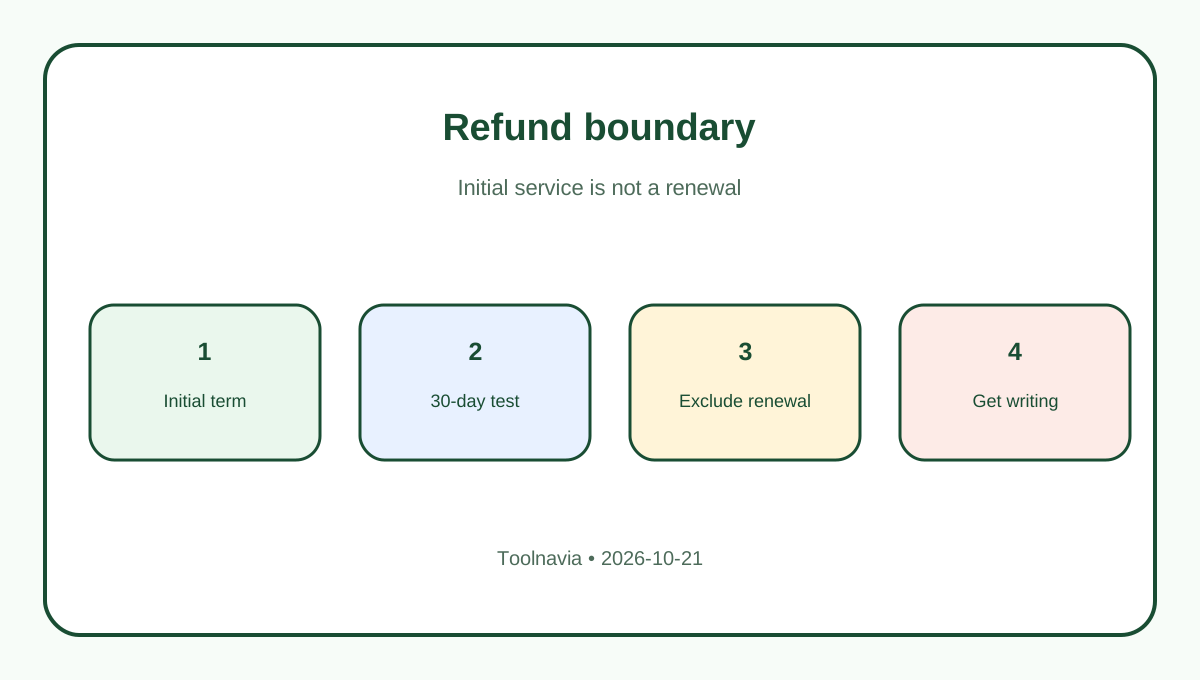
The 30-day guarantee concerns initial activation and does not apply to renewals. Domain registrations, dedicated IPs, SSL, CDN, professional services and other add-ons may be excluded. A bundled domain fee may be deducted. This is not a promise that an entire checkout will be refunded.
For renewals, GreenGeeks' current help page is direct: renewal charges are not refunded. Open a billing ticket immediately if a charge is disputed, but do not present the ticket as an entitlement. Ask GreenGeeks to identify the service, transaction, refundable amount, destination and exact service-end time.
Competitor policies show why a headline cannot be borrowed. Bluehost has its own new-account and renewal exclusions. SiteGround documents different initial and renewal handling. DreamHost distinguishes refunds from account credits. None changes GreenGeeks' five-day rule or no-renewal-refund statement.
Build an exit archive outside GreenGeeks
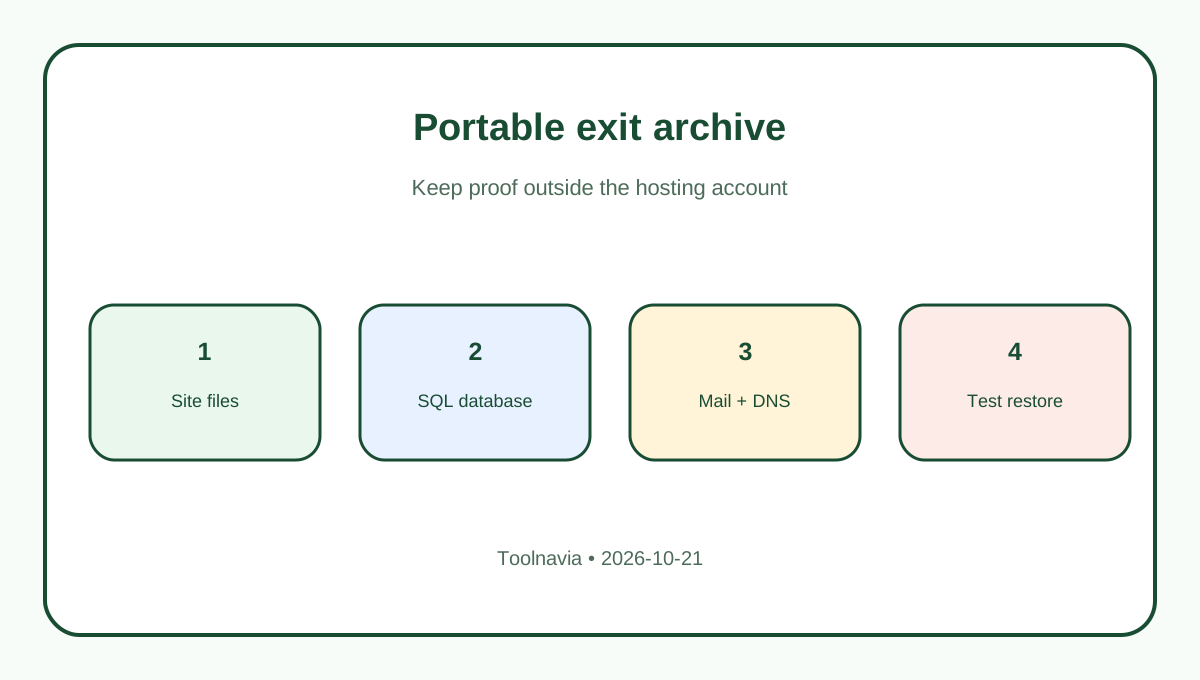
Create a full cPanel backup while the account is accessible, then download it to storage that survives cancellation. GreenGeeks says full-account generation is available below 10 GB. If the account is larger, export public_html, each MySQL database and /mail separately, or request assistance.
Do not keep the only archive inside hosting. GreenGeeks may purge generated cPanel or large Softaculous backups after 48 hours, and its system backups are for recovery rather than a guaranteed migration source. GreenGeeks also lists an assisted full-backup charge for an account over 10 GB or a requested manual backup; that is separate from any restore fee.
Keep a manifest: domains, document roots, database names and users, PHP version, cron jobs, redirects, DNS records, SSL details, mailboxes, aliases and forwarding rules. Record file counts, database table counts and checksums. A download proves only that bytes moved; a manifest helps prove the right bytes moved.
Restore and test before changing DNS
Restore the site to staging before cancellation. Test the home page, admin login, forms, uploads, redirects, scheduled jobs and representative database-driven pages. Compare database tables and media counts with the manifest. Verify secrets, licensed plugins and webhooks independently.
Mail needs its own migration. Download /mail for a cPanel-level archive, and synchronize important mailboxes to a local client or replacement IMAP service. Compare folder and message counts. Preserve aliases, forwarders, filters, contacts and calendars separately. GreenGeeks' terms place responsibility for downloading website files and email on the customer before cancellation.
Hostinger's official guide also distinguishes disabling renewal from immediate data removal. That validates the process pattern, but GreenGeeks' terms remain controlling. Keep Lite active until the replacement site and mail work through the intended DNS.
Keep domain and account records separate
A domain has its own renewal and transfer lifecycle. Confirm the registrar, transfer lock, authorization code, registrant email, nameservers and expiration date. Export the DNS zone and check MX, SPF, DKIM and DMARC. Cancelling Lite does not transfer the domain or guarantee the old DNS remains available.
If you need invoices, tickets and account records, request them before profile closure. Profile deletion is broader than hosting cancellation and should wait until no service, refund case or domain remains. Preserve the verified email and two-factor authentication until every transfer and billing issue is resolved.
Use a reversible sequence
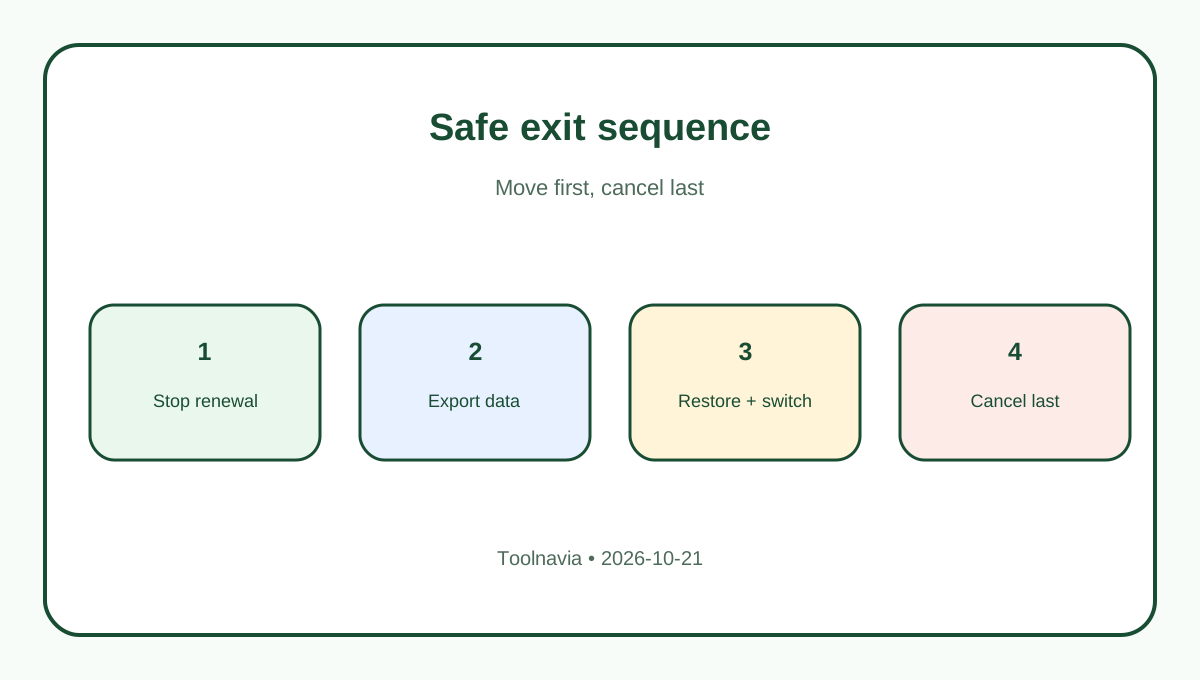
First, inventory hosting, domains and add-ons. Second, disable auto-renew for each unwanted service at least five business days early. Third, build external site, database, configuration and mail copies. Fourth, restore and test them elsewhere. Fifth, switch DNS after the replacement passes. Sixth, obtain a written billing answer. Finally, use Cancel Now only when immediate termination is intended.
For a buyer, the question is not simply whether Lite has a 30-day guarantee. It is whether you can exit before renewal with a tested site-and-mail copy, and which charges remain outside the guarantee. Review Lite through [Toolnavia's verified exact route](/go/greengeeks-shared-hosting-lite-official-usd), save the dated checkout terms, and plan the five-business-day deadline from day one.