TOOLNAVIA / BUYING GUIDE
GreenGeeks Lite Backup Guide 2026: 1 Free Restore, Then $25?
The short answer
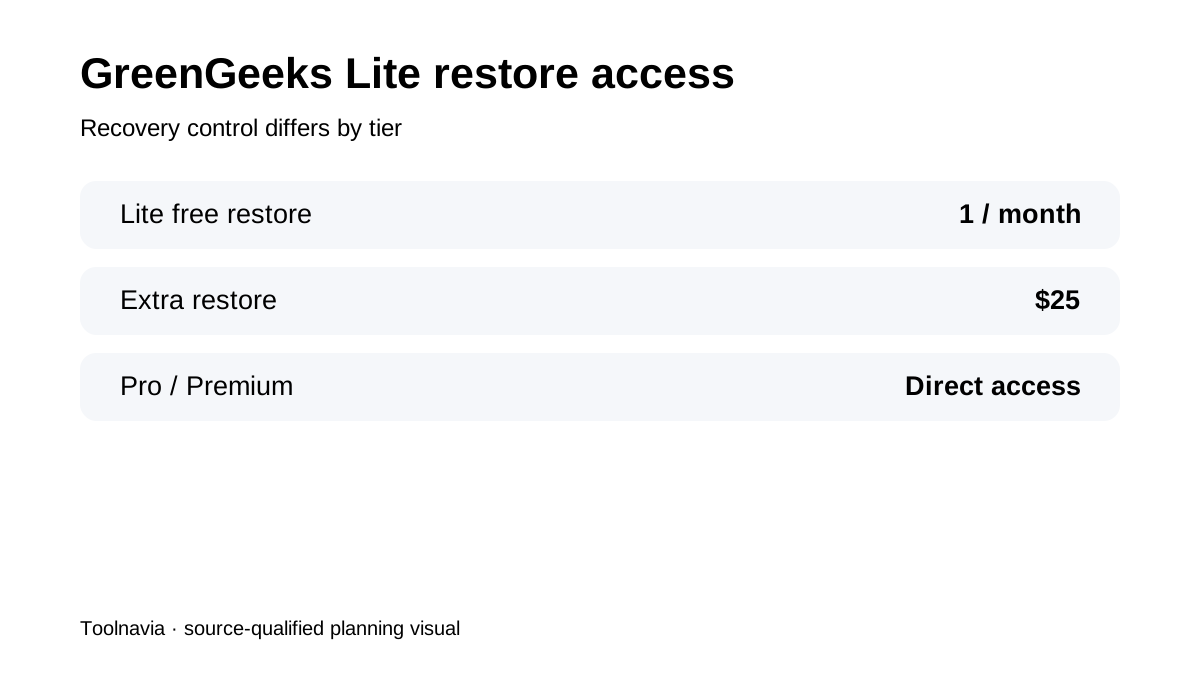
**Quick verdict:** GreenGeeks Lite includes provider disaster-recovery backups, but buyer control is narrower than on Pro/Premium. Lite customers are currently eligible for **one free manual restore per month**; additional restores are **$25 each**. The cPanel self-backup tool is available only while the account is **under 10GB**, even though Lite includes **25GB** of storage.
At a glance
- Best for
- One-site buyers who can maintain an external backup and accept Lite's support-based restore path.
- Price model
- $2.95/mo first 12 months; current renewal $13.95/mo
- Check first
- One free manual restore/month; extra restores $25; cPanel self-backup only under 10GB.
Provider backups are recovery infrastructure, not your archive
GreenGeeks says it aims to keep about **30 disaster-recovery backup sets**, but it does not guarantee a specific restore date and tells customers to maintain their own backups. Provider DR is therefore a recovery layer, not a version-history service you should treat as your only business archive.
Lite gets a manual restore path, not Pro/Premium self-service
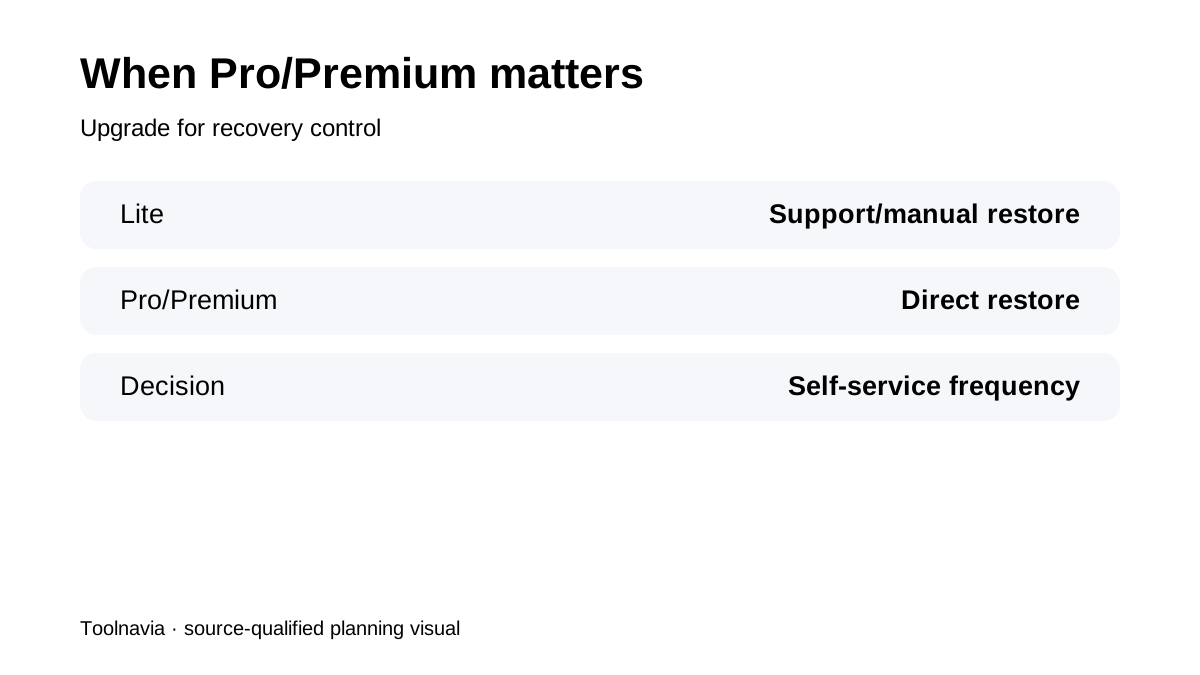
Current policy gives Pro and Premium customers direct access to system backups for on-demand restoration. Lite instead gets **one free manual restore per month**, with extra restores currently **$25**. That can be enough for a rarely changing site; it can be limiting for a store or frequently updated site.
The 25GB plan has a 10GB self-backup threshold
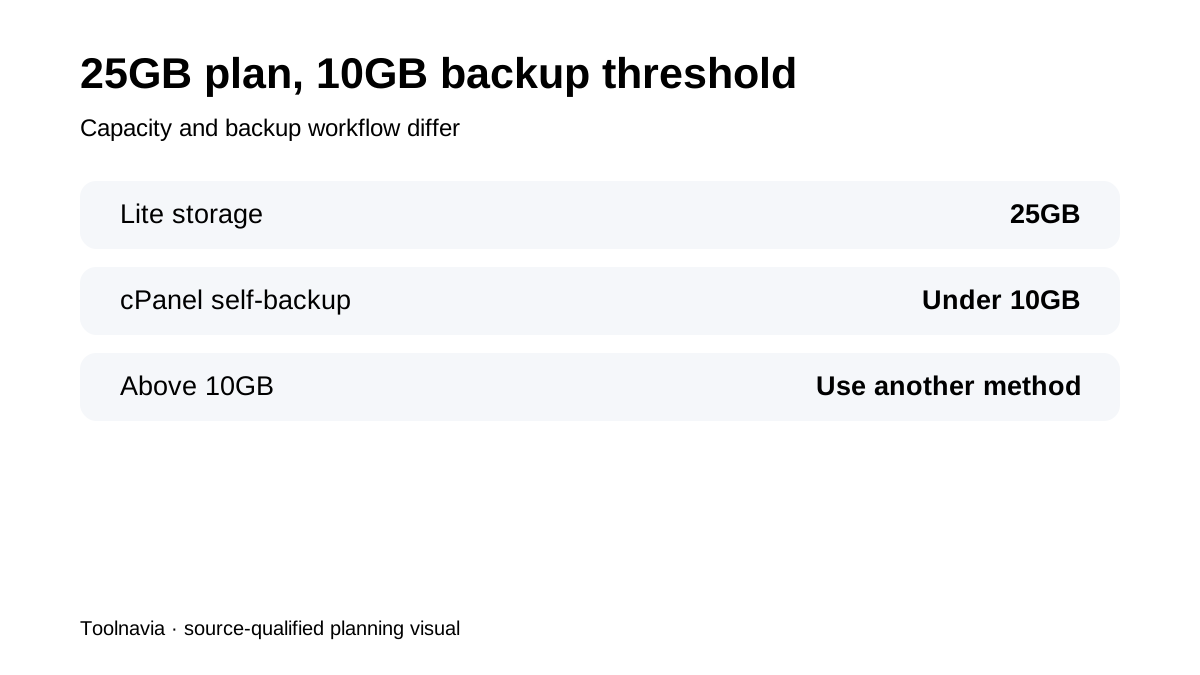
Lite currently includes **25GB** of storage. GreenGeeks' cPanel instructions say the backup tool is available only for accounts **under 10GB**; larger accounts need another method. A Lite account can remain within plan capacity at 15GB or 20GB while already losing the easiest full-account self-backup workflow.
Backups left inside the account are temporary
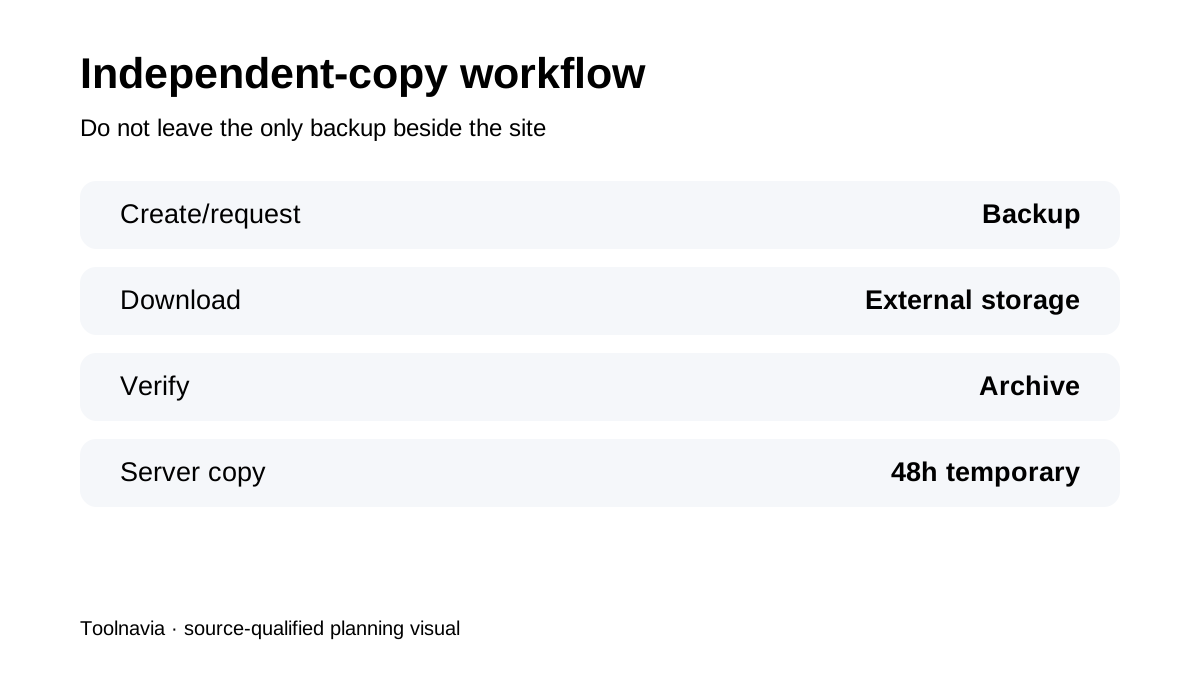
GreenGeeks says home-directory backups created in cPanel and stored on the server are deleted after **48 hours**. Current add-on pricing also lists a manual full cPanel backup request at **$5**. The safer workflow is create/request → download to independent storage → verify → remove unnecessary server-side copies.
JetBackup access is a tier boundary
GreenGeeks' supported-software guide says JetBackup access is available for **Pro and Premium**, while user-created cPanel backups on shared hosting are subject to the size limit. Softaculous backups are also limited in count. Lite is therefore best for a small site whose owner is willing to manage an external backup workflow rather than expecting frequent self-service provider recovery.
What current independent reviews confirm
TheProofDesk describes the same pattern: provider backups aim for roughly 30 recovery sets while Lite uses a more support-dependent restore path. AIIgnitions also highlights the backup-policy nuances, and HostingStep's 2026 review reinforces that Lite is the one-site entry tier rather than the maximum-control recovery tier.
Buyer checklist
Before buying Lite, confirm the live **$2.95/month 12-month introductory path and $13.95/month renewal reference**, then decide who owns the independent backup, how often it runs, where it is stored and what happens after the account grows past 10GB. **Bottom line:** Lite can be strong value for one small site, but the backup workflow changes before the 25GB storage limit is reached. If frequent self-service restores are central to the workflow, Pro/Premium's direct backup access may matter more than the headline storage or intro price.