TOOLNAVIA / BUYING GUIDE
Bluehost Starter Email Limits: Why $2.99 Doesn't Raise 200/Hour
The short answer
Bluehost Starter can be a sensible low-cost home for a small WordPress or WooCommerce site, but its email promise is easy to misread. The current shared-hosting baseline is 200 outgoing messages per hour per domain with two cPanel mailboxes. Paying $2.99 or $5.99 a month for the Basic or Plus cPanel Email tier buys more mailboxes—not more hourly throughput. The published jump to 1,000 per hour appears only at the $8.99 Premium tier. That distinction matters more than the word “email” on a feature list.
At a glance
- Best for
- Starter sites that measure transactional-mail peaks and need a clear mailbox-versus-throughput decision.
- Price model
- 200/hour baseline; Basic $2.99, Plus $5.99, Premium $8.99 published cPanel Email rates
- Check first
- Recipient counting, exact eligibility and live checkout remain account-specific; higher caps do not guarantee delivery.
How the 200-per-hour baseline really works
Bluehost describes the default shared-server allowance as 200 outgoing messages per hour per domain. The same speed-limit page says addon domains, subdomains and mailing lists have individual limits, but that policy does not prove Starter gives every buyer every domain configuration. Starter's current hosting description allows up to ten sites, yet exact domain setup, legacy-account treatment and support exceptions remain account-dependent.
Treat 200 as a ceiling, not a delivery target. It covers every message sent through that domain's native shared-server relay: order notifications, customer copies, admin alerts, password resets, contact forms, retries and manual mail. Bluehost does not publicly define how multiple recipients are counted, so a store should not convert “200 emails” into “200 orders.” One order can create several messages, and a retry can add another attempt.
Paying for mailboxes does not automatically buy throughput
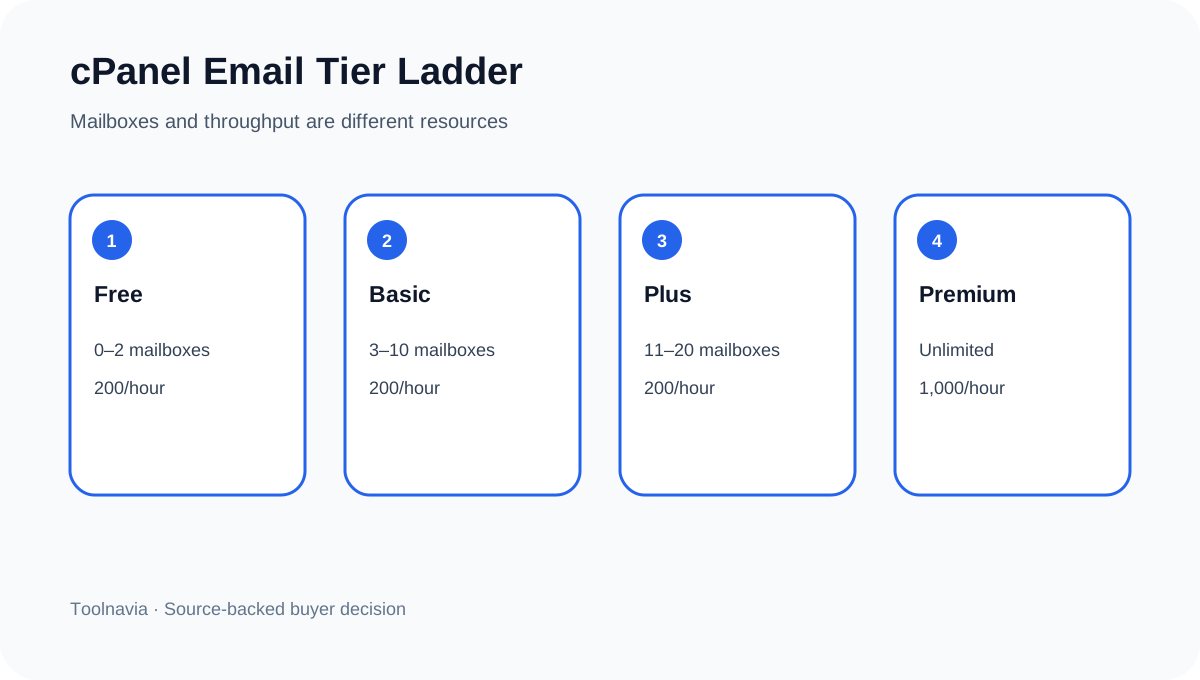
The current cPanel Email table separates two resources: mailbox quantity and hourly sending capacity. Free includes zero to two mailboxes at 200/hour/domain. Basic raises the mailbox range to three through ten for $2.99/month, but remains at 200/hour. Plus raises it to eleven through twenty for $5.99/month and still remains at 200/hour. Only Premium combines unlimited mailboxes with the published 1,000/hour ceiling at $8.99/month.
This is also separate from mailbox storage. Bluehost lists a 100MB maximum per Starter cPanel mailbox. A buyer can therefore have enough hourly headroom but run out of mailbox space, or buy more addresses without gaining any throughput. Professional Email and Google Workspace are different products with different rules; their limits should not be copied into a Starter cPanel decision.
What an upgrade actually costs
At the public list rates, Basic adds $35.88 a year, Plus $71.88 and Premium $107.88 if those monthly amounts remain unchanged for twelve months. Those calculations are simple comparisons, not guaranteed checkout totals. Billing cadence, proration, tax, region, campaign pricing and account eligibility can change what the customer sees.
Independent plan reviews can help a buyer compare general shared-hosting context, but Bluehost's first-party tables control email limits and add-on terms. The hosting bill is separate. Bluehost's public page showed Starter at $3.99/month for a 36-month introductory term and a $9.99/month renewal reference when checked. Do not add 36 months of Premium automatically and call that the cart total: the add-on may be activated later, billed differently or offered under account-specific terms. Capture the live cart and ask support whether Premium cPanel Email is available to the exact Starter account before relying on 1,000/hour.
Model WooCommerce peak hours without false precision
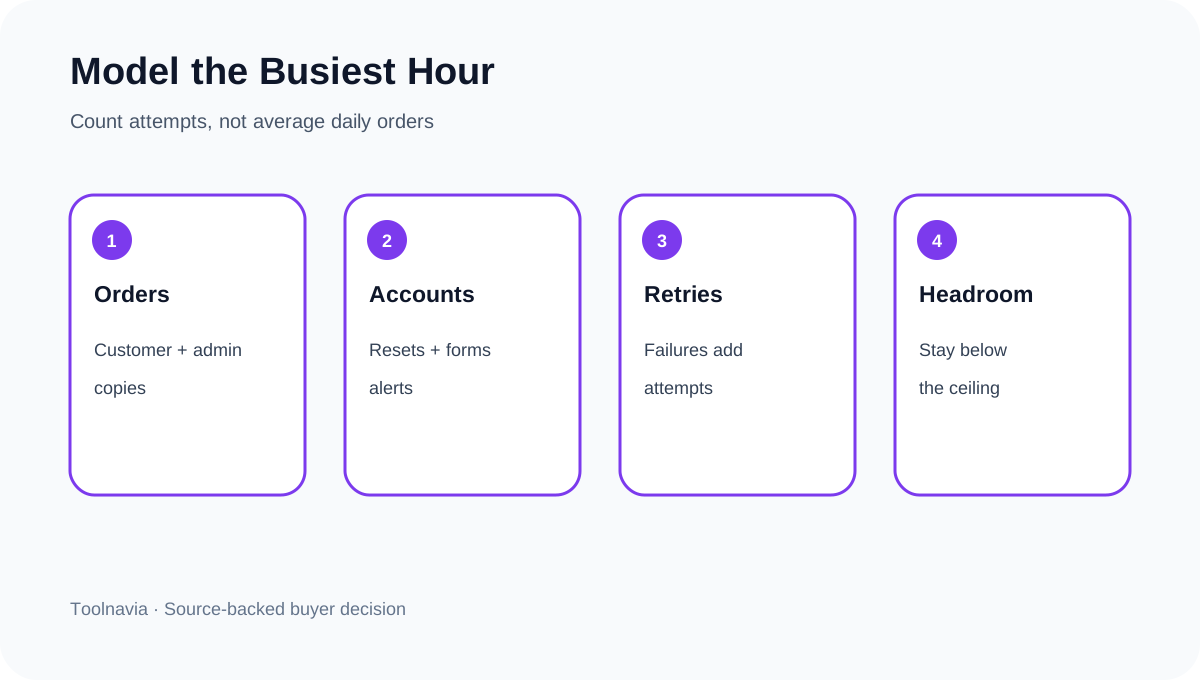
Start with logs, not average daily orders. In WooCommerce, record every transactional attempt during the busiest sixty-minute window: new order, processing or completed status, customer receipt, admin copy, password reset, contact form and retry. Then add a safety margin for delayed jobs and support replies. A site averaging twenty orders a day can still create a short campaign burst.
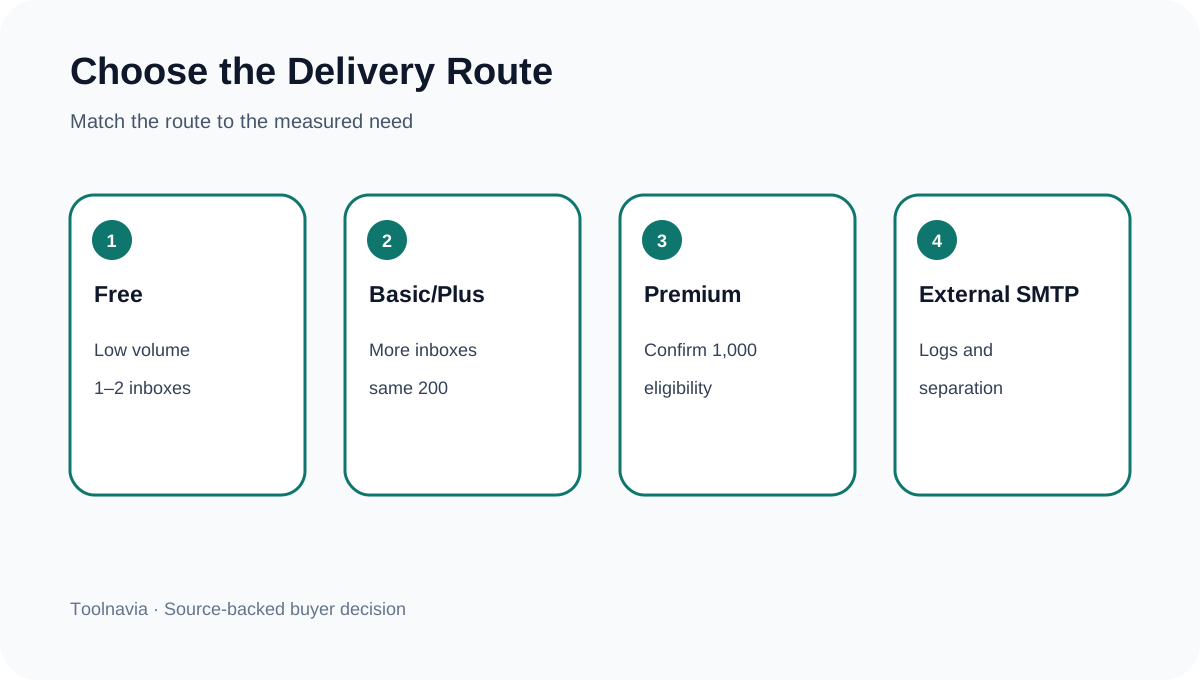
If the measured native-relay peak stays comfortably below 200, Free cPanel Email may be enough for up to two team inboxes. If the business needs more human mailboxes but the transactional peak stays below 200, Basic or Plus can solve the address-count problem without pretending it solves throughput. If native-relay demand can exceed 200, compare Premium with an authenticated transactional provider. Do not wait for a sales launch to discover the cap.
What happens when the ceiling is reached
Bluehost says messages above the limit are not delivered until the next-hour reset. That wording should be treated conservatively: do not assume the server safely queues every excess message for automatic later delivery. Keep application logs, provider logs and test orders so failures are visible. WooCommerce's logging tools can show attempts, timestamps, fallback, errors and final status. A WordPress logging implementation can add message-level inspection, but it cannot change Bluehost's server allowance.
Other limits are separate. POP3/IMAP checking around thirty times per hour per IP can create pending processes and contribute to a twenty-five-process cap, but that is inbound checking behavior, not the outbound send allowance. Attachments face a 50MB server maximum, with Bluehost recommending roughly 35MB or less to allow for encoding and recipient-side restrictions. Neither number expands the email/hour ceiling.
Native relay or external transactional SMTP?
Native relay is simplest for a low-volume site: fewer accounts, one support boundary and no separate delivery bill. Its weakness is shared-host policy, a hard published hourly ceiling and limited public detail about recipient counting. Premium increases the published rate, but 1,000/hour is not a deliverability guarantee, permission for newsletters or immunity from abuse controls.
An external transactional provider separates order mail from employee inboxes and can offer clearer event logs, retries and domain-authentication tools. But installing an SMTP plugin alone does nothing if it still points to Bluehost's shared relay. Confirm the actual upstream provider, authenticate the sending domain and test fallback. Newsletter or marketing blasts should use an appropriate permission-based service, not attempts to evade shared-host safeguards.
Six questions to settle before checkout
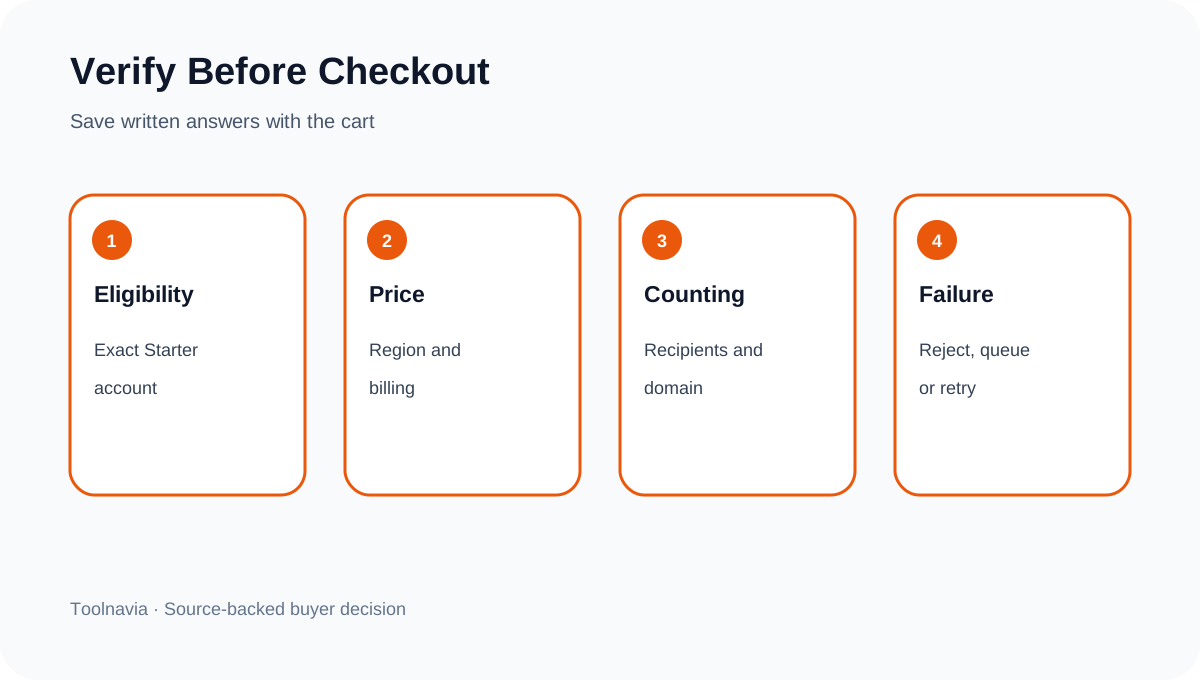
Ask Bluehost support to answer in writing: Is this exact Starter account eligible for Premium cPanel Email? Does the current $8.99 rate apply in the buyer's region and billing cycle? Is the 1,000/hour figure per domain on this account? How are To, CC and BCC recipients counted? What happens to rejected or over-limit messages? Are addon domains available and independently limited on this Starter configuration? Save the reply with the cart.
Then verify the first week in production: mailbox storage, hourly attempt peak, failed sends, domain authentication and test-order delivery. A limit table is useful only when the operational evidence matches it.
**Decision rule.** Choose Free when one or two small inboxes and a well-measured sub-200 native-relay peak are enough. Choose Basic or Plus only when the real need is more mailboxes; neither published tier raises the 200/hour cap. Consider Premium when support confirms eligibility and native relay truly needs more than 200/hour. Prefer a dedicated transactional provider when delivery observability, separation and scaling matter more than keeping everything inside shared hosting.
Toolnavia's exact Bluehost Starter offer is approved, market-confirmed and enabled. The commercial link uses the matching [Bluehost Starter route](/go/bluehost-shared-hosting-starter-official-usd); checkout controls the current hosting term, add-on availability, tax and price.